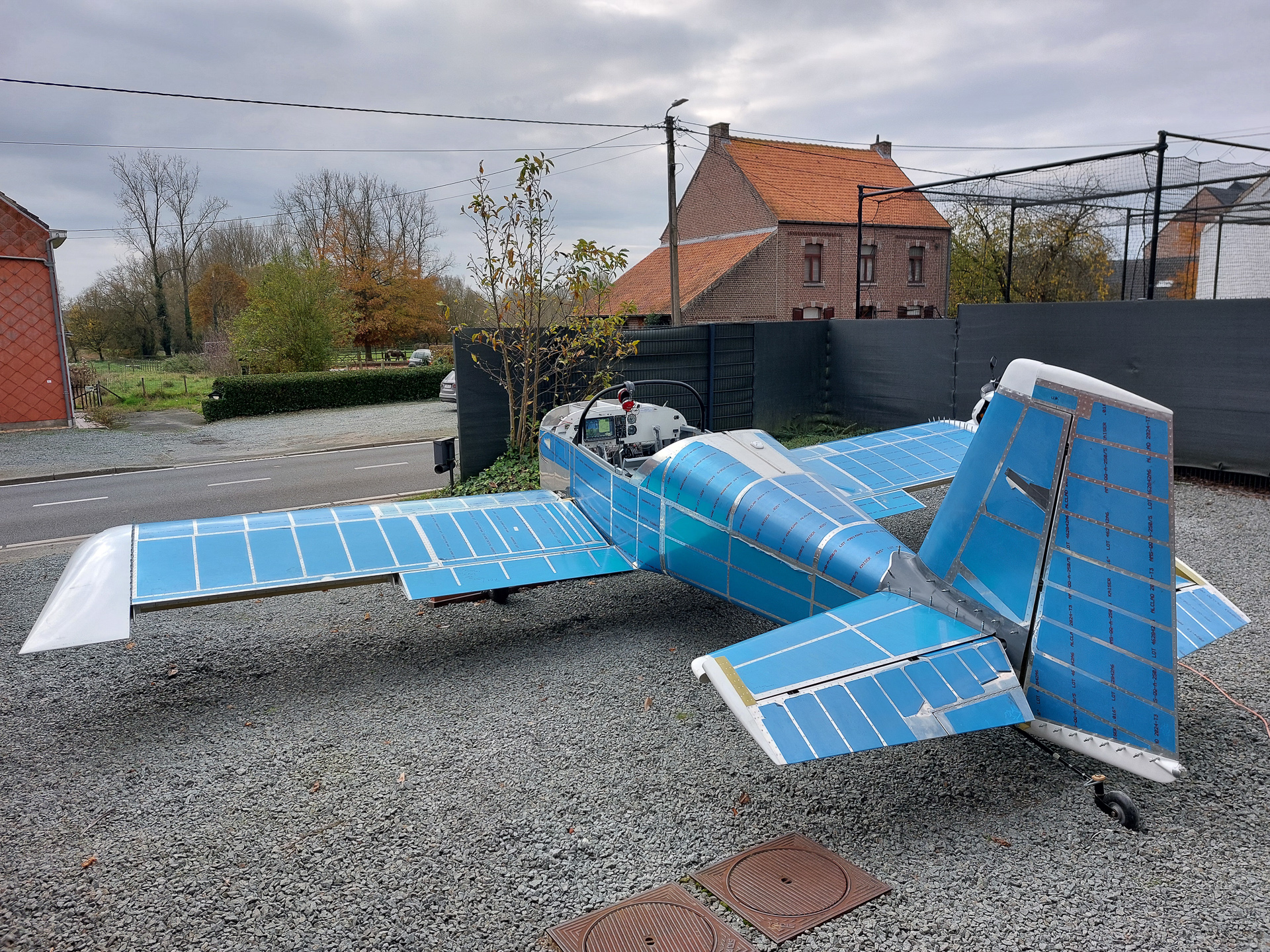
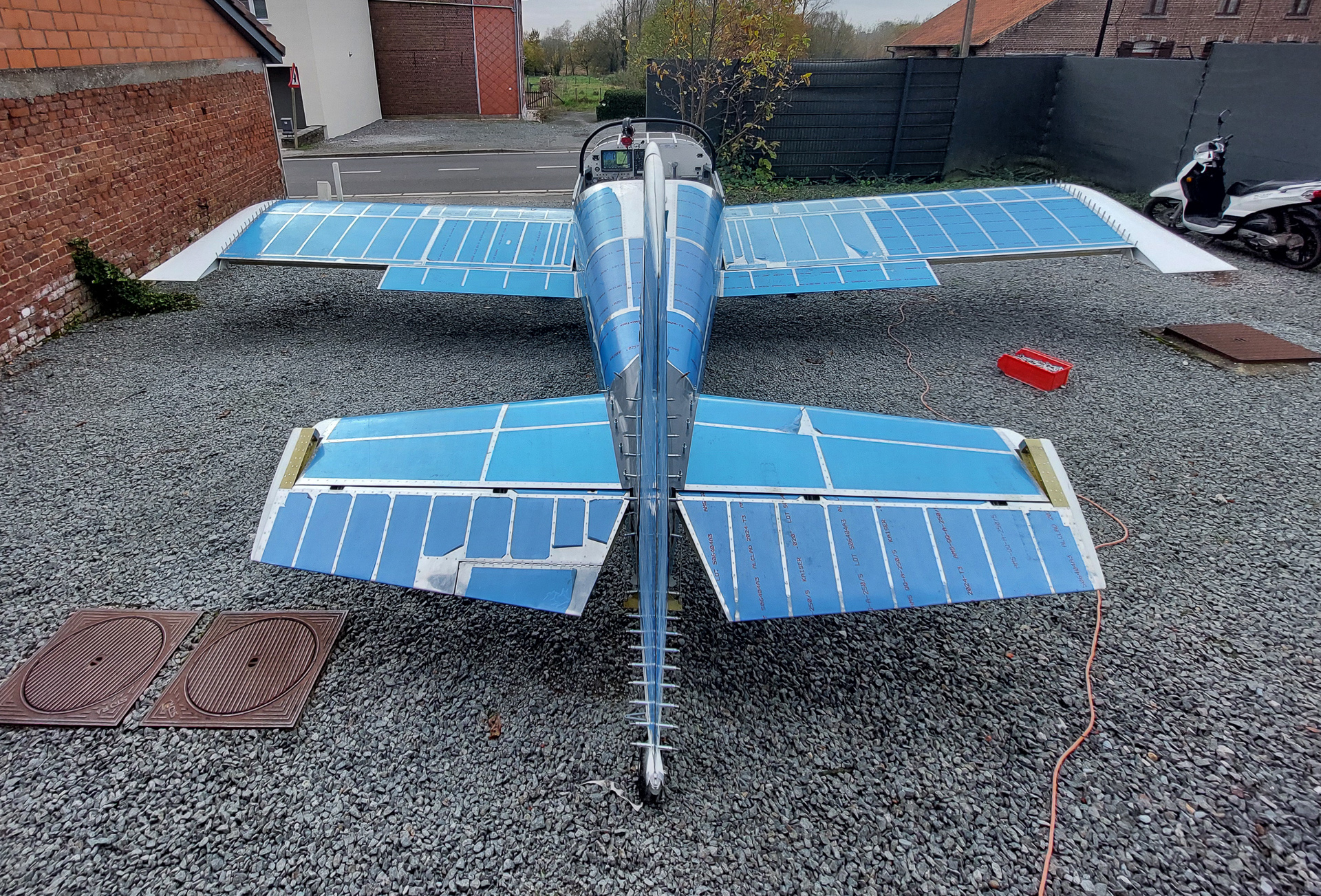
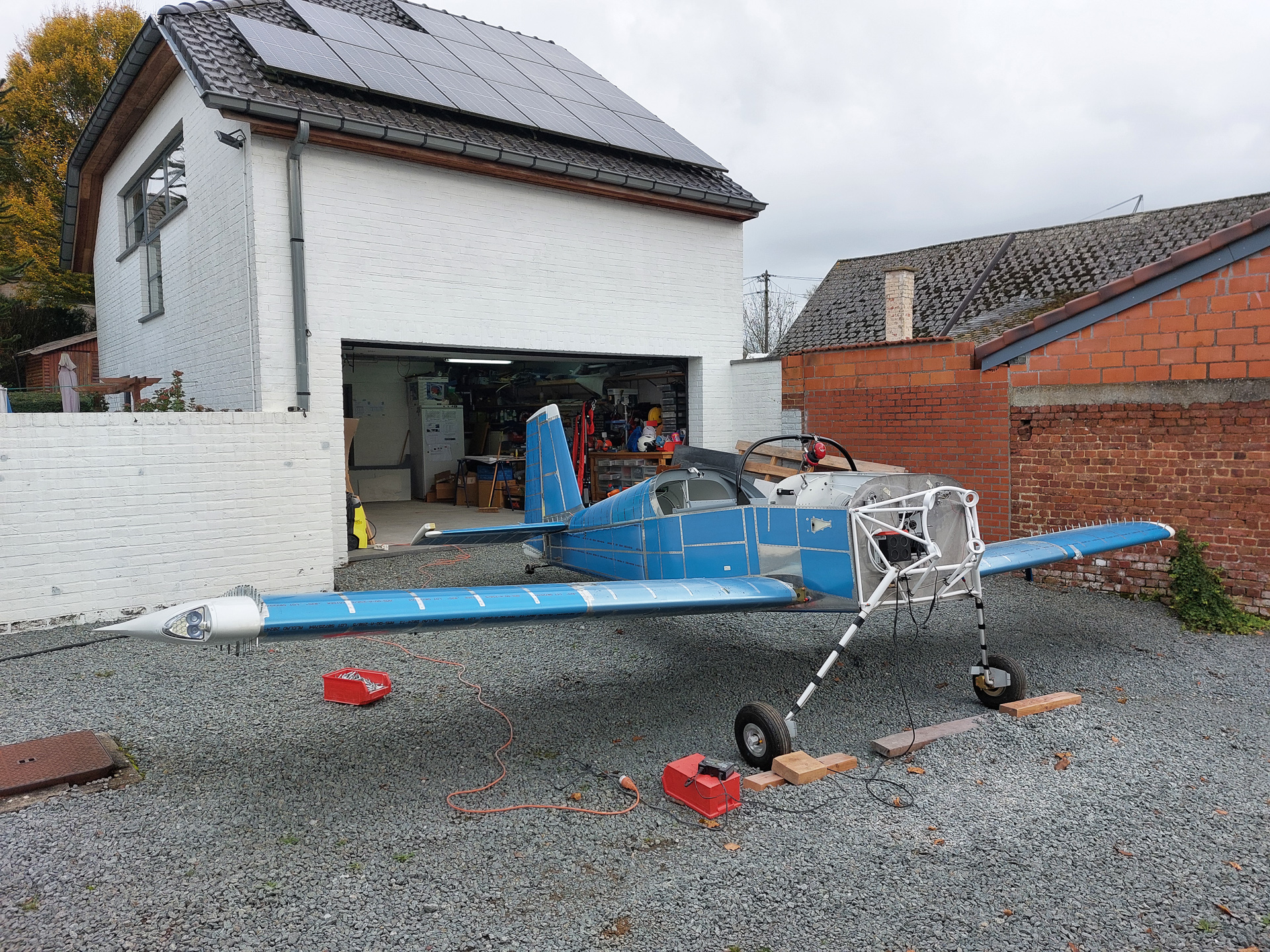
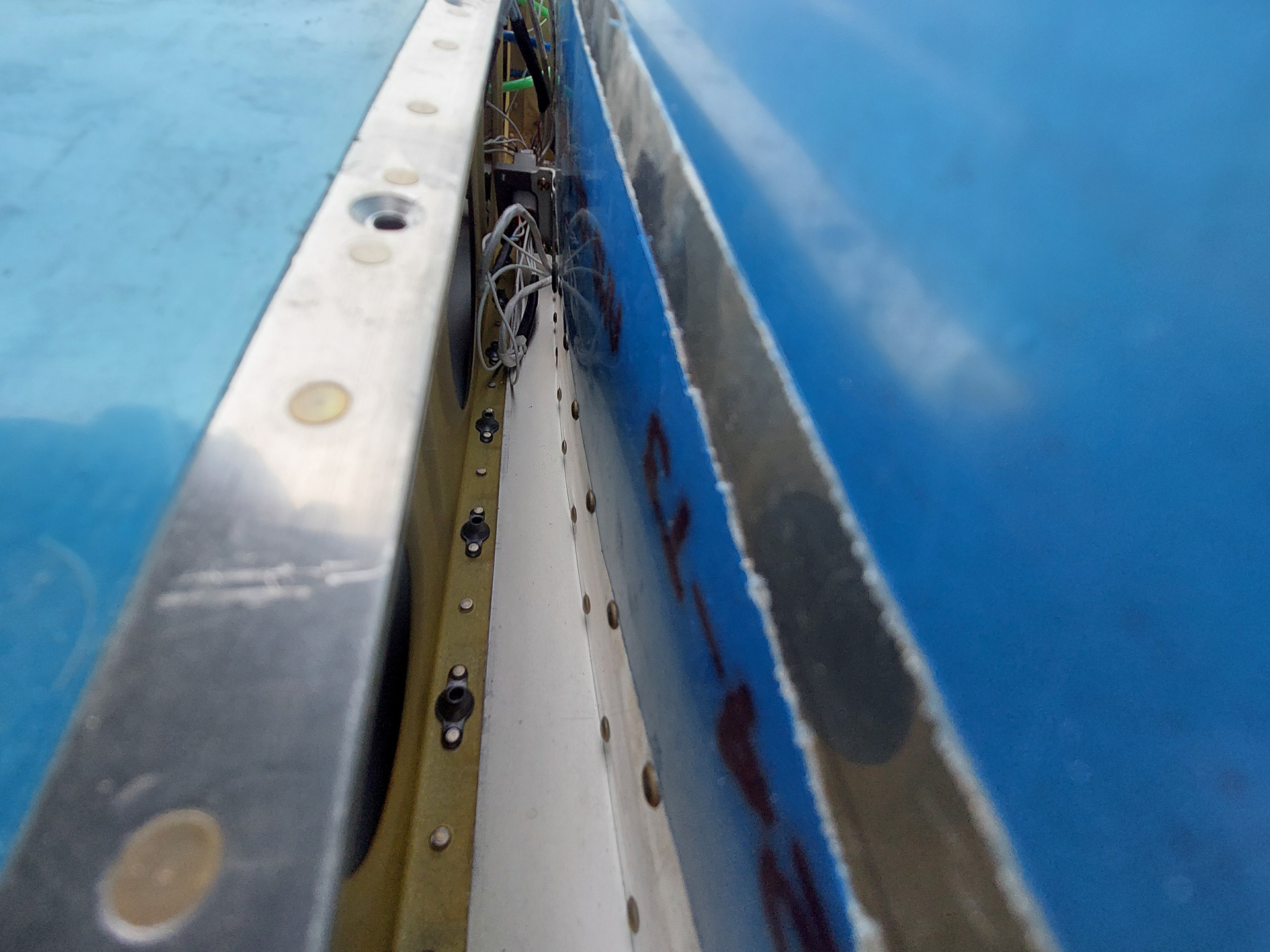
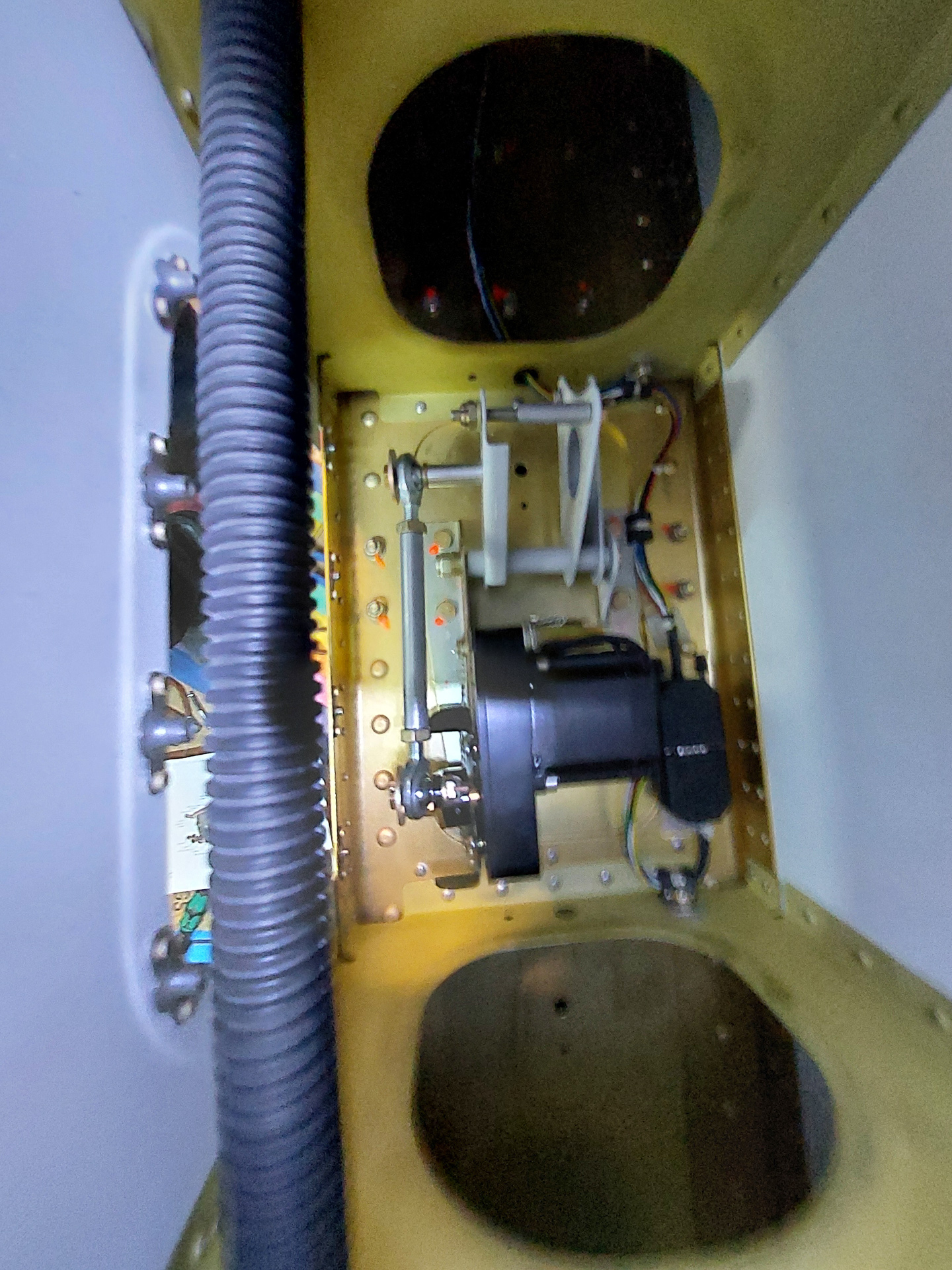
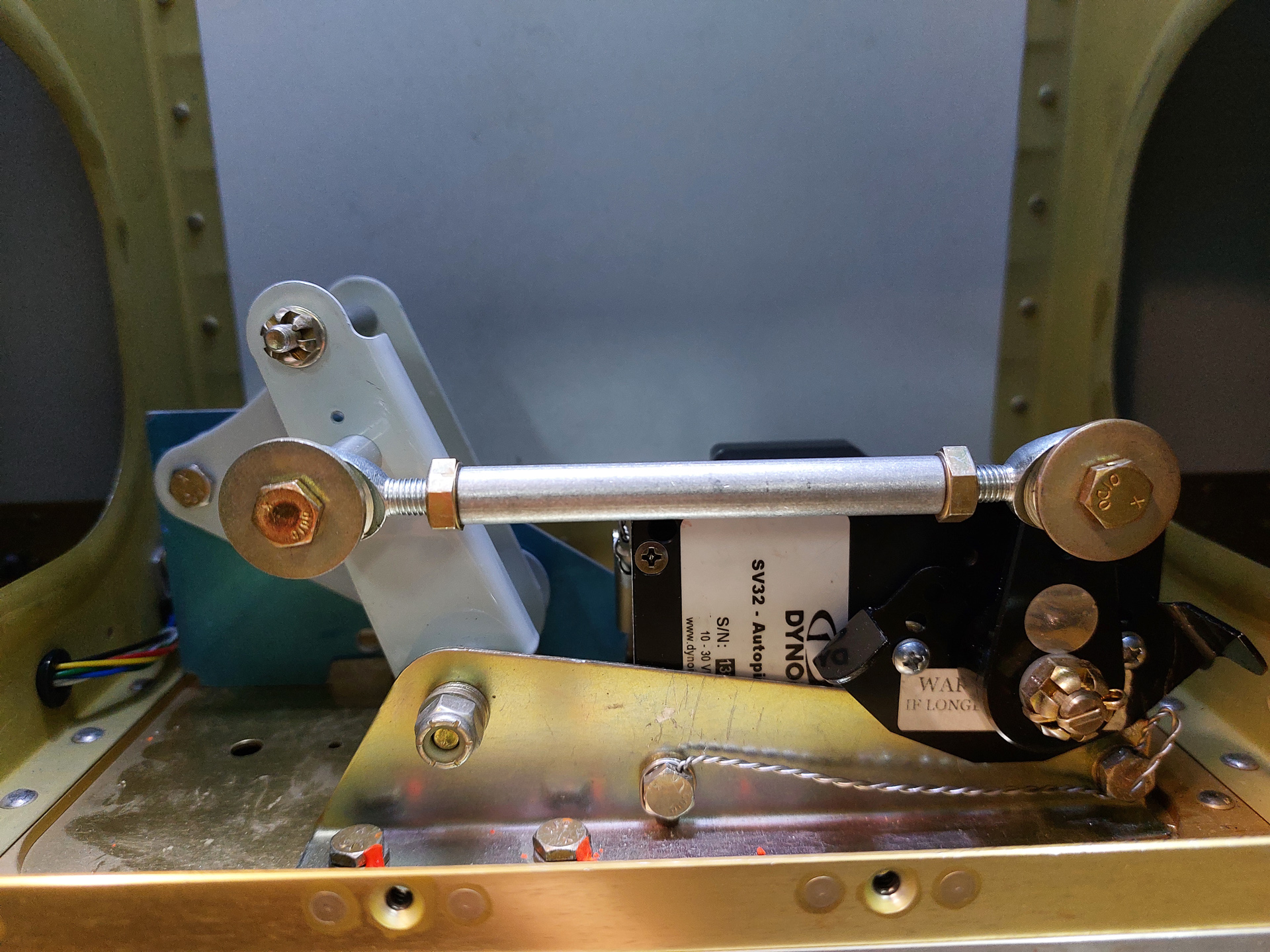
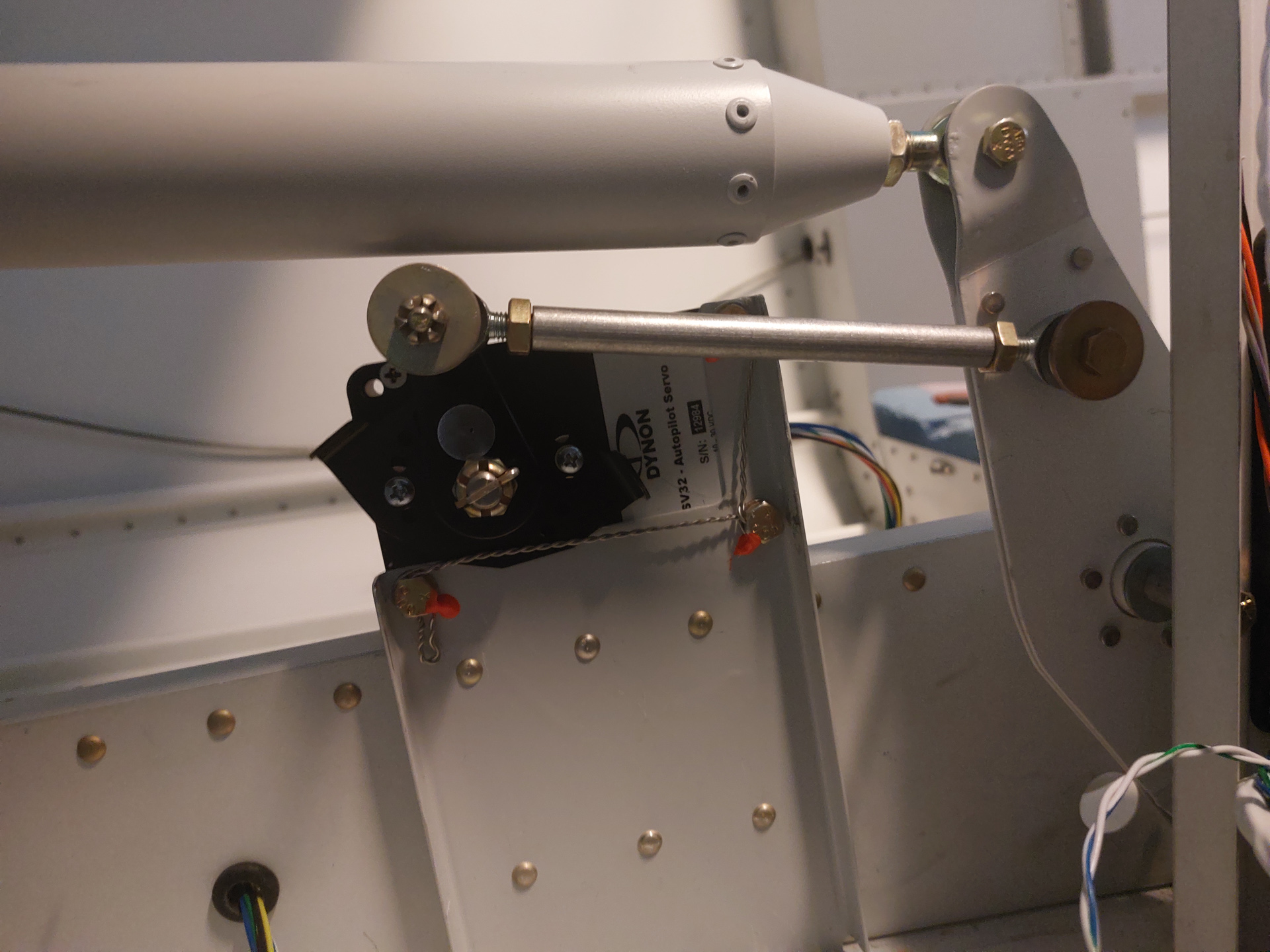
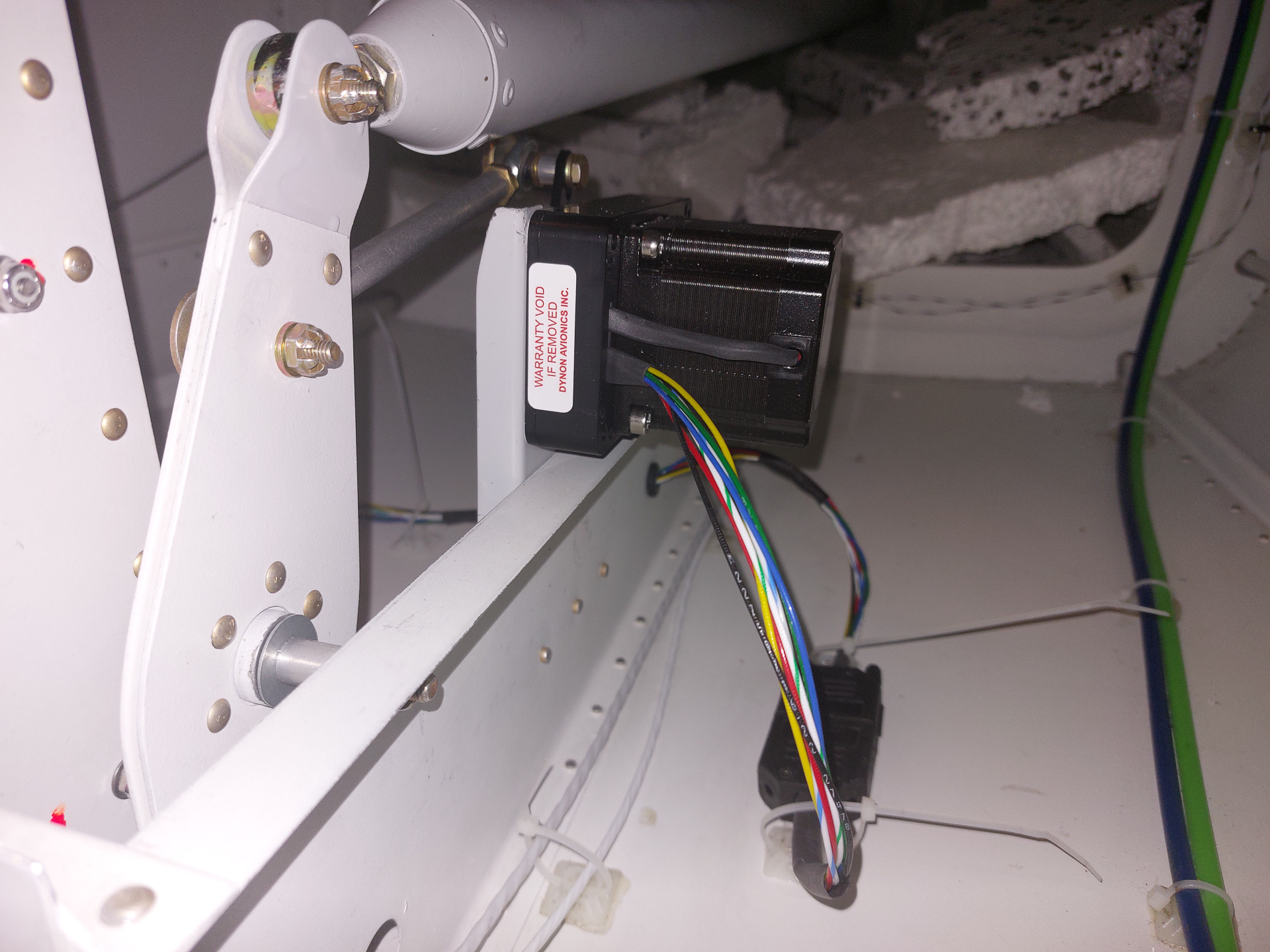
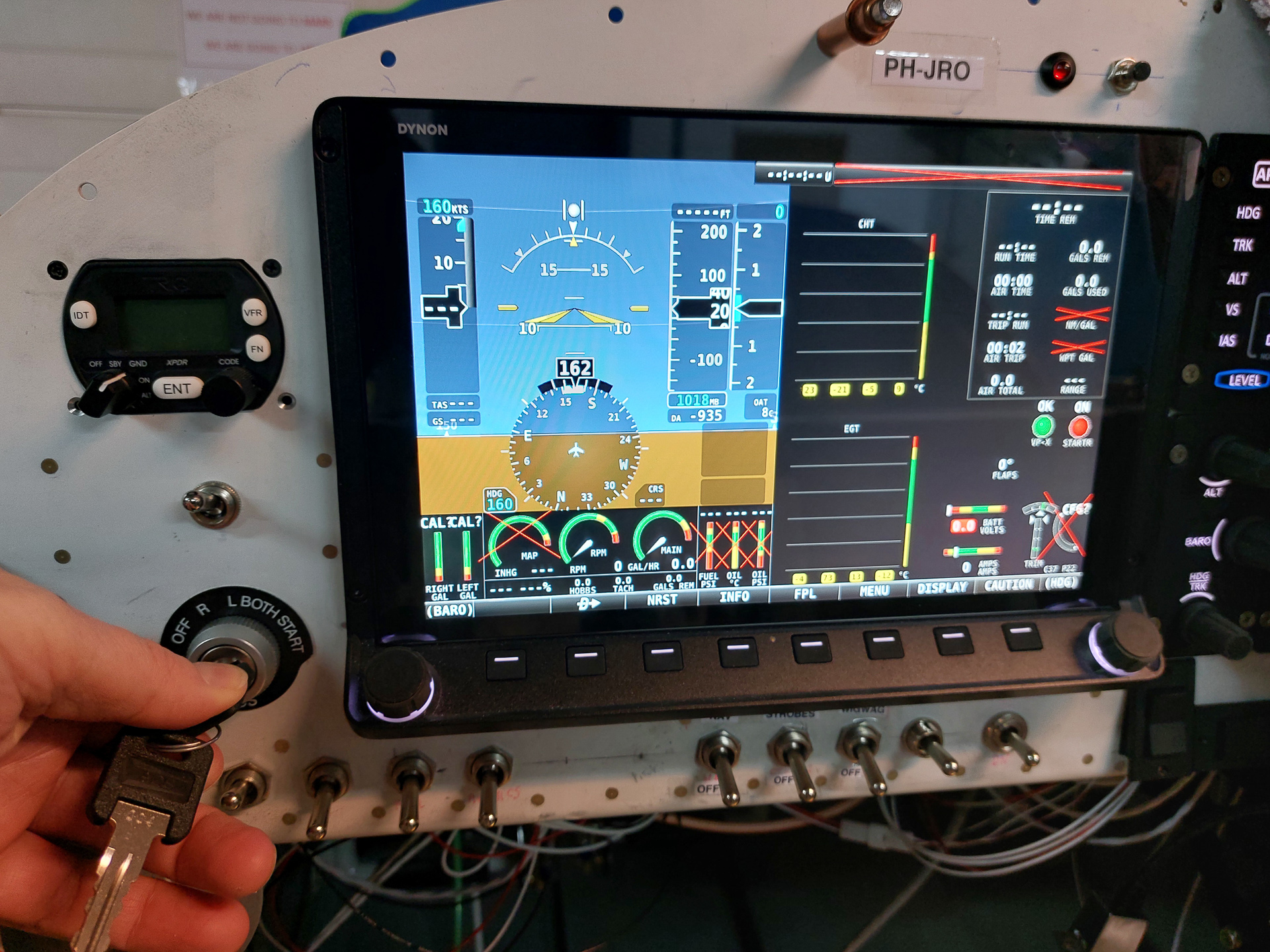
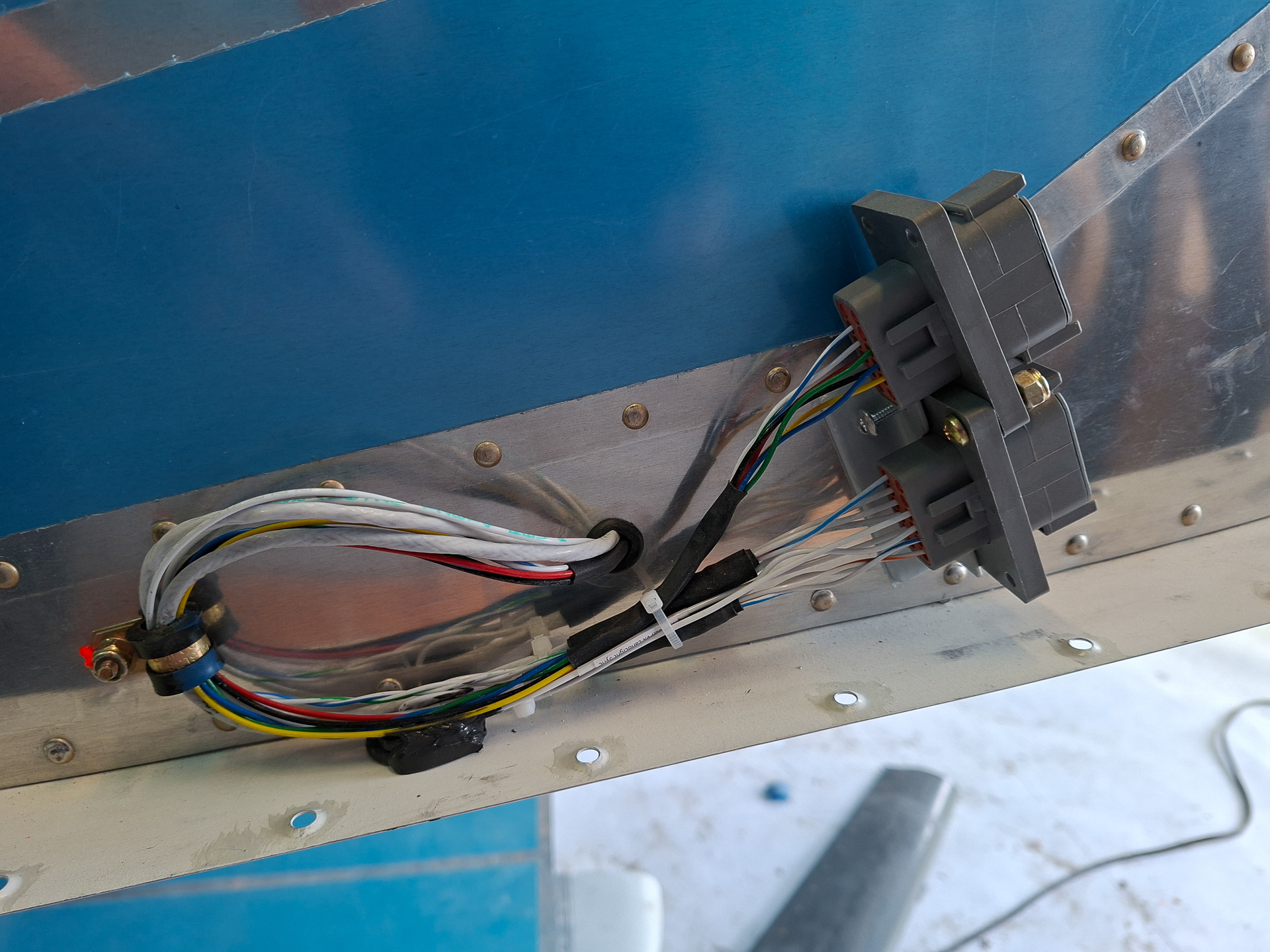
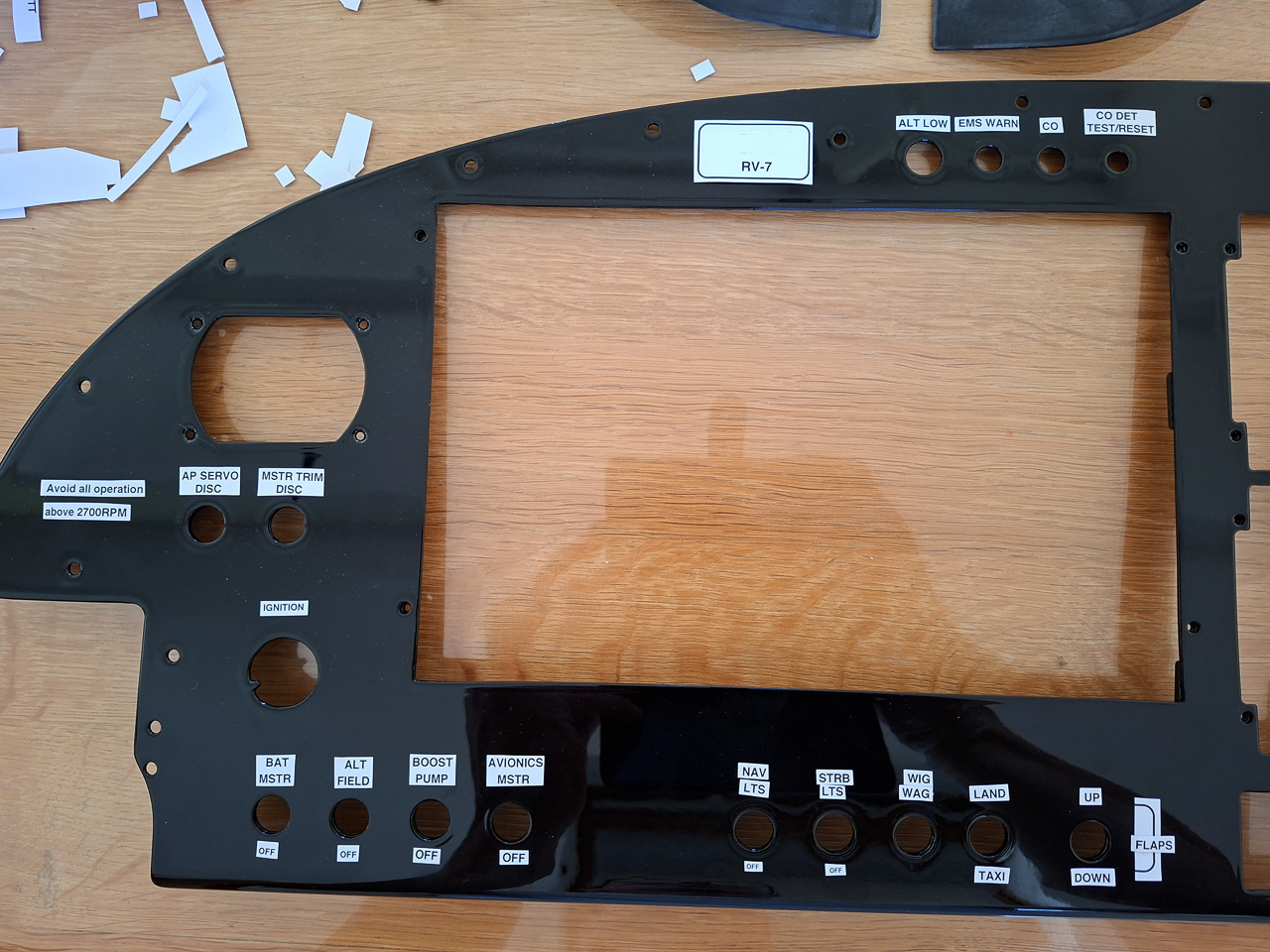
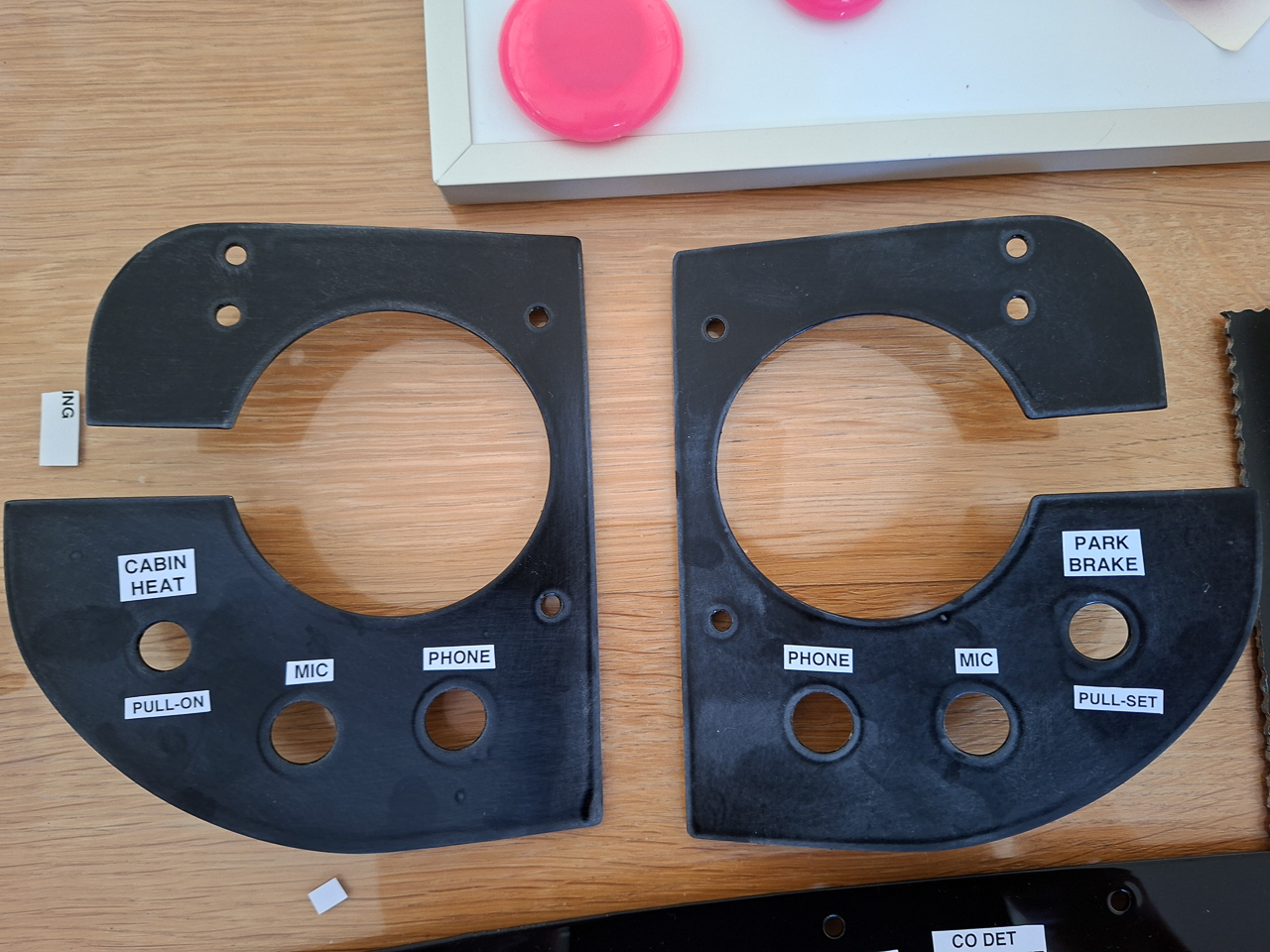
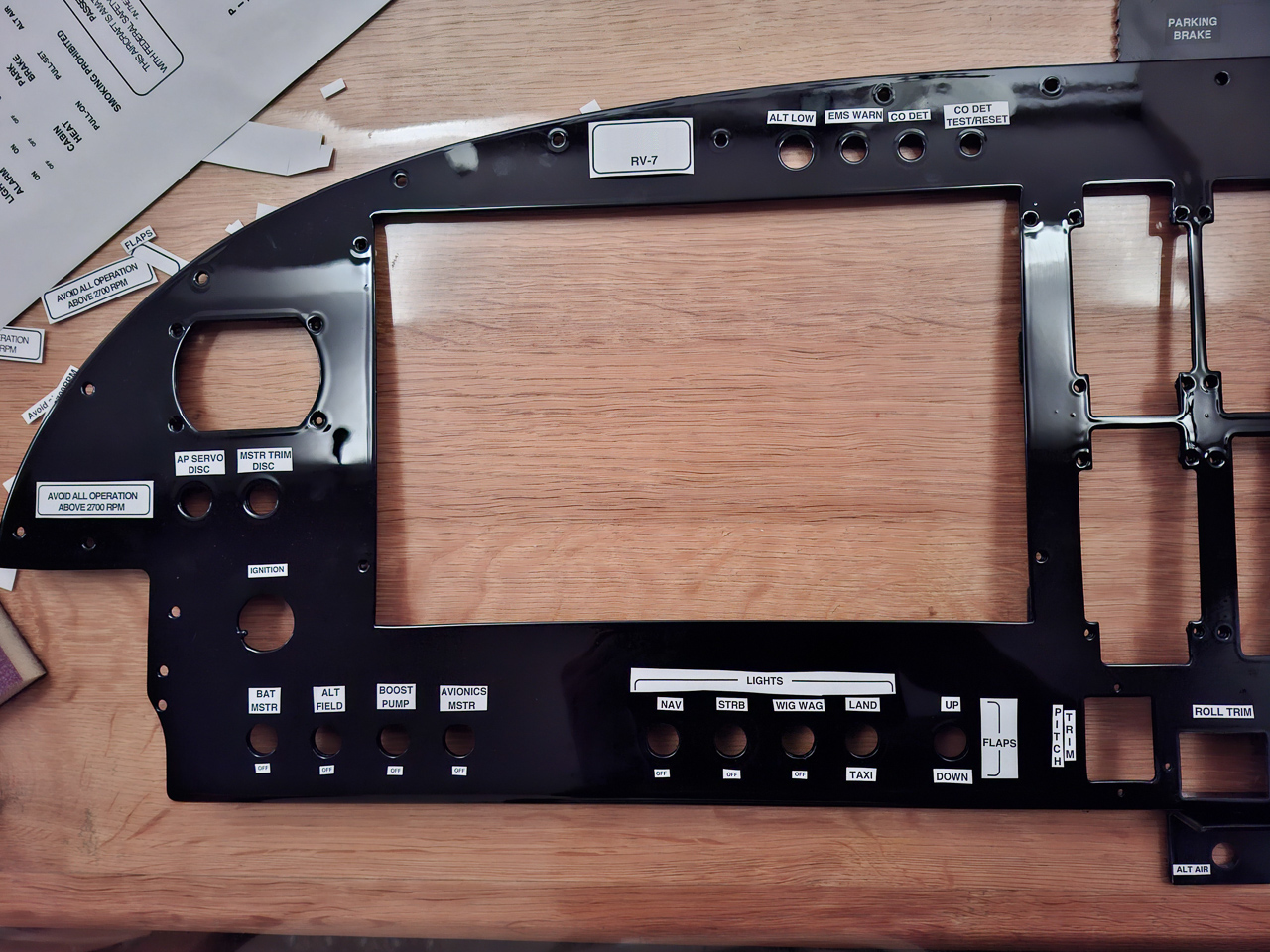
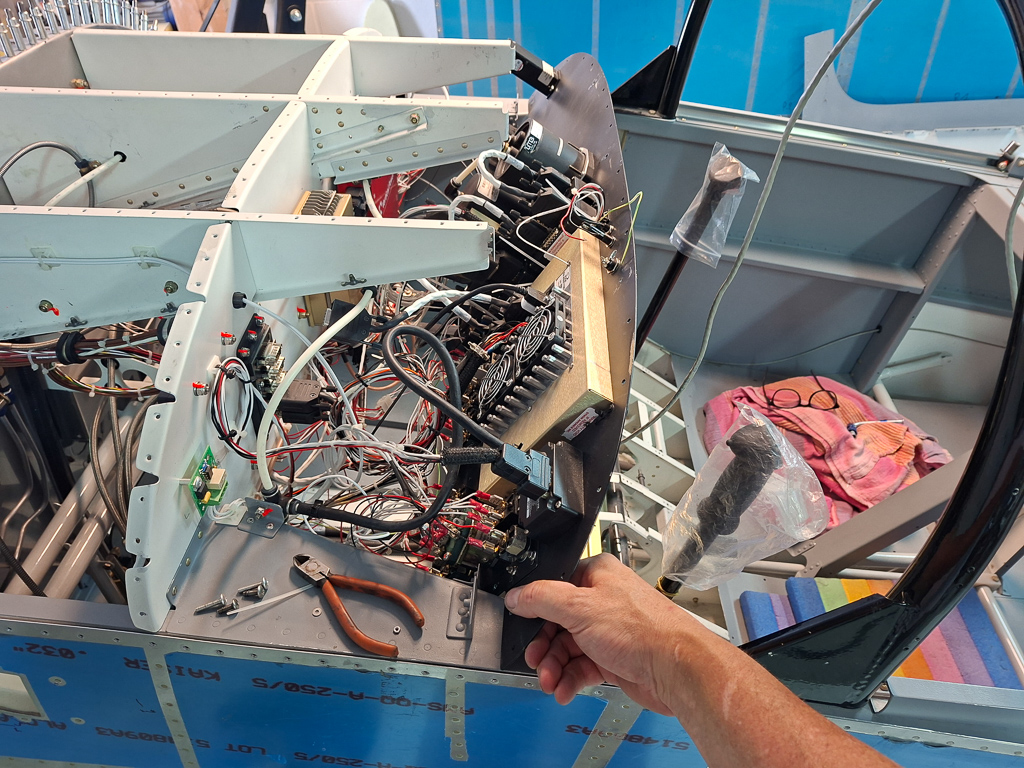
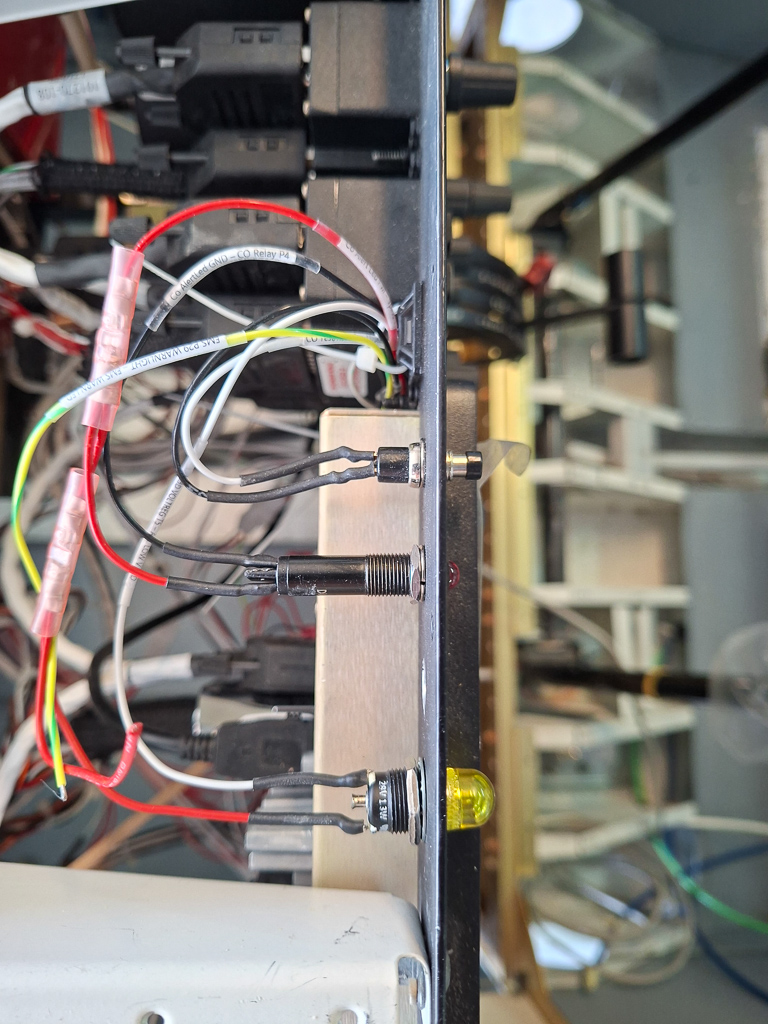
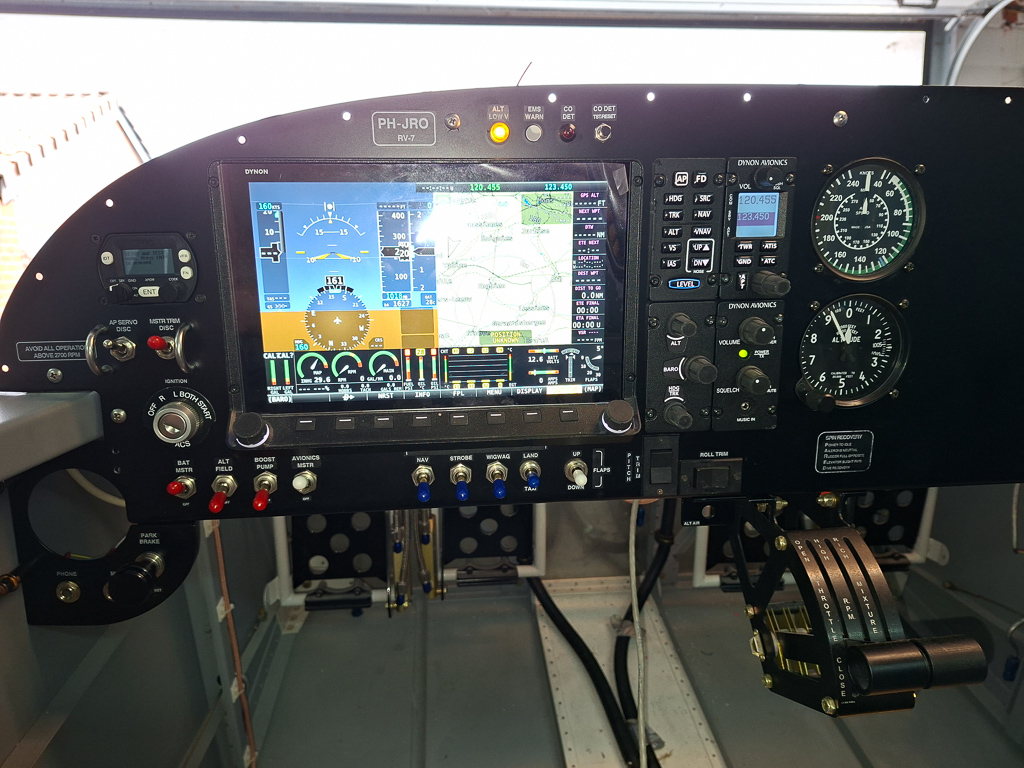
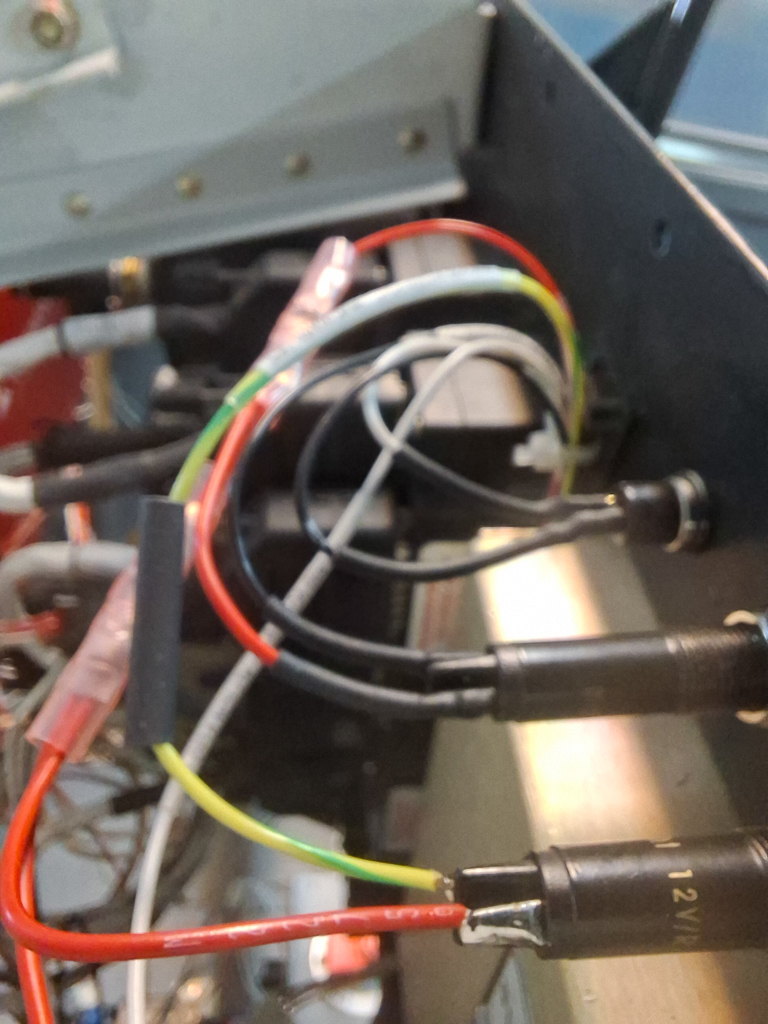
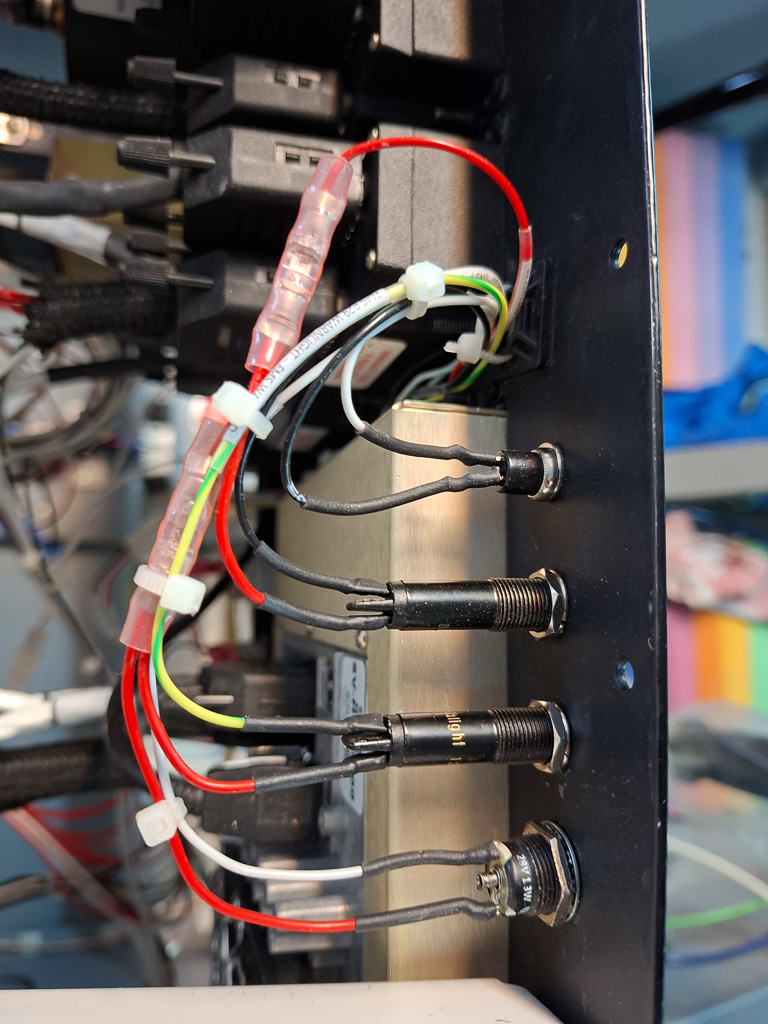
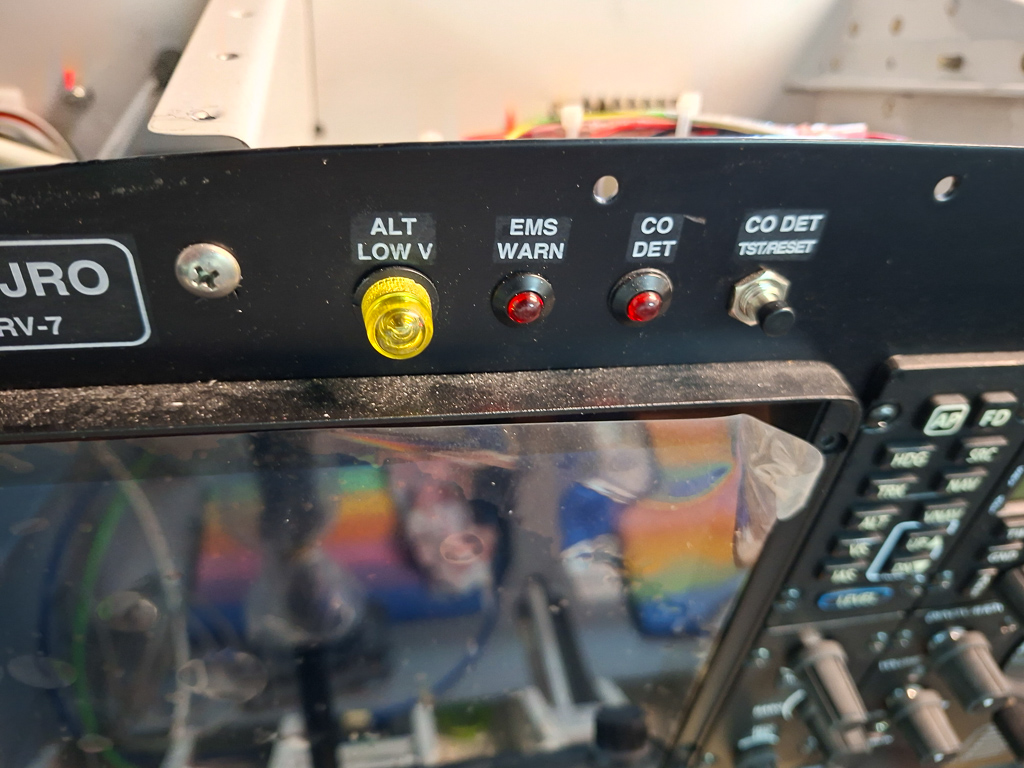
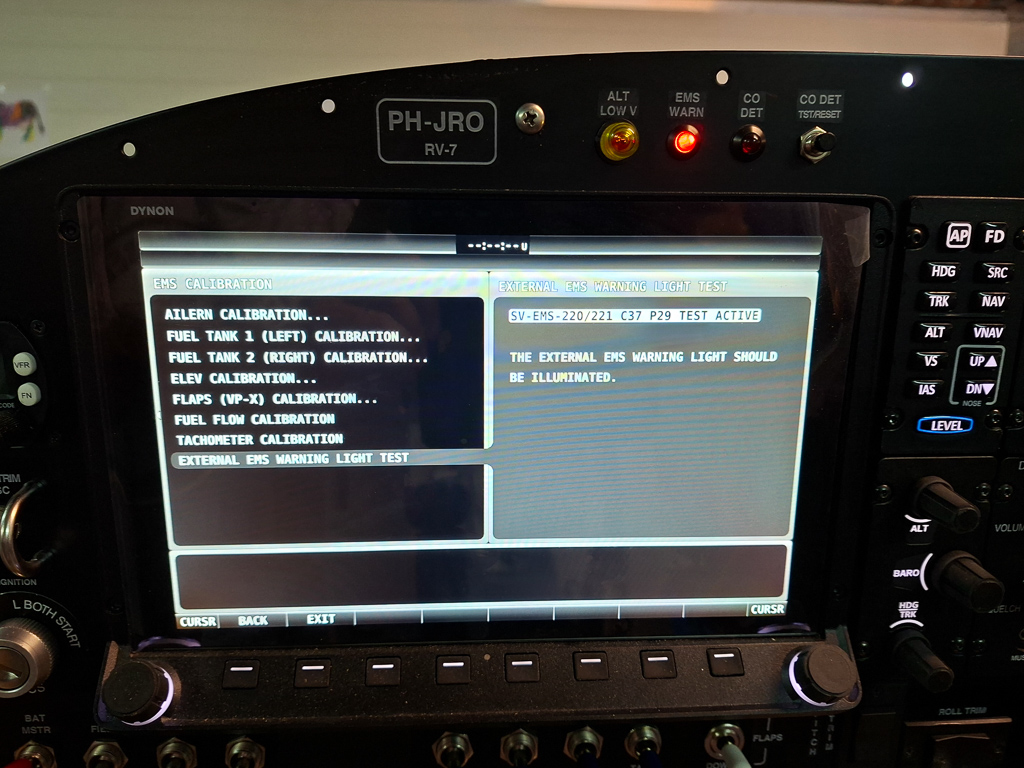
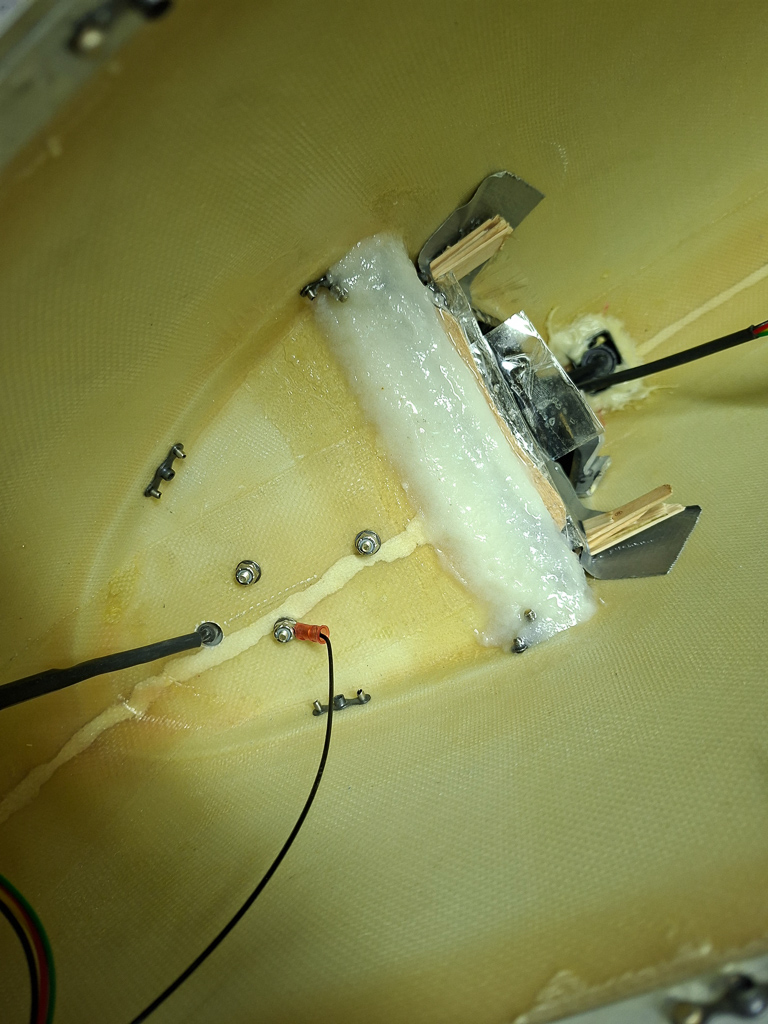
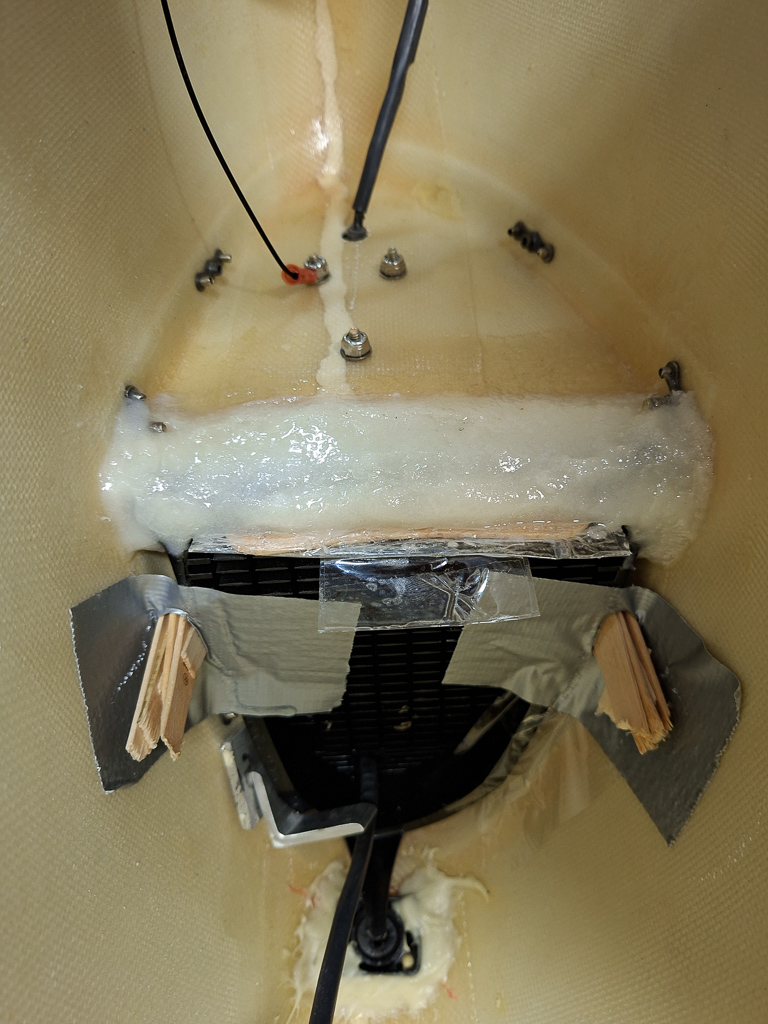
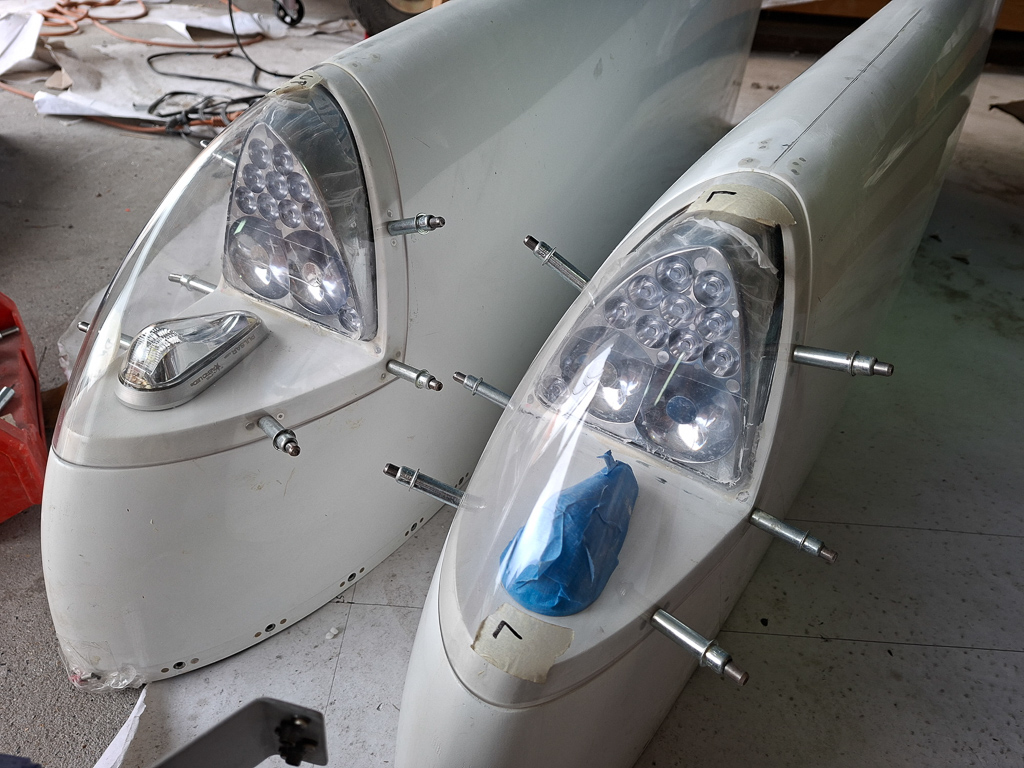
I believe I am at the point where I feel confident that all electrical wiring is done and that I can close the top fuselage skin.
That is a big moment that I have been postponing for very long. I have always been scared having forgotten some wiring and having the nightmare scenario of pulling new connections once the cover is on.
By now you should have been a couple of time on your back underneath the sub panel structure and I can assure you, it's not fun.
At this point the top is still open, you have plenty of light and a good overview. Once the top fuselage is on, things become more complicated if you need to install additional nutplates or add additional wires.
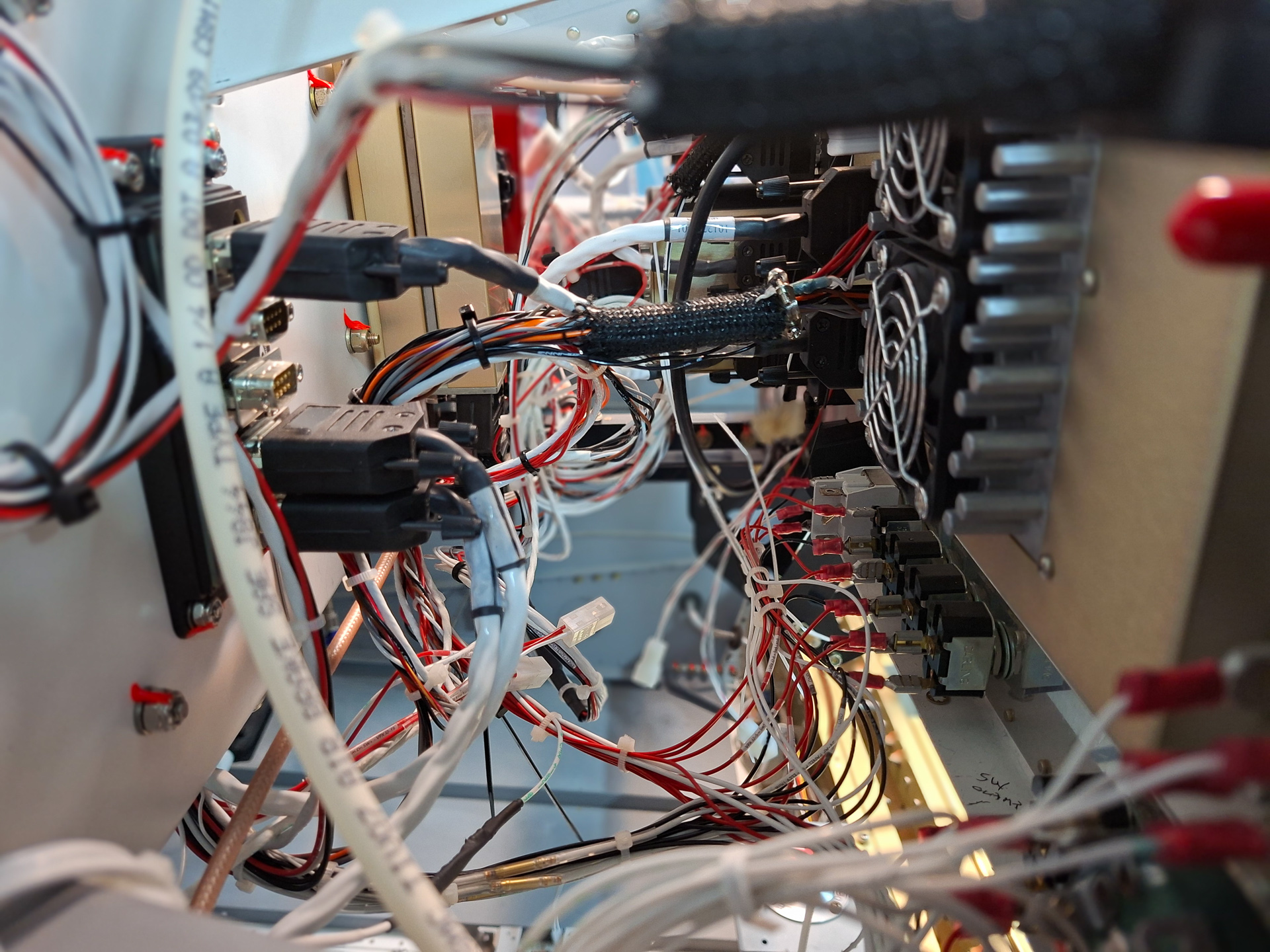
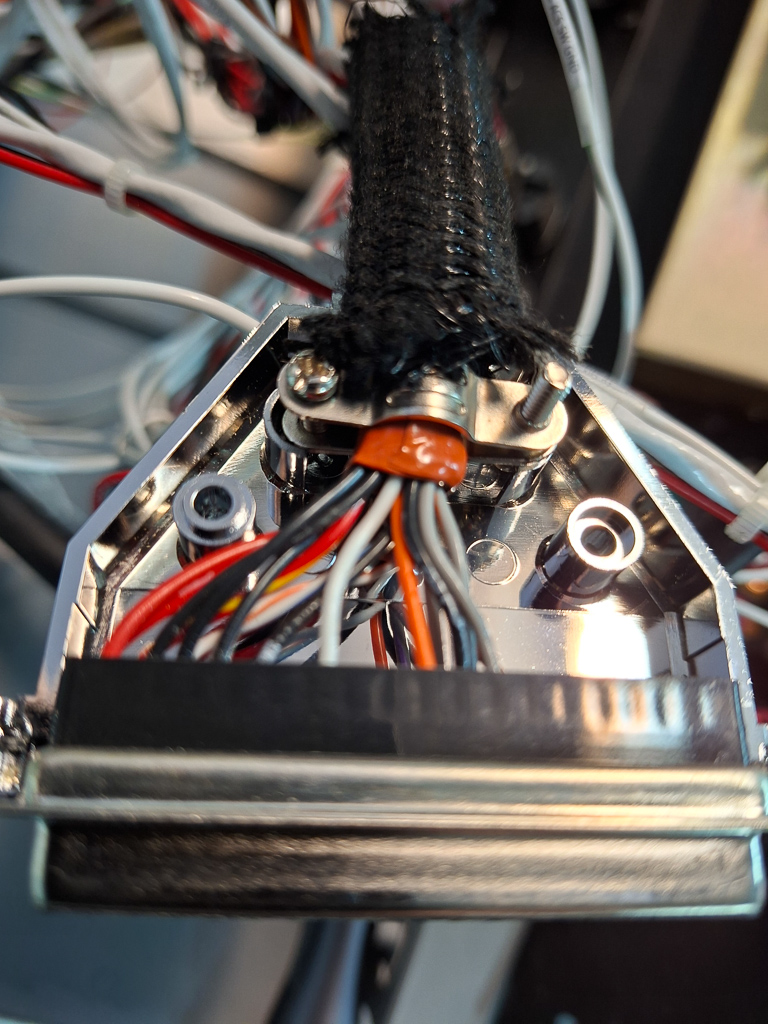
I can't count the amount of hours that have gone in organising wires and making sure wire runs are safe. At most places the bundles are supported by adel clamps, in some occasions I have used rtv to ensure some individual wires won't touch the structure.
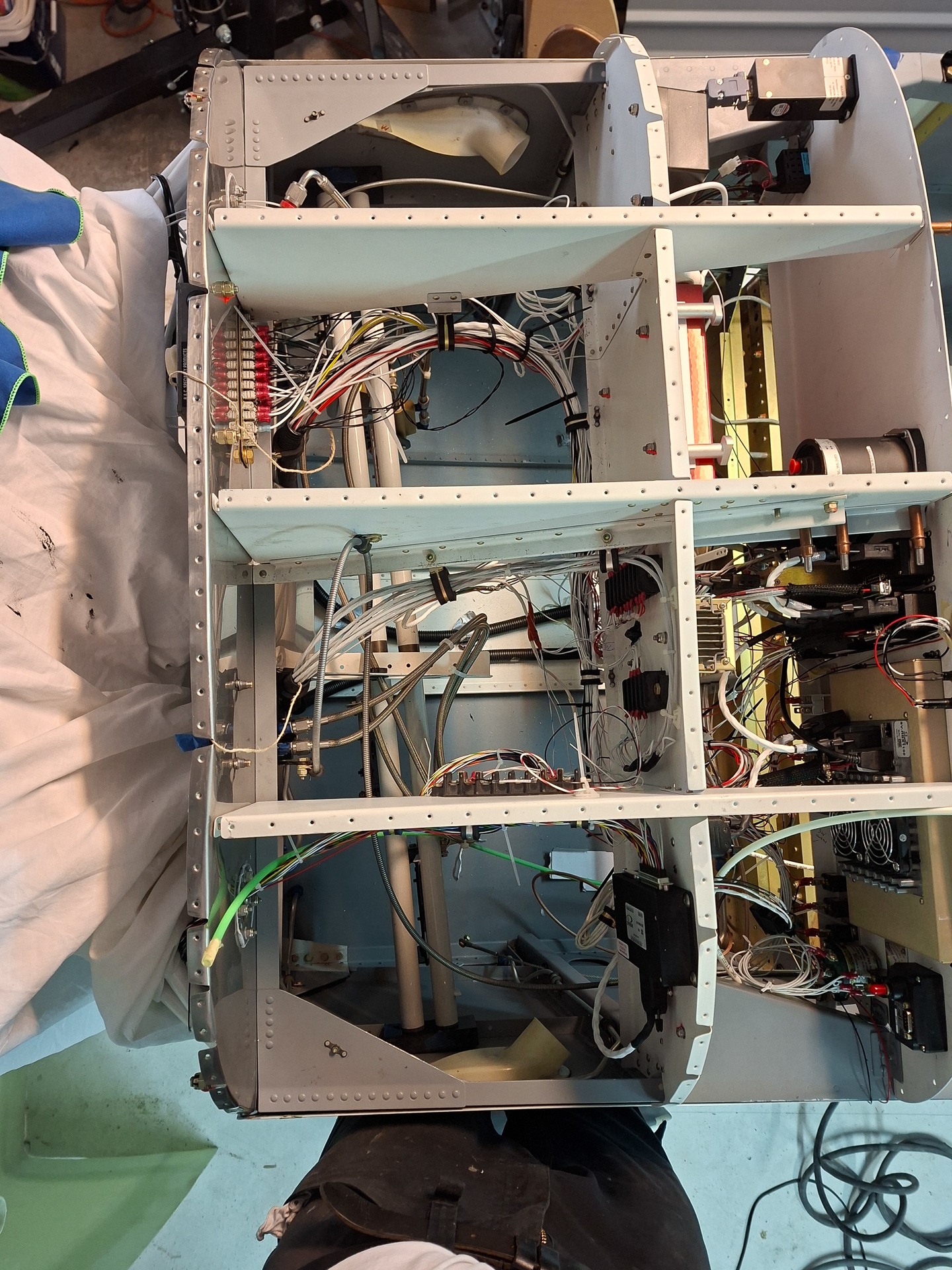
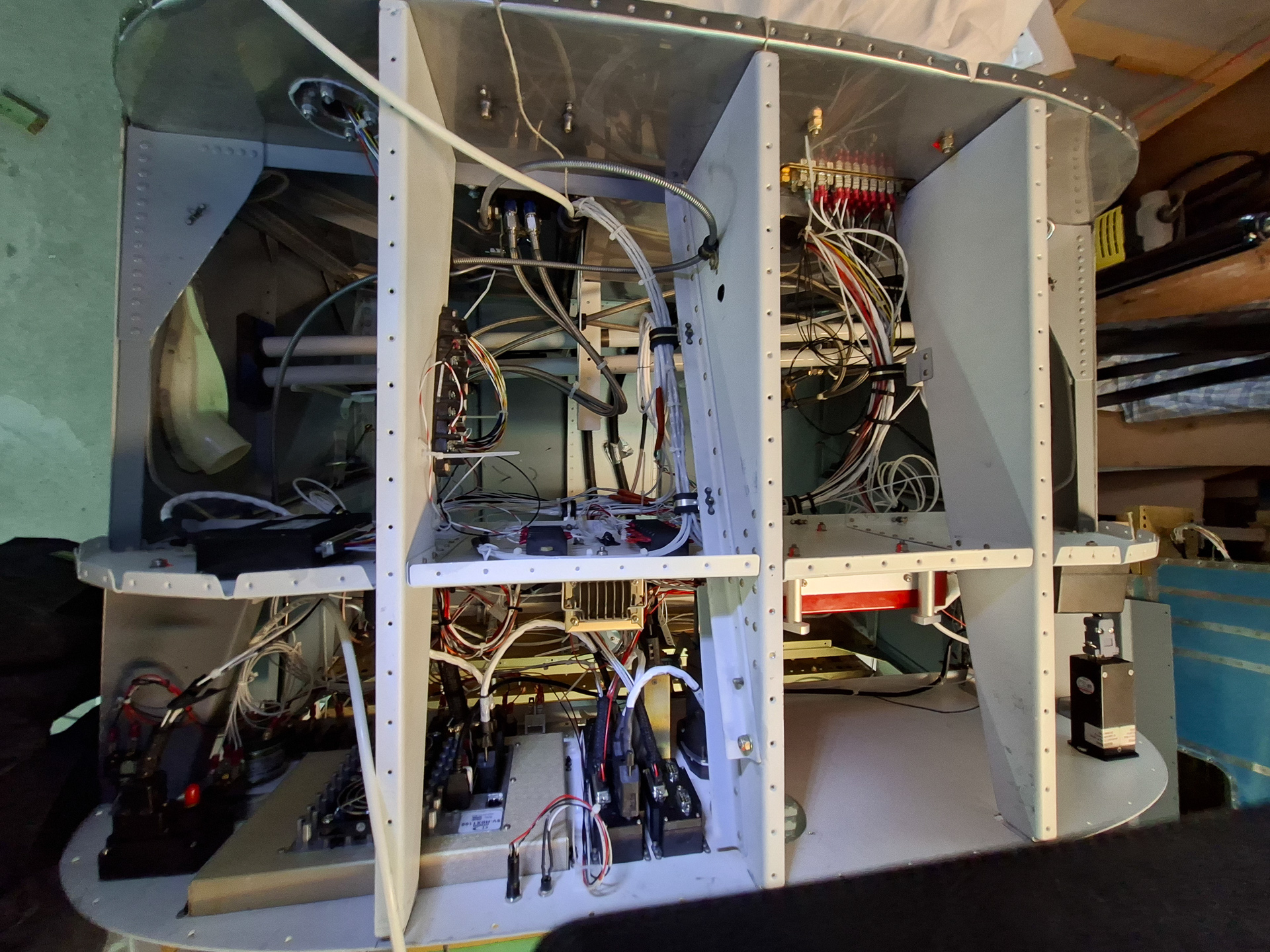
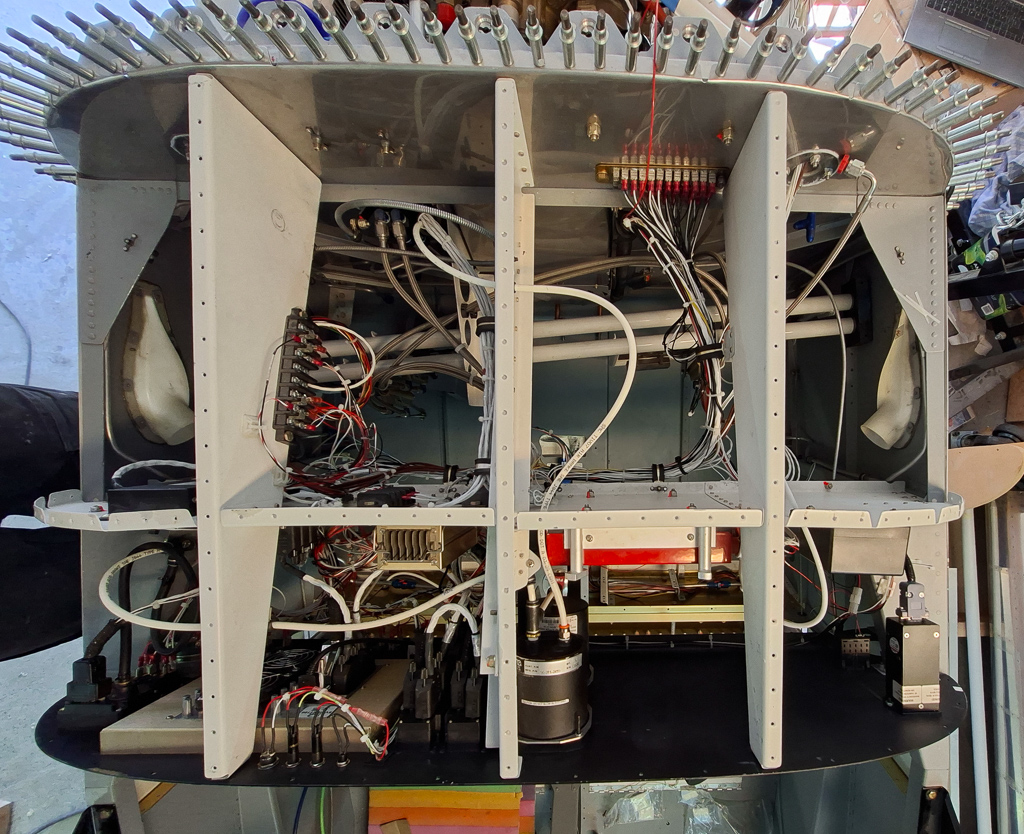
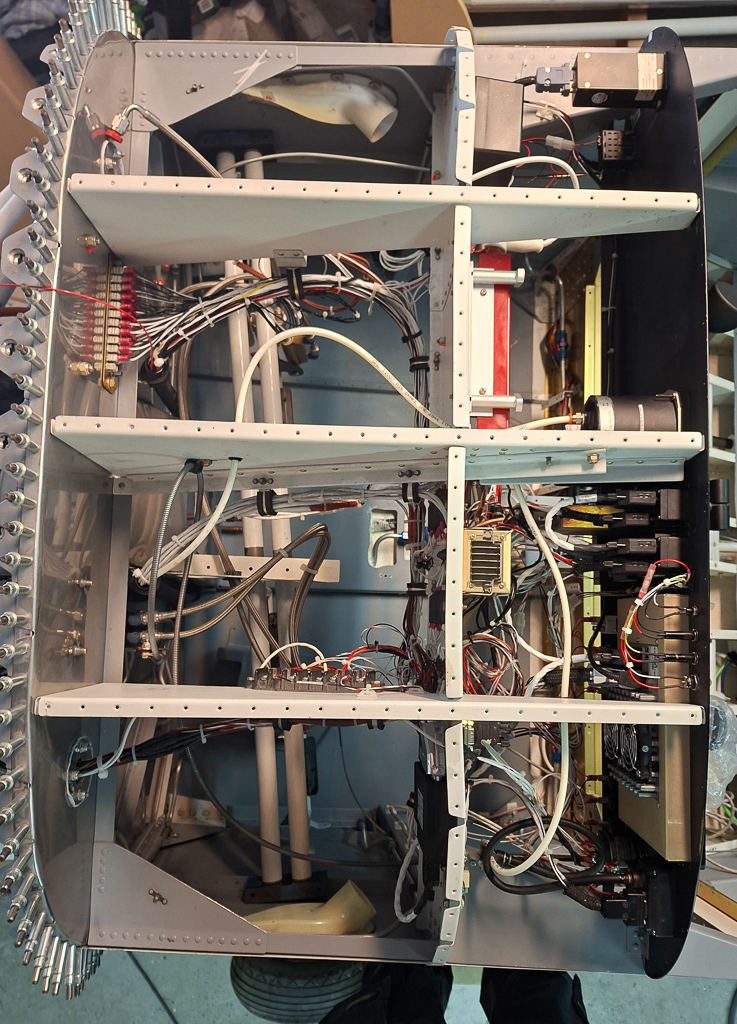
As all is in final place now, I thought it was a good idea to document and provide an overview of my sub panel wiring layout before the lid goes on.
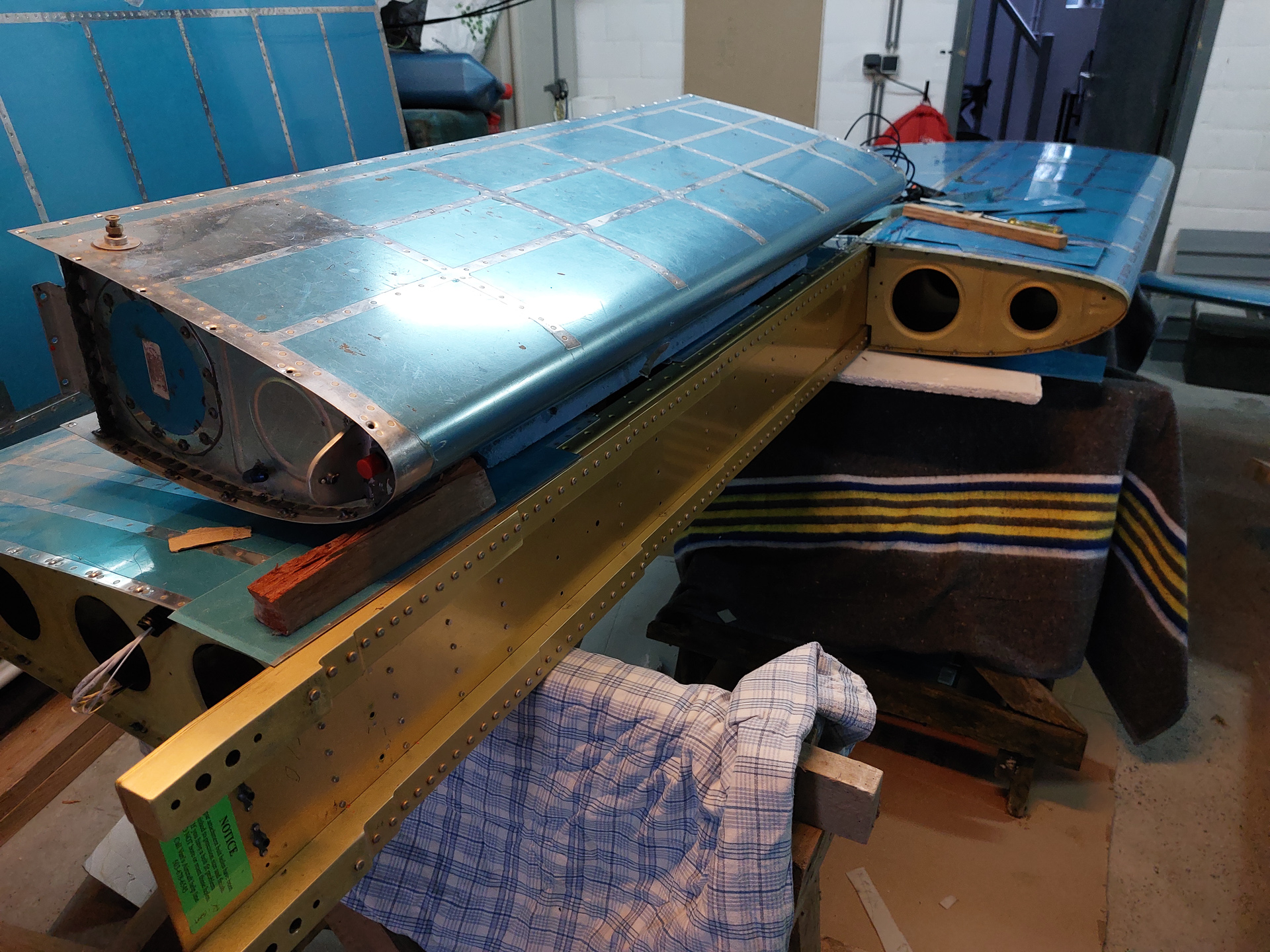
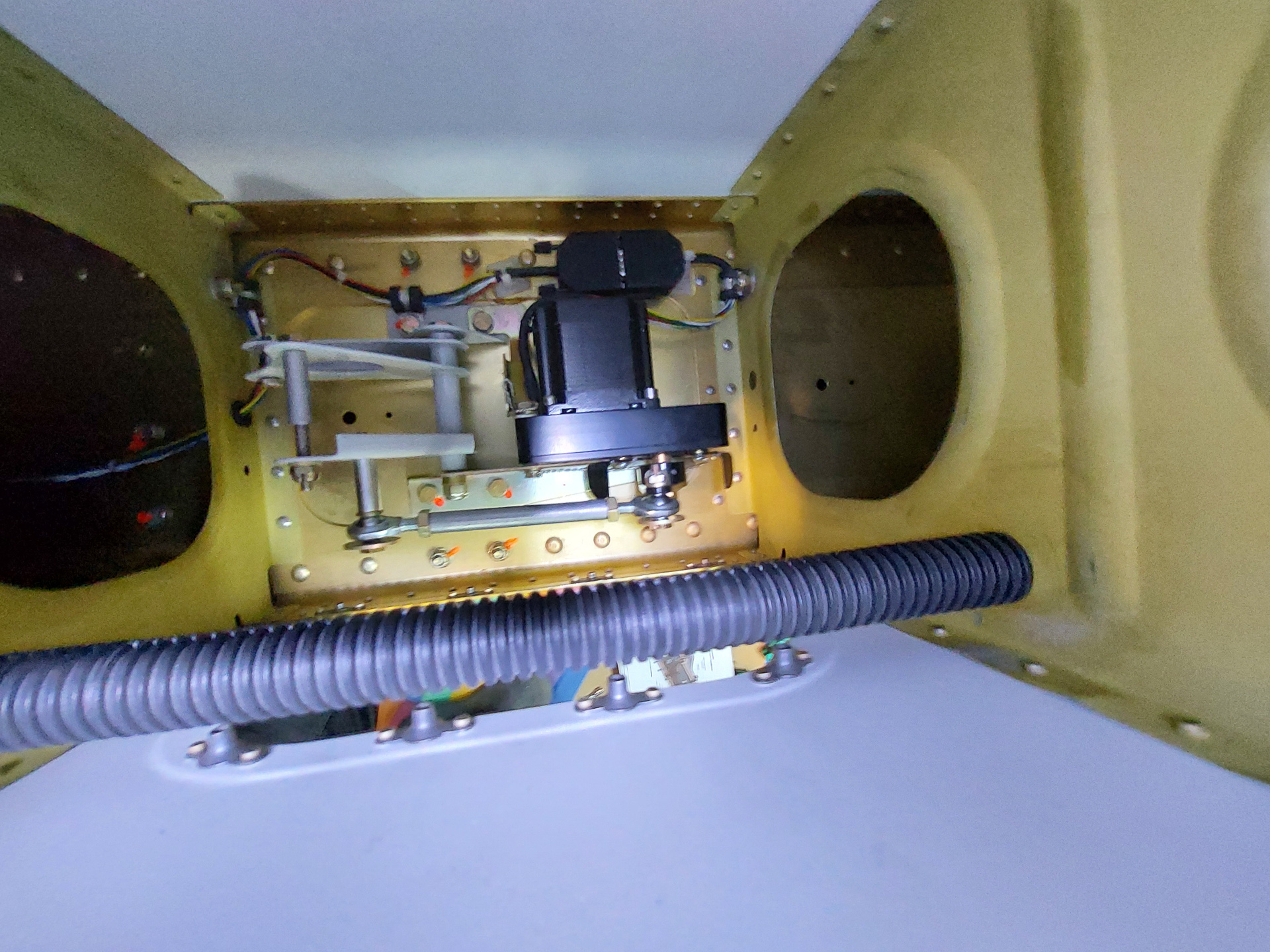
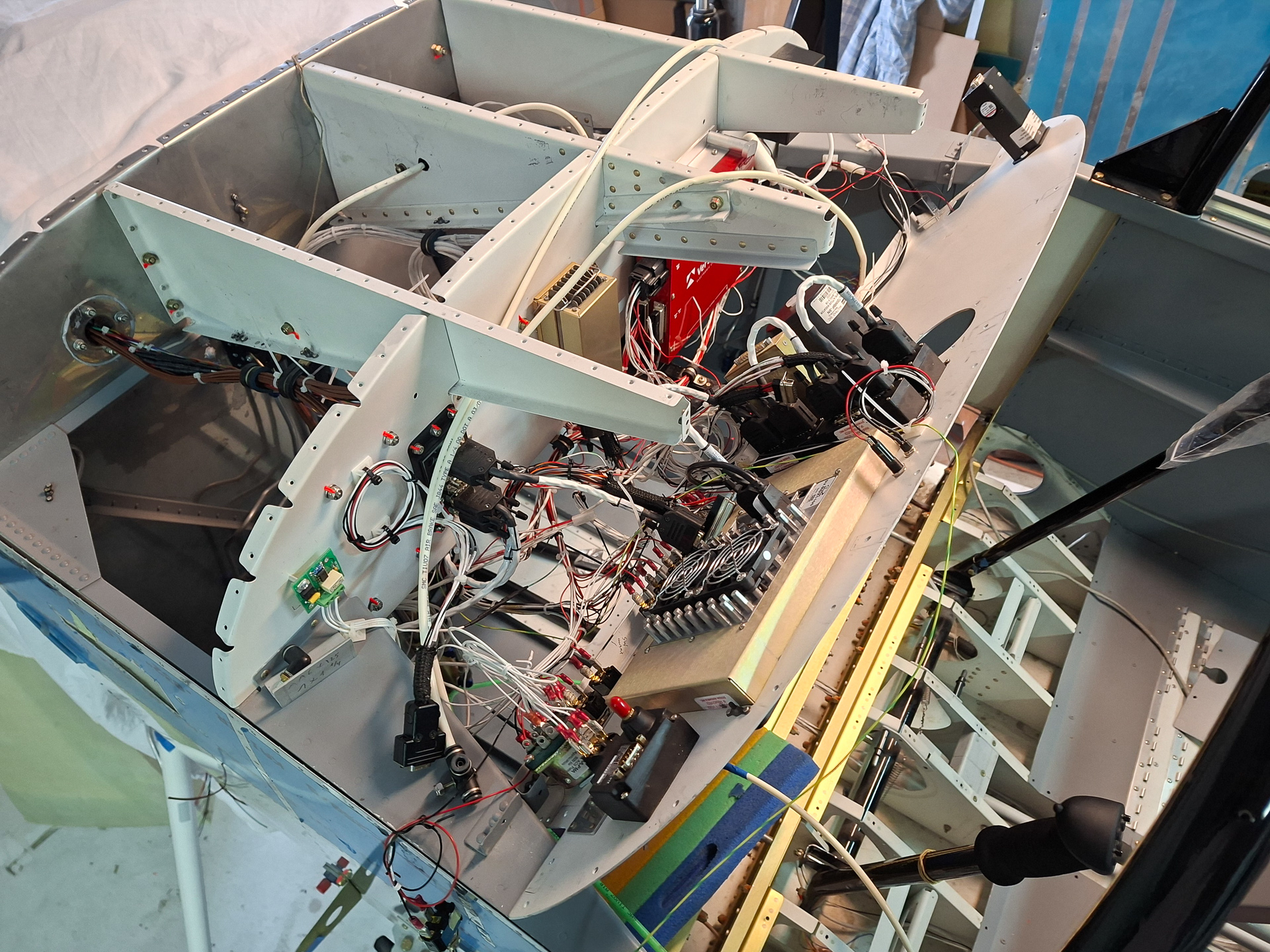
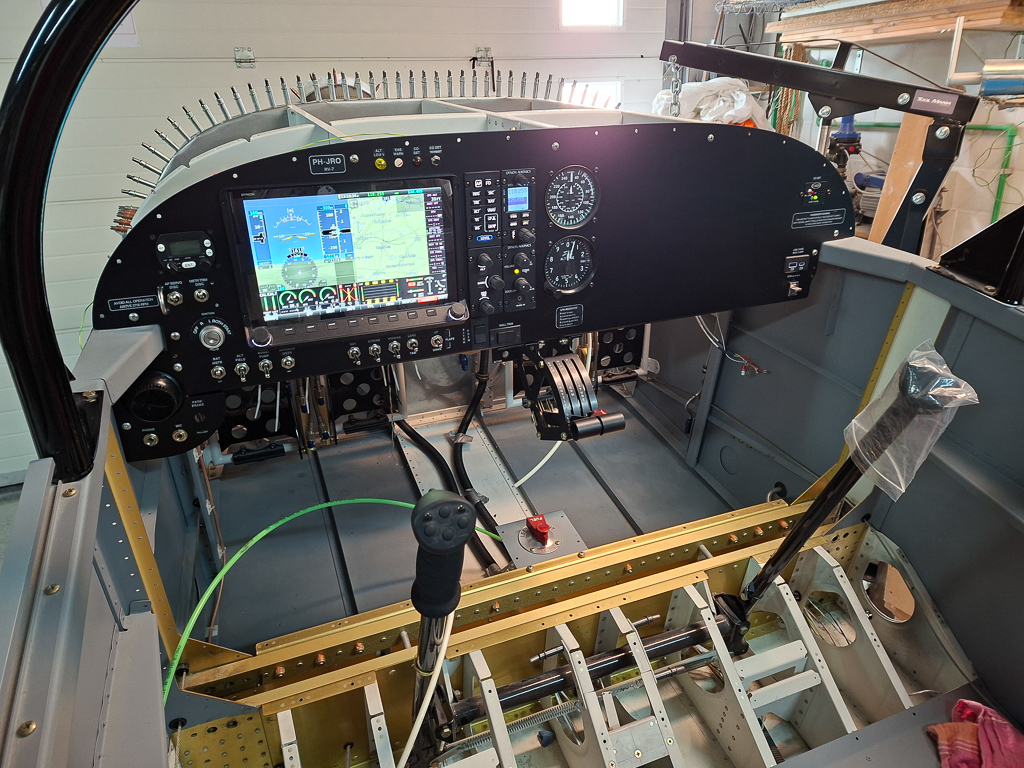
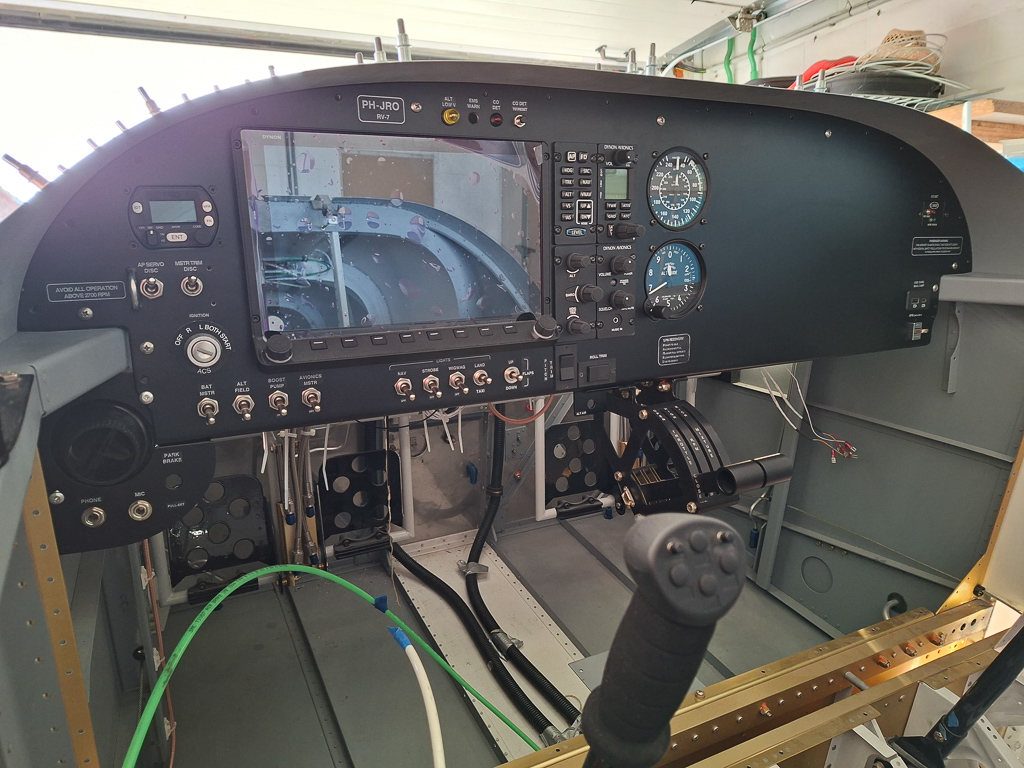
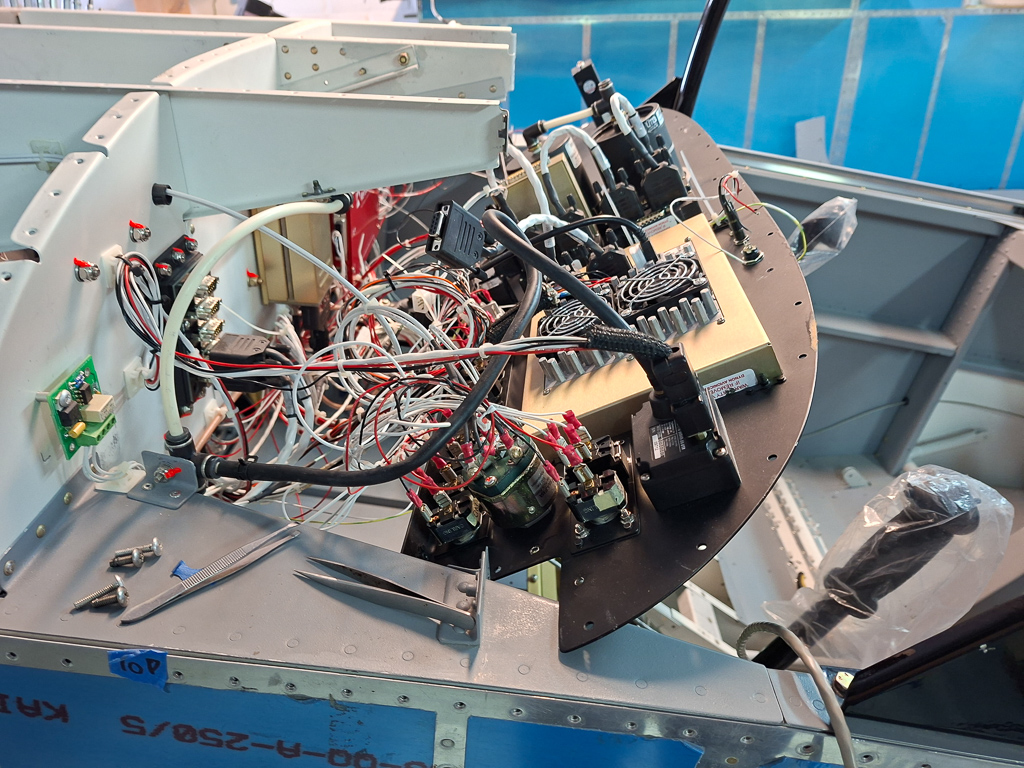
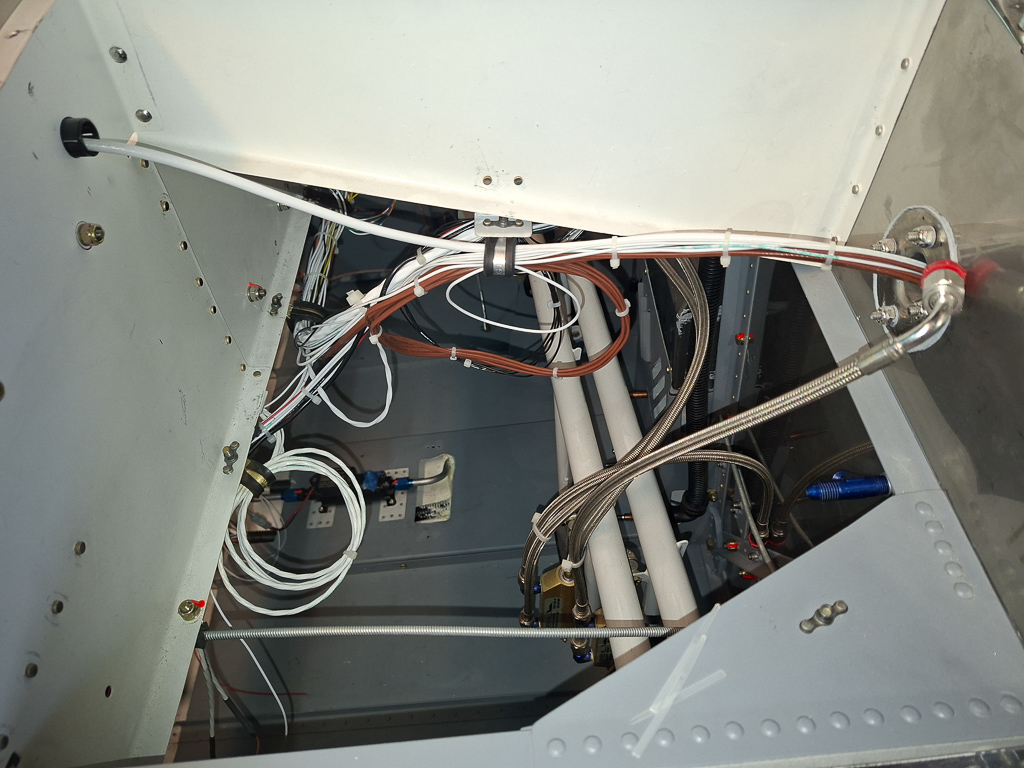
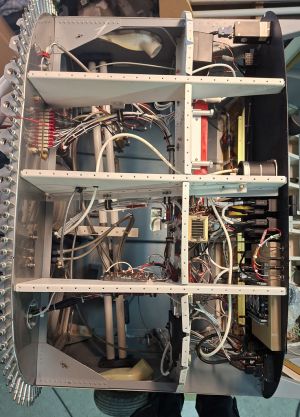
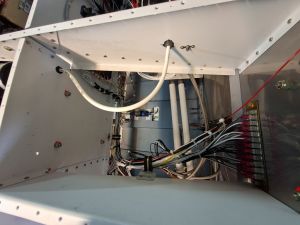
Here is a general top view of the forward fuselage sub panels.
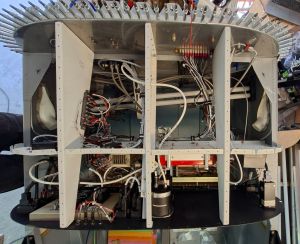
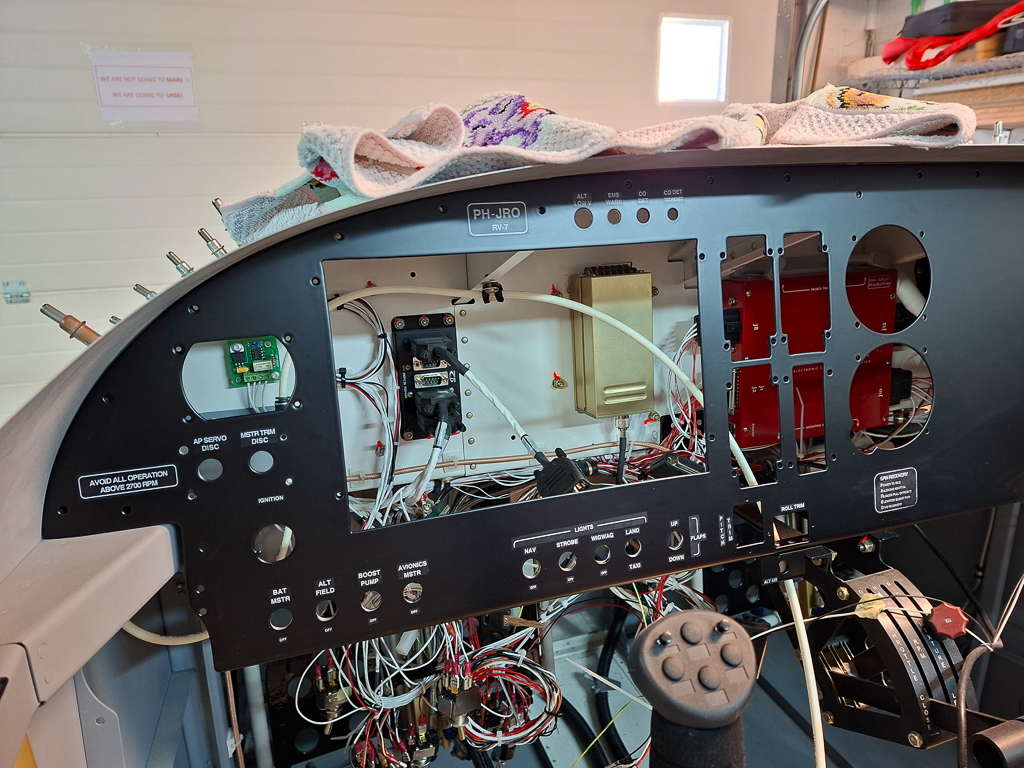
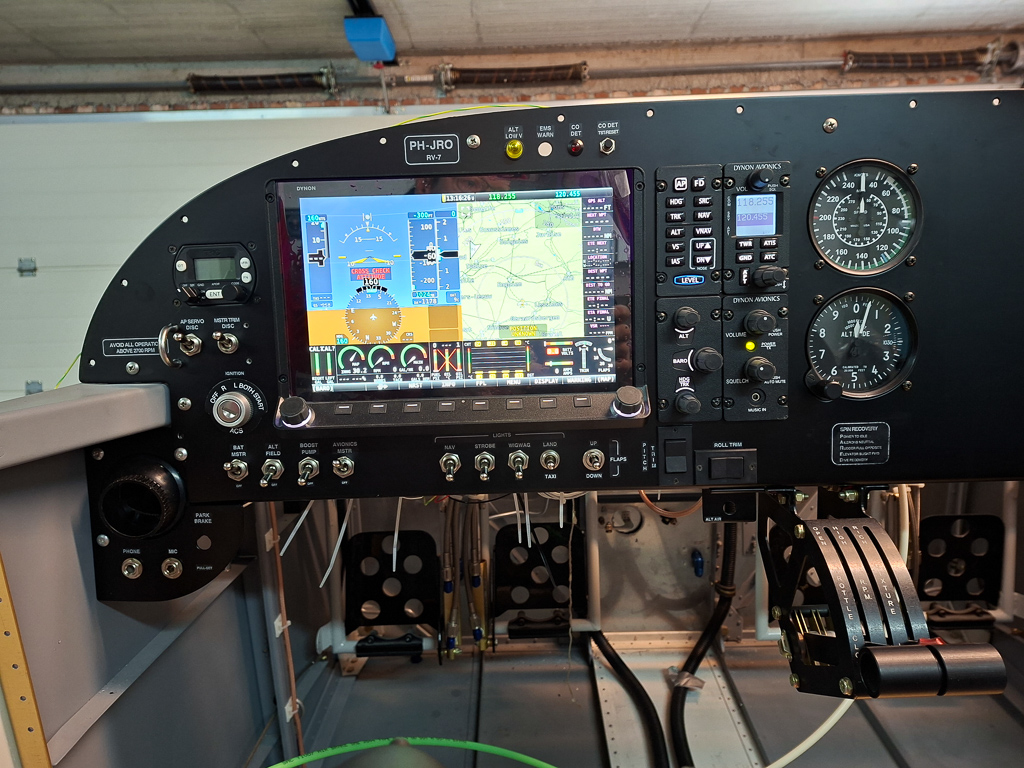
Most of he magic happens right behind the instrument panel.
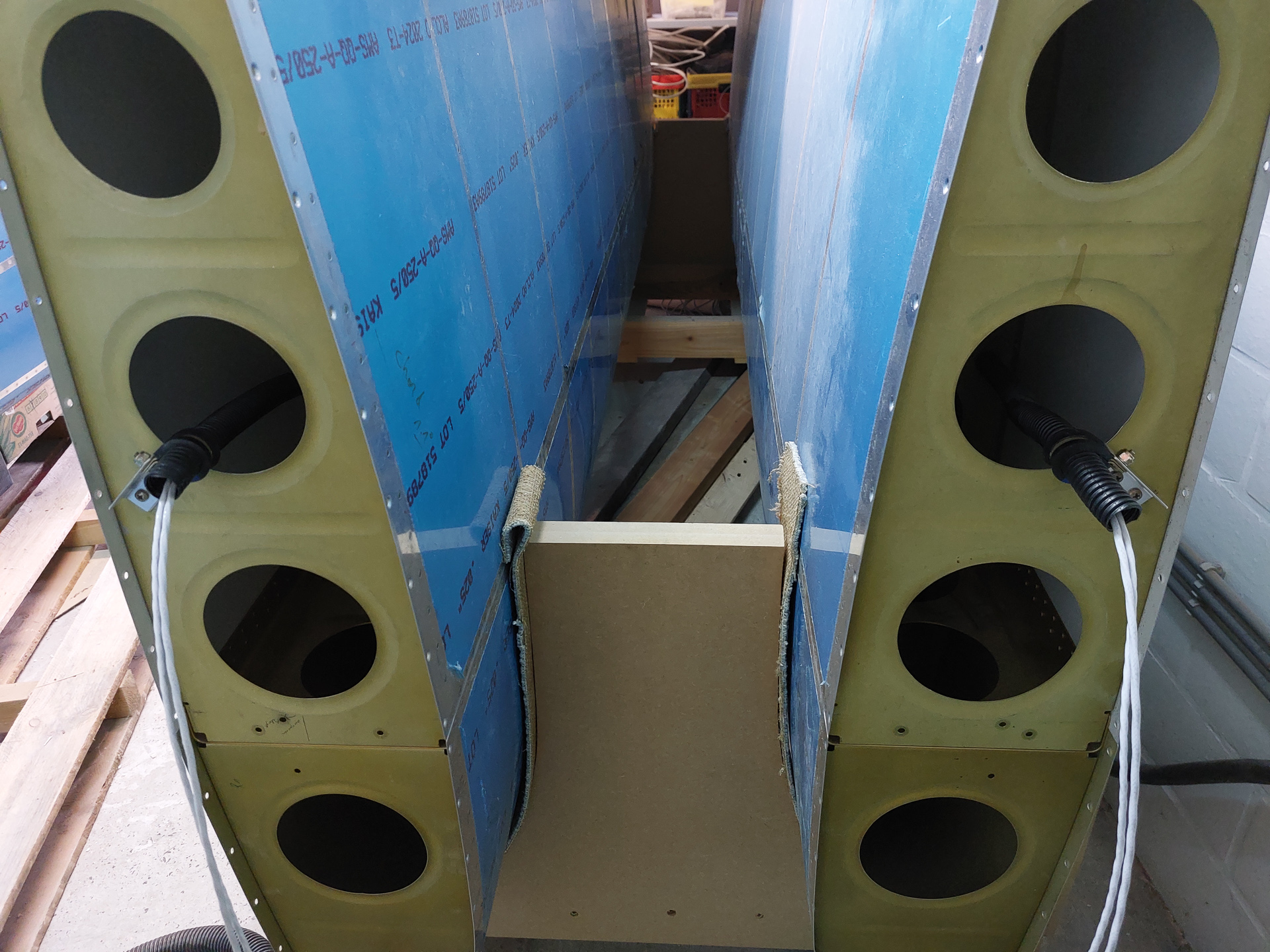
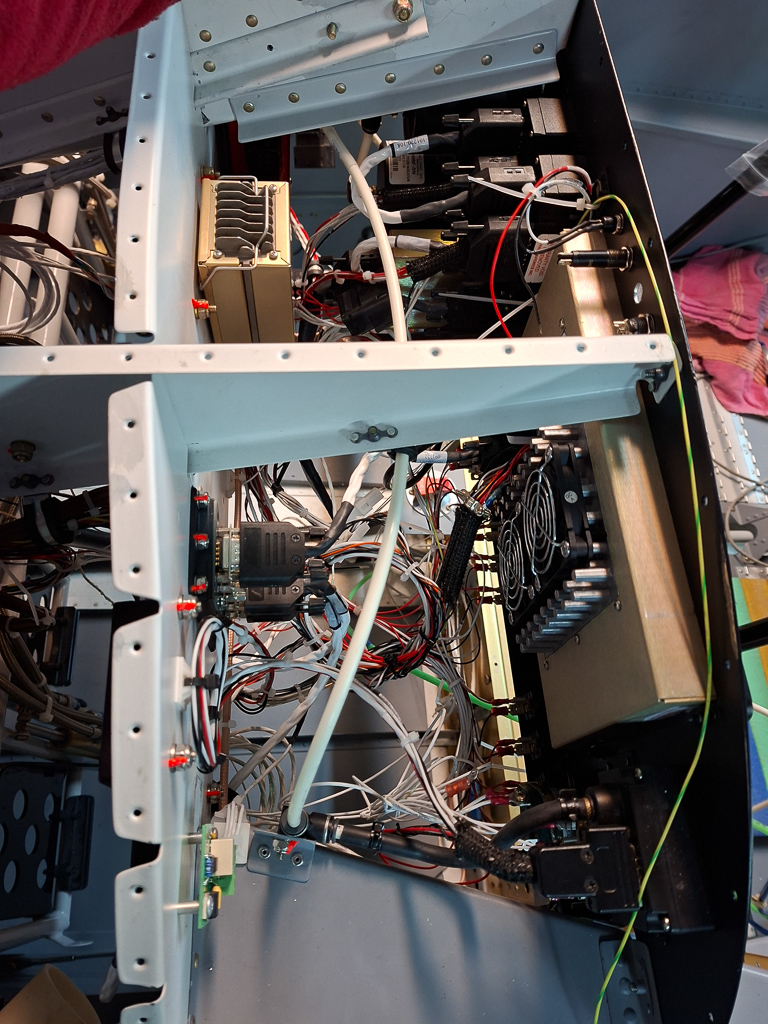
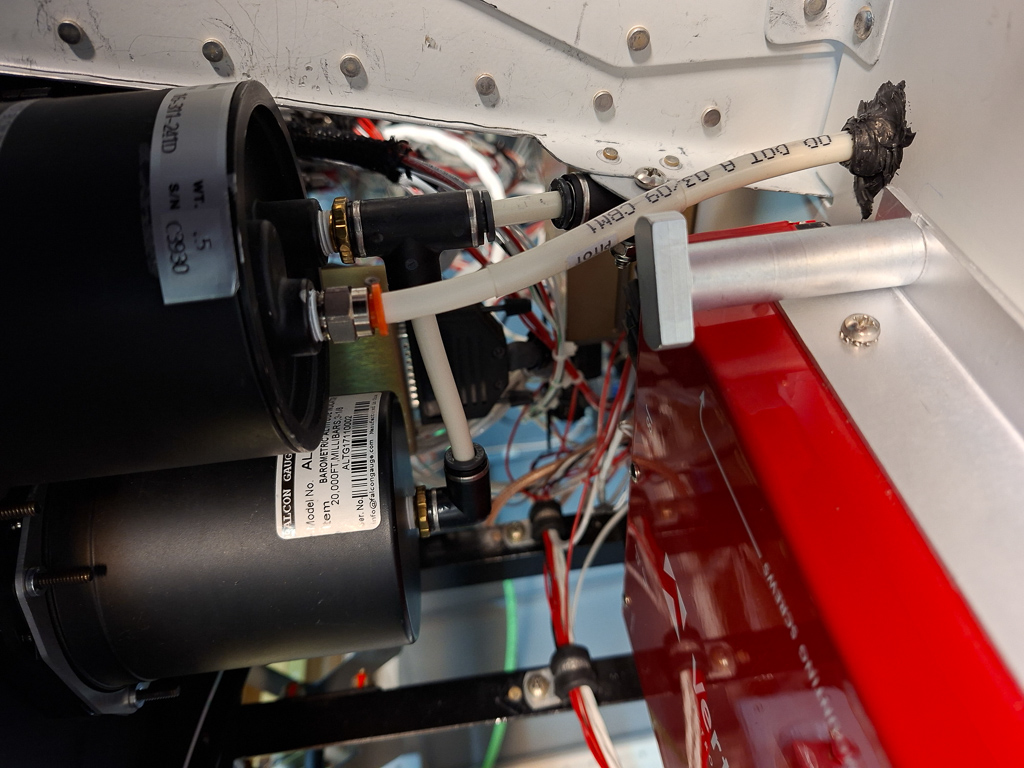
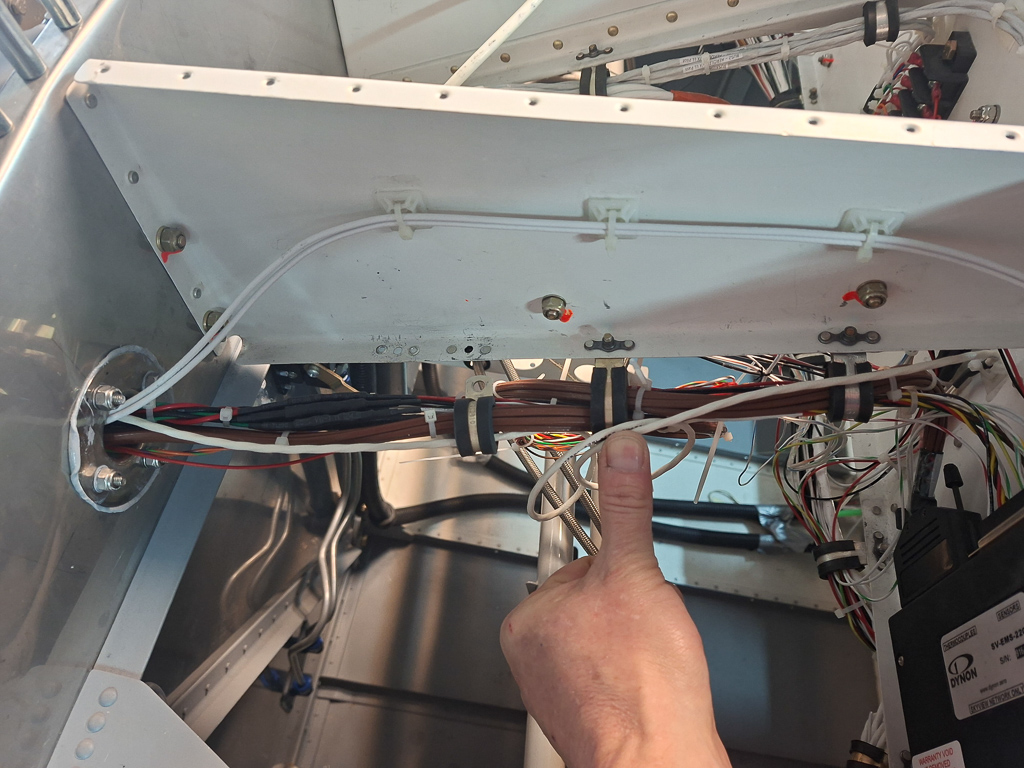
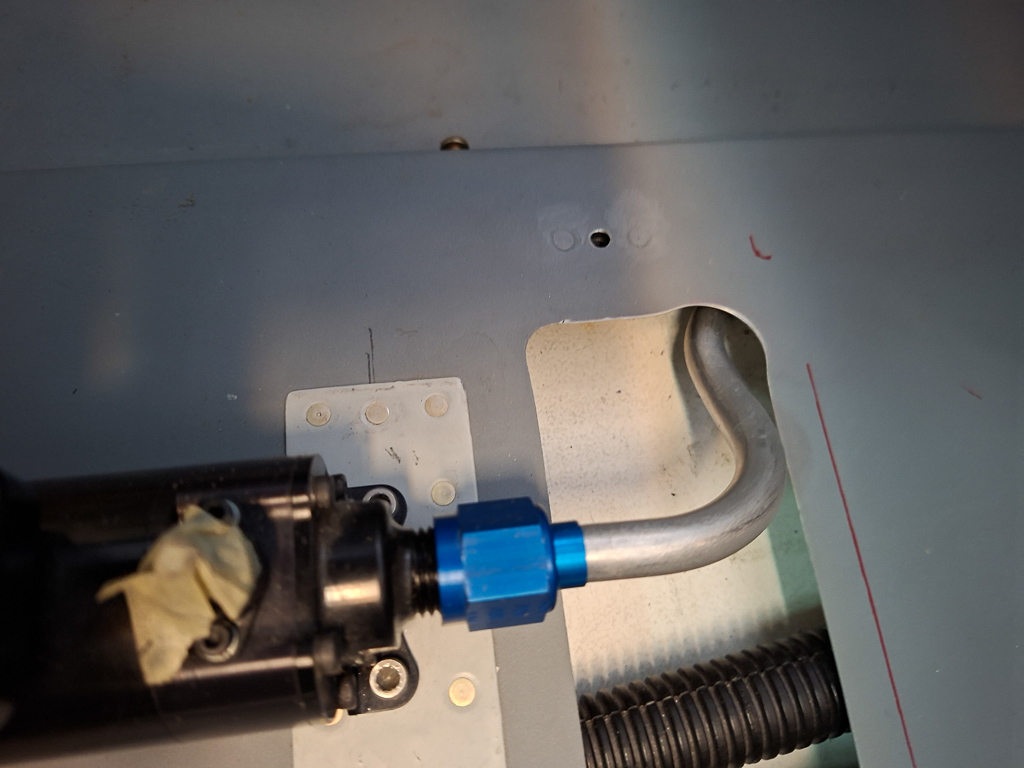
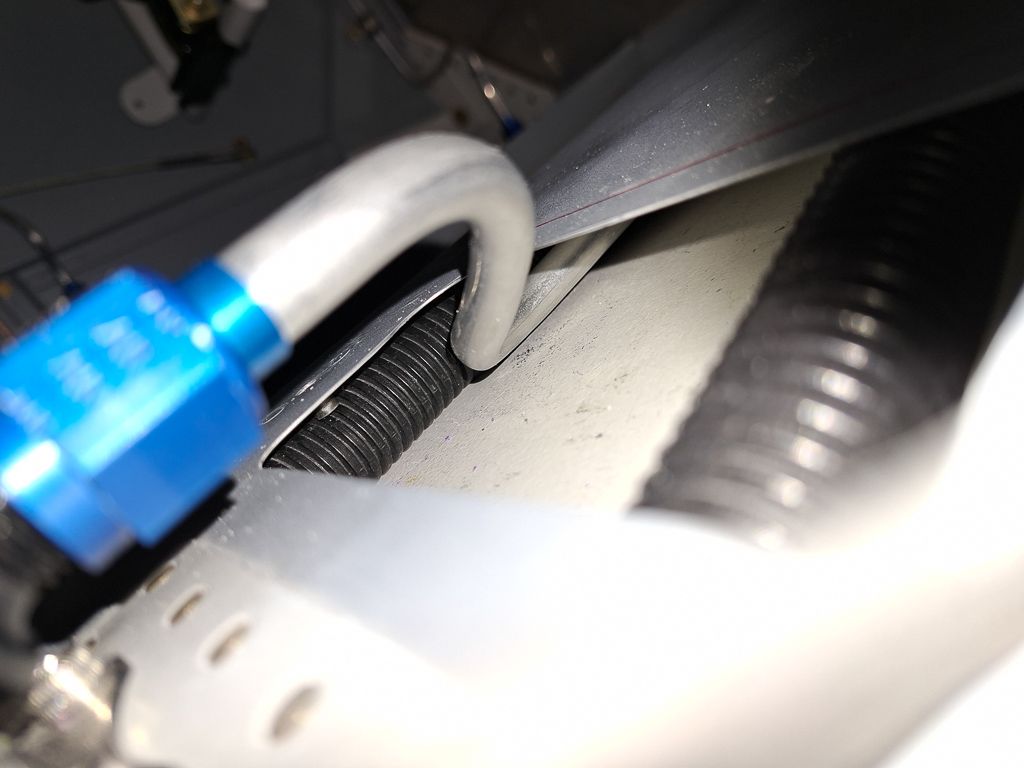
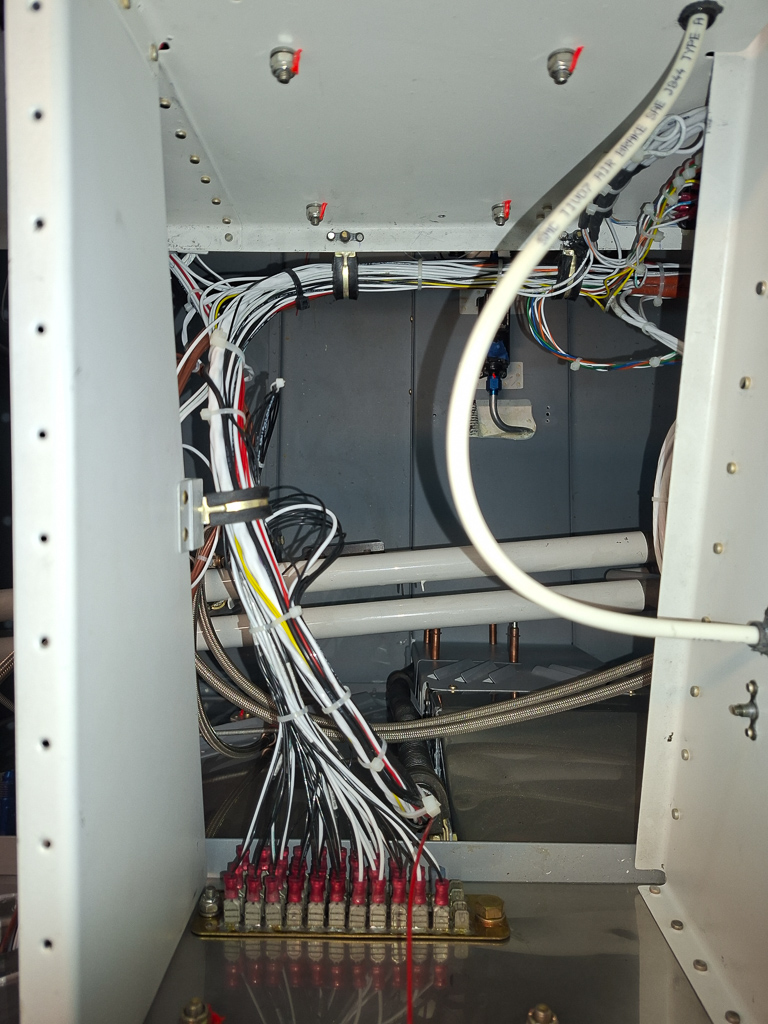
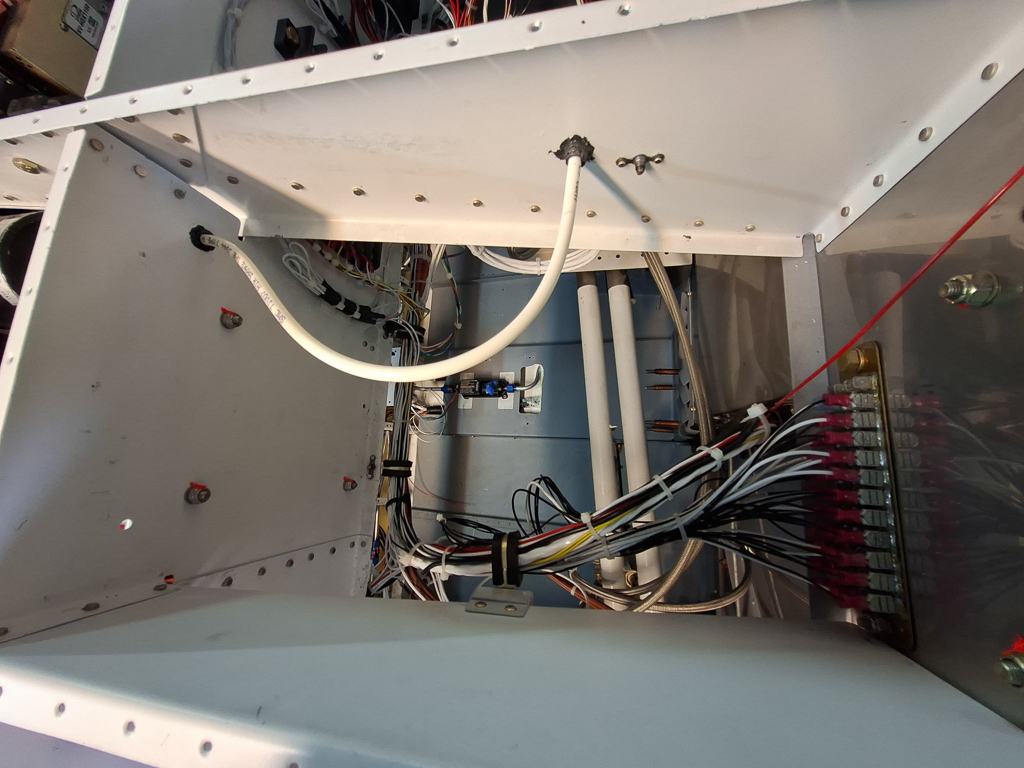
The images below will show each compartment in more detail. In general, I have 2 wire bundles running from the F704 center bulkhead. They more forward underneath the cover in the central floor through conduit tubes and move up left and right of the firewall recess. The right one has the main bundle and exits below the GND block on the firewall. The left one exits in the left forward bay and mainly carries all the light wires and the pitot tube. You can see the pitot tube in the image below as the bended tube passing through the rib and then through the sub panel into the analog HSI.
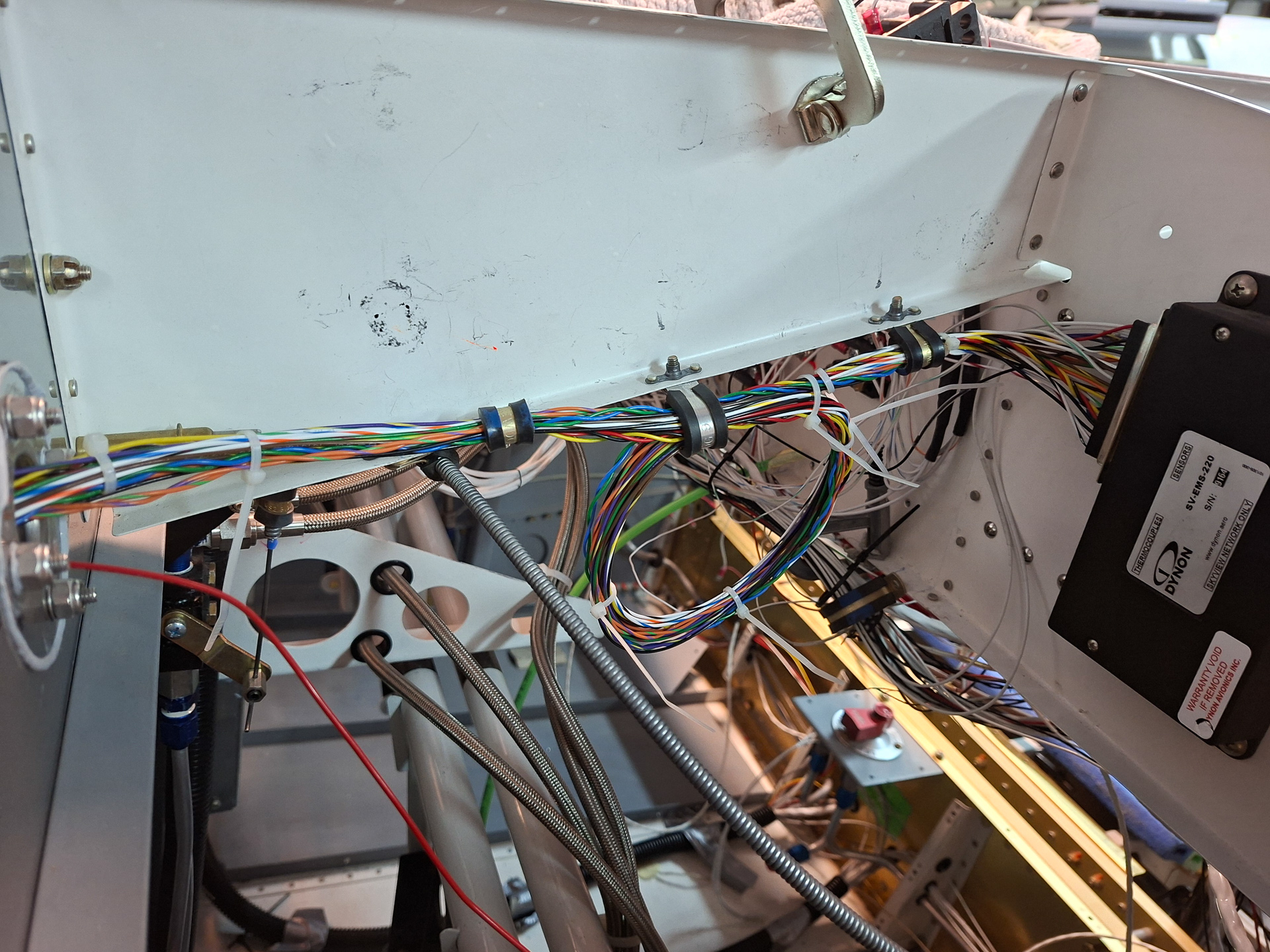
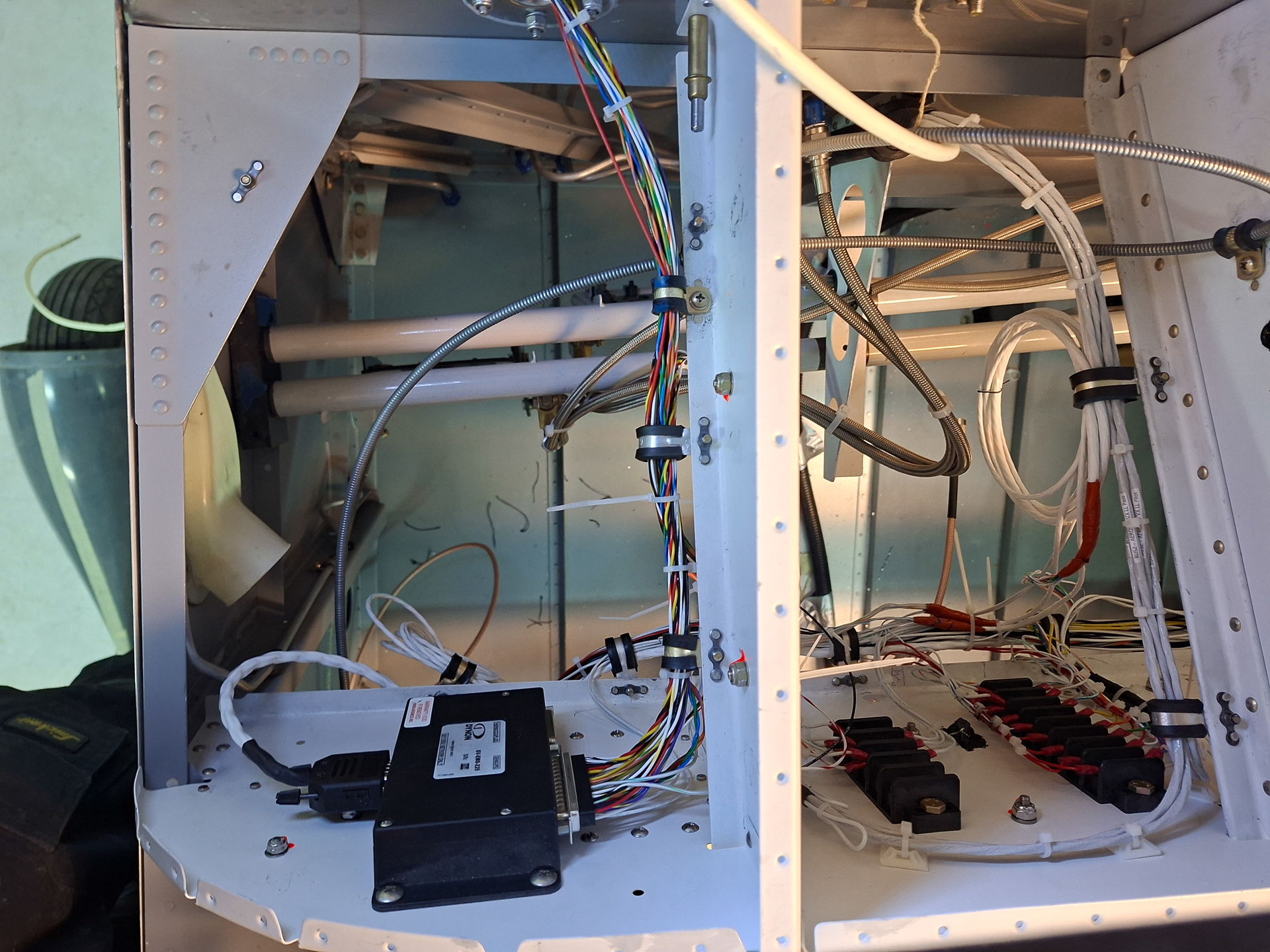
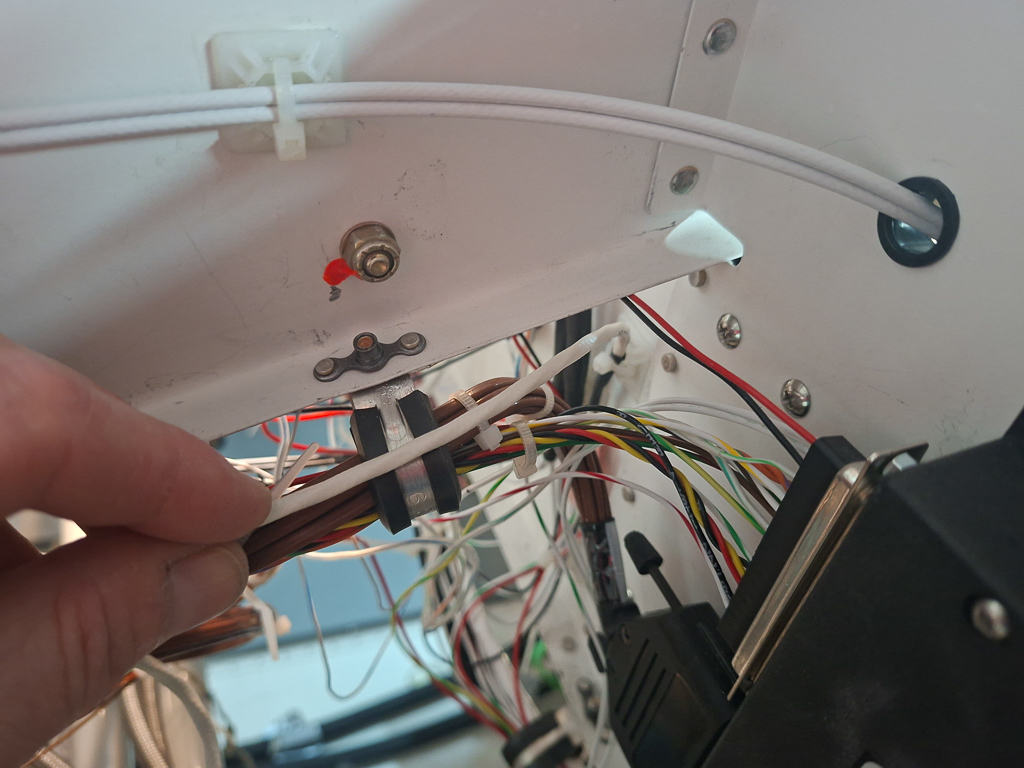
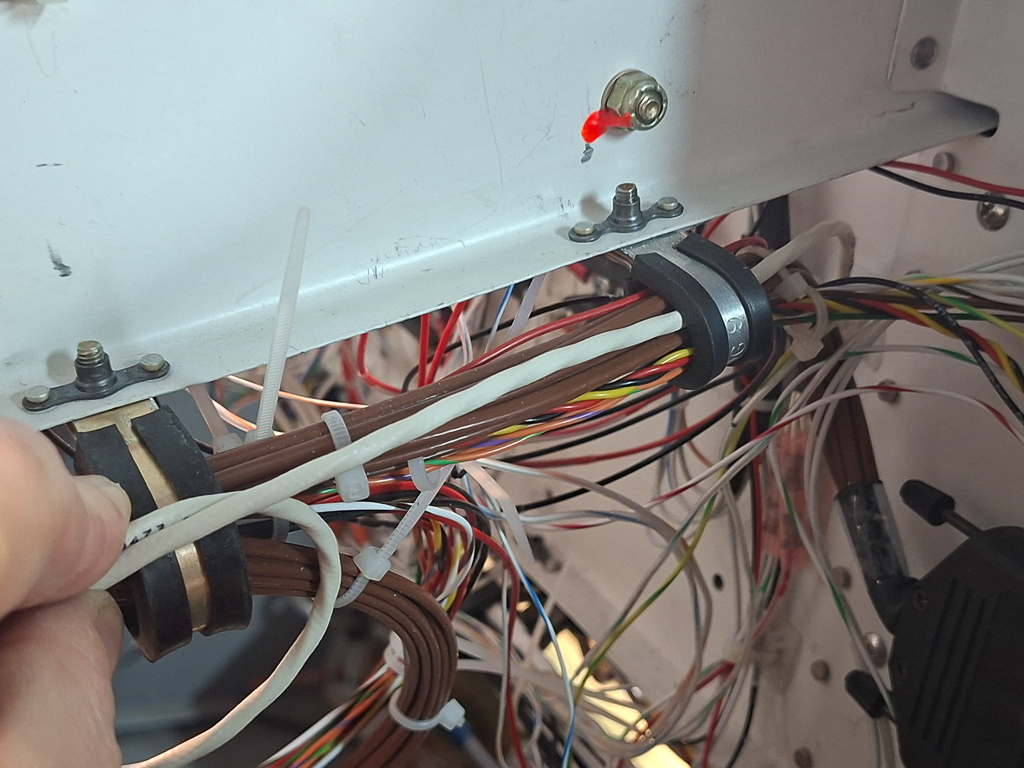
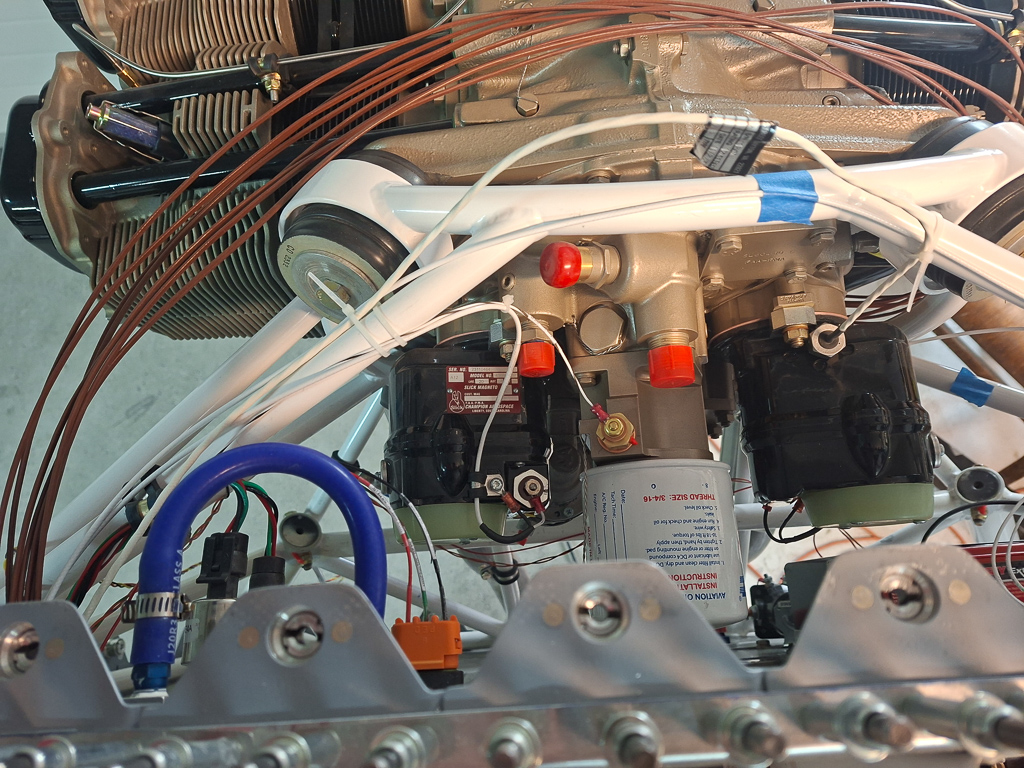
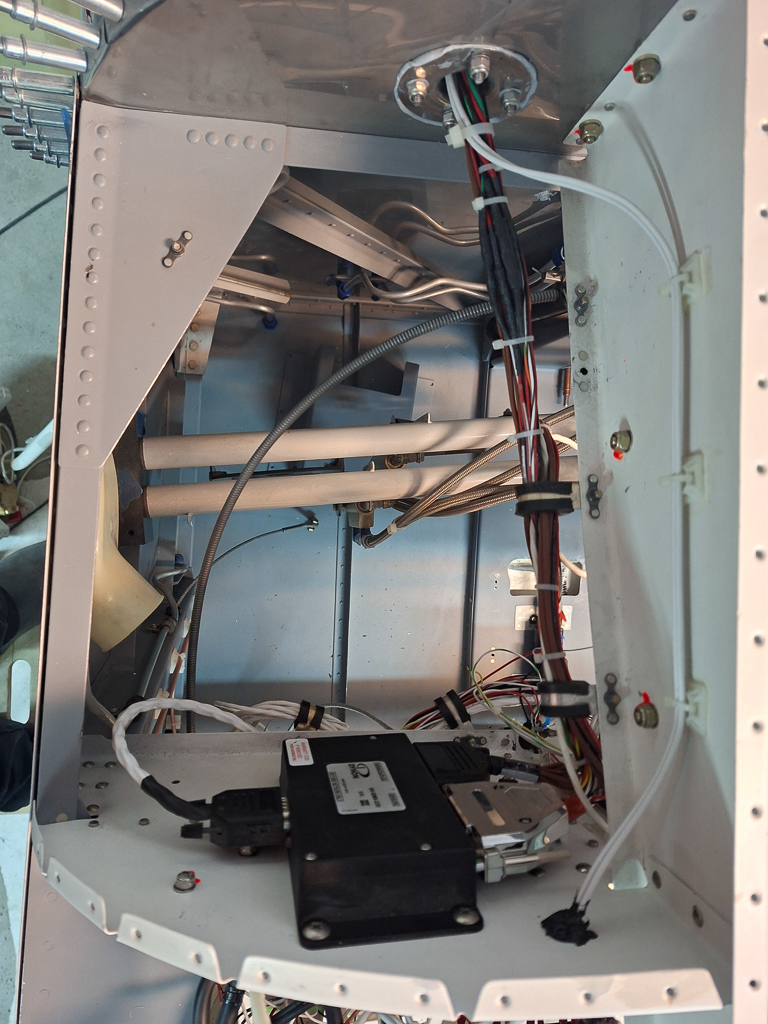
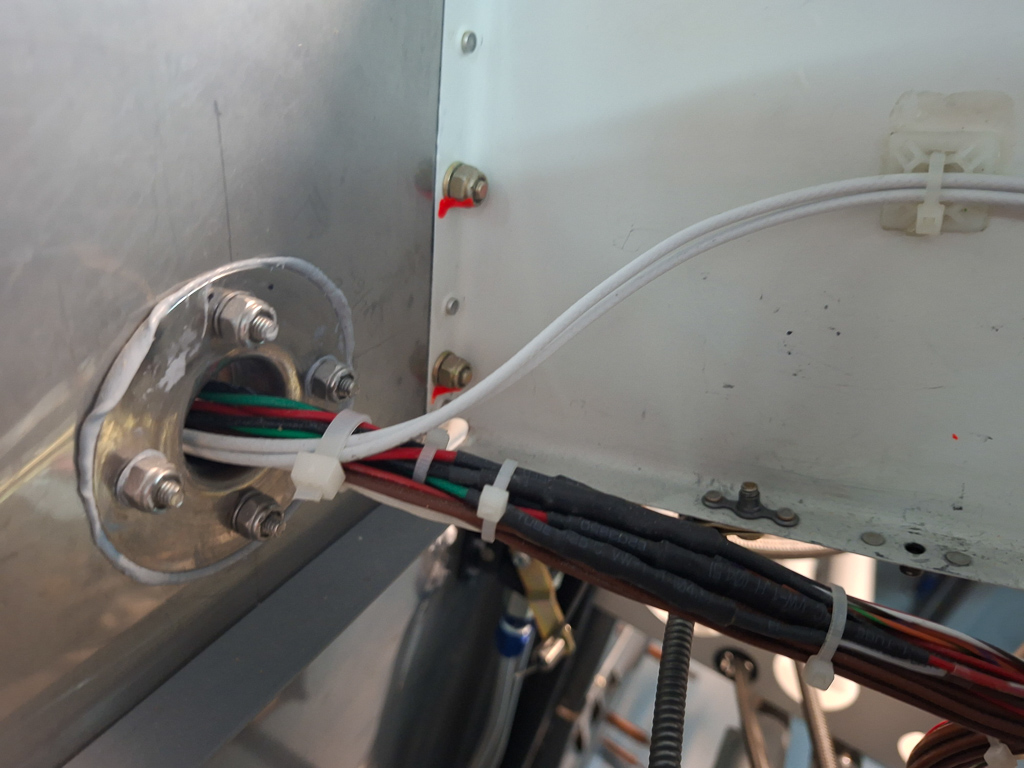
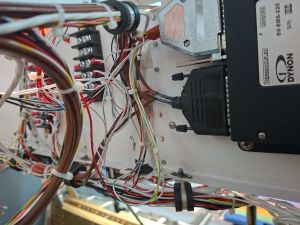
Let's go through the different bays one by one. Here is an image of the left forward bay on the pilot side. There is a safeair firewall passthrough here. On the subpanel, I have mounted the Dynon SV-EMS-220 engine monitoring module. Almost all sensor wires (except for CHT and EGT toward the right) run through the adel clamps and through the firewall passthrough. The 2 white wires that run a bit higher and separated from the sensor bundle are the magneto P-leads.
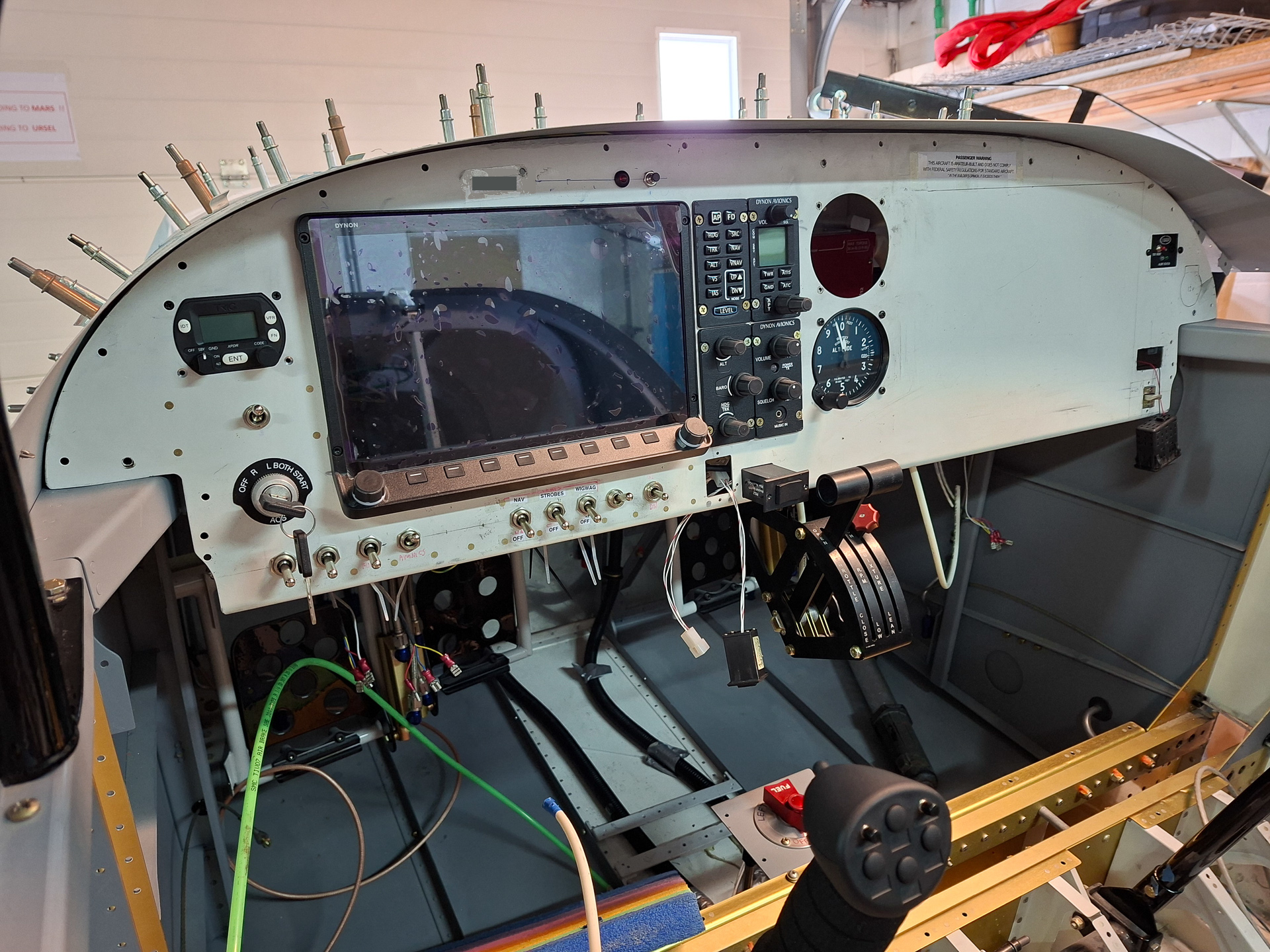
You can also spot the push-pull cable running from the side of the instrument panel forward towards the parking brake.
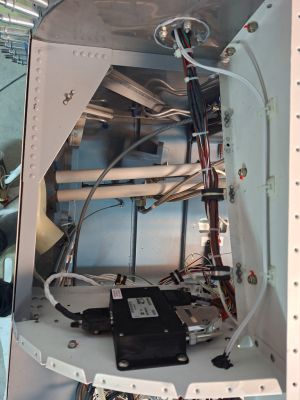
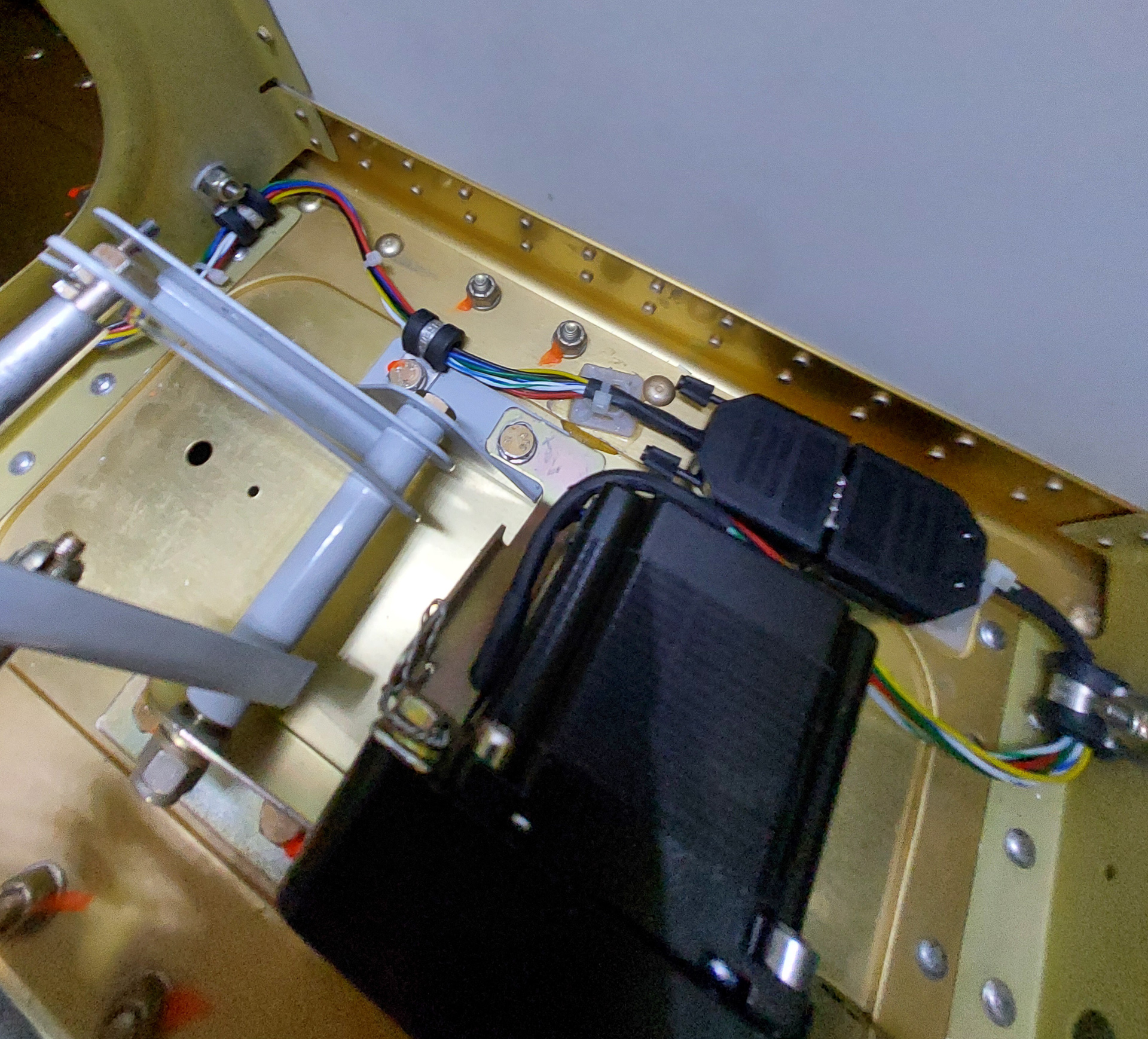
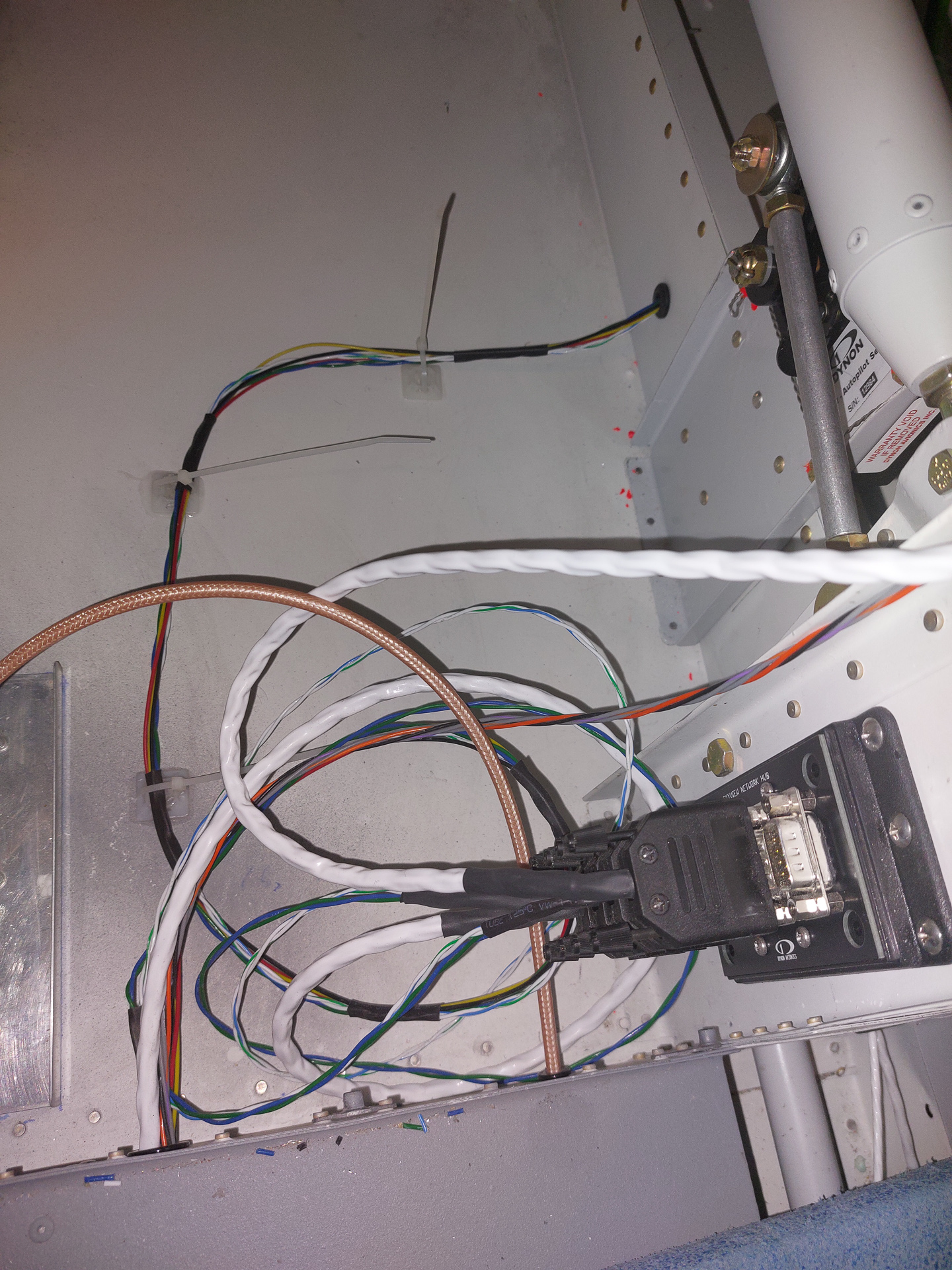
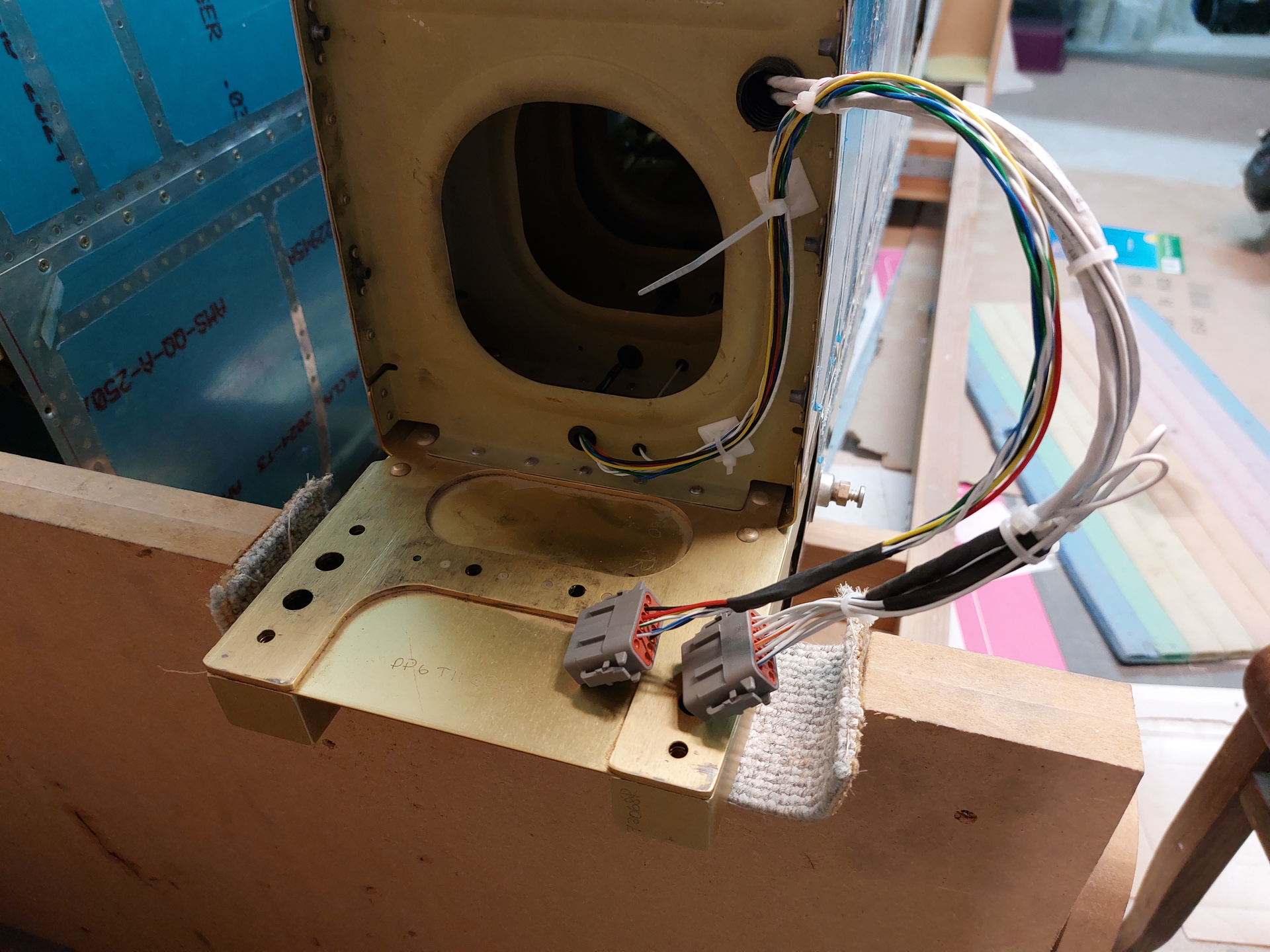
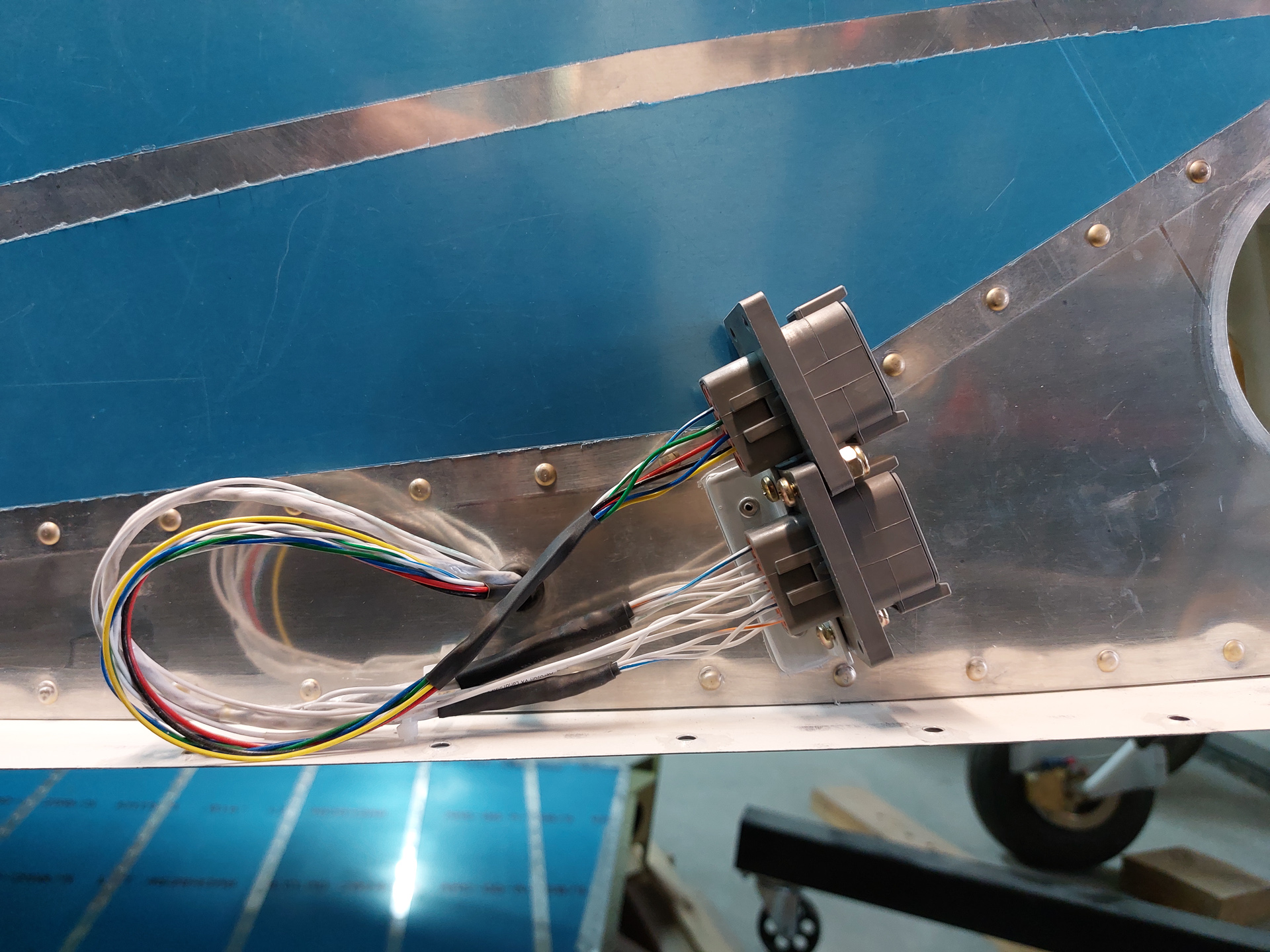
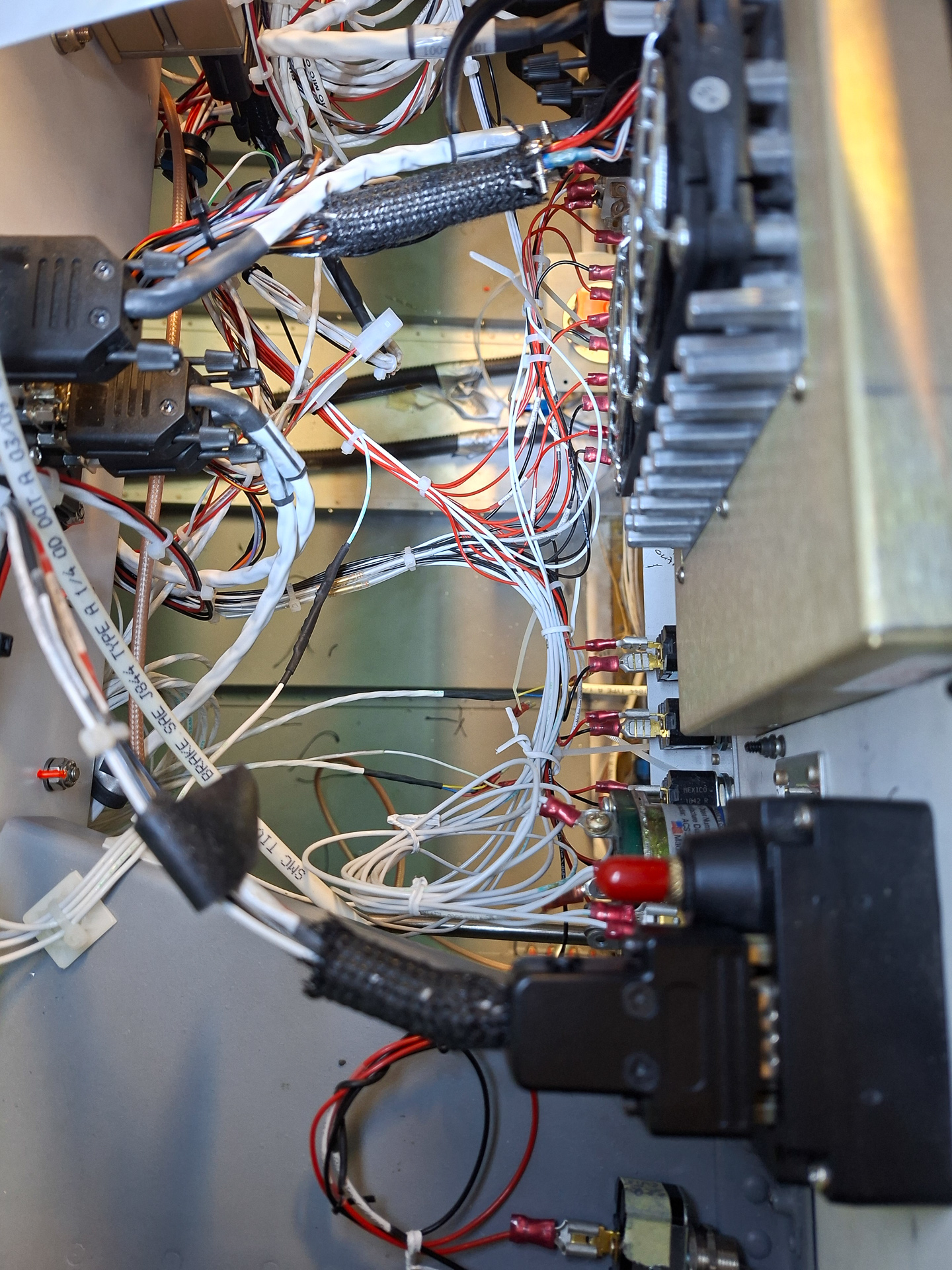
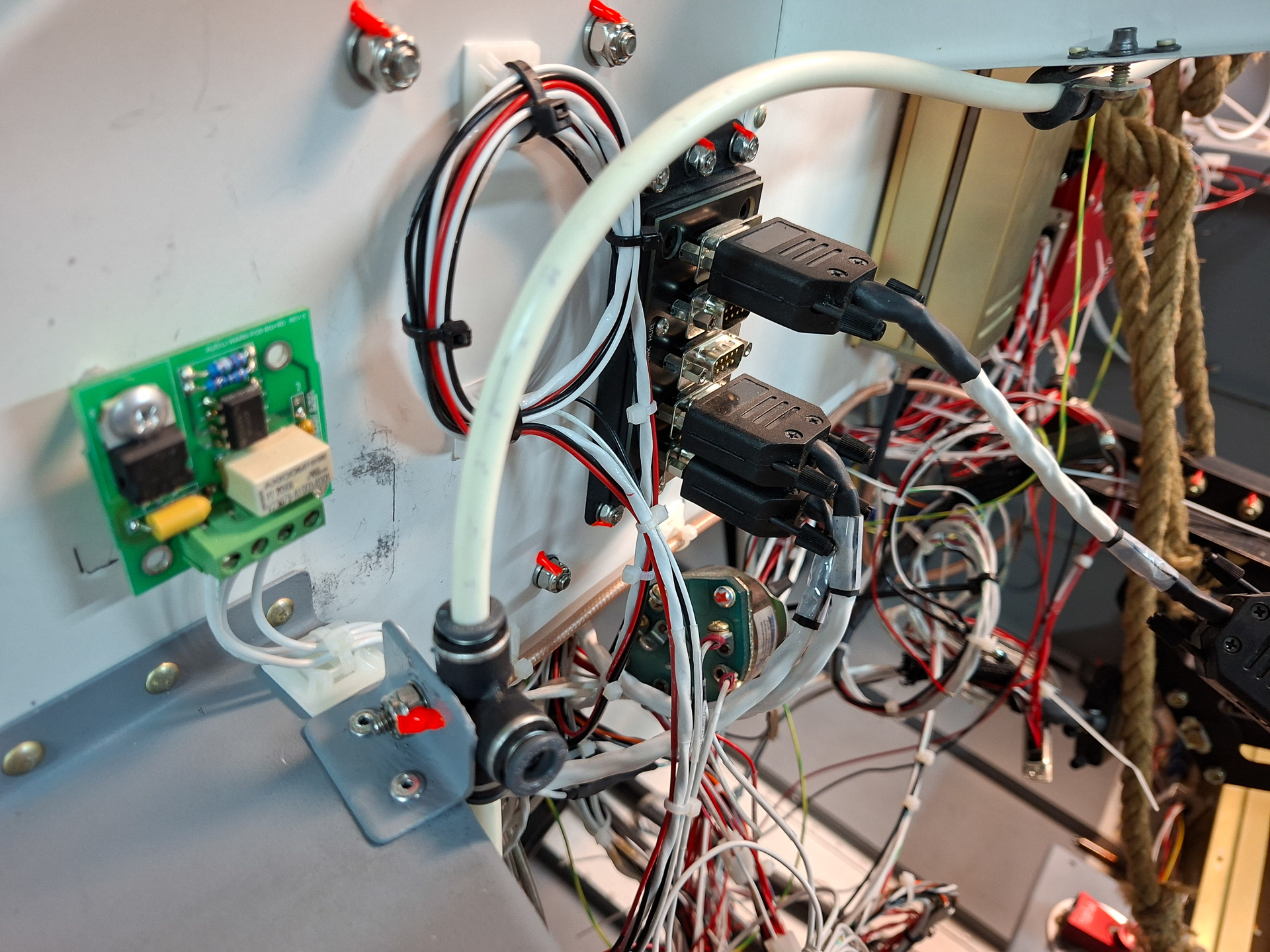
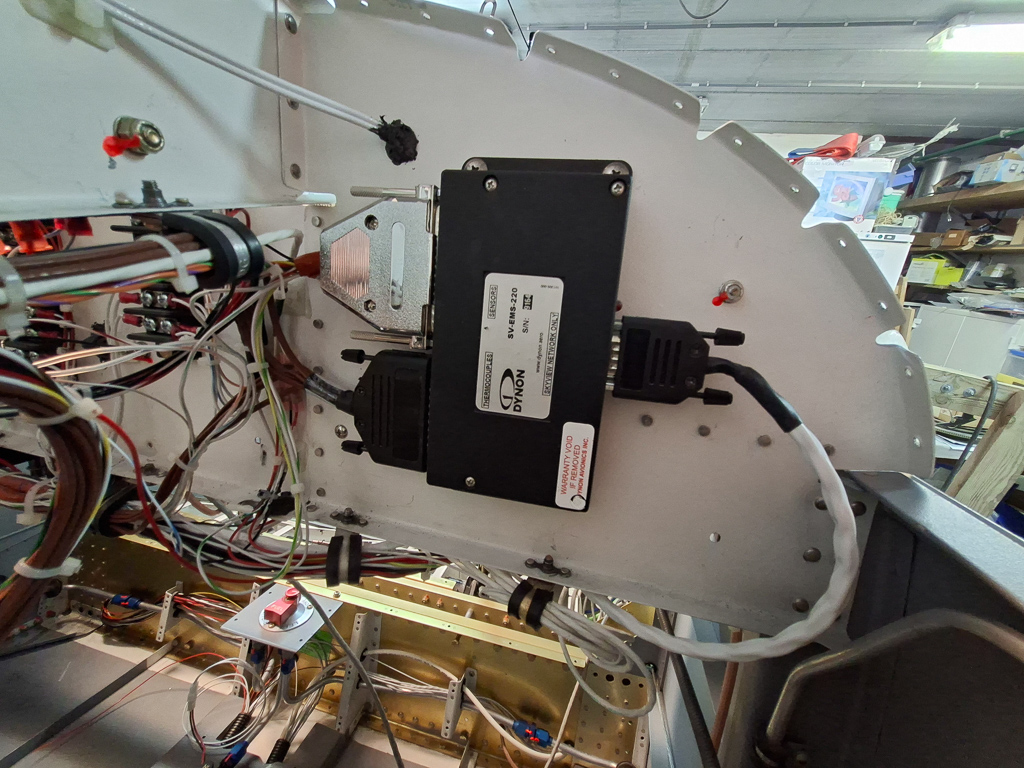
Here is an image taken in the other direction facing the engine monitoring module. The skyview network cable runs underneath the panel to a network hub on the other side of the panel. The two connectors have the wires mainly running forward. You can see some brown cables from the bottom connector moving to the other side of the fuselage towards the right side firewall penetration point. It made more sense having the EGT and CHT cables coming out on the correct side rather than routing it through the forest behind the engine. There is a main wire bundle running on the bottom of the sub panel from right to left. You see this bundle passing underneath the sub panel on the bottom left side of this image (supported by adel clamps all the way through. The adel on the right bundles the intercom wires for microphone and headset with some service loops towards the side of the panel.
The art in doing al the wiring is to hide all the wires from the pilot and passengers view.
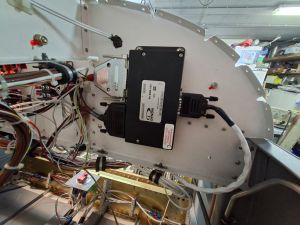
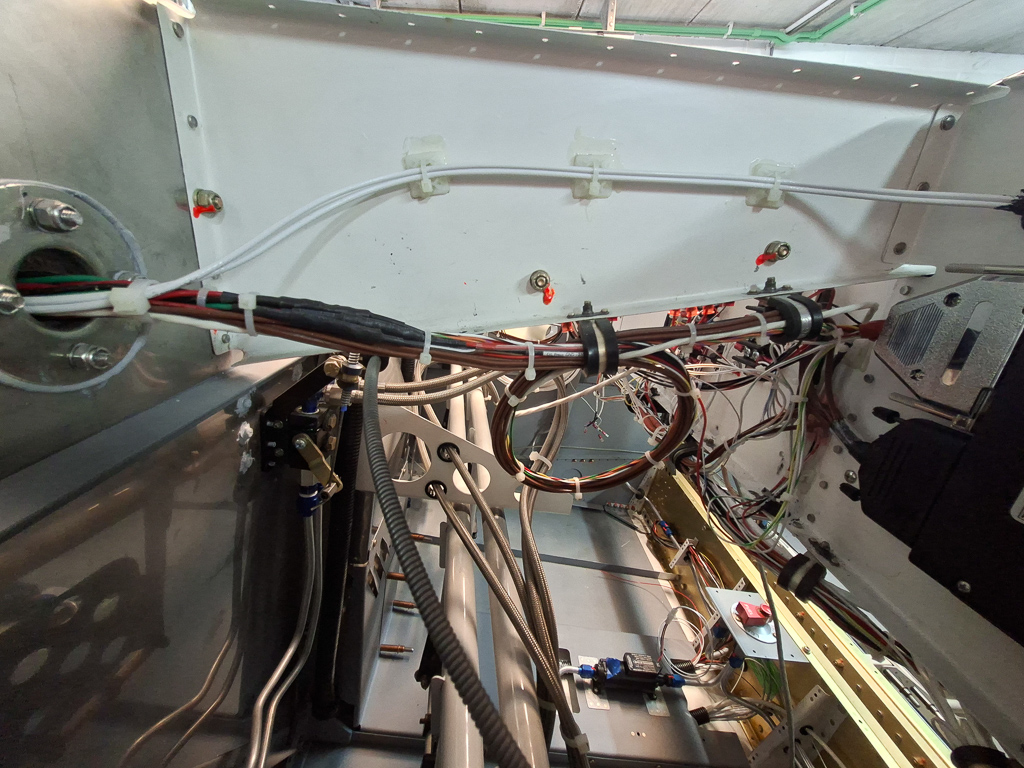
Picture taken in the same bay outside in. I have a service loop on the sensor wires on the central adel clamp on the fuselage panel rib.
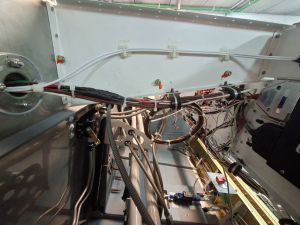
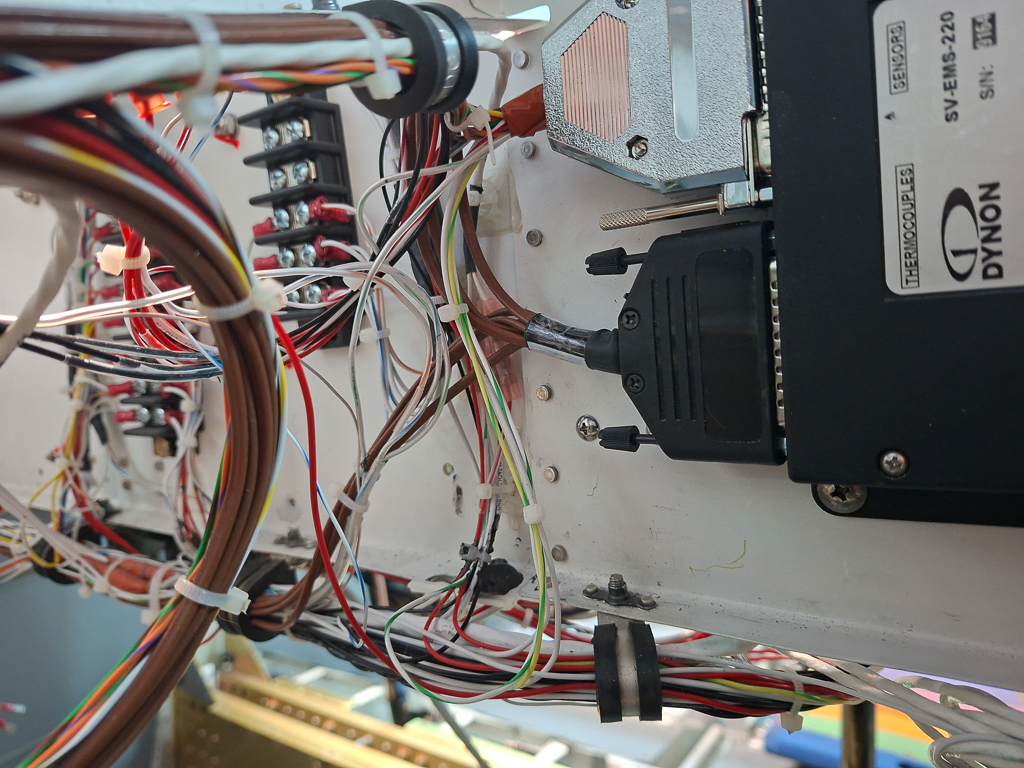
a close up view on the Dynon ems and routing of the wires towards the main wiring bundle.
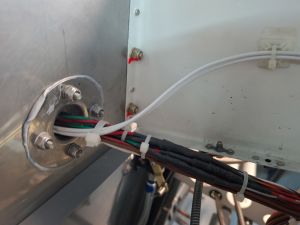
Firewall passthrough sealed with 3M fire barrier 2000.
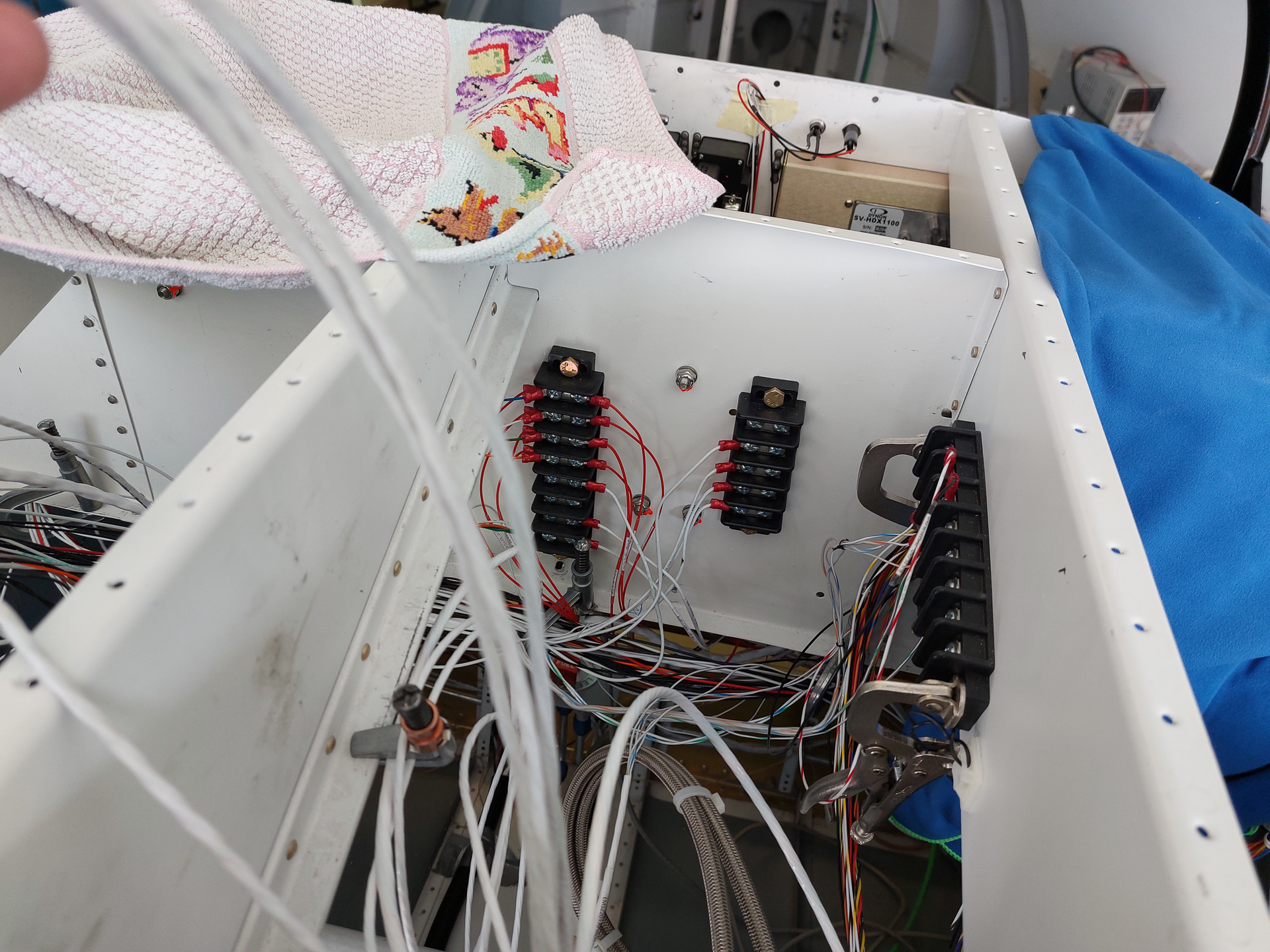
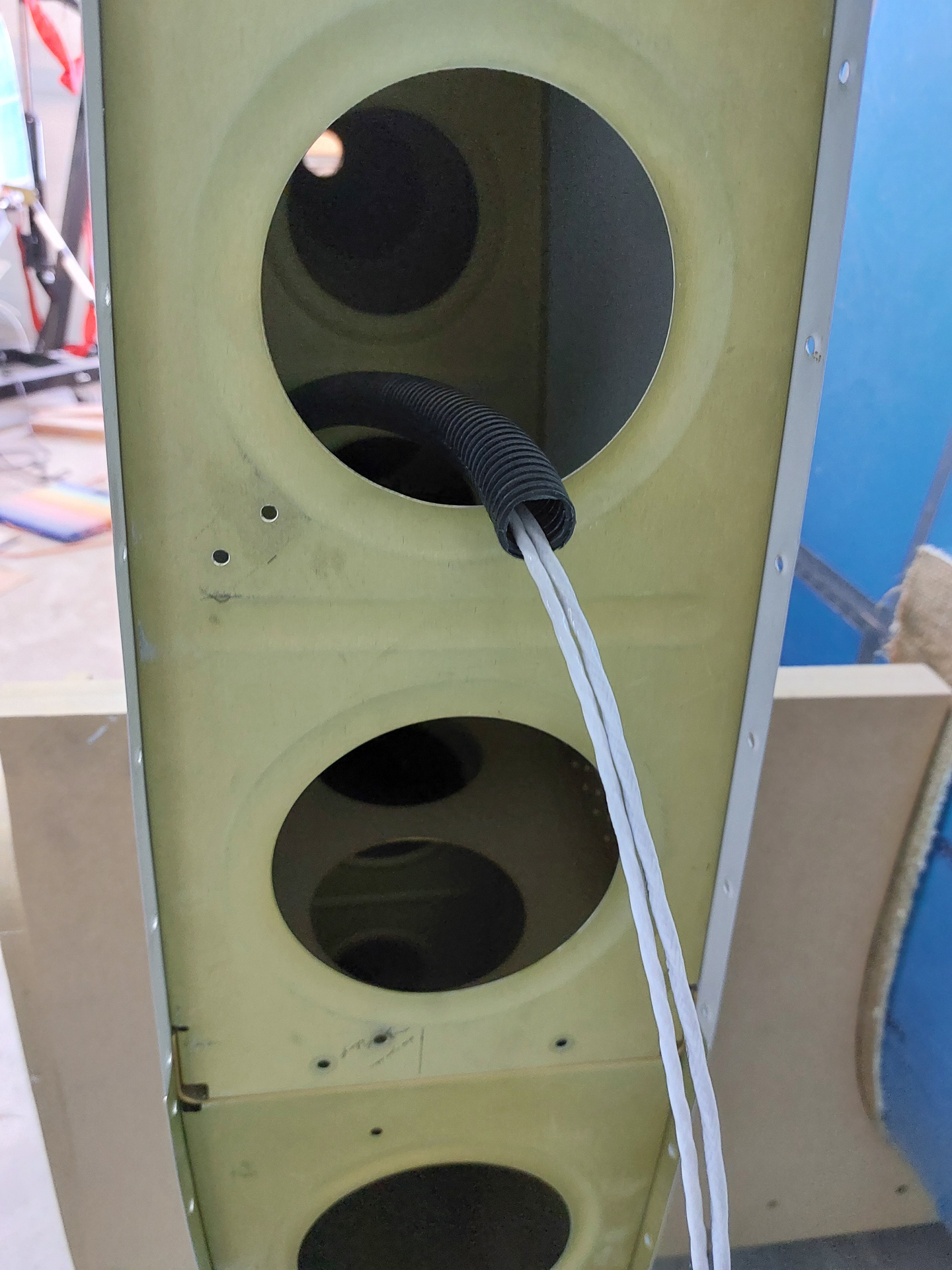
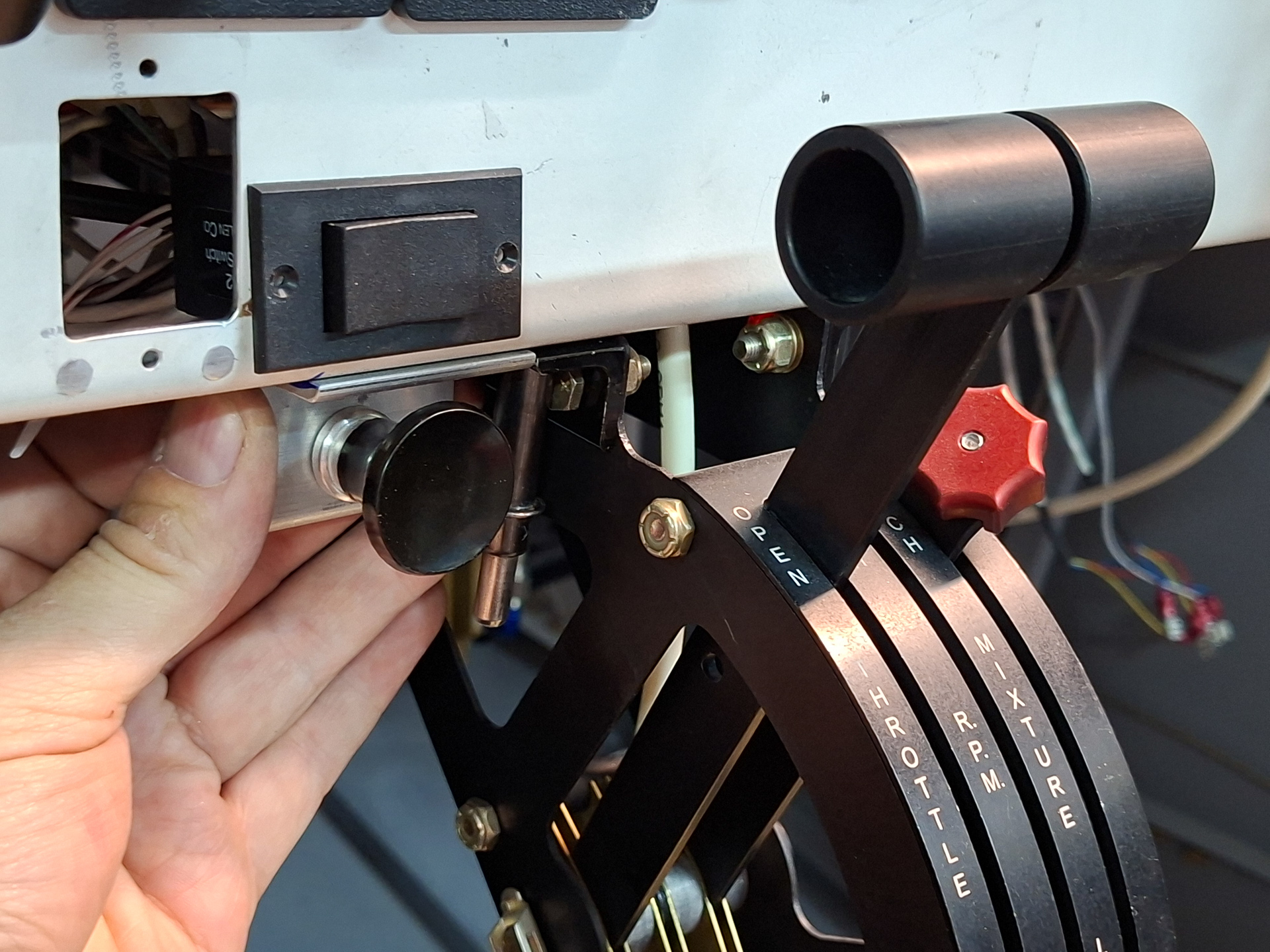
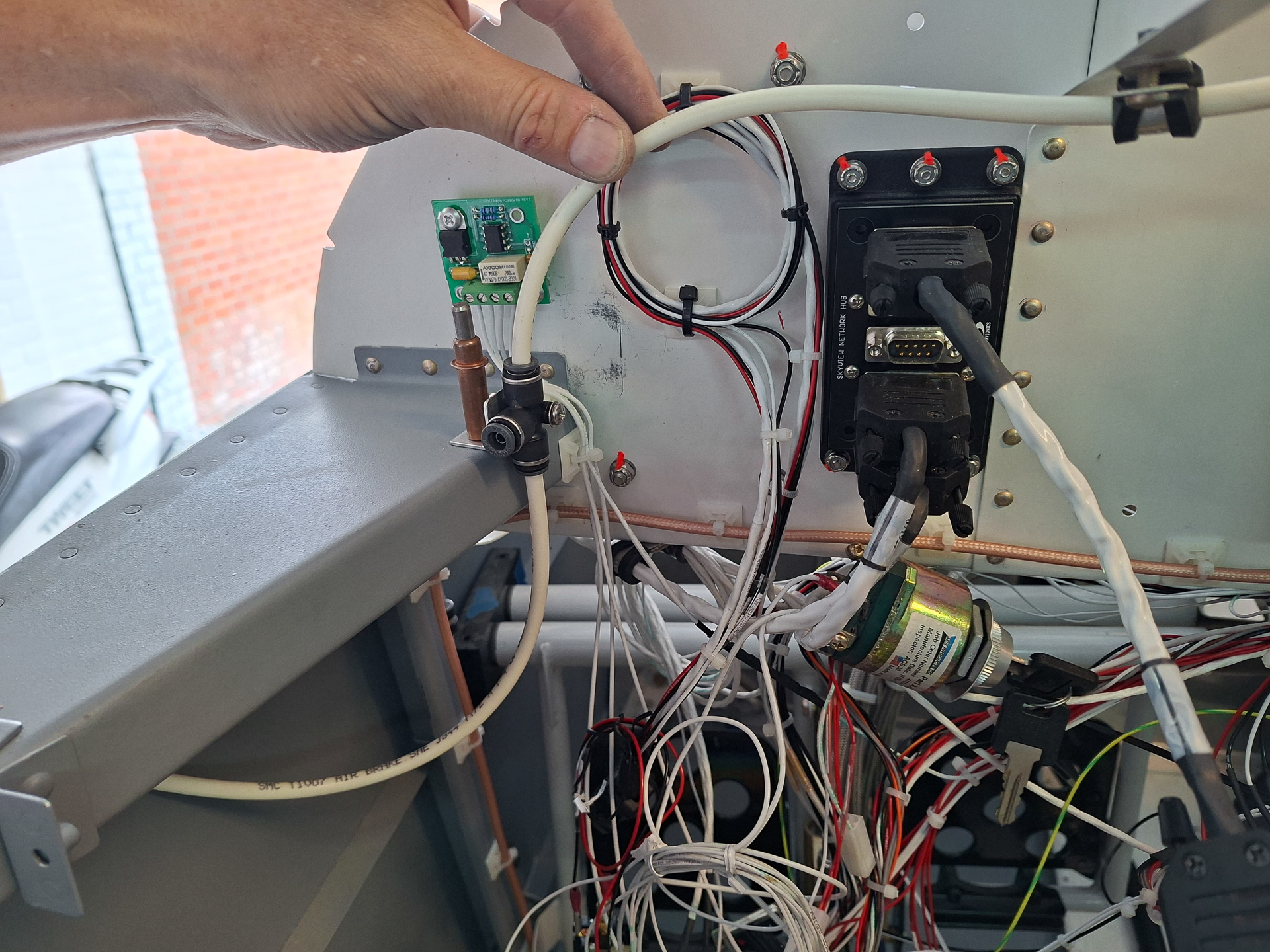
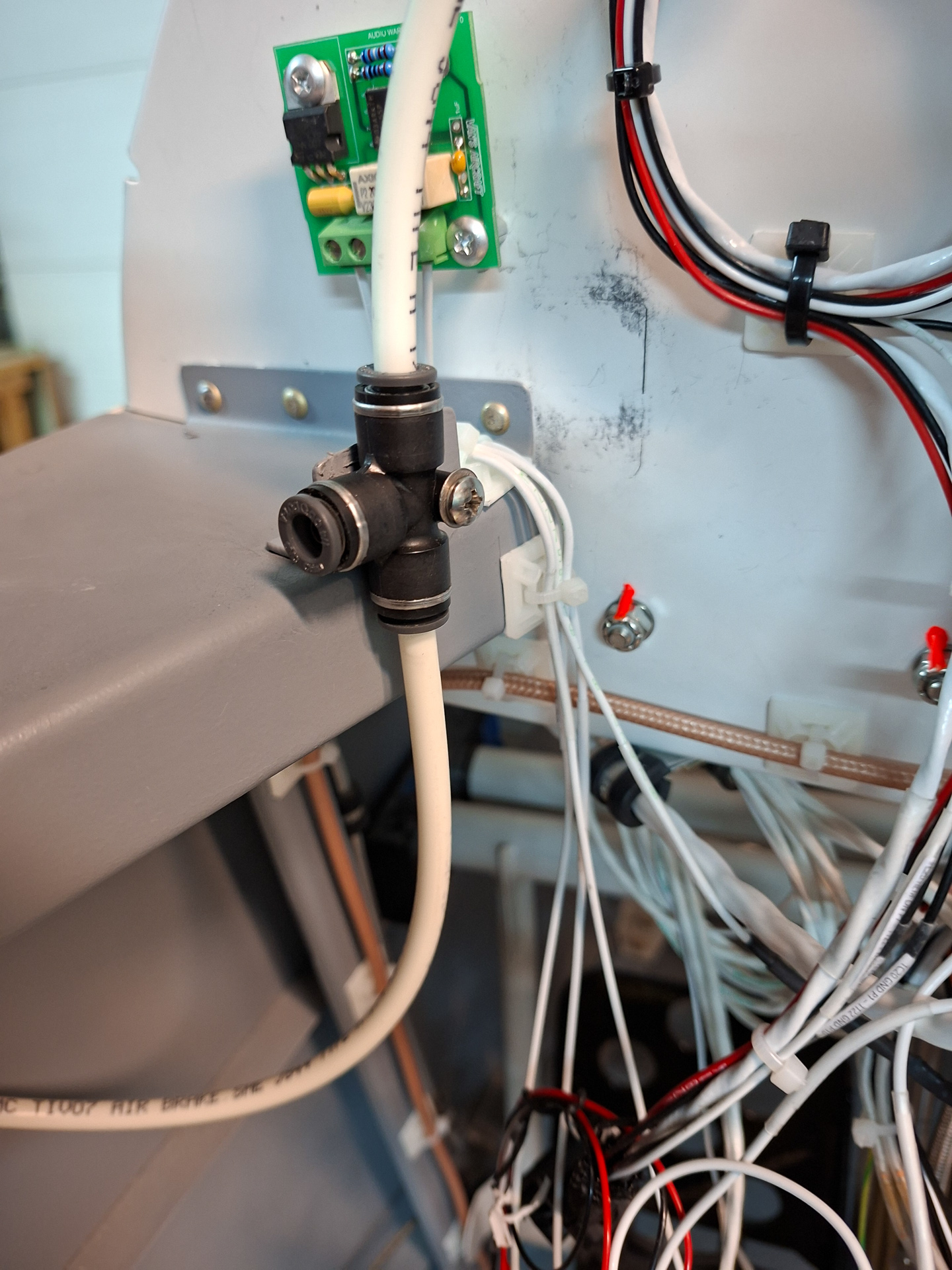
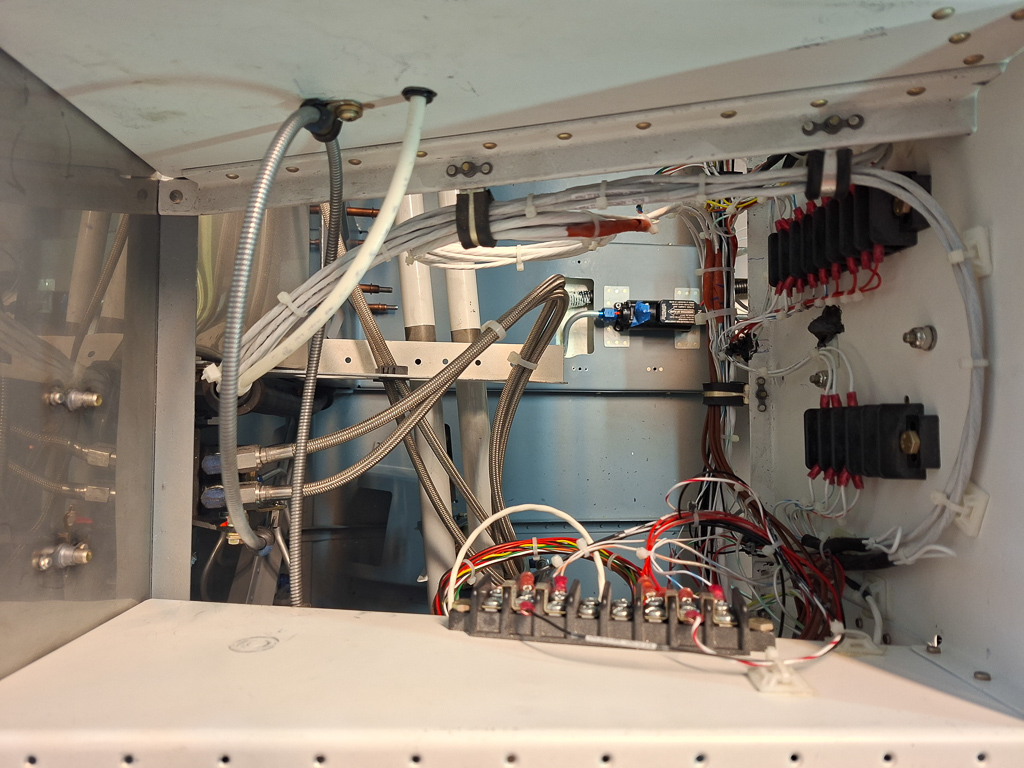
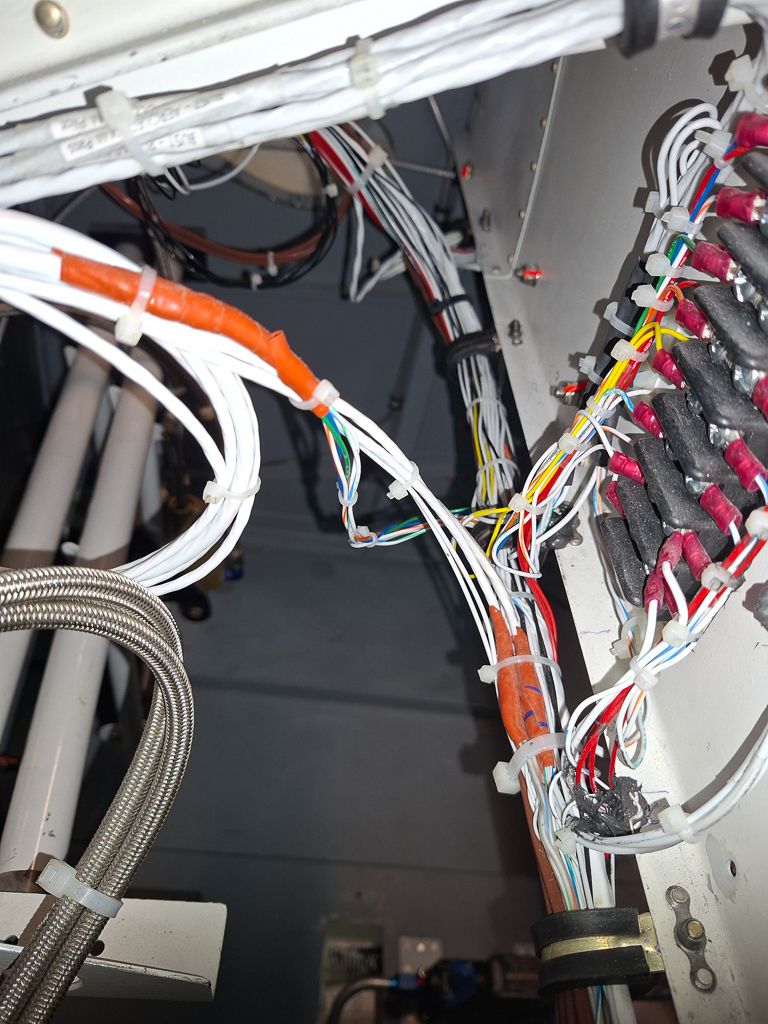
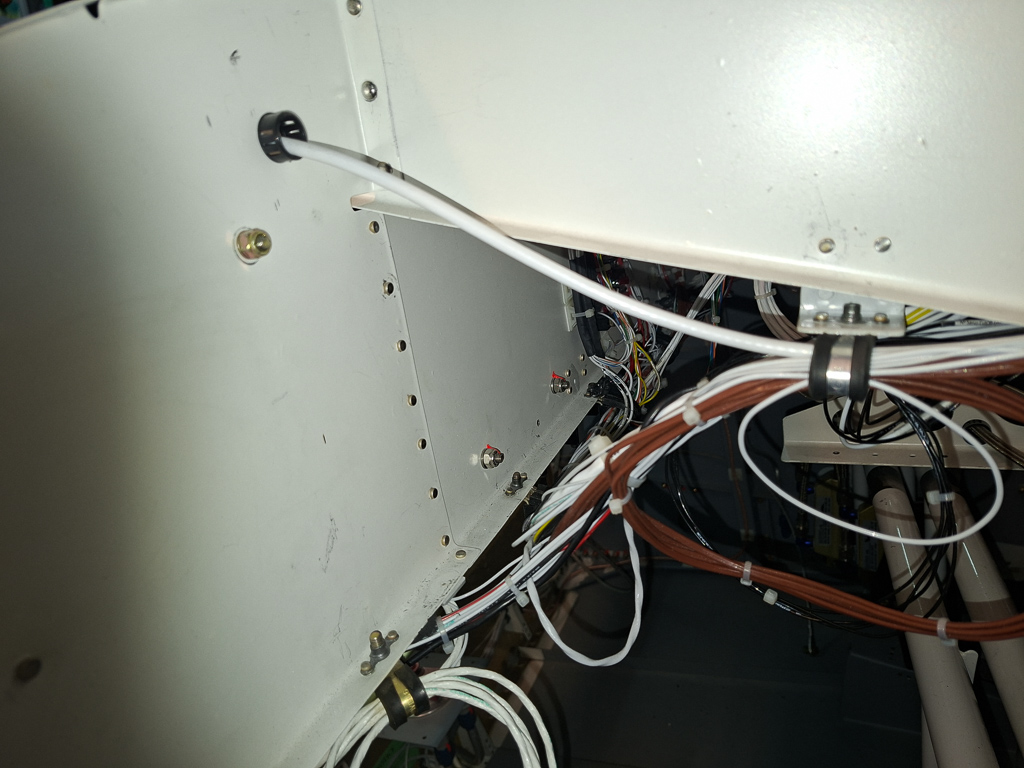
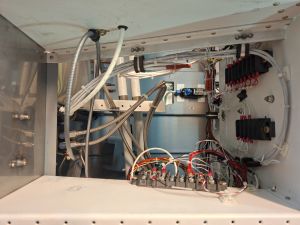
Let 's move on to the next bay on the left side of the firewall recess. You can see the push pull knob cable for the parking brake continuing it's way underneath the rib and making 270 degree loop to end on top of the parking brake lever. The pitot line (white tube top left) exits the left side conduit and continues through the middle rib through a bushing with some RTV.
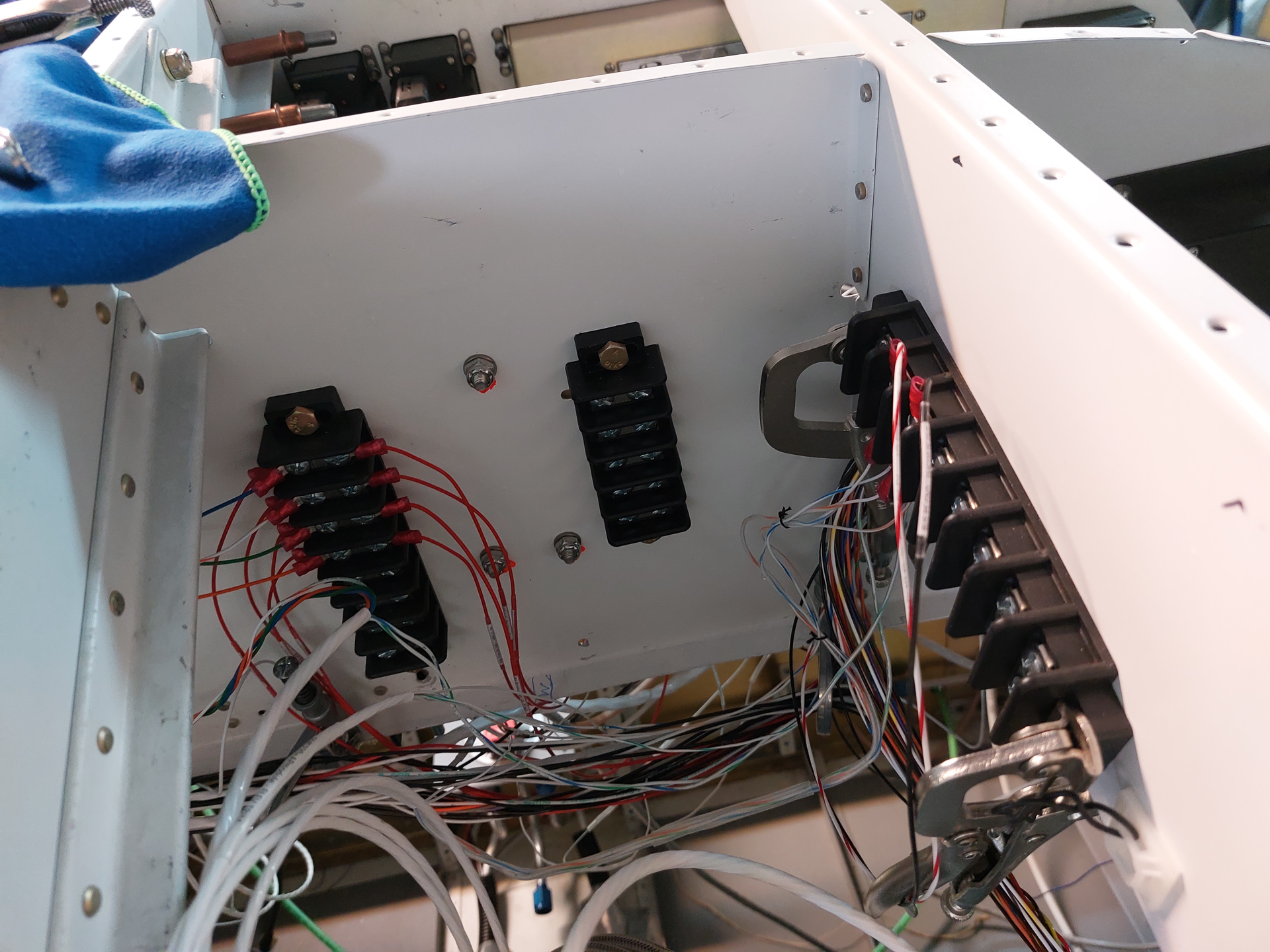
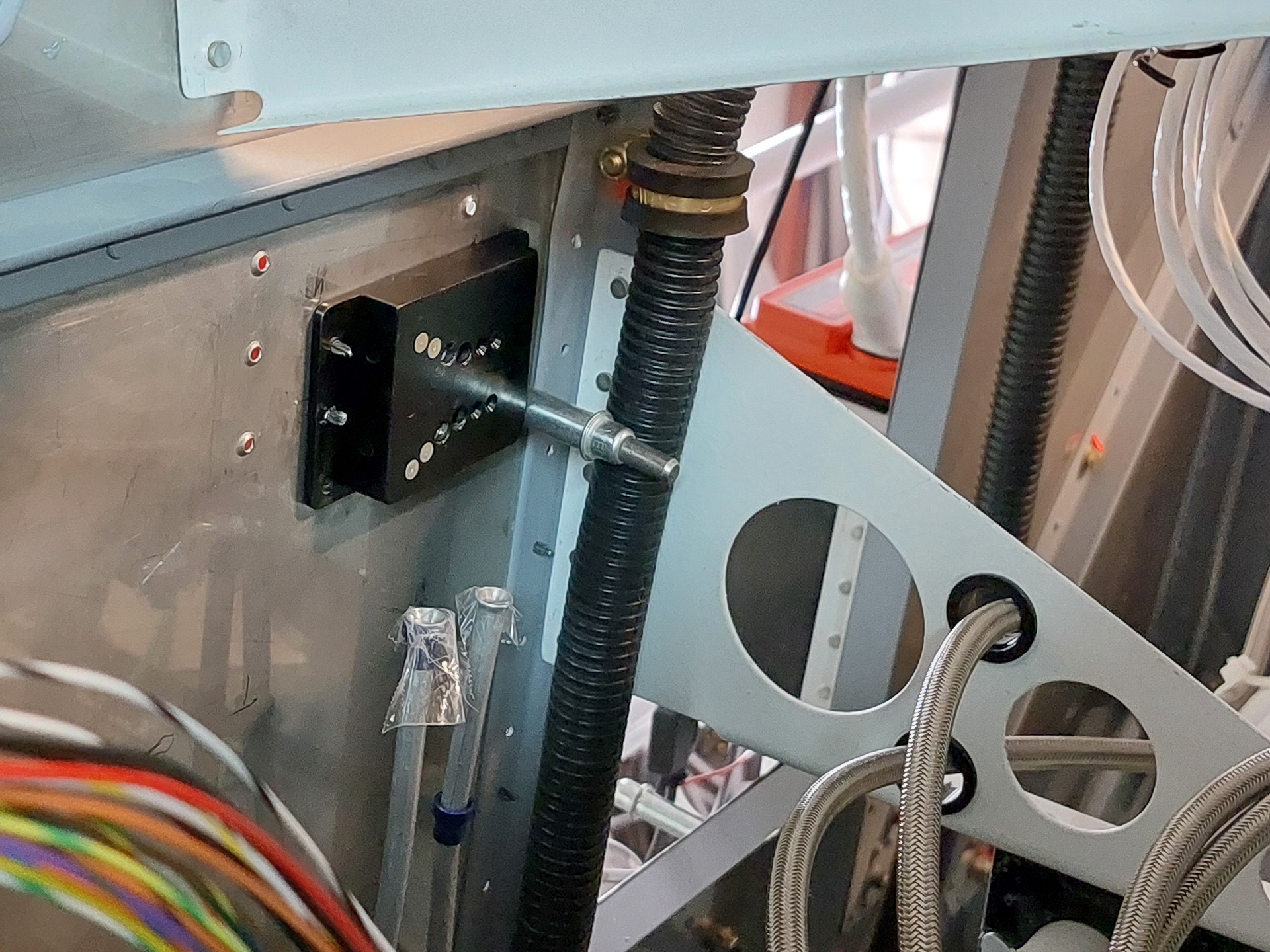
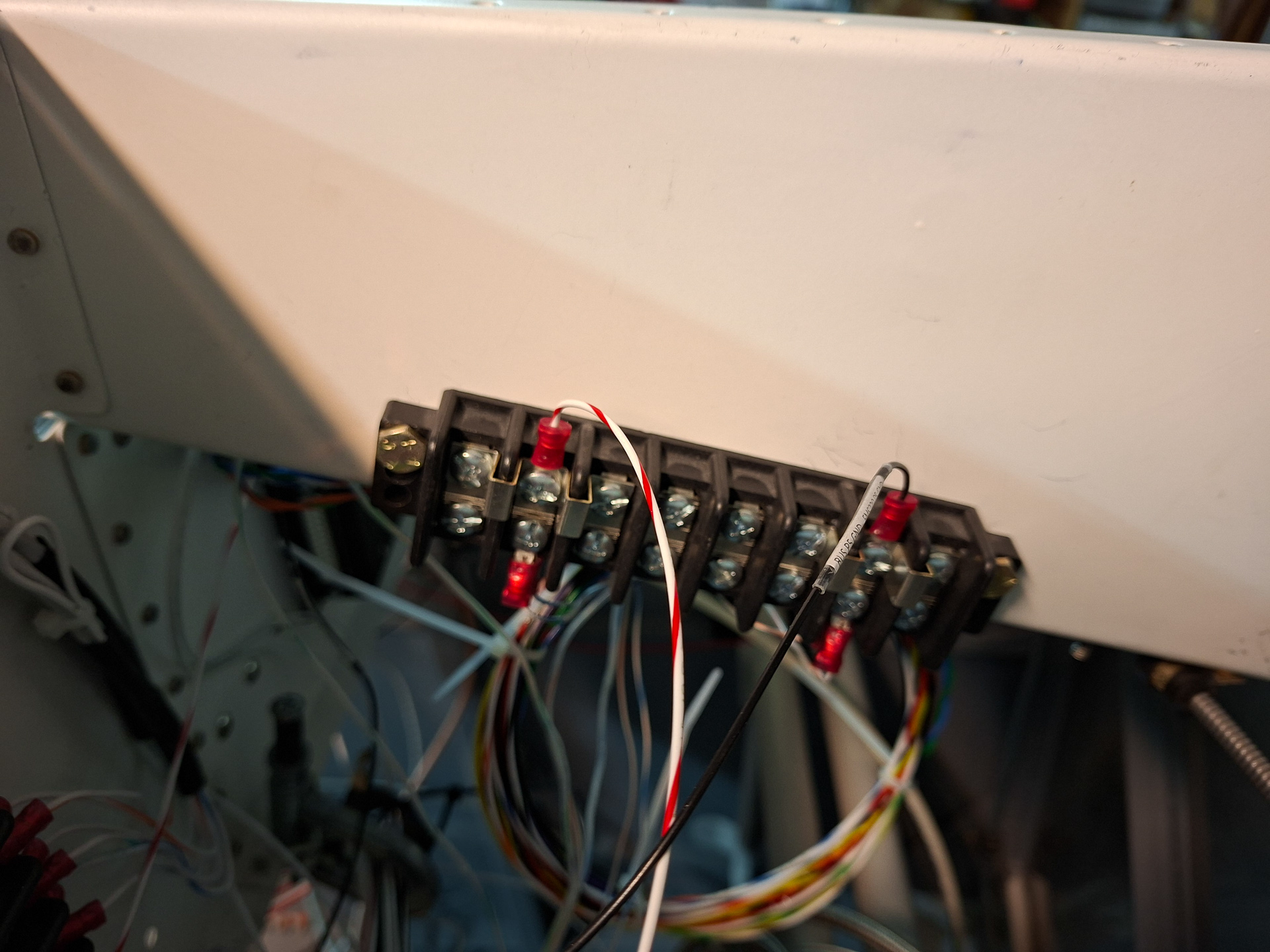
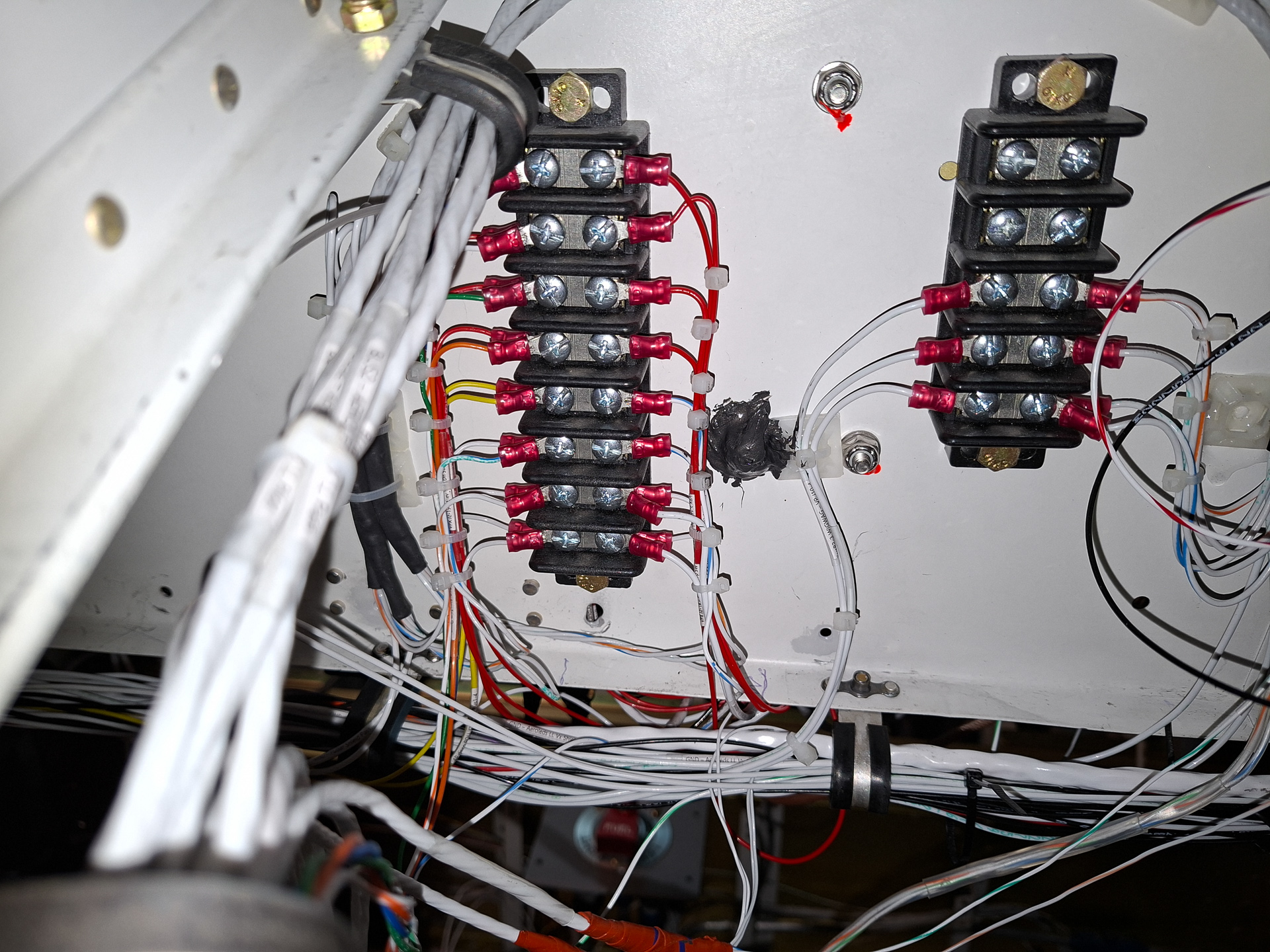
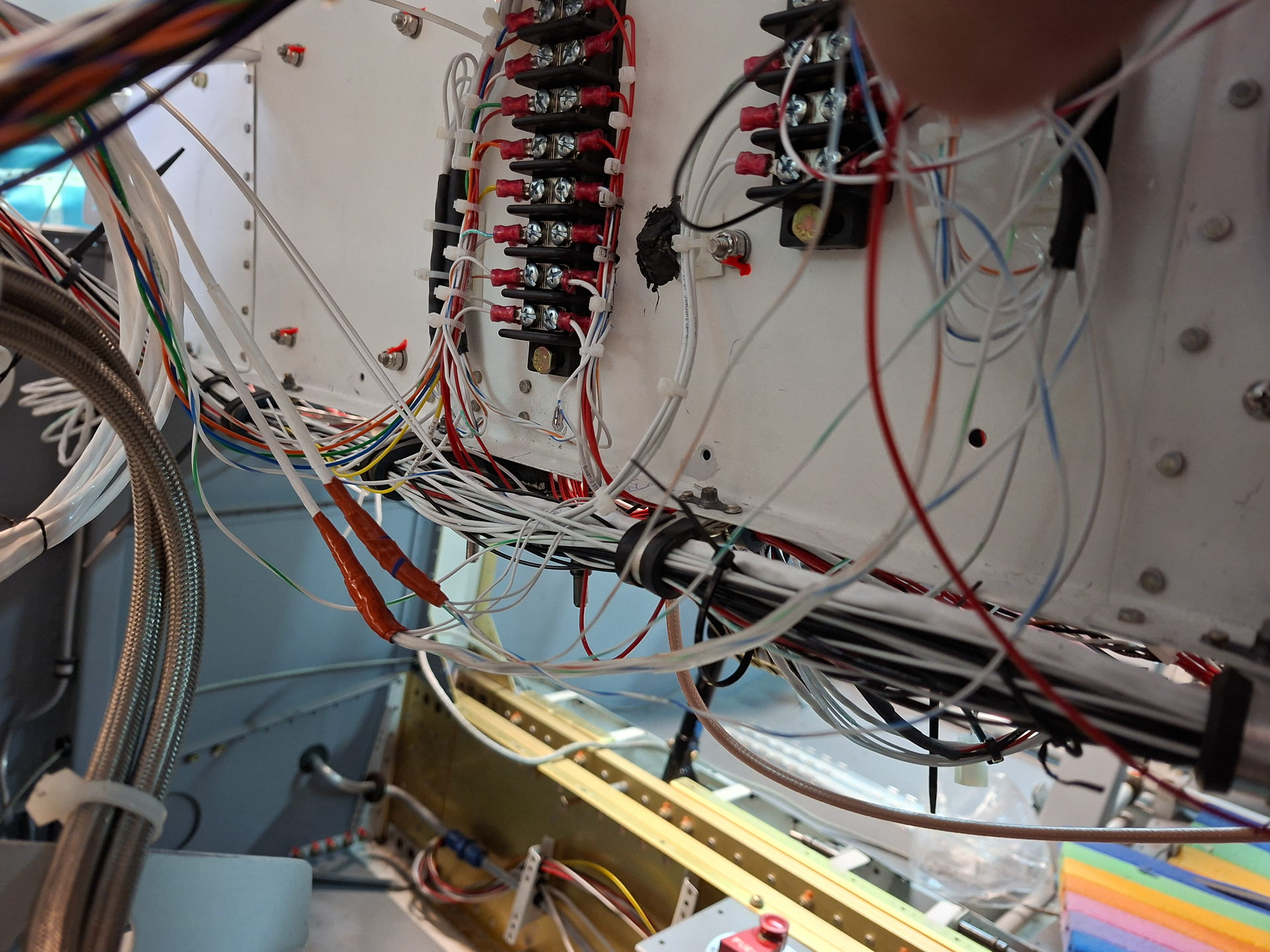
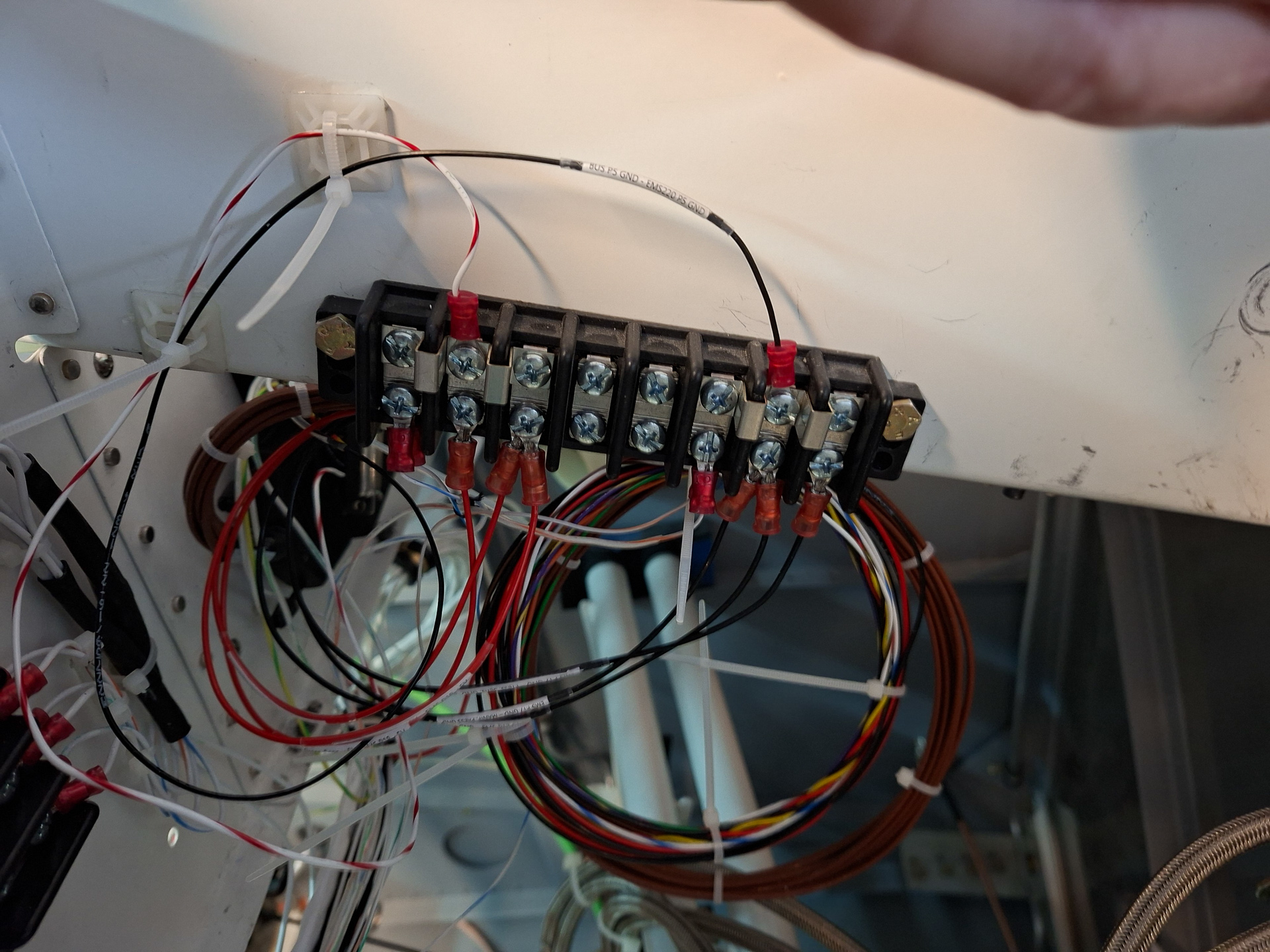
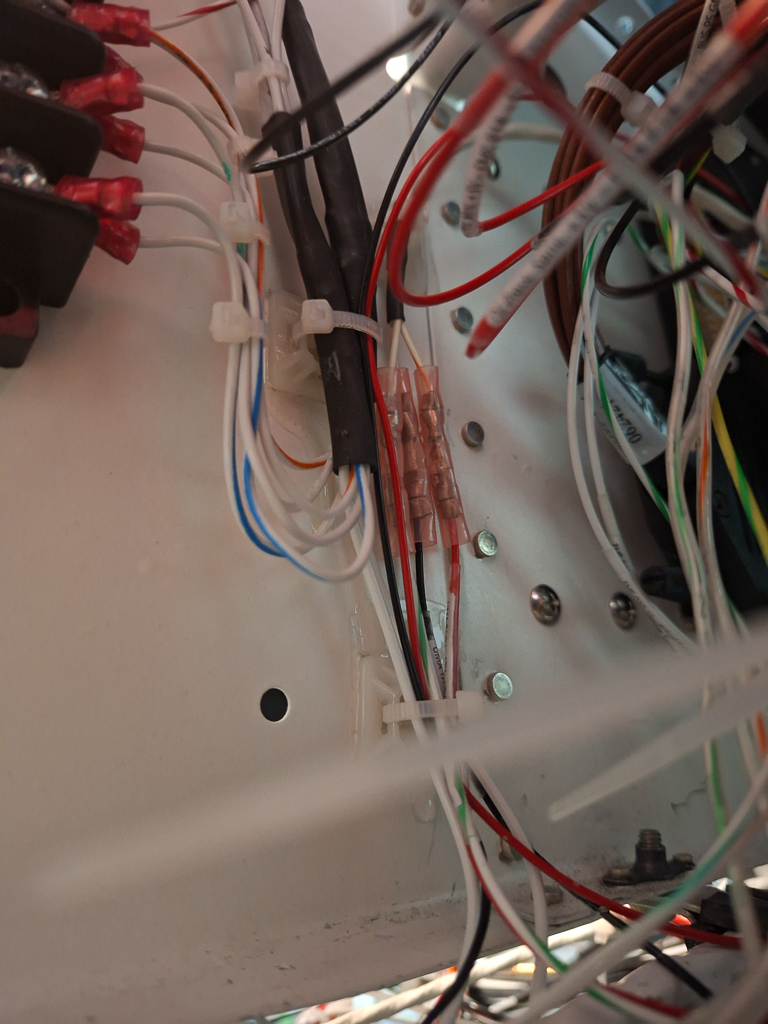
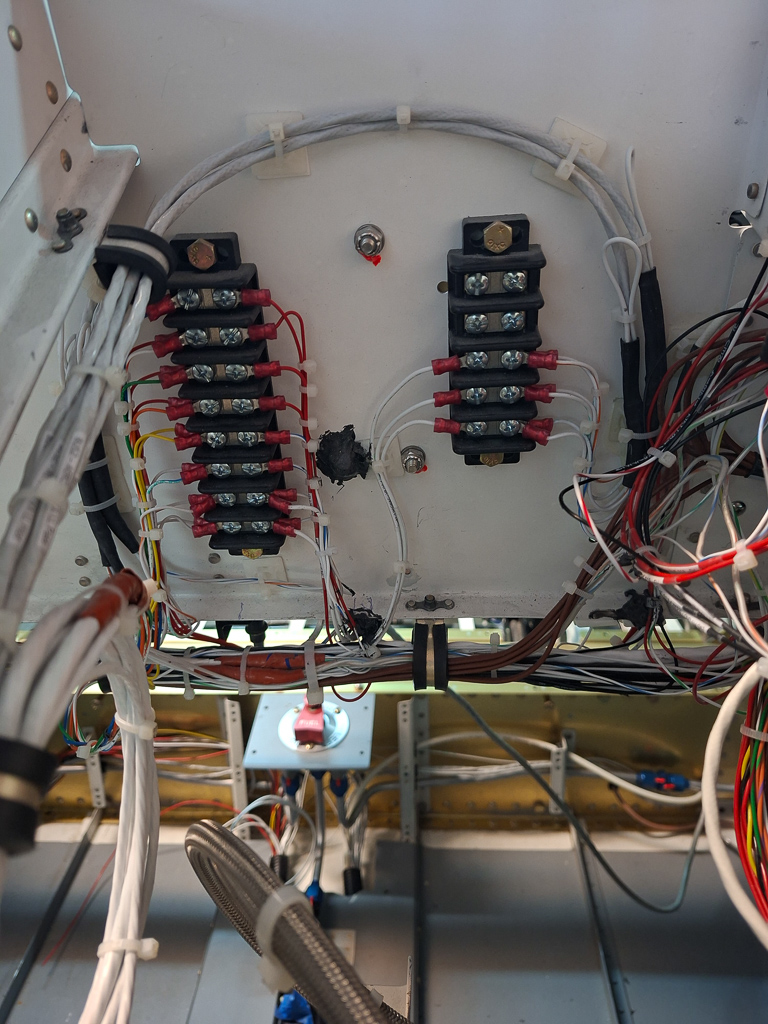
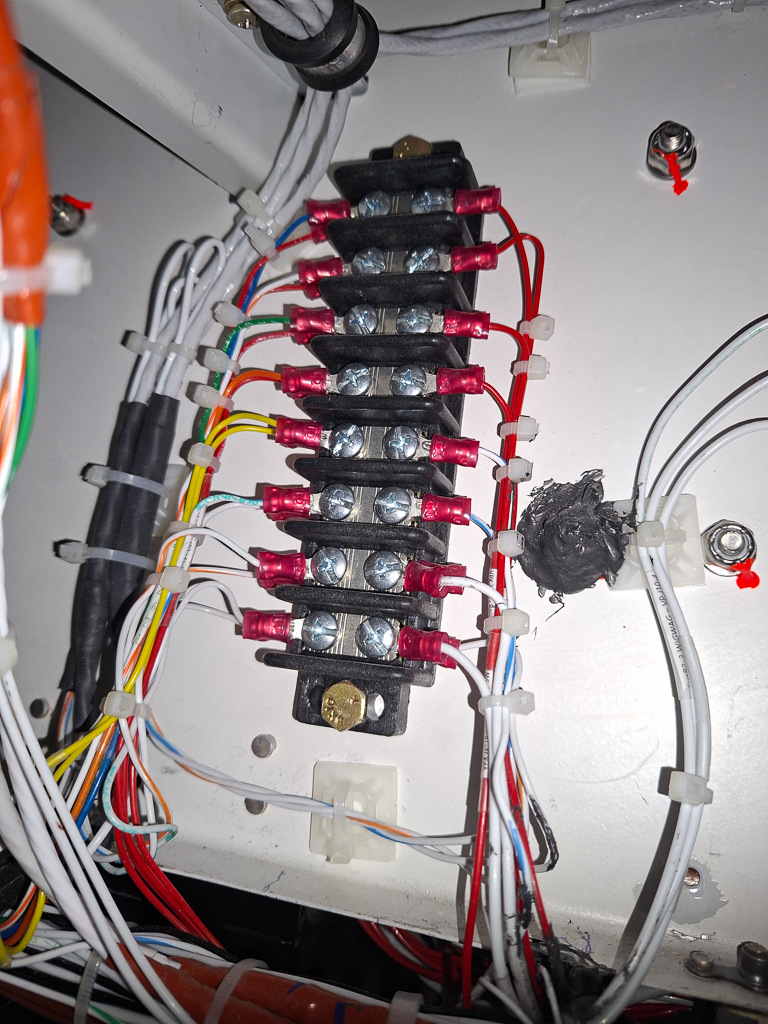
In this compartment, I have 3 terminal strips (the black blocks in the image). These strips are very usefull if a wire has to be split or distribute signal or power to multiple other wires instead of using butt splices.
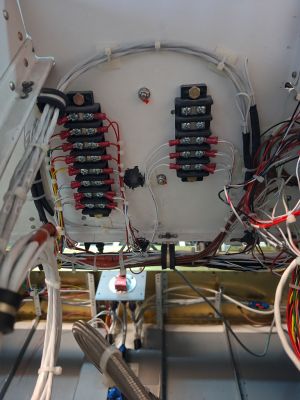
The one on the left of the image on the subpanel (having most of the connections) is documented as "Bus Bar 1"
Bus Bar 1 has wiring for leading 12v power to the Aeroled NAV lights and strobes and Aeroleds suntail, has a connecting point for the strobe sync wires, has a terminal for the AP disconnect switch to stick, and the remaining 4 terminals are for the trim switches connections towards the Dynon SV-AP-Panel.
All wires come and proceed into the main wiring bundle on the bottom of the panel.
The terminal block on the right side is the Bus-Bar-2-LL.
This one distributes the power lines towards Aeroled landing light and taxi lights and has a connecting point for the wig-wag signal.
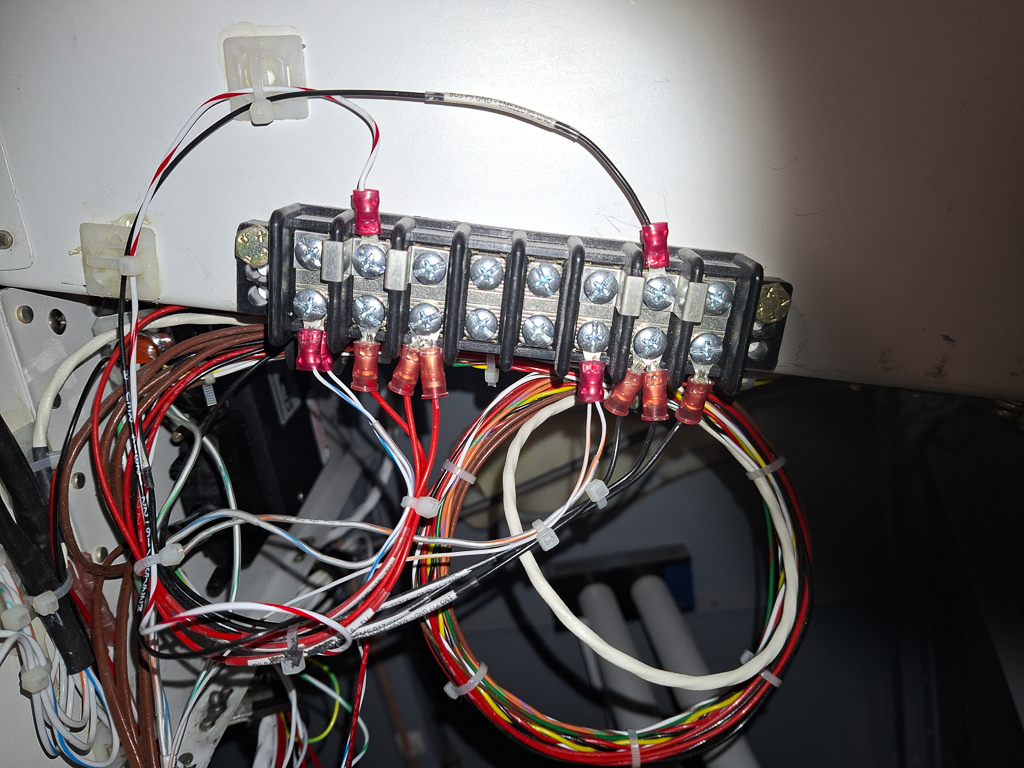
The 3rd block is mounted on the fuselage rib. It serves as a distribution point for the auxiliary 5V signal (pin 18 on the SV-EMS-220) and grounds (pin 17 on the SV-EMS-220)
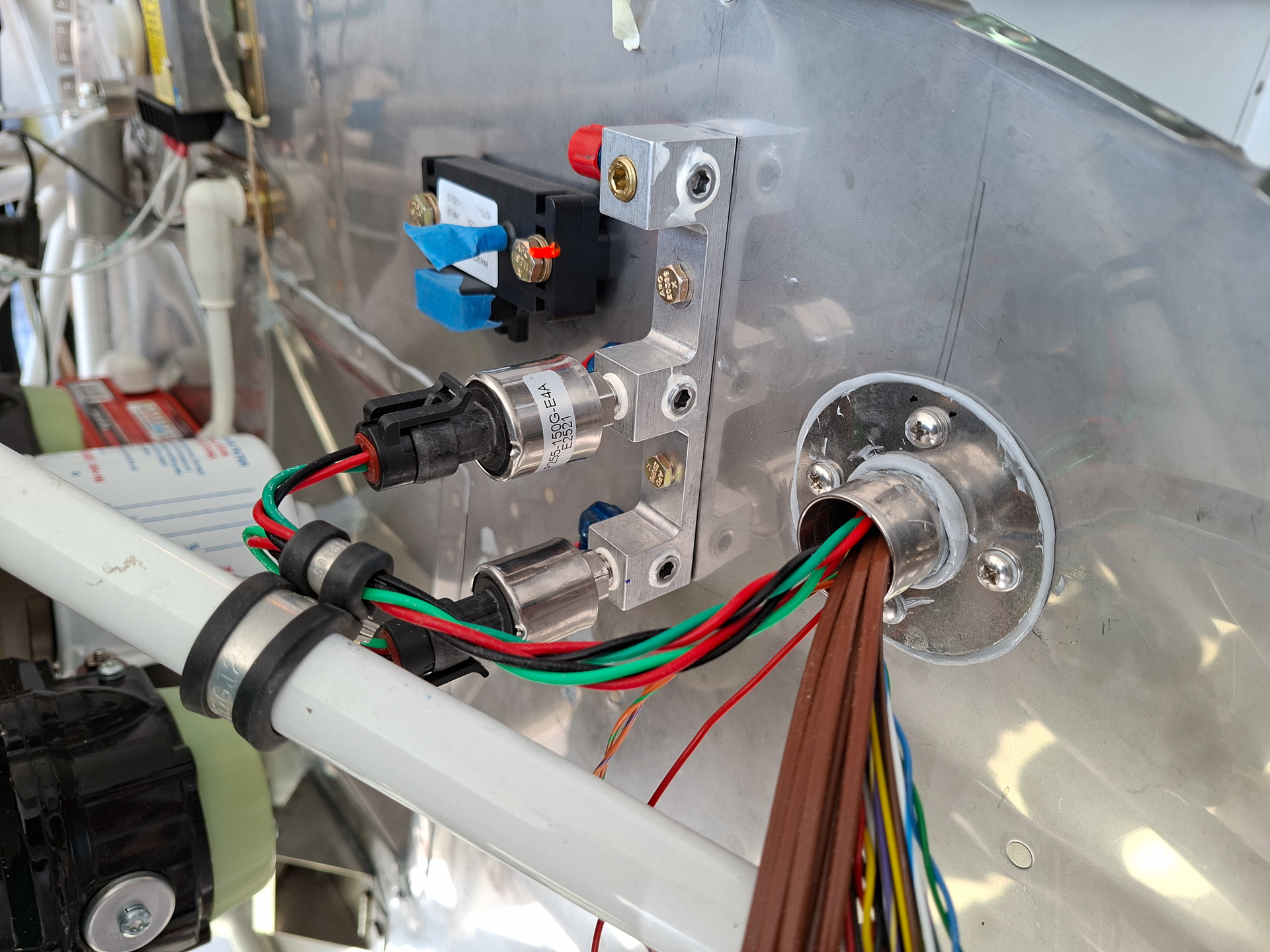
These power and ground points are the main source of power for all firewall forward pressure sensors and also has power to the elevator and roll trim reference voltage (blue) and ground (orange) wires.
The top row has some hardware jumpers left and right to distribute over multiple adjacent terminals.
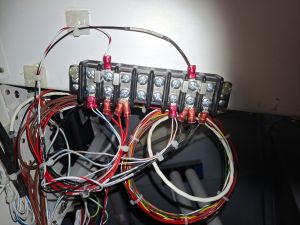
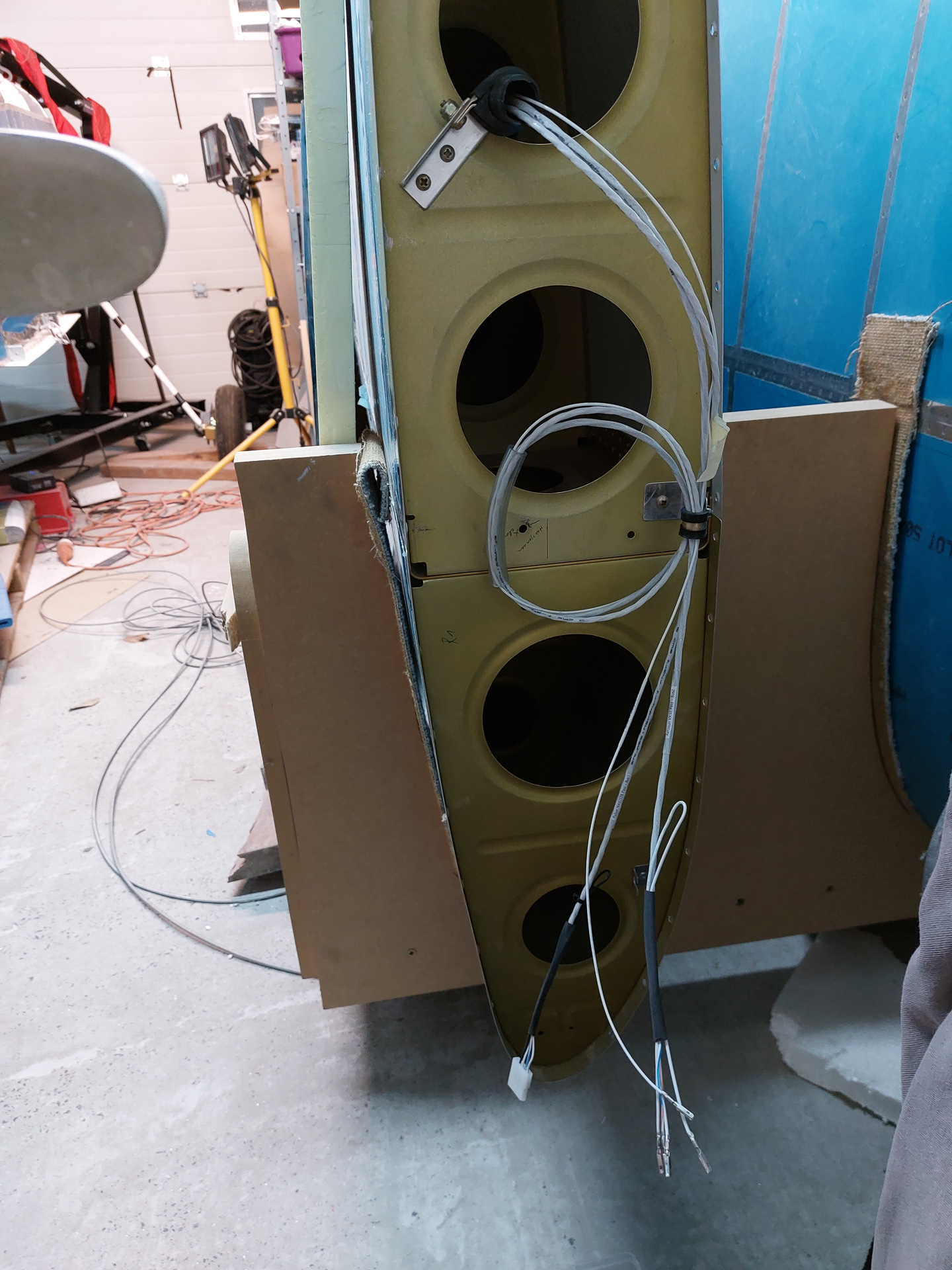
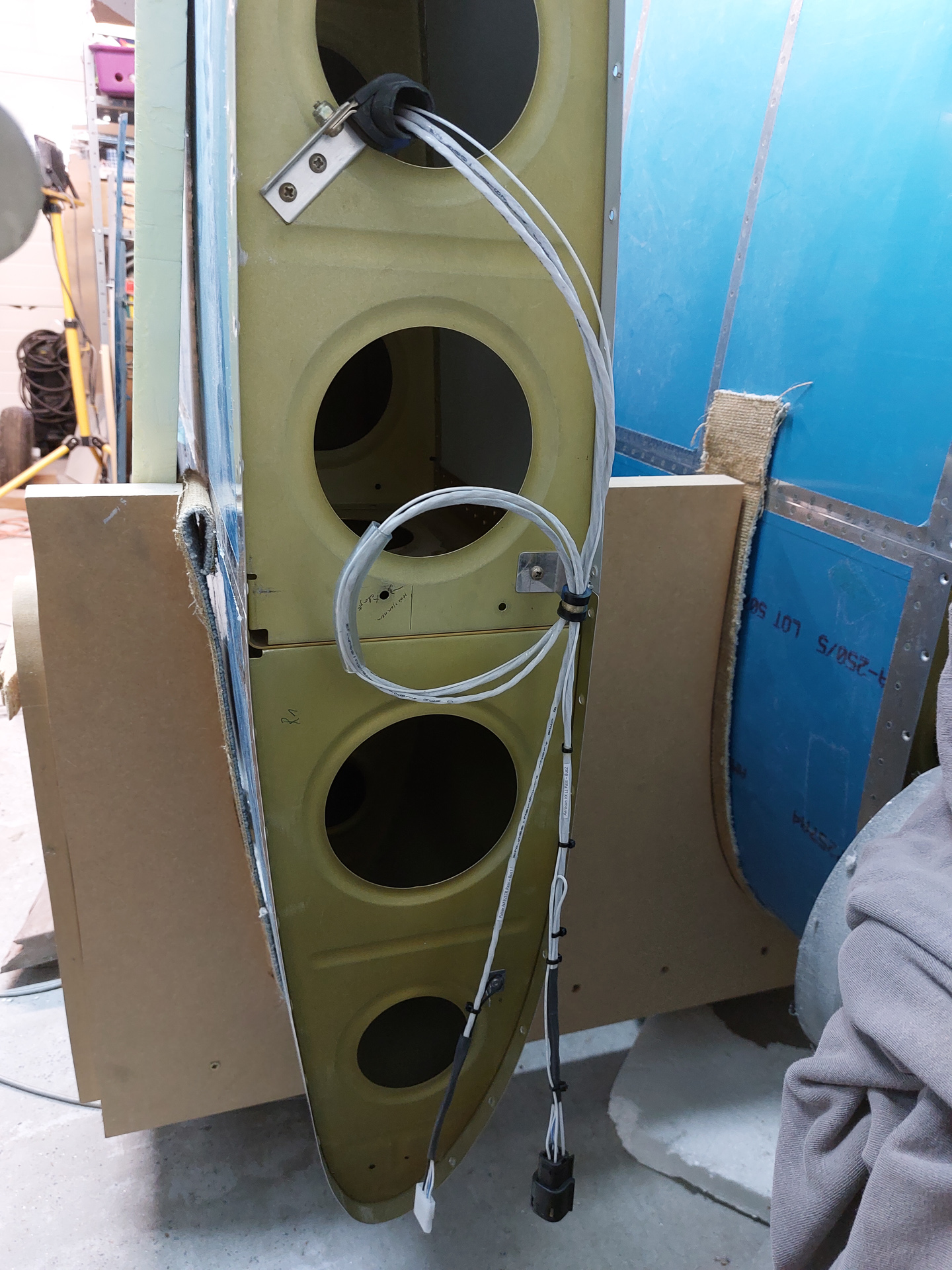
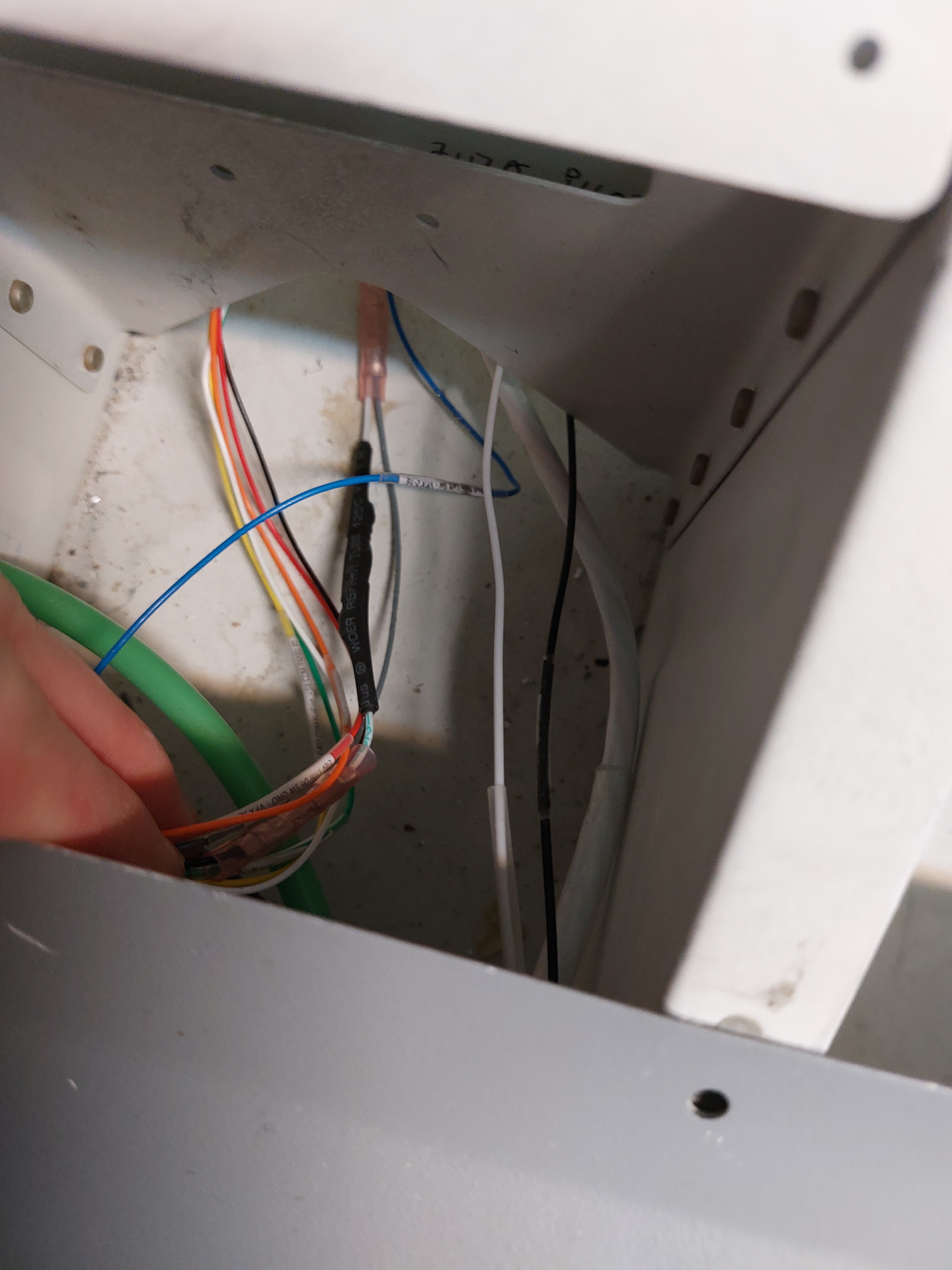
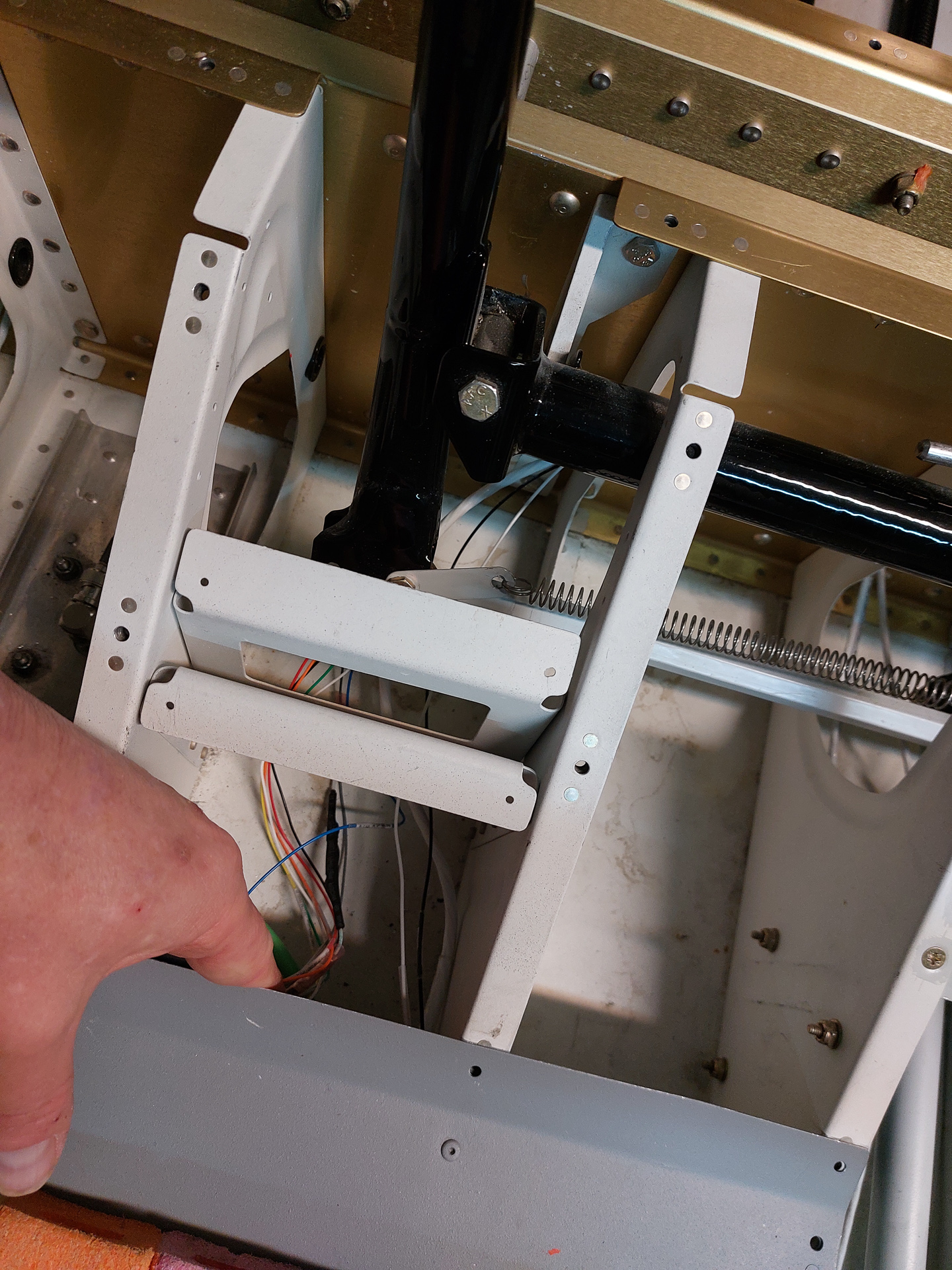
Wires arrive through the left side conduit through an adel clamp on the bottom of the fuselage rib. the wires for trim (multiconductor wires) go down. The light wires stay along the rib and move to the terminal strips from the top.
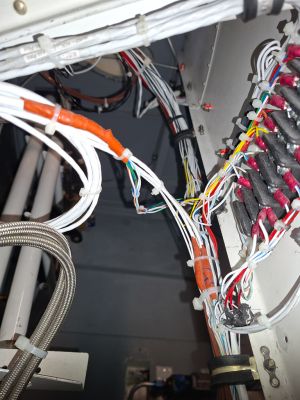
On the top of this image, you can see the wires for strobes and nav lights coming down through the left, the other 2 wires from landing light move to the other terminal on the right.
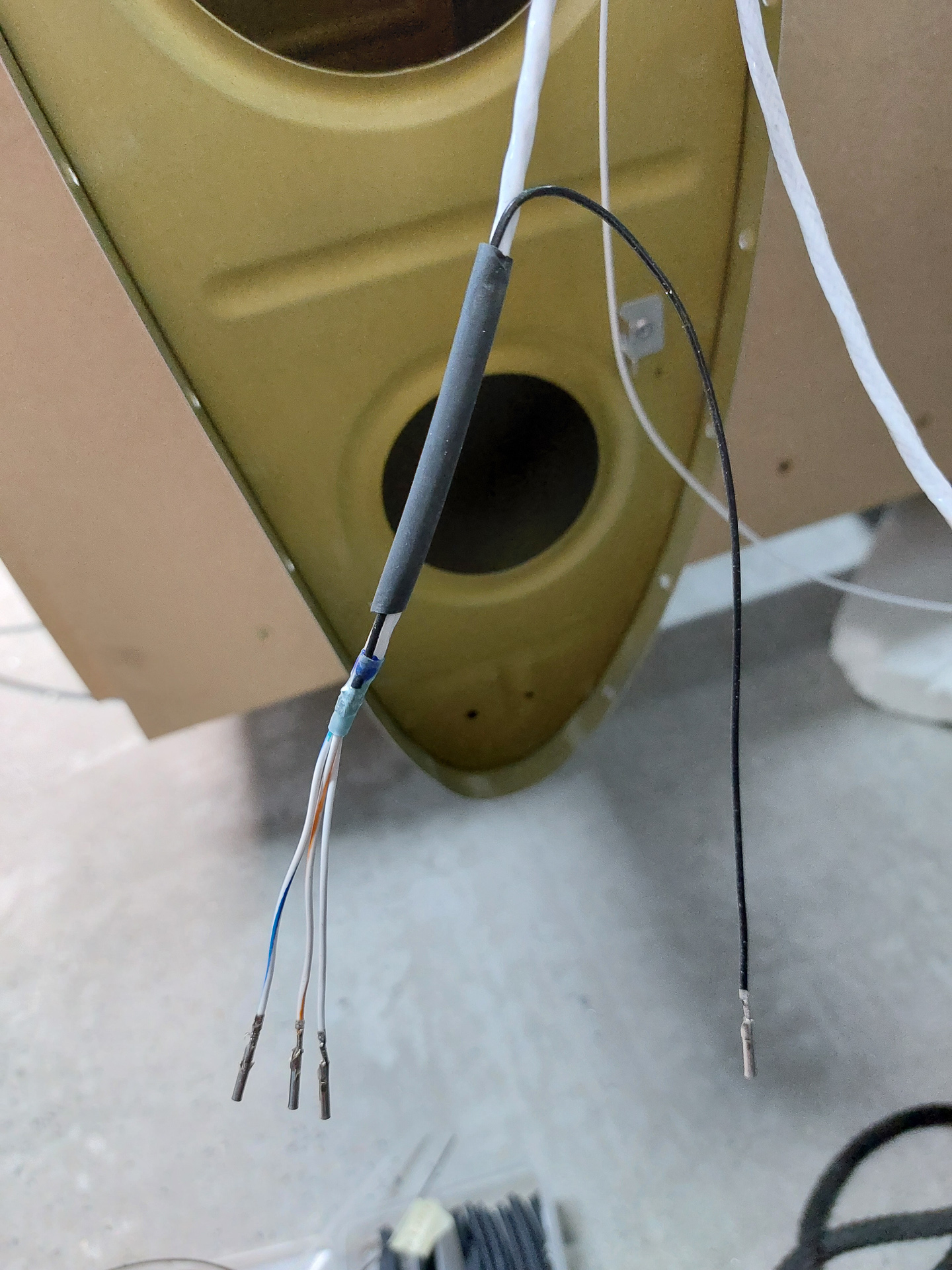
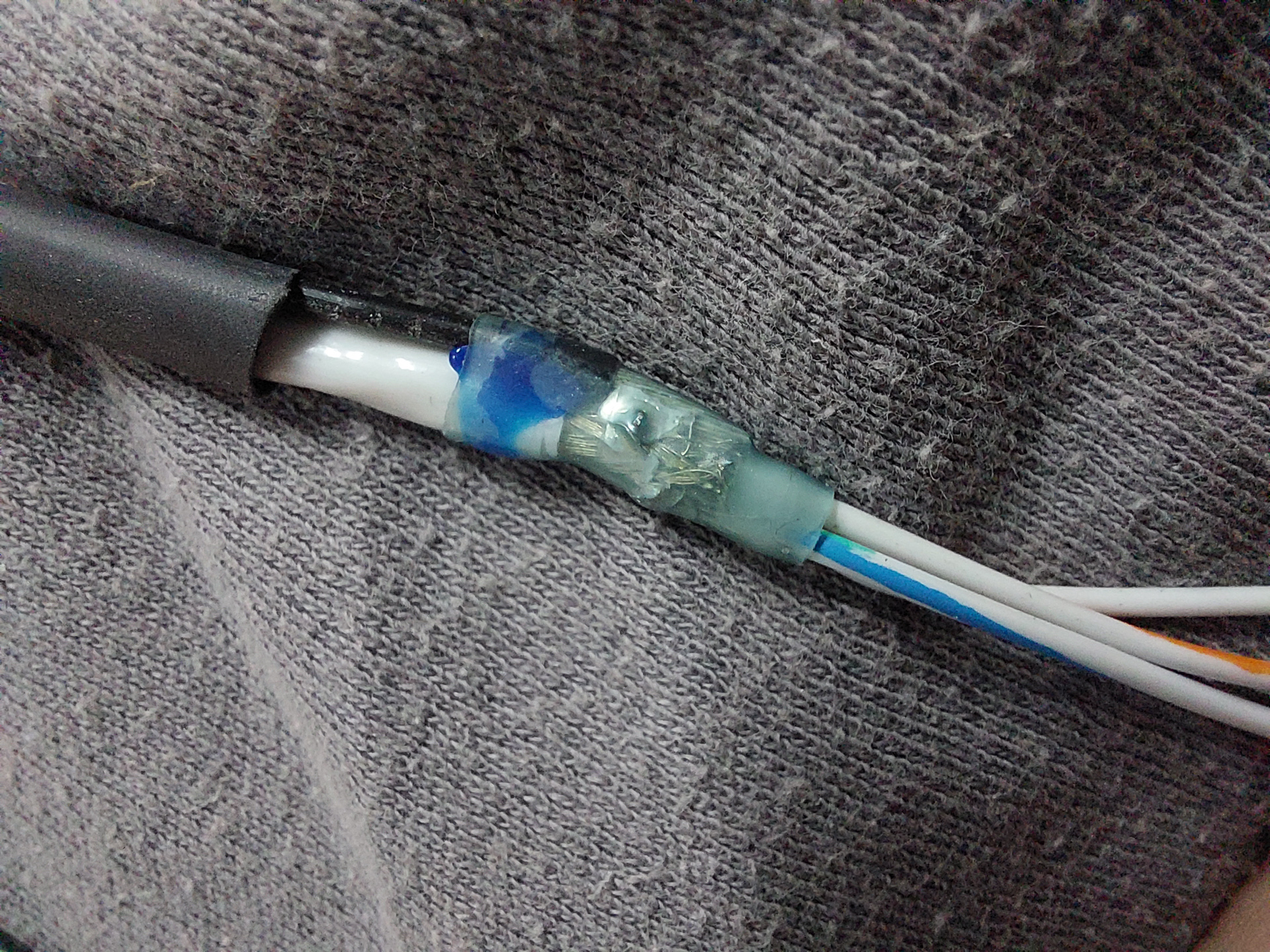
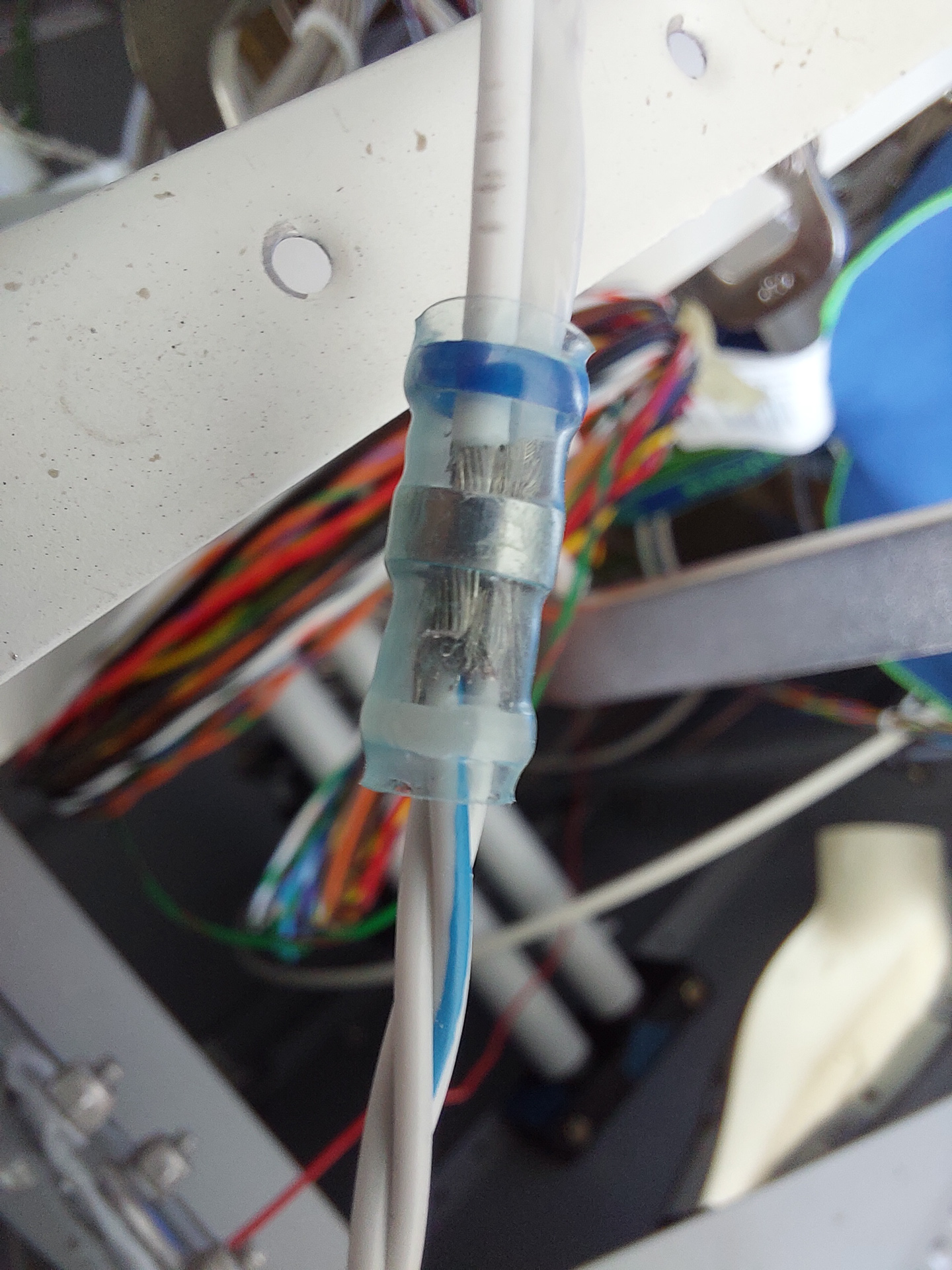
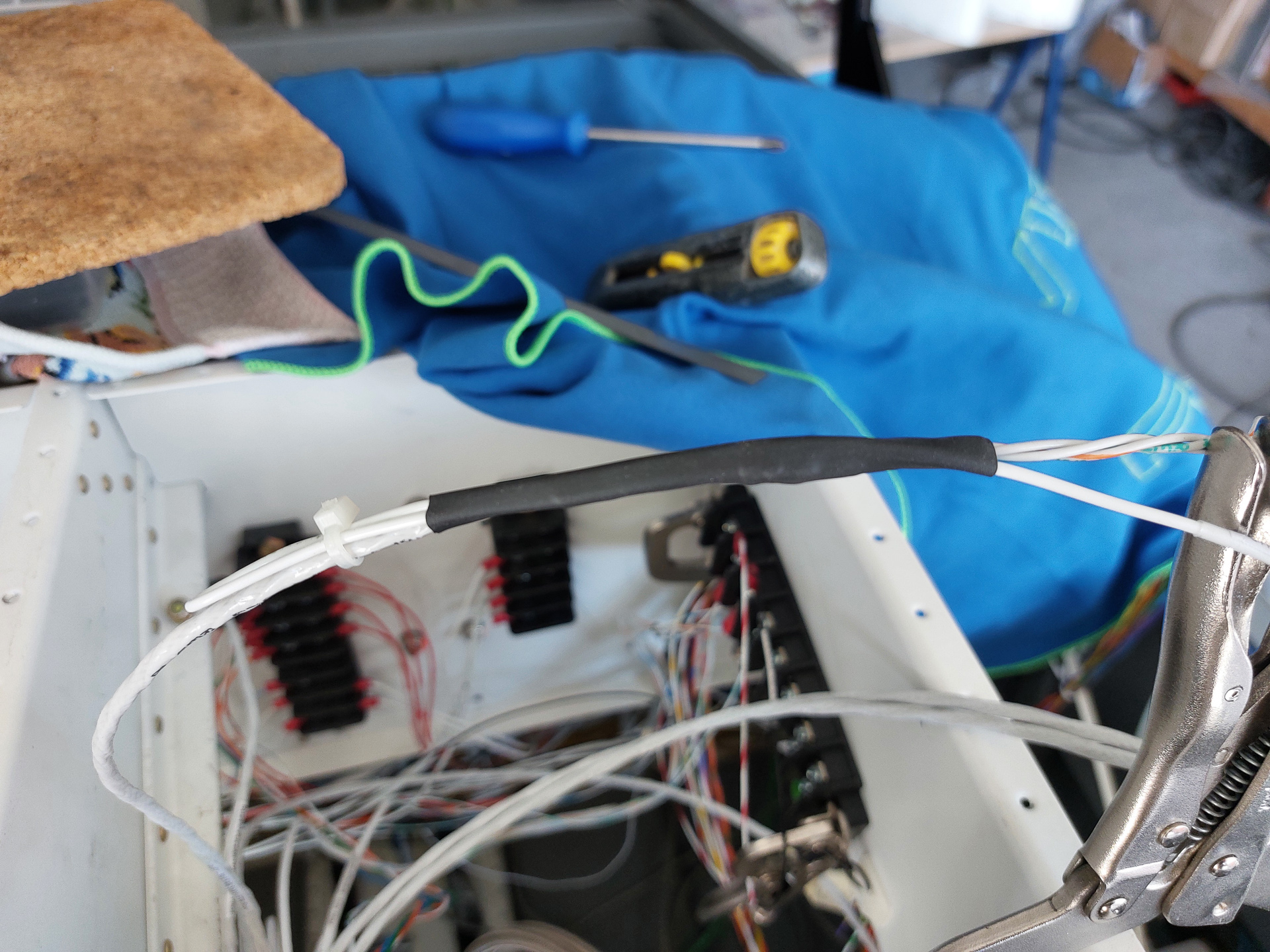
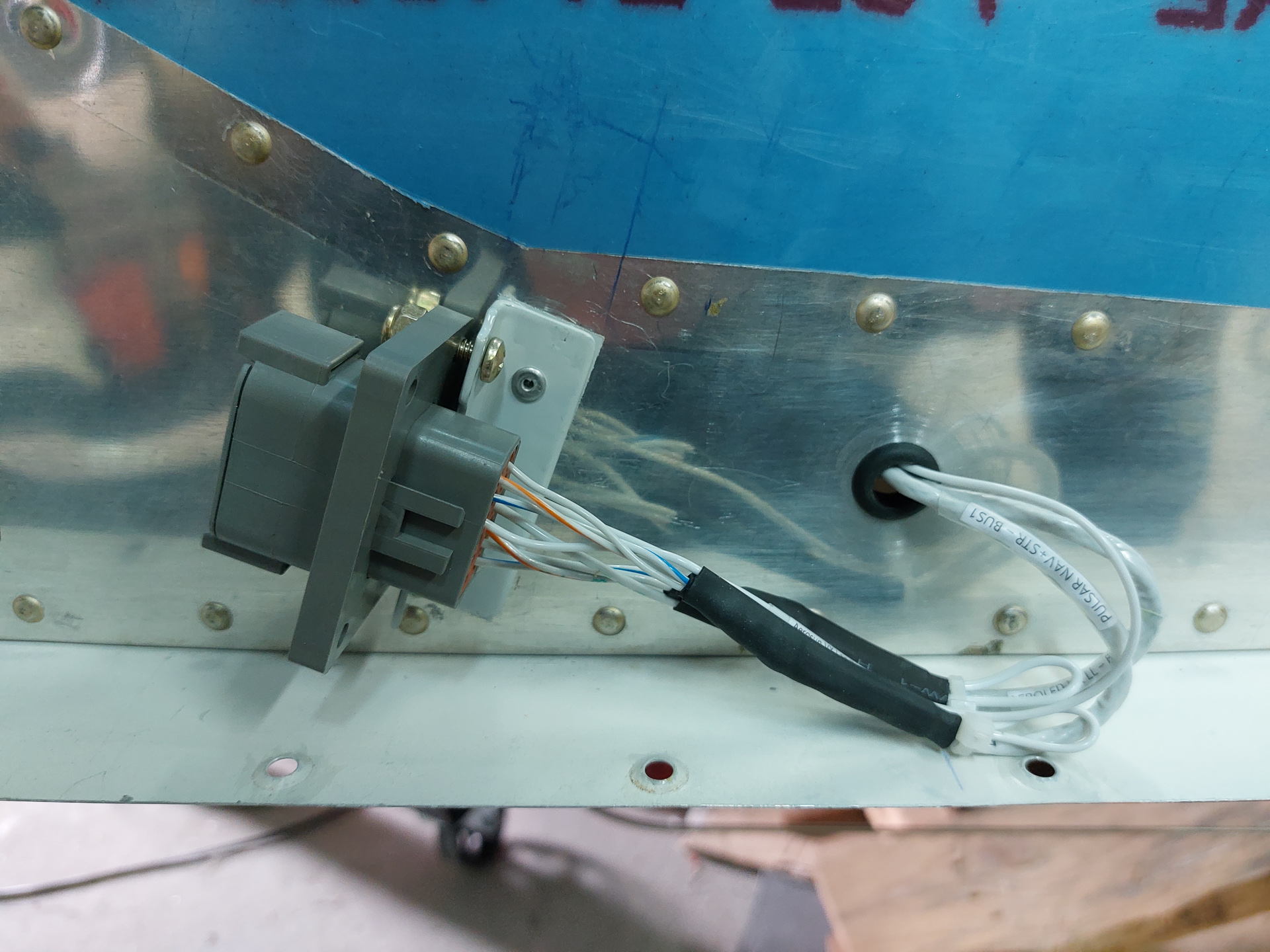
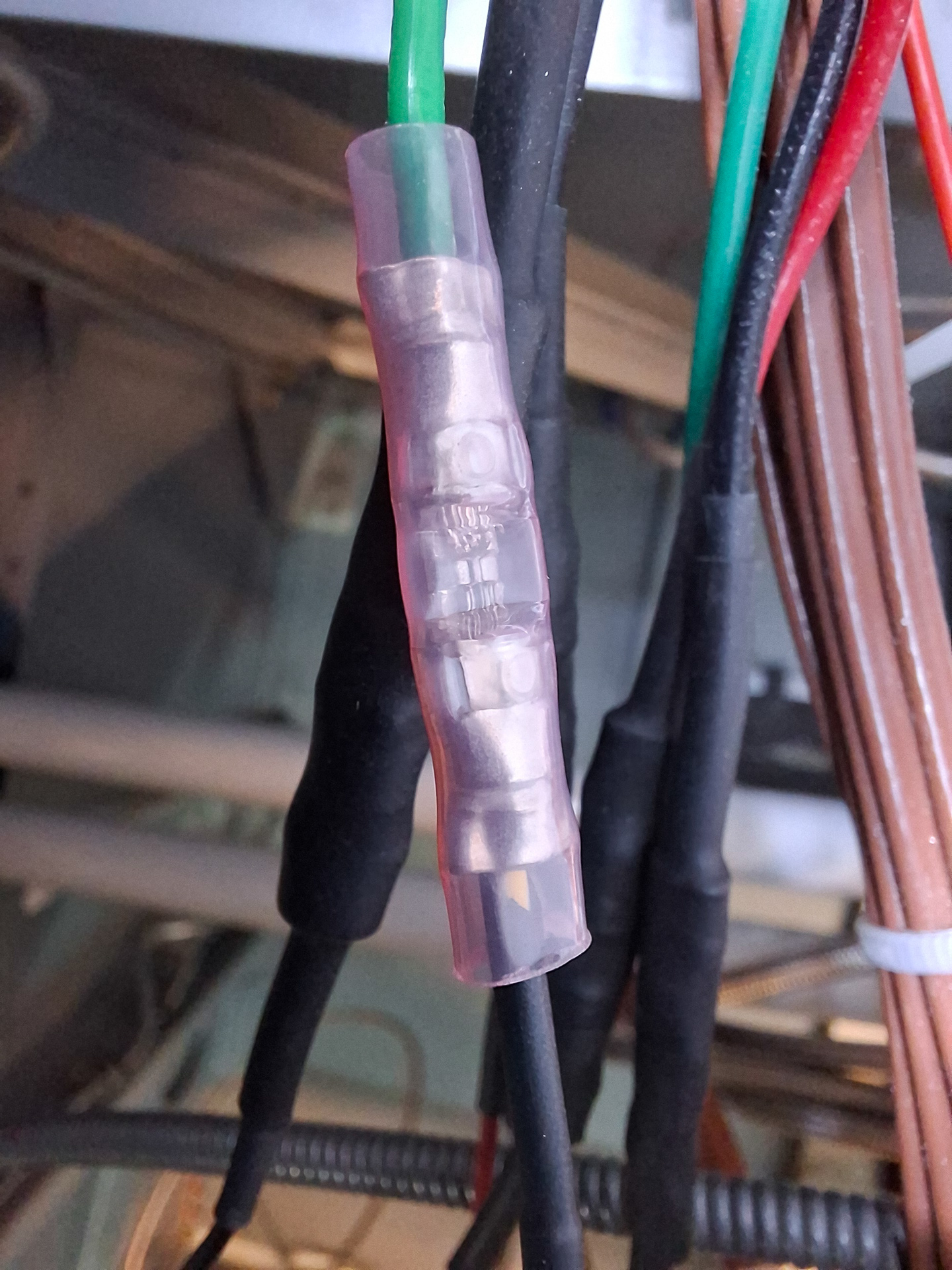
The wires have a split of for the shield ground underneath the heatshrink (that's the small loops you see on the wire.
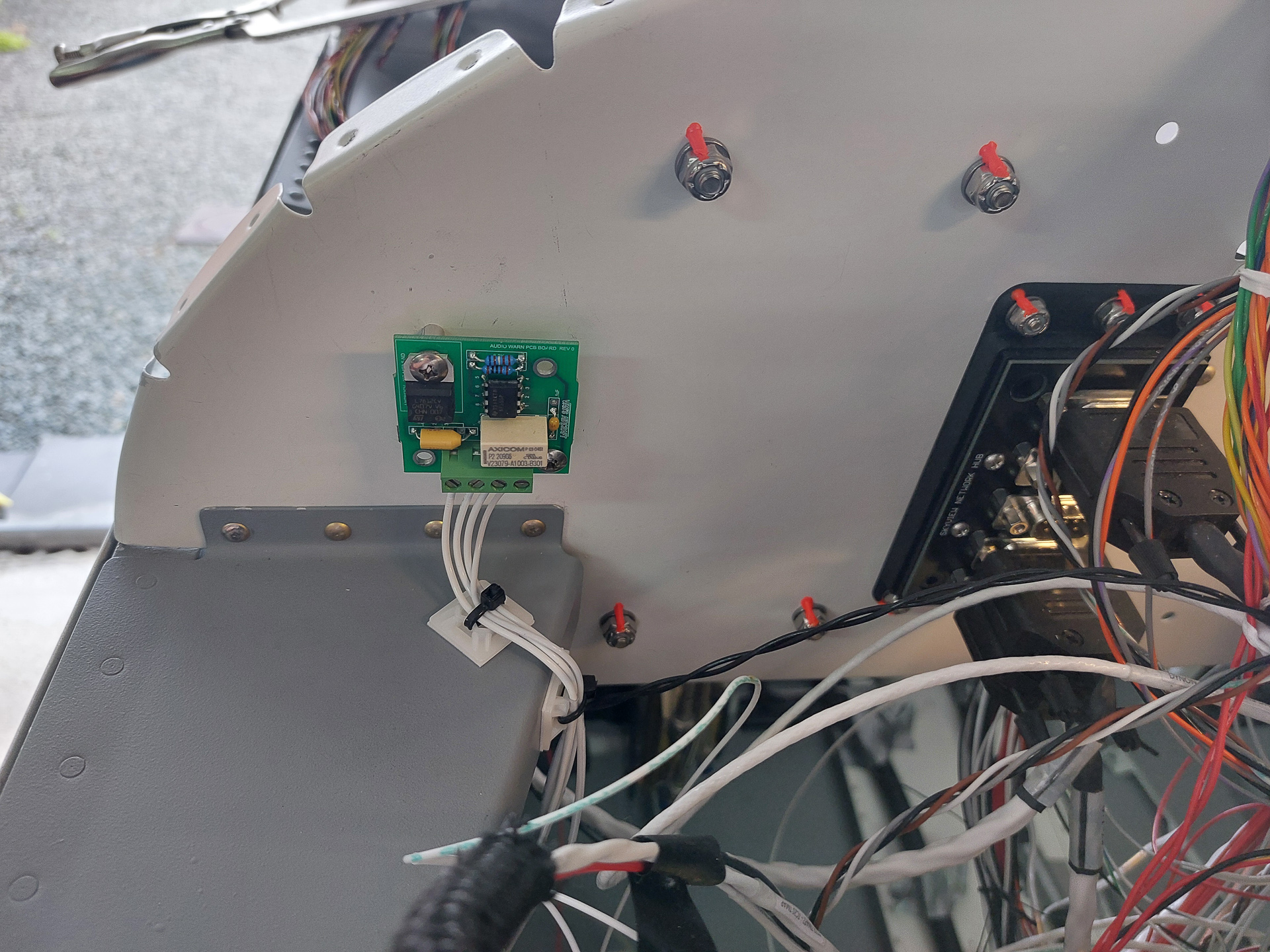
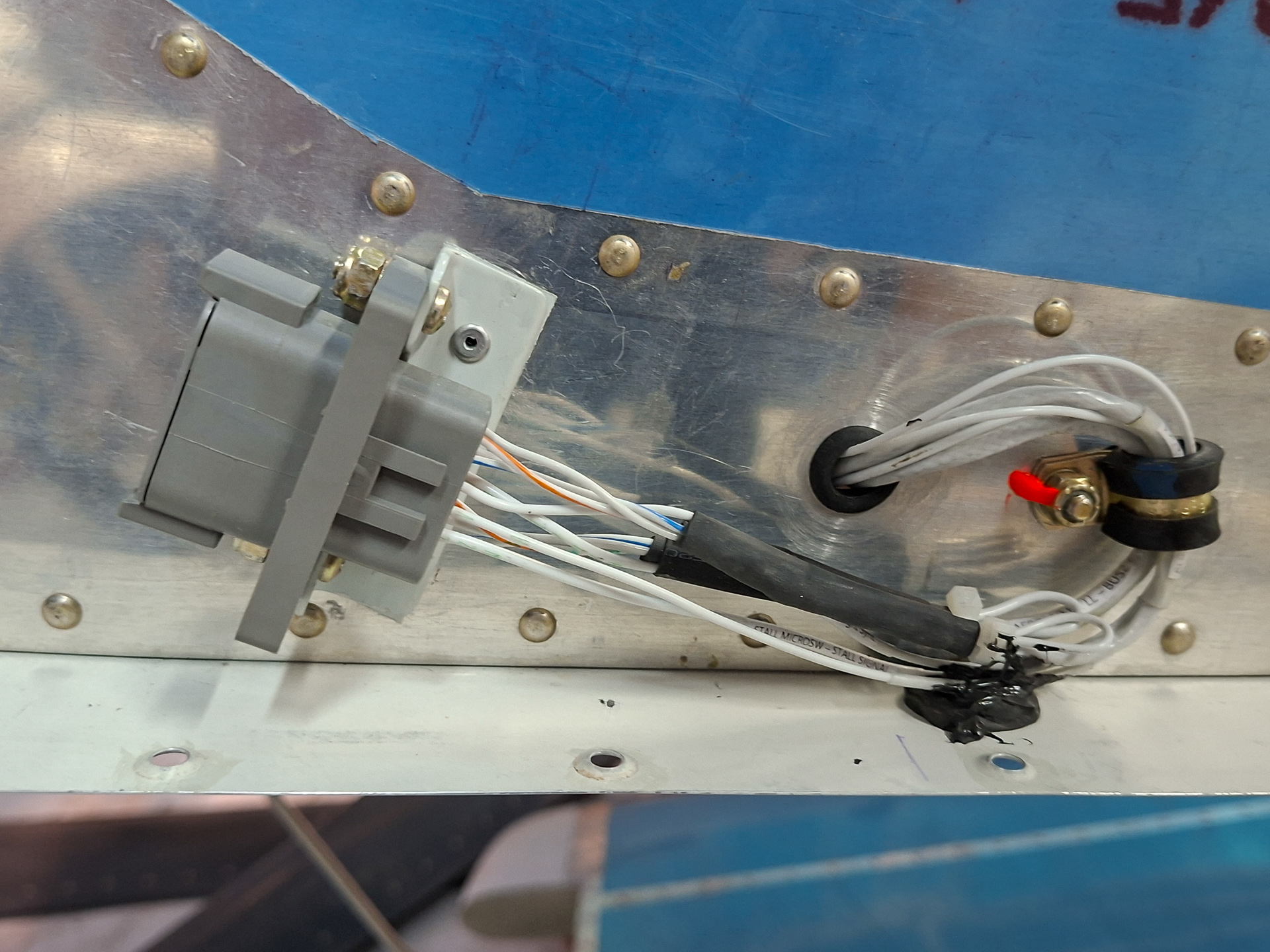
I covered one of the screws from the radio on the other side with RTV to protect wires from chafing.
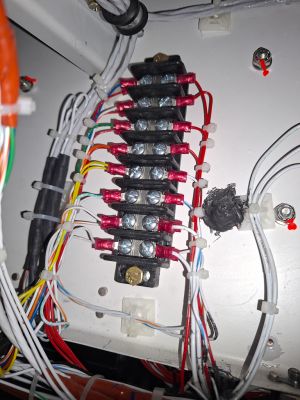
The next bay is the right center bay passenger side. On the back of the sub panel, there are screws from the VPX installation on the other side. The pitot tube runs forward throught he sub panel. The main wire bundel continues from towards the conduit on the right side of the firewall recess and a lot of the wires end up on the GND block on the firewall. (the so called "forest of tabs")
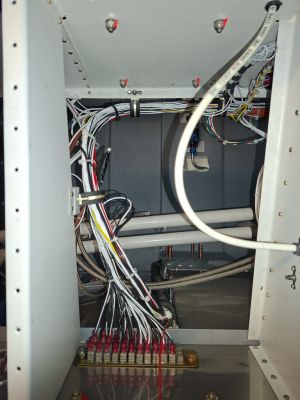
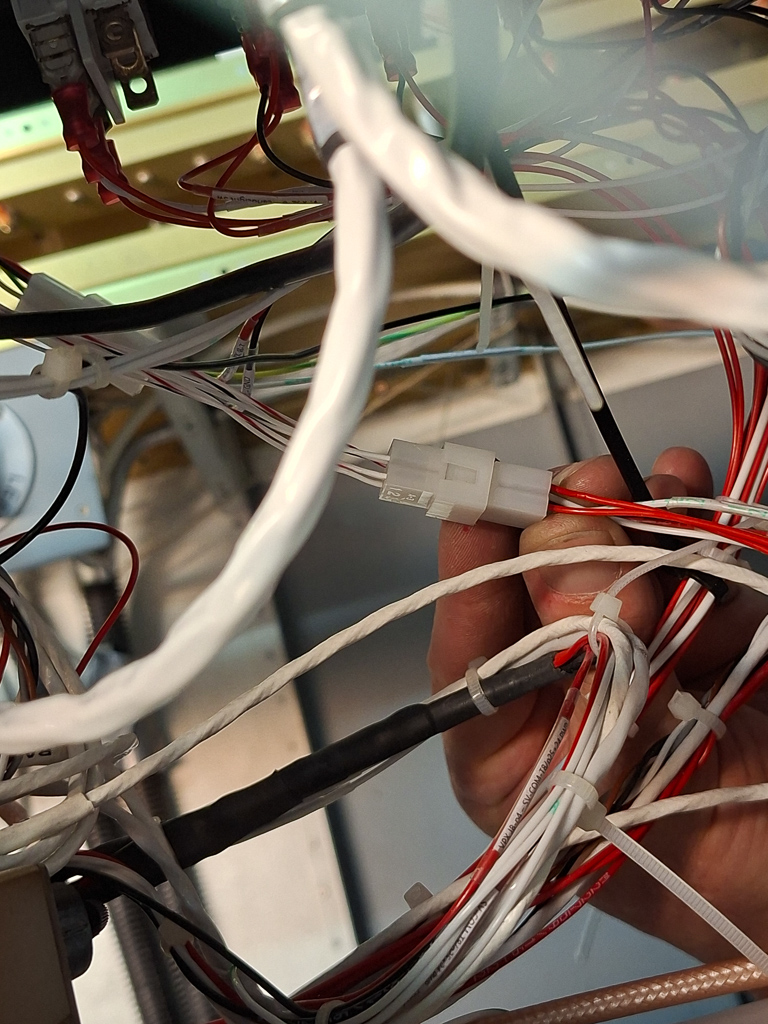
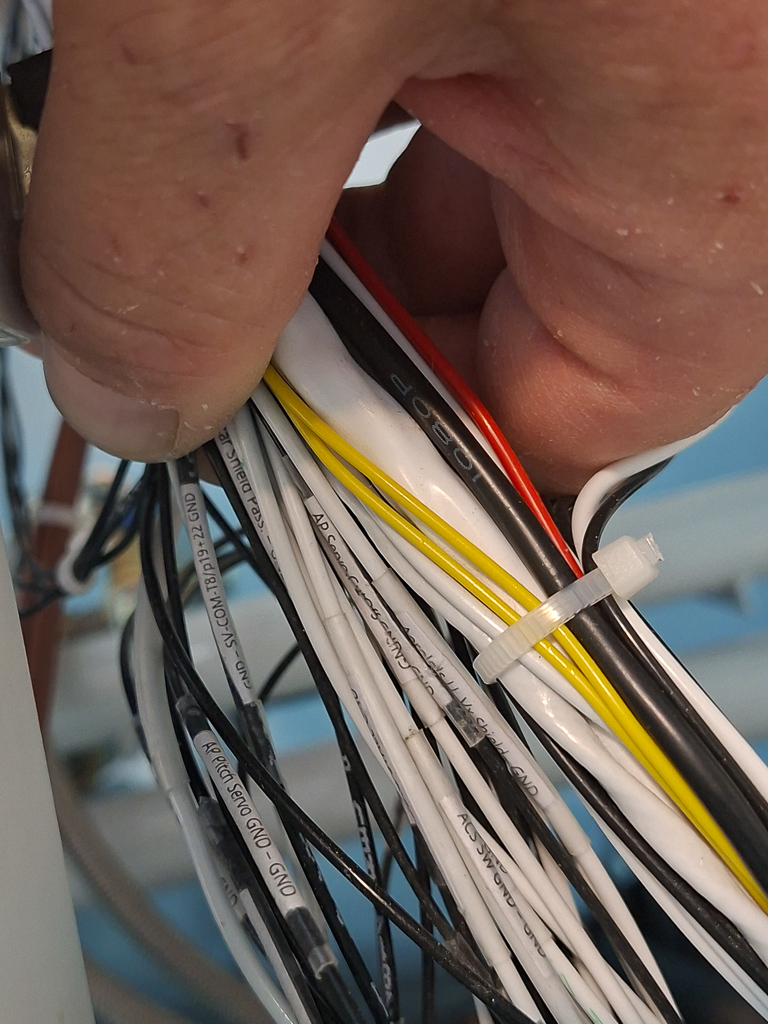
There are many wires in the main bundel. To make things easier for maintenance, make sure you label all wires at a certain length from the connector. That way you always know where to to look for a label.
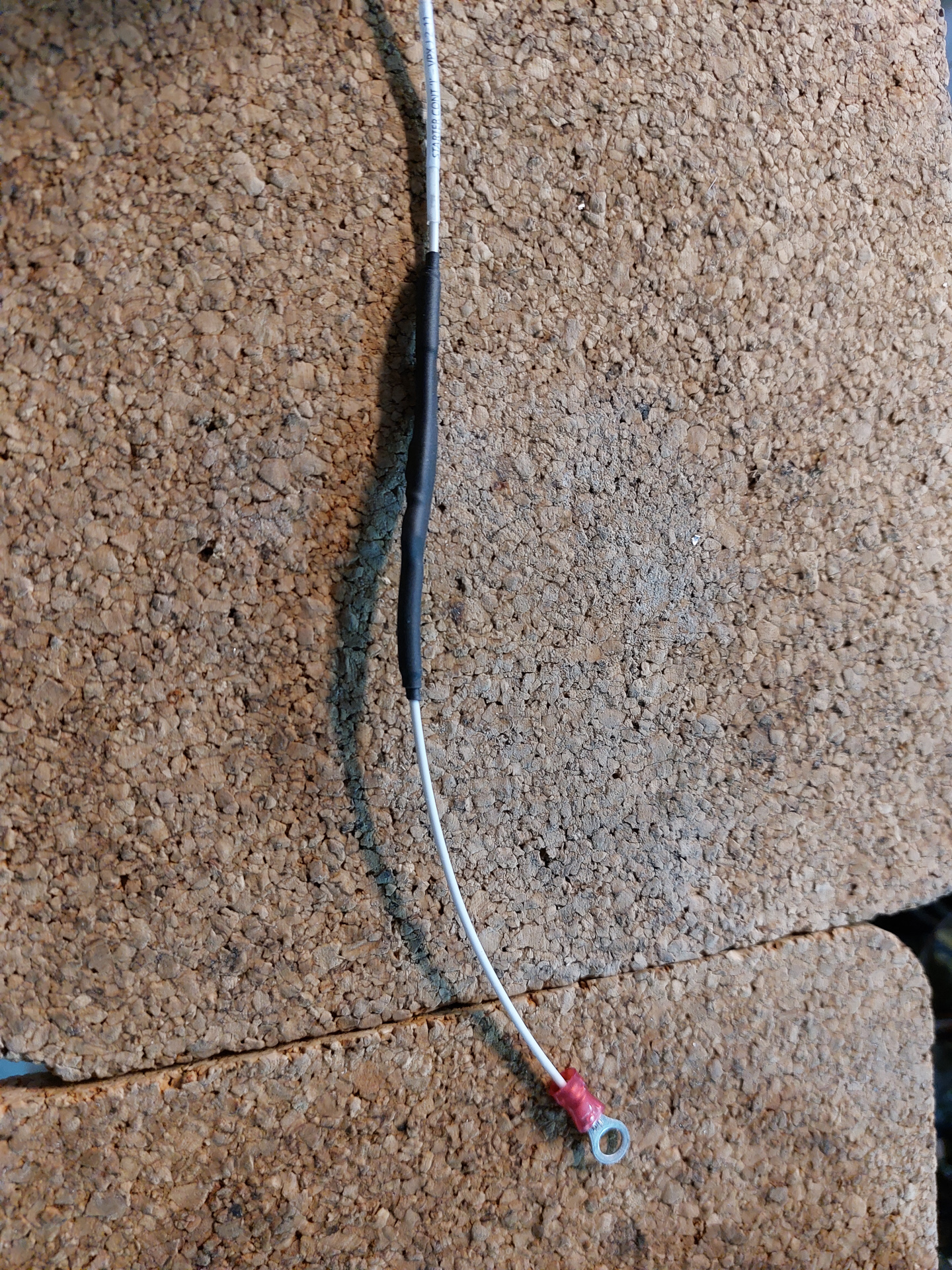
There are many techniques for making these labels. I printed all labels with a laser printer and covered them under transpanrent heat shrink. This works very well.
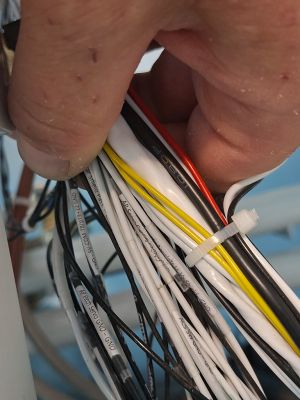
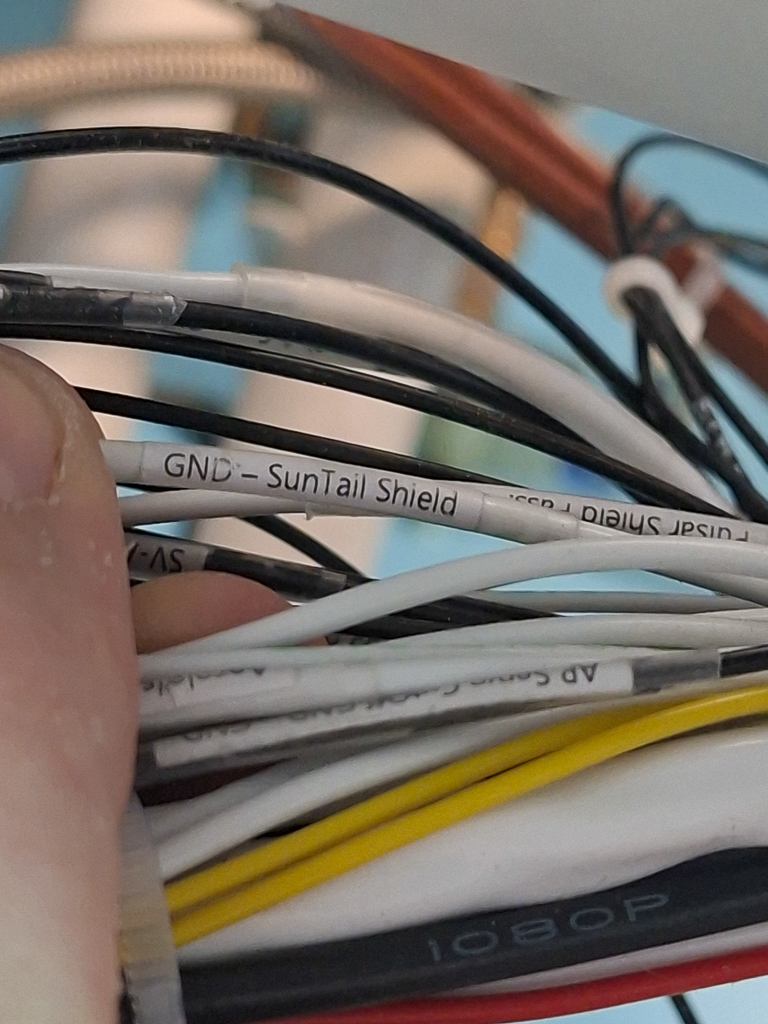
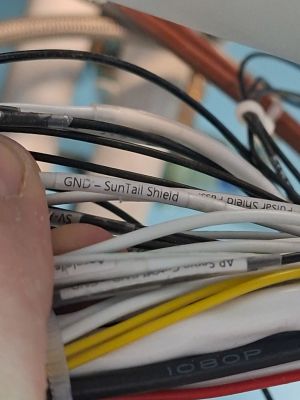
On one side I label the destination on the left side of the wire followed by a dash followed by the right side of the destination. I have labels on both sides of each wire.
In the example above, the wire is near to the GND tab and runs towards the Aeroleds Suntail shield.
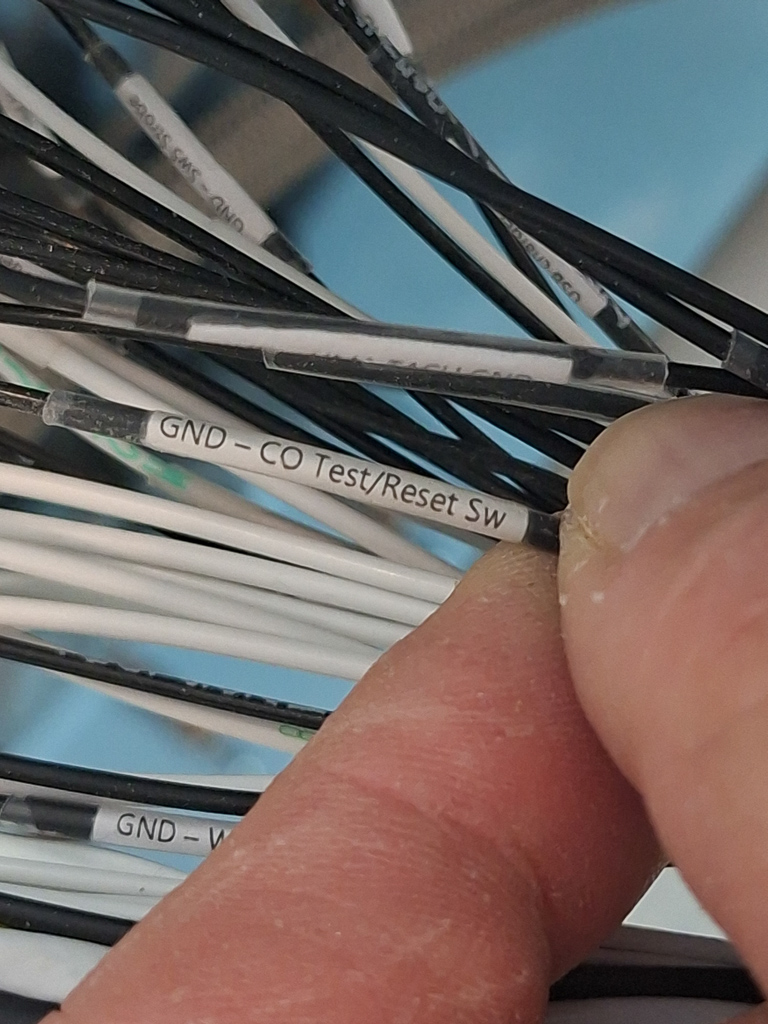
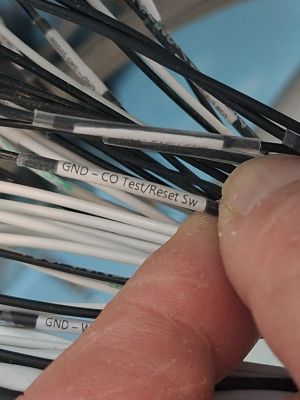
This one goes from Ground Tab to the COGuardian test/reset switch. On 22 gauge wire and up, this works very well. Smaller than 22 AWG becomes unreadable. Fortunatly there are only very few wires smaller then 22.
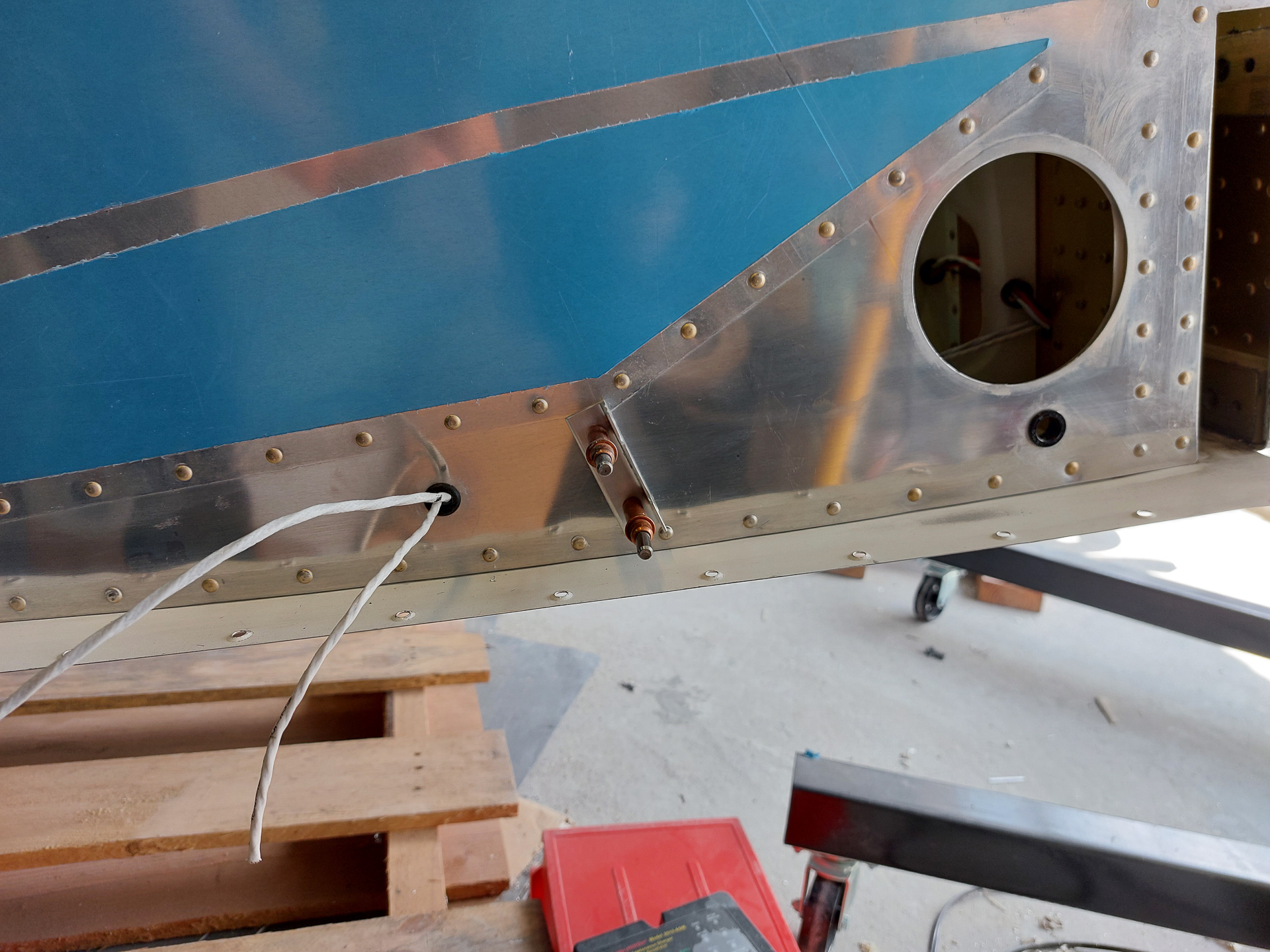
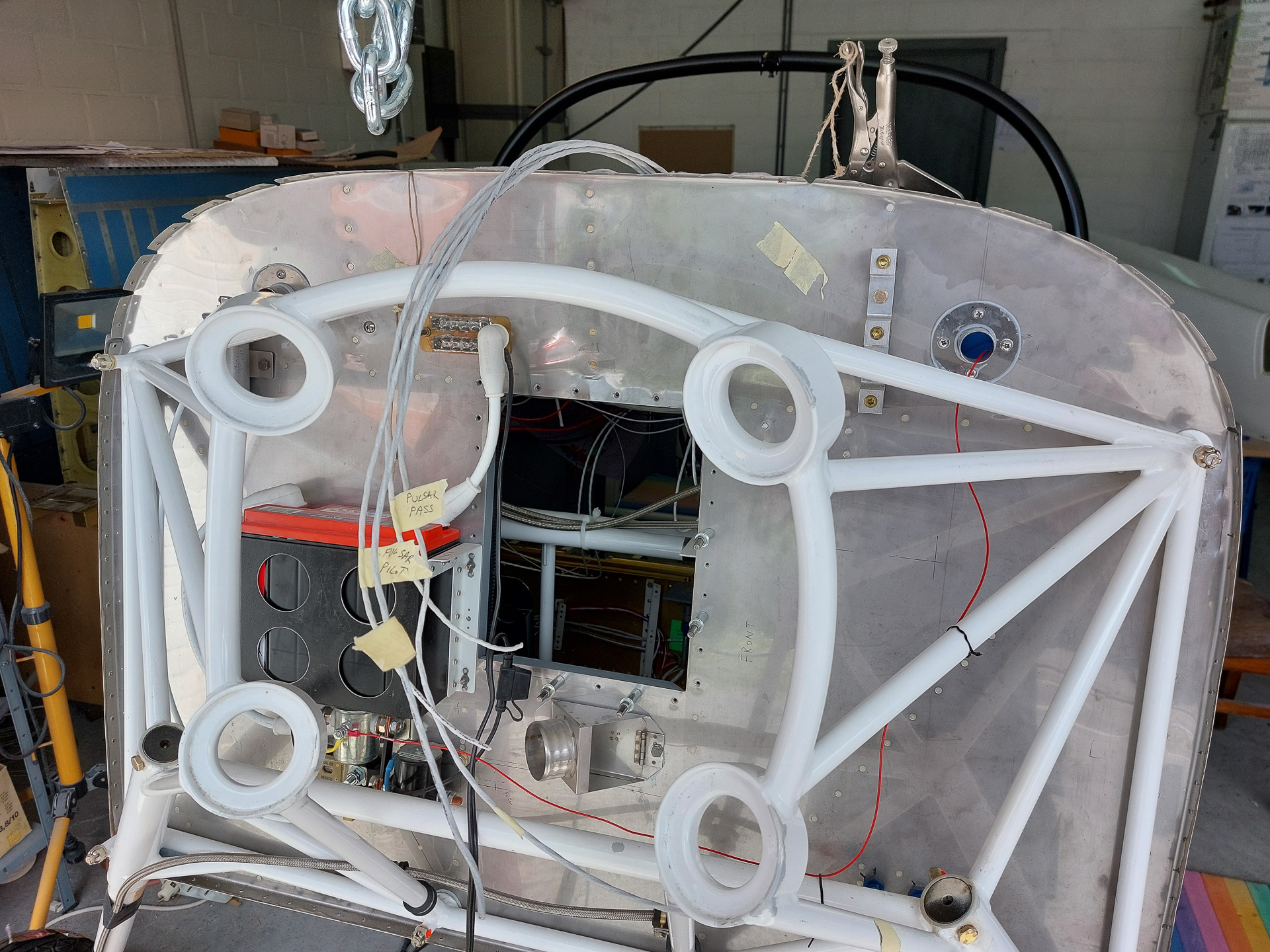
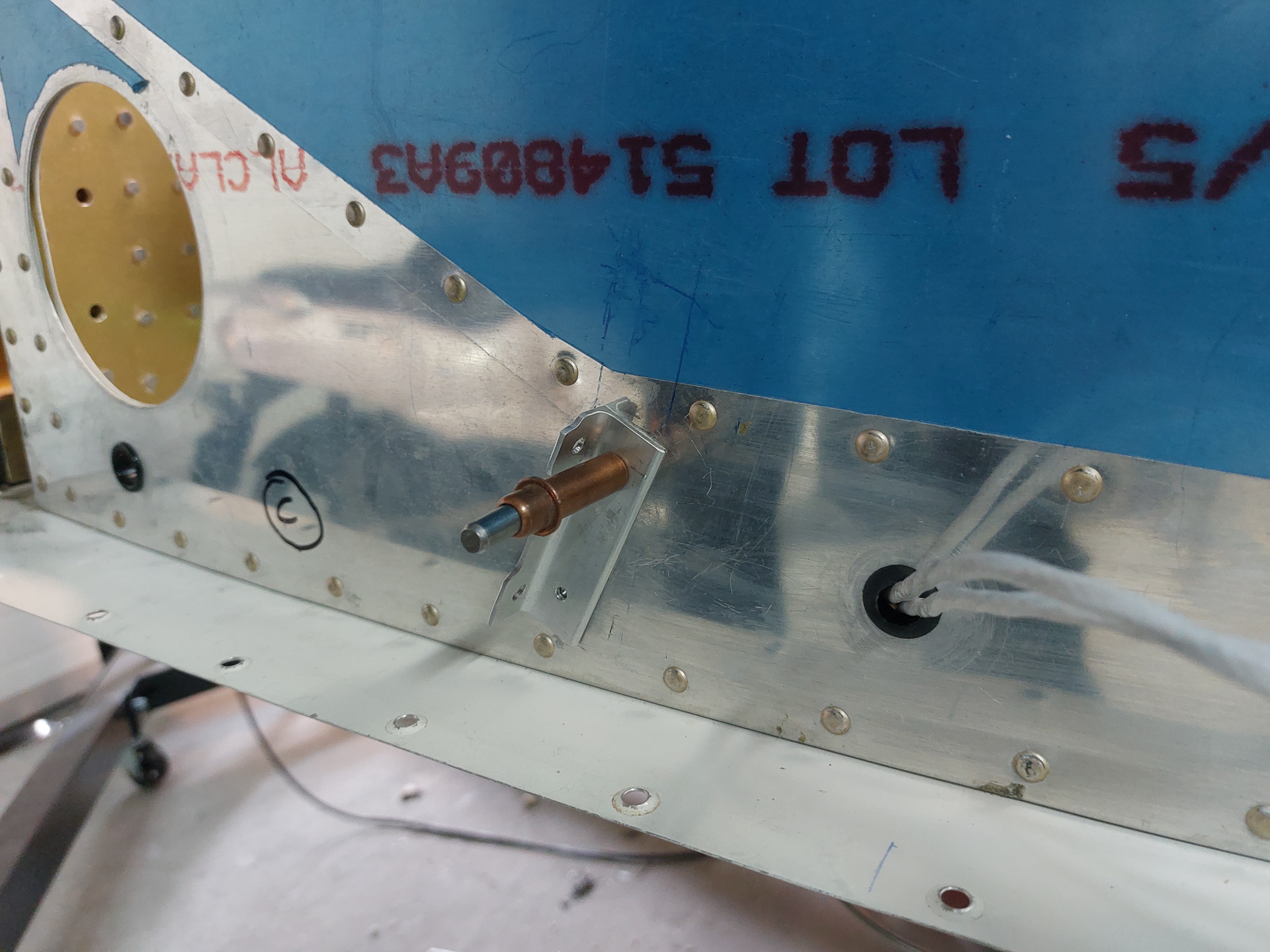
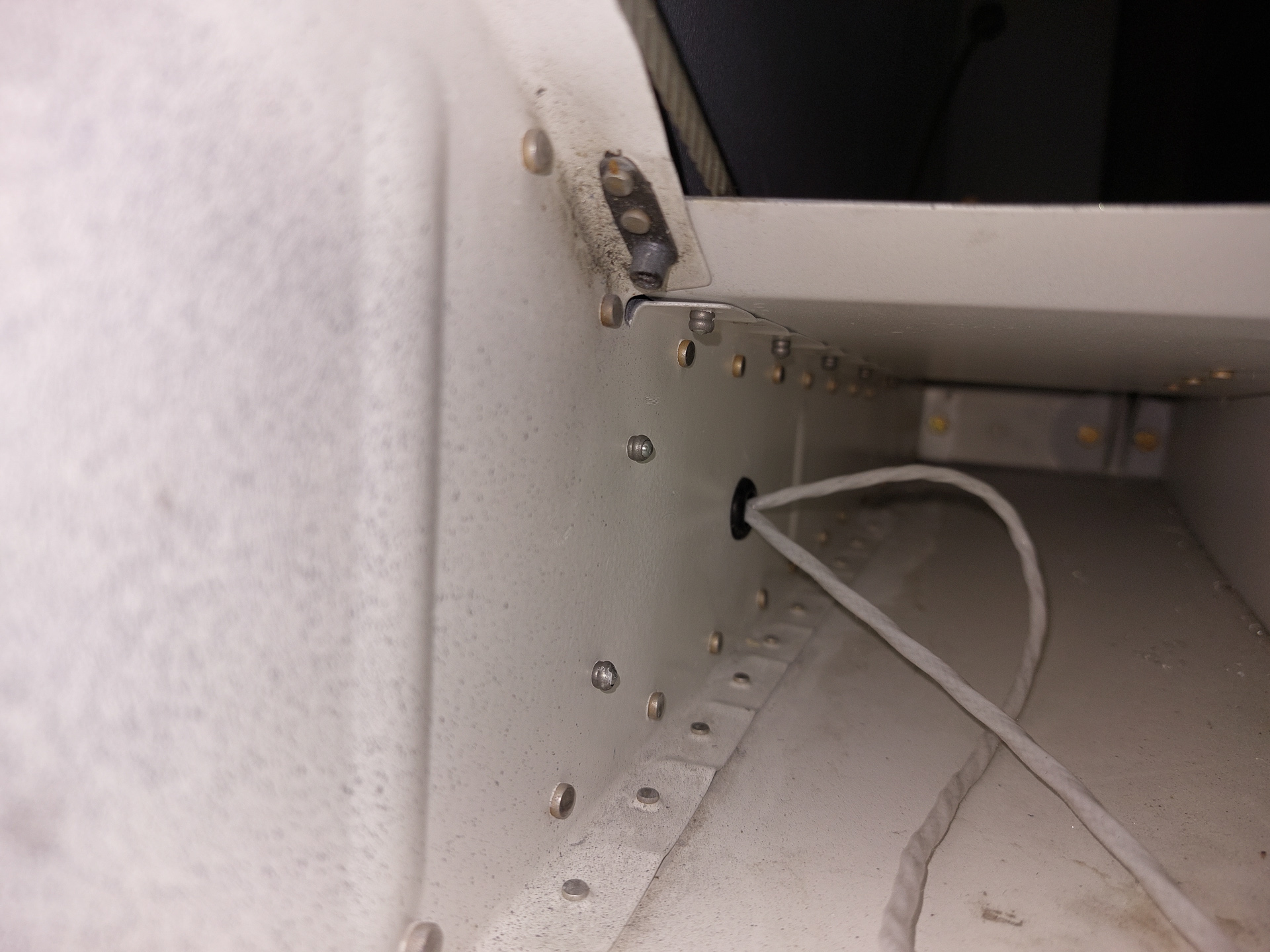
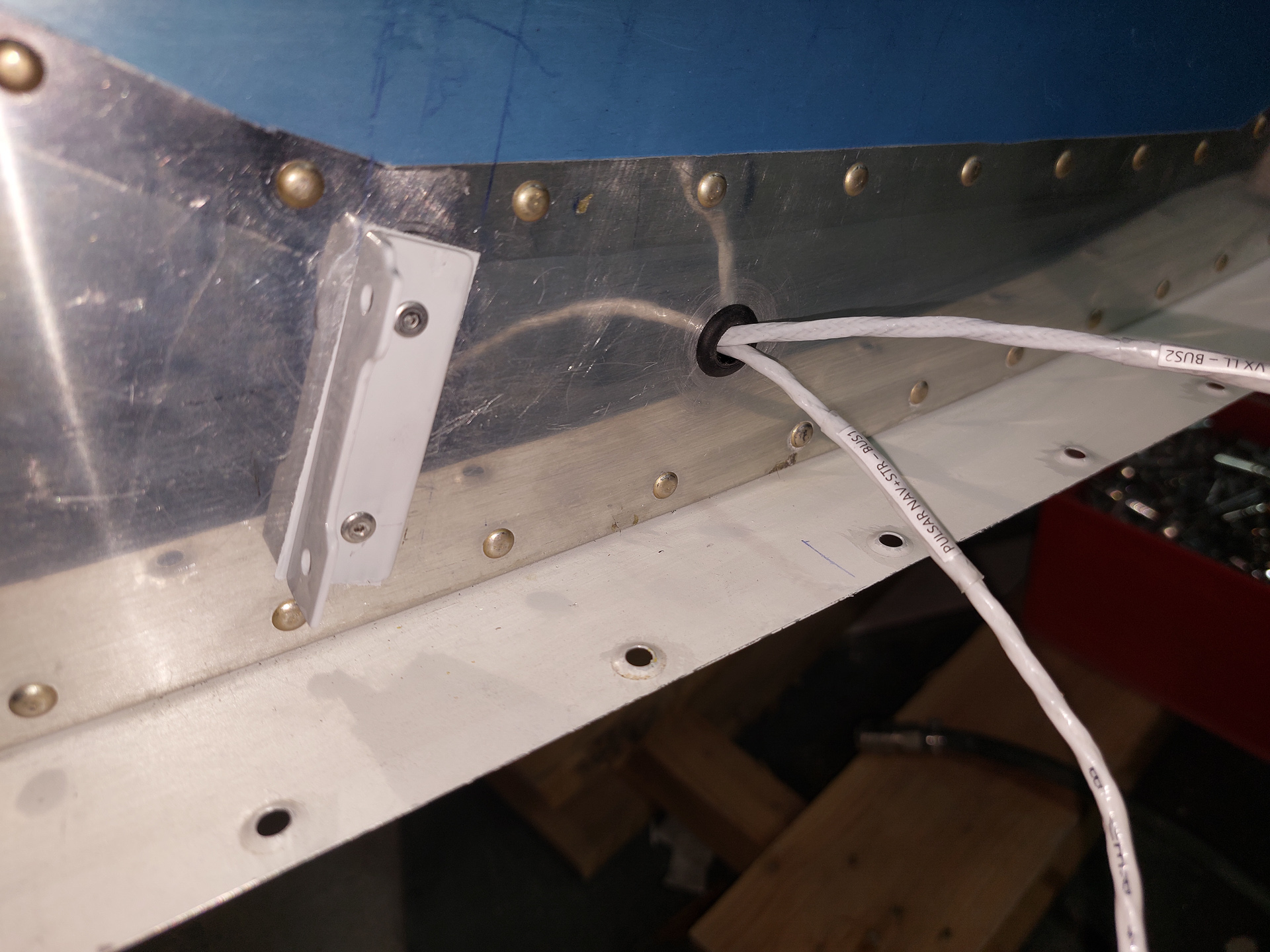
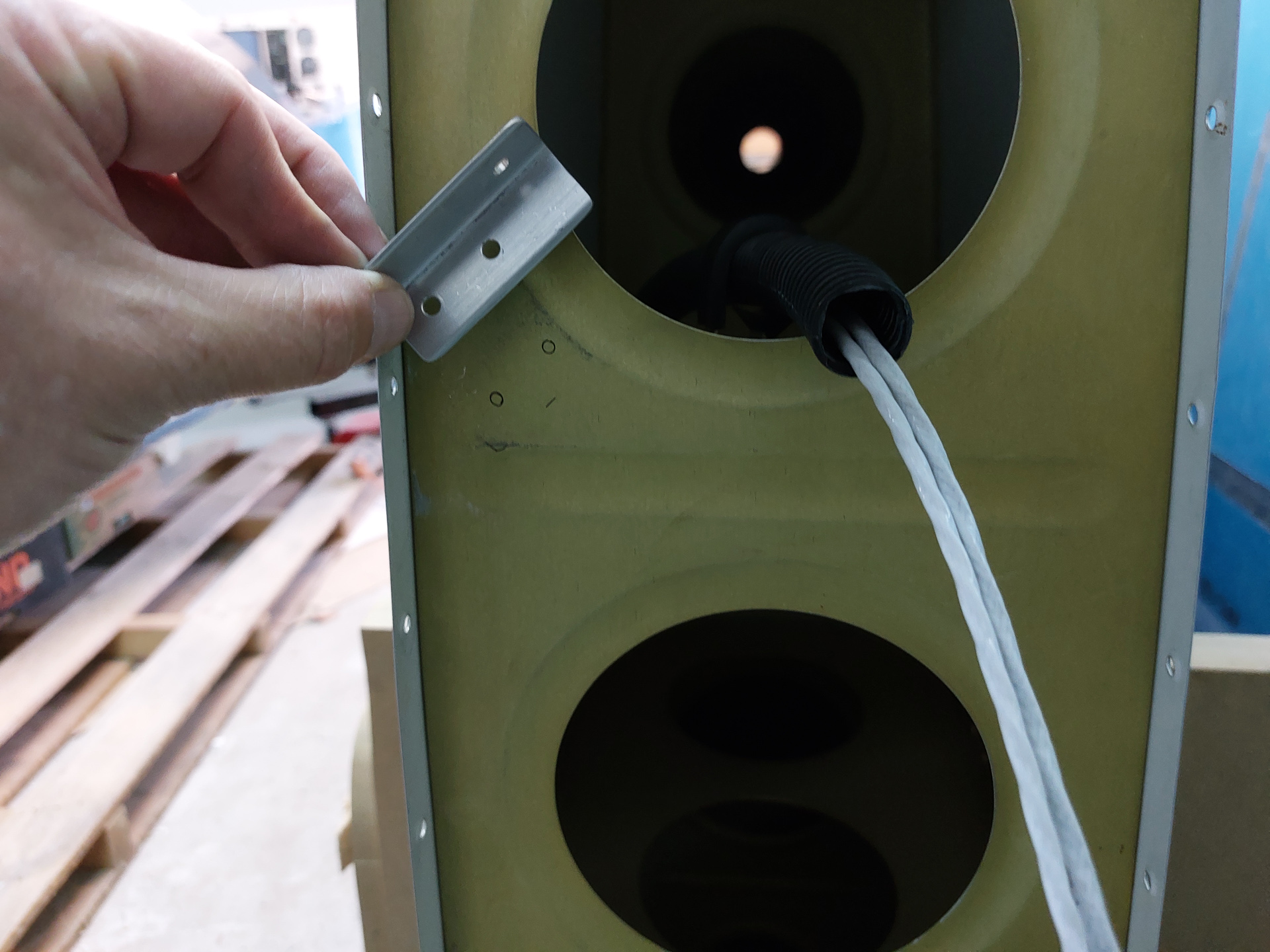
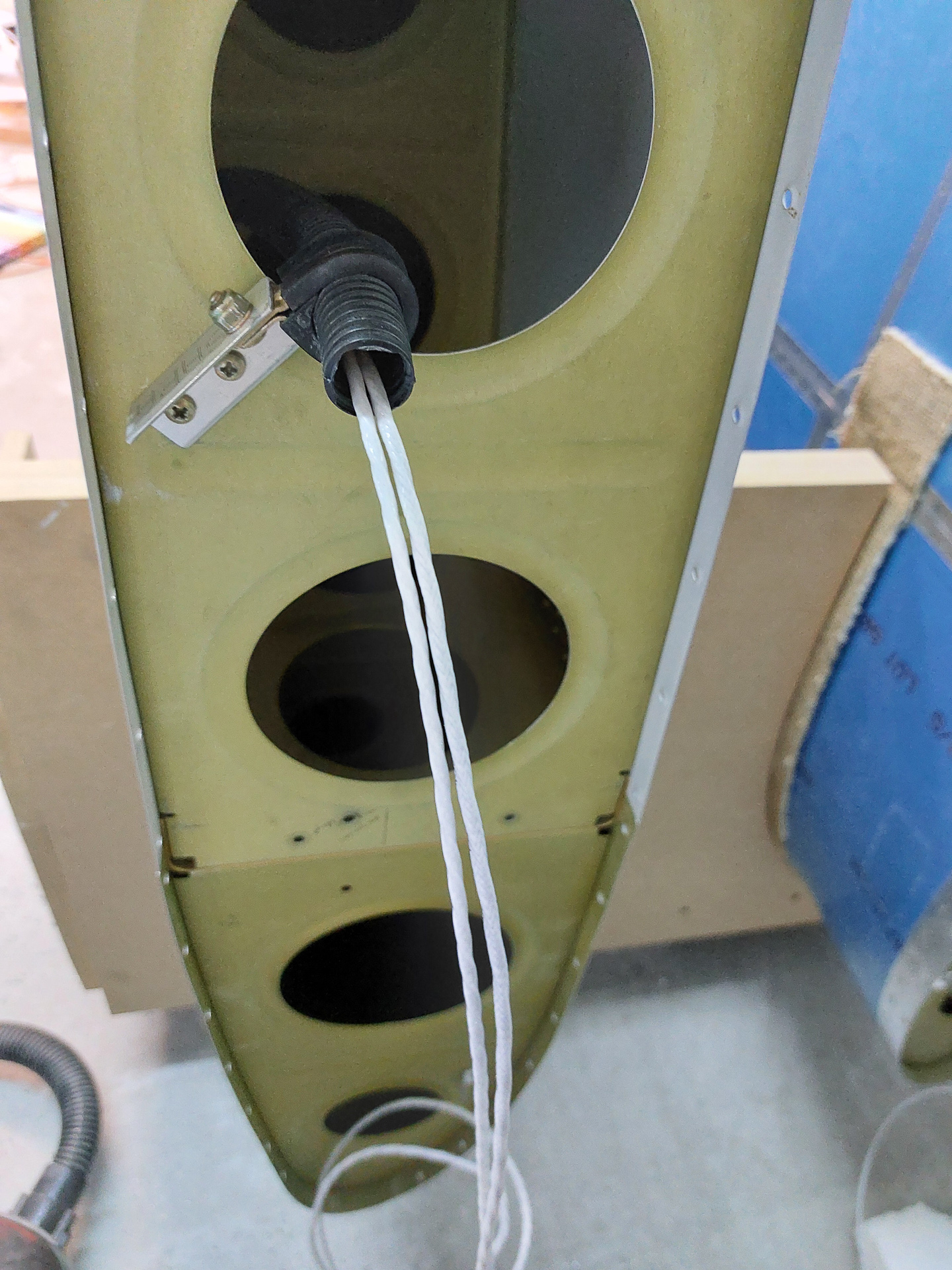
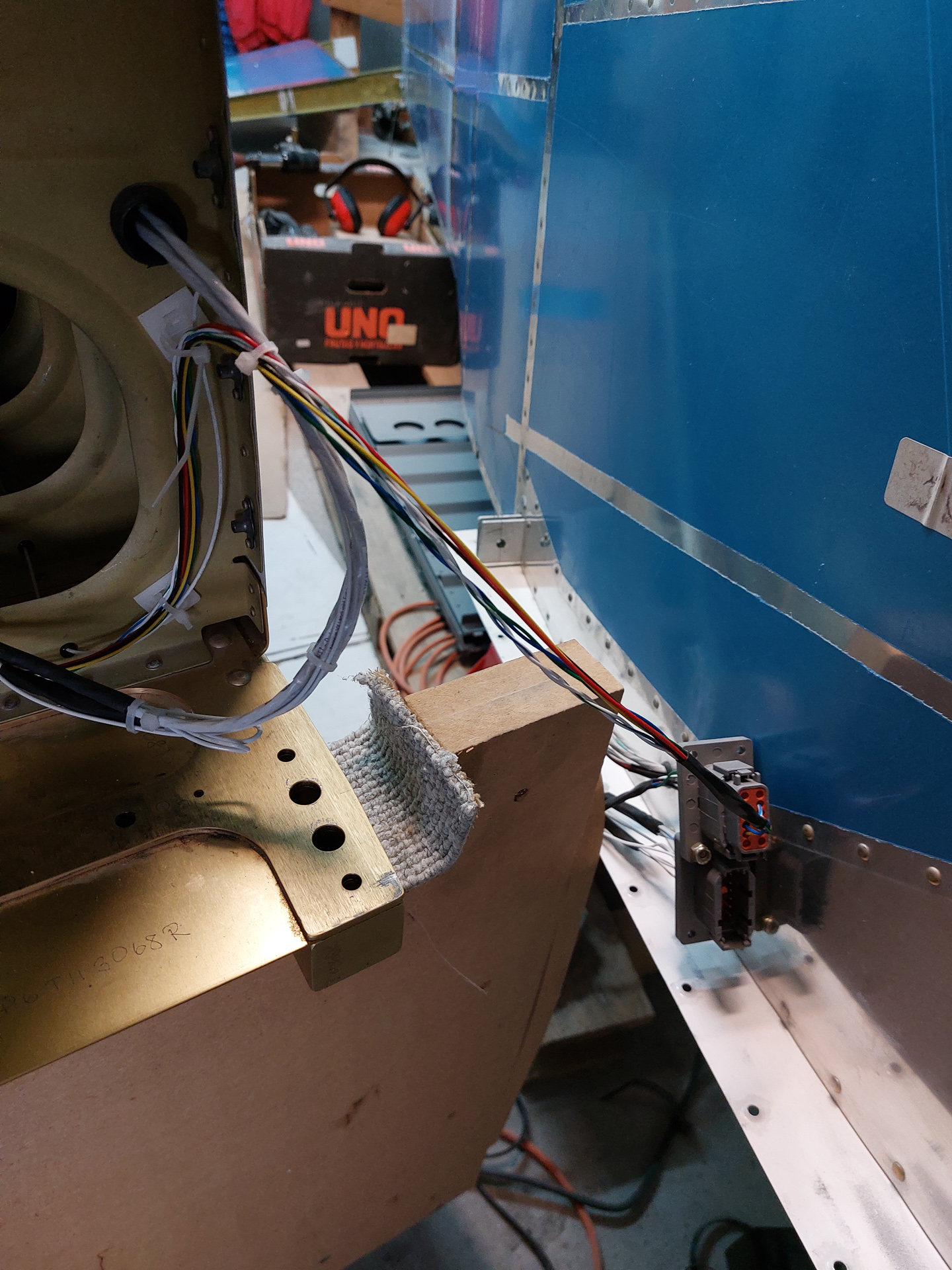
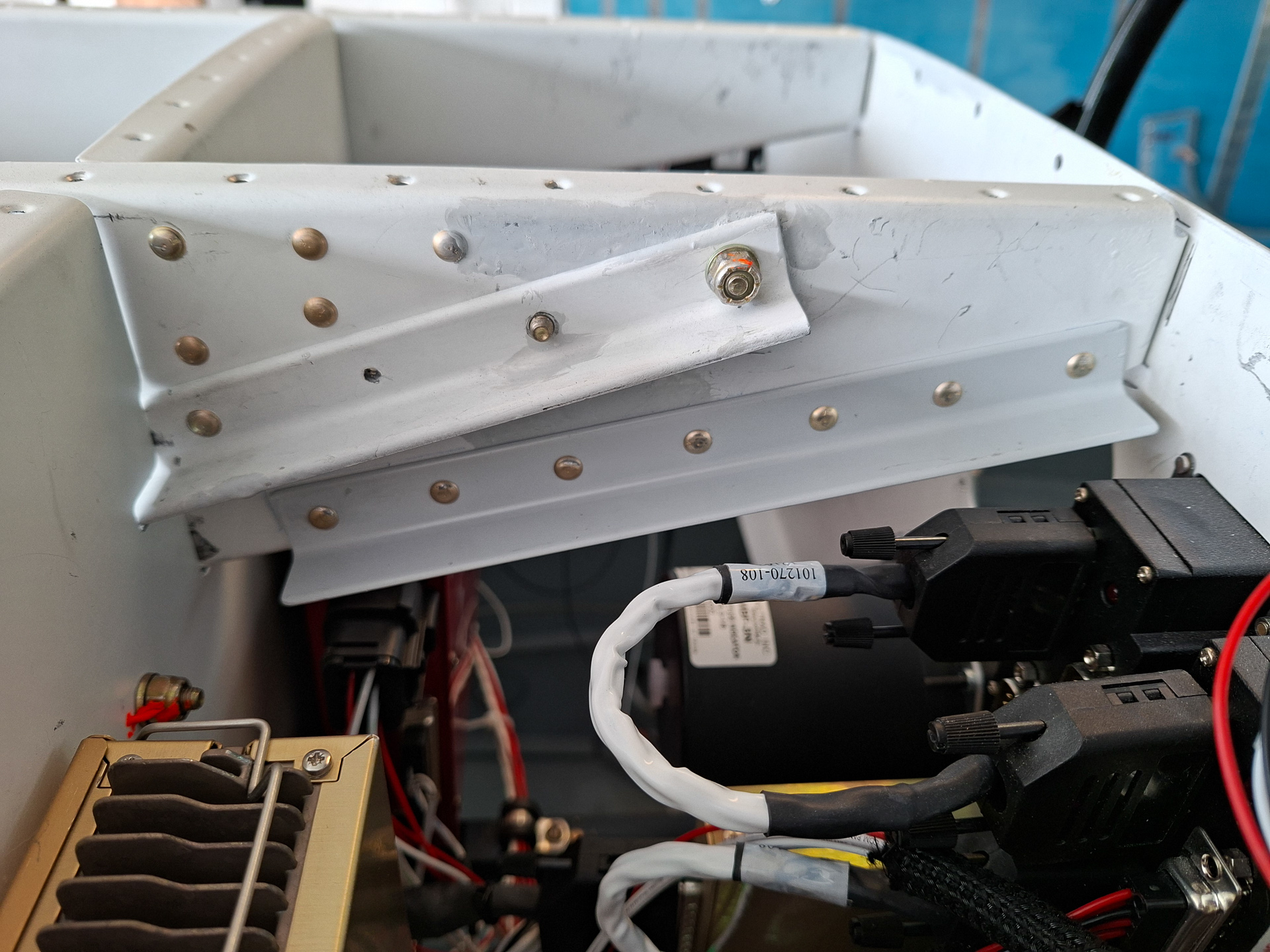
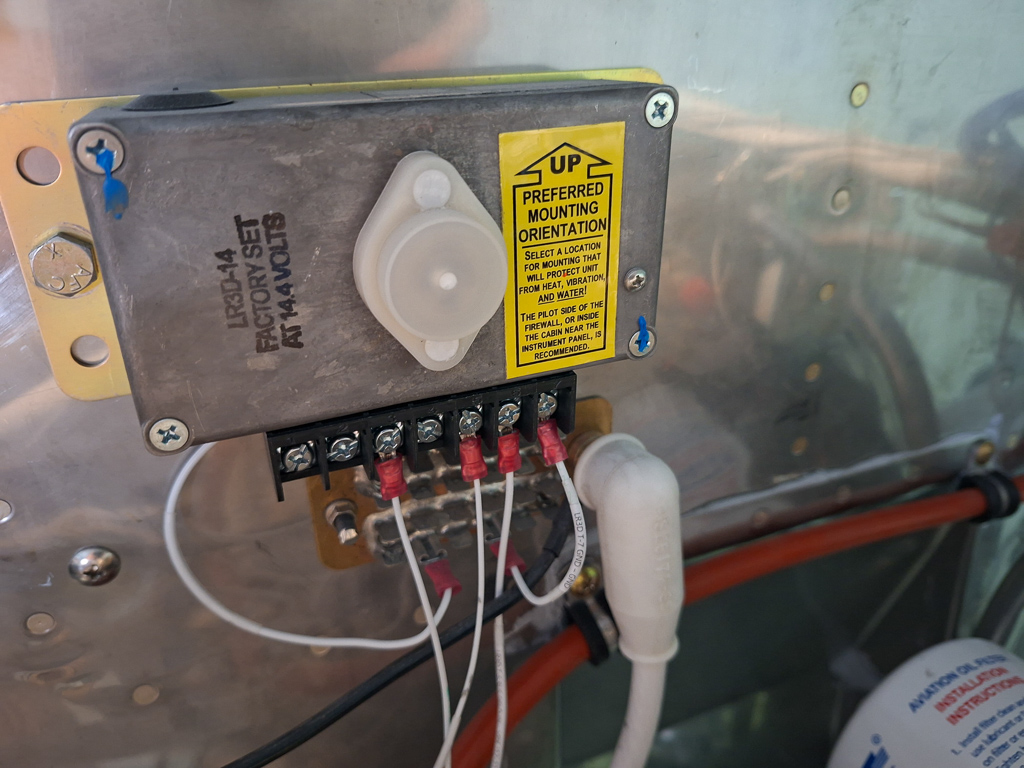
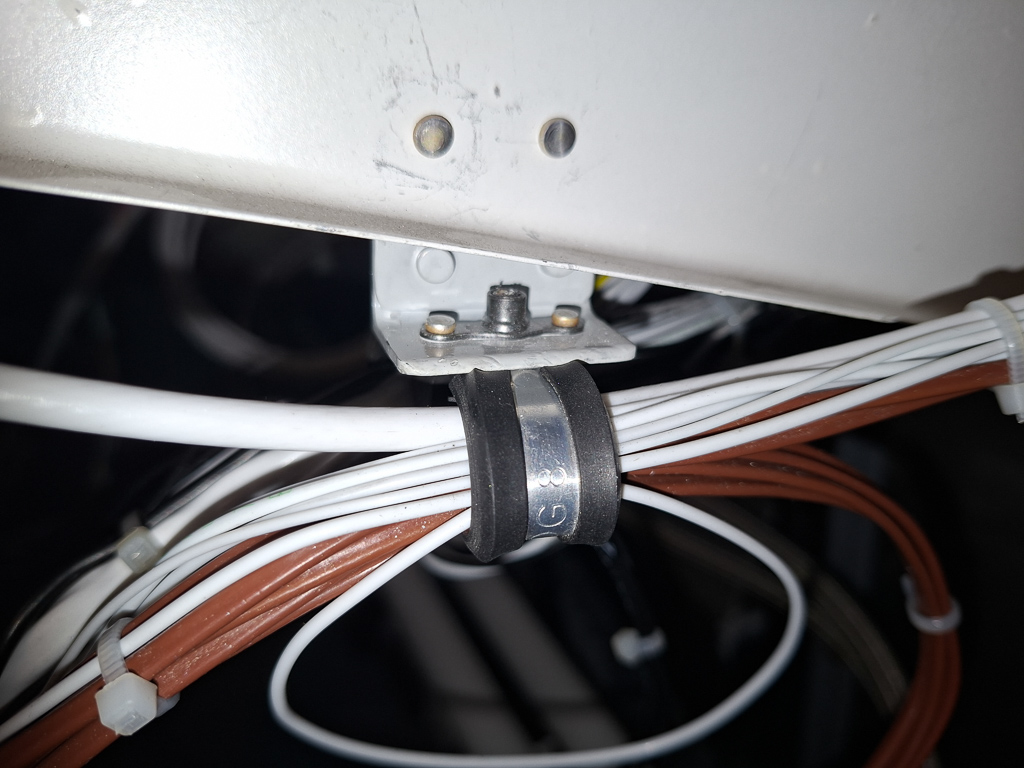
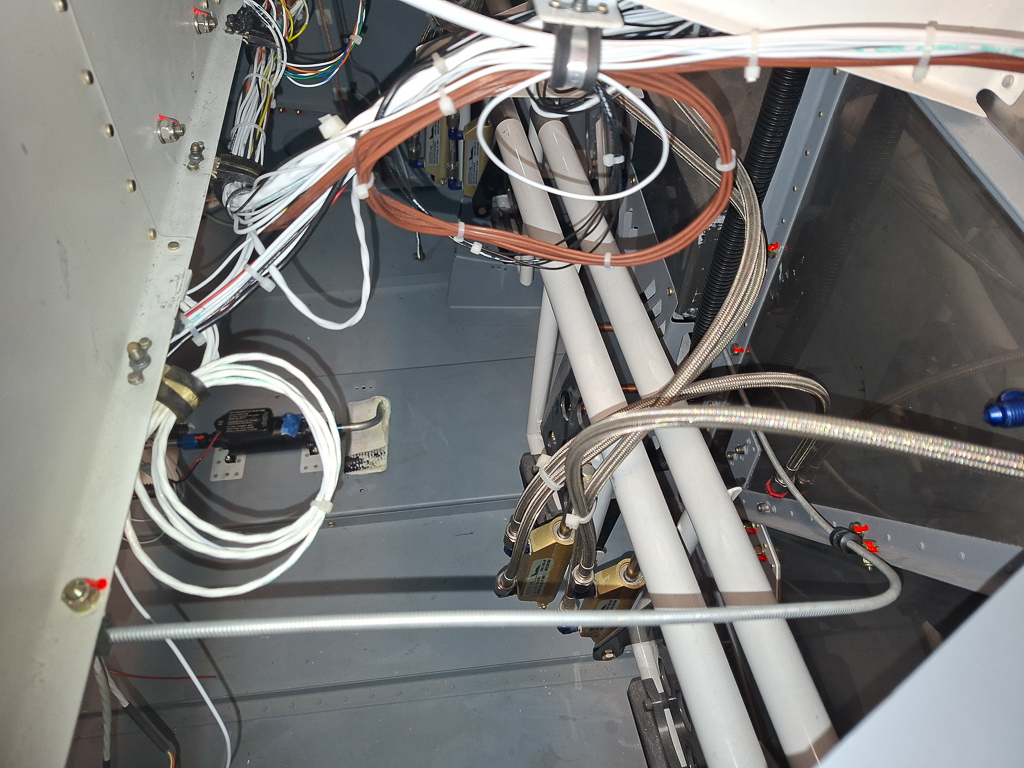
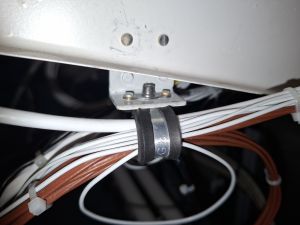
Moving on to the right side bay near the firewall. Here we find the second firewall penetration point. On this side, the main electrical wires are passing through with some other wiring leading into the external voltage regulator on the engine side of the firewall. They move out of the main wirebundle and continue their way to the firewall attached by an adel clamp which is mounter on an aluminum angle I attached on the firewall rib. The wire bundle in loop next to in (bottom left of picture) are the speaker and microphone intercom wires for the passenger headset.
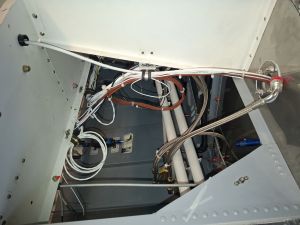
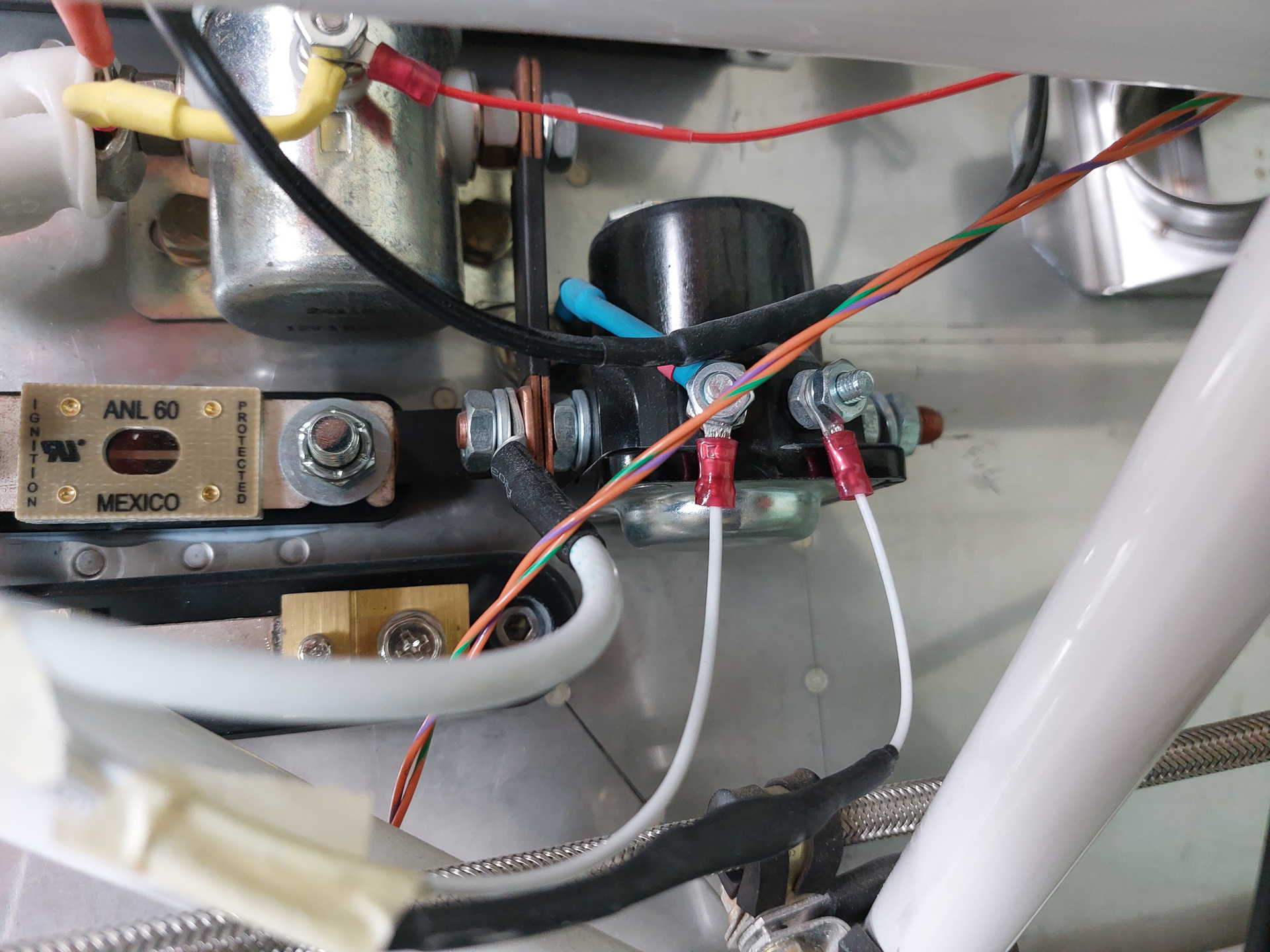
On the sub panel, I made a hole with bushing which passes through the main VPX power cable coming from the active side of the master solenoid.
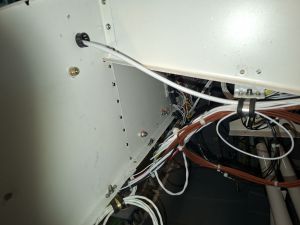
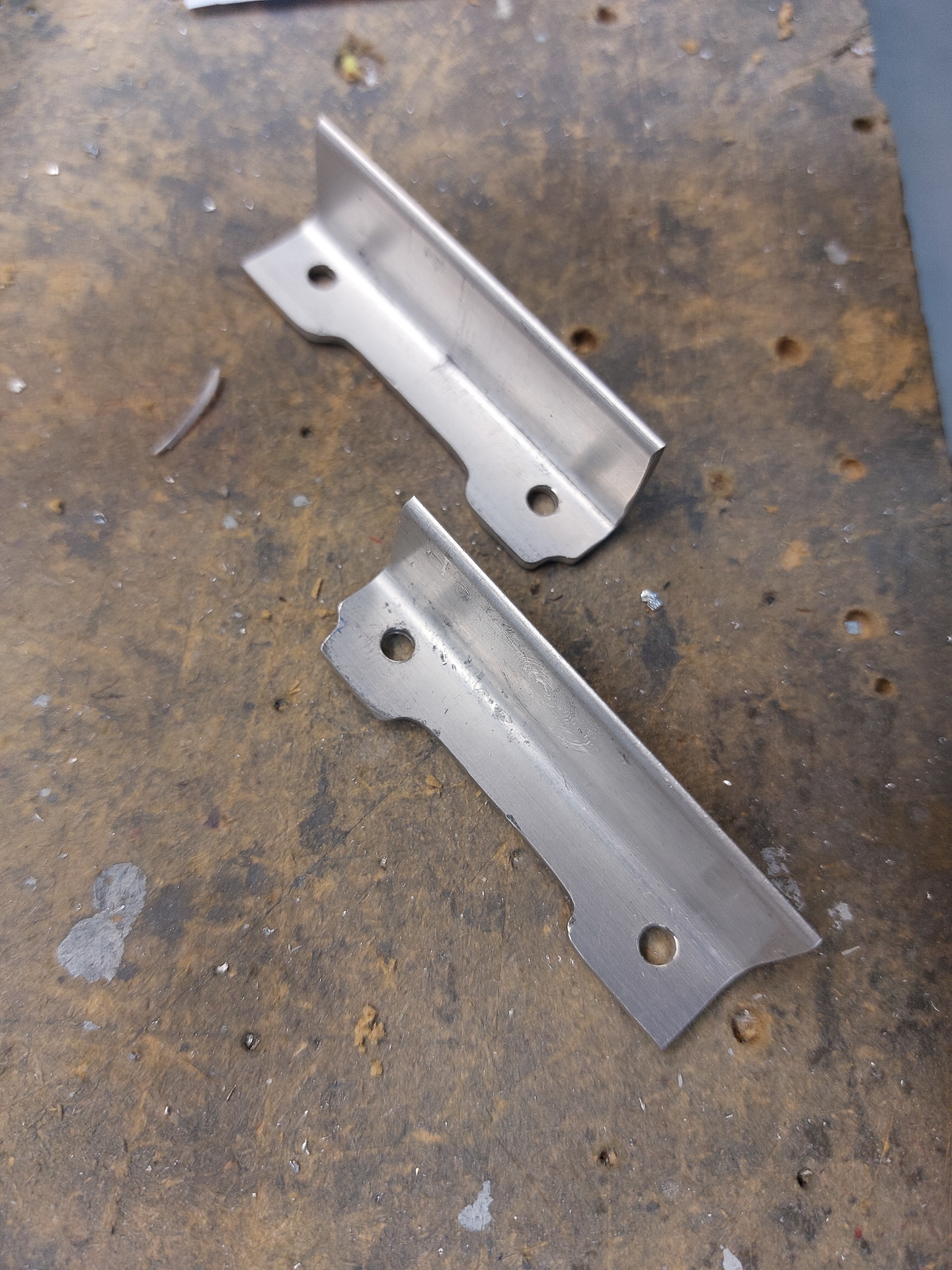
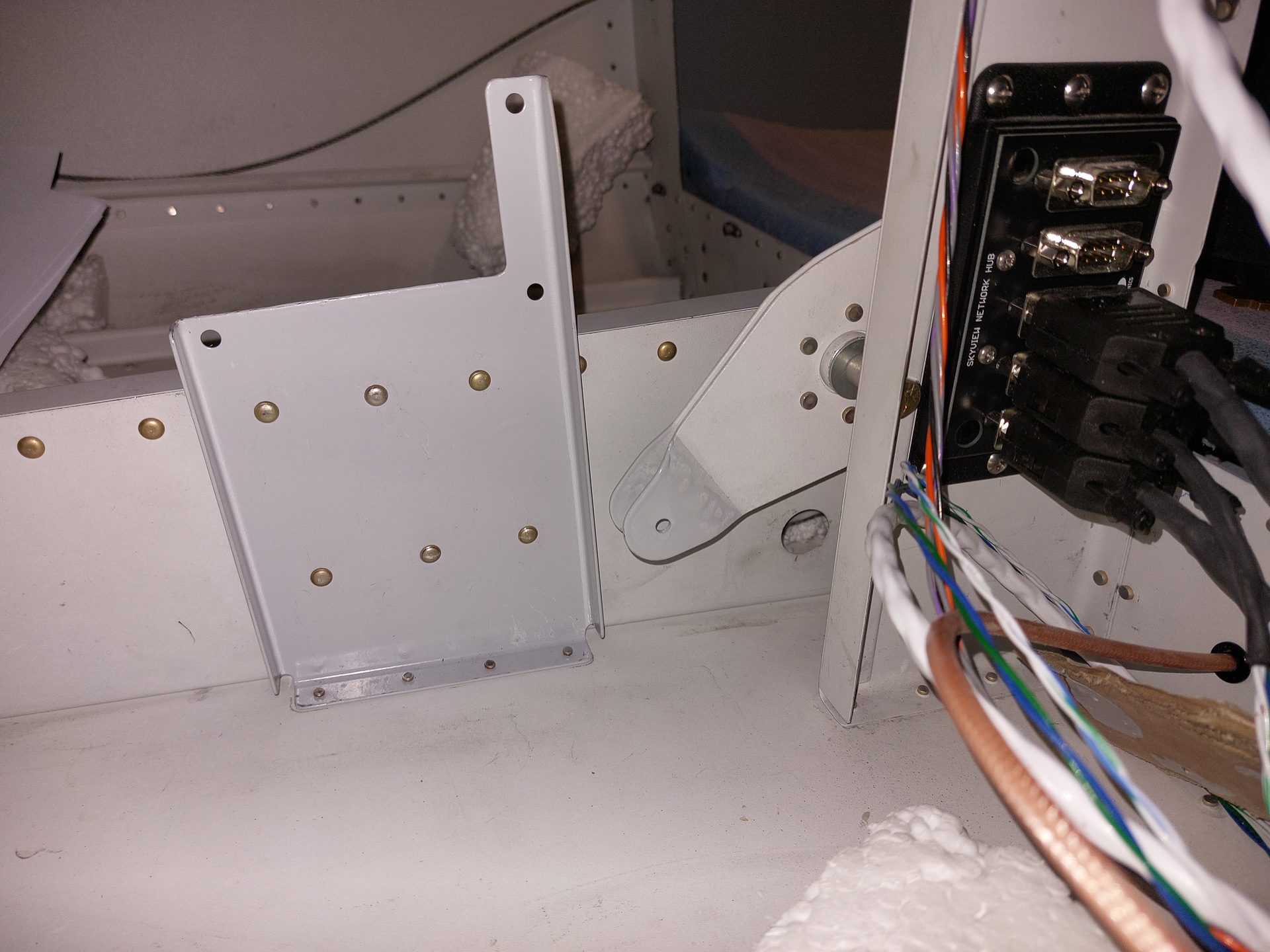
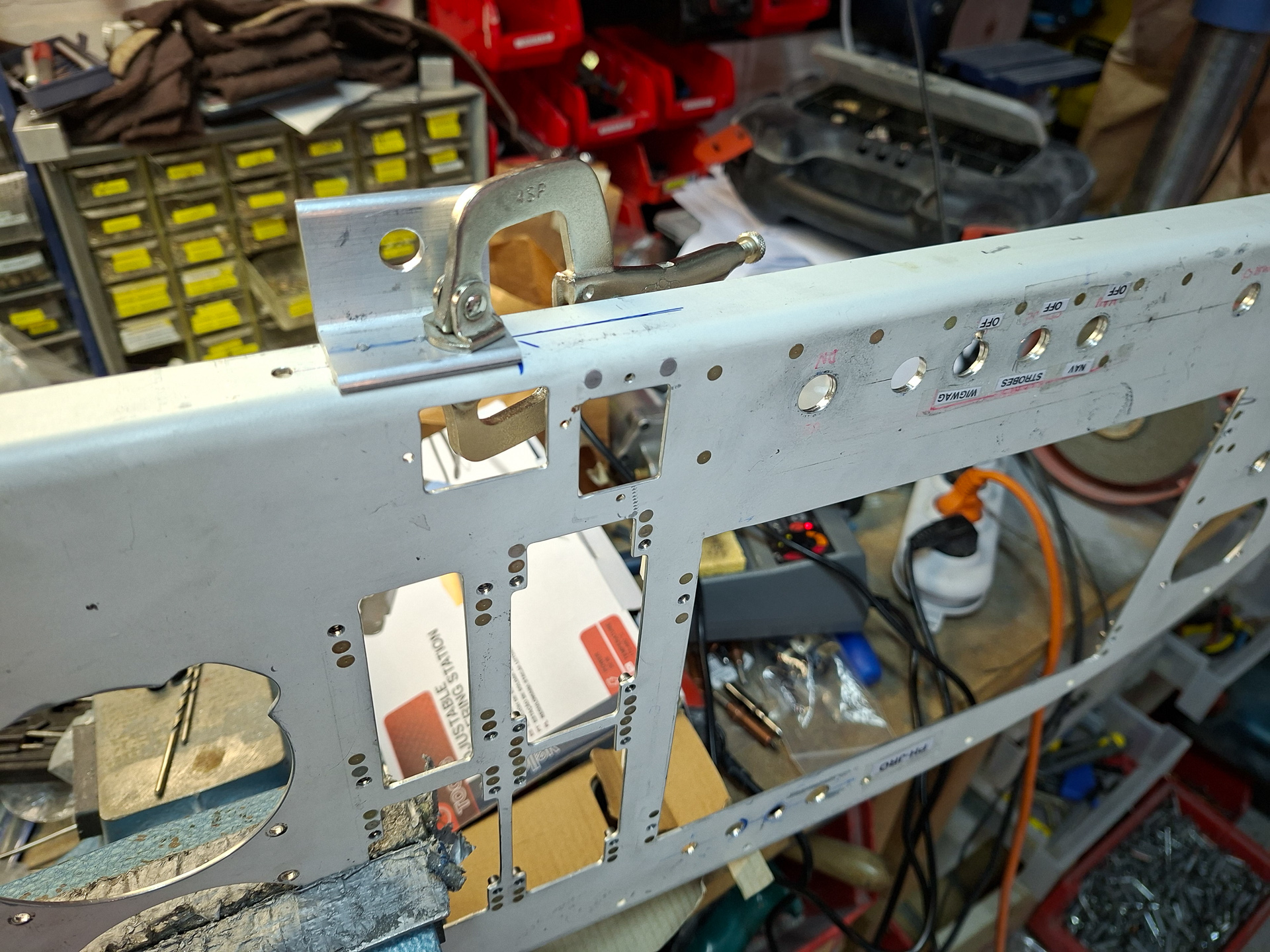
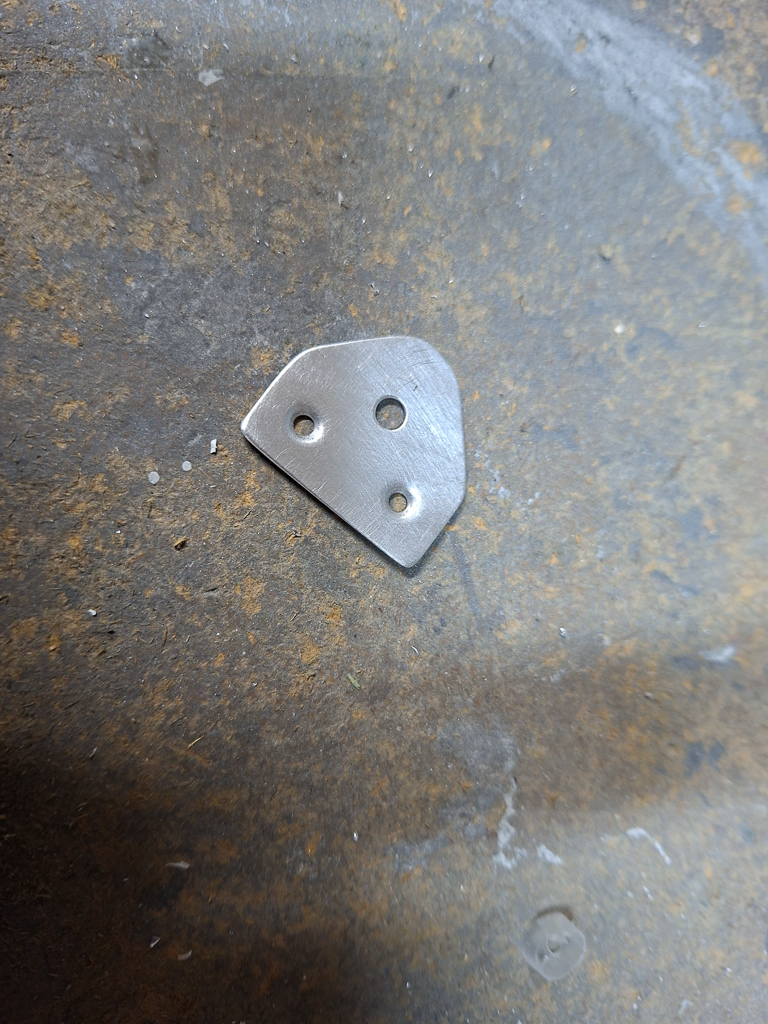
Here is a shot of the little extra angle I mounted on the rib. It moves the adel clamp a bit lower and facilitates the routing of the wire bundle.
Same shot from above. On the right side you can also see the push pull cable run of the heat vent.
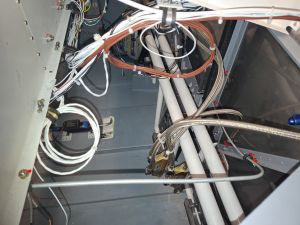
Moving backward to the passenger side bay behind the instrument panel.
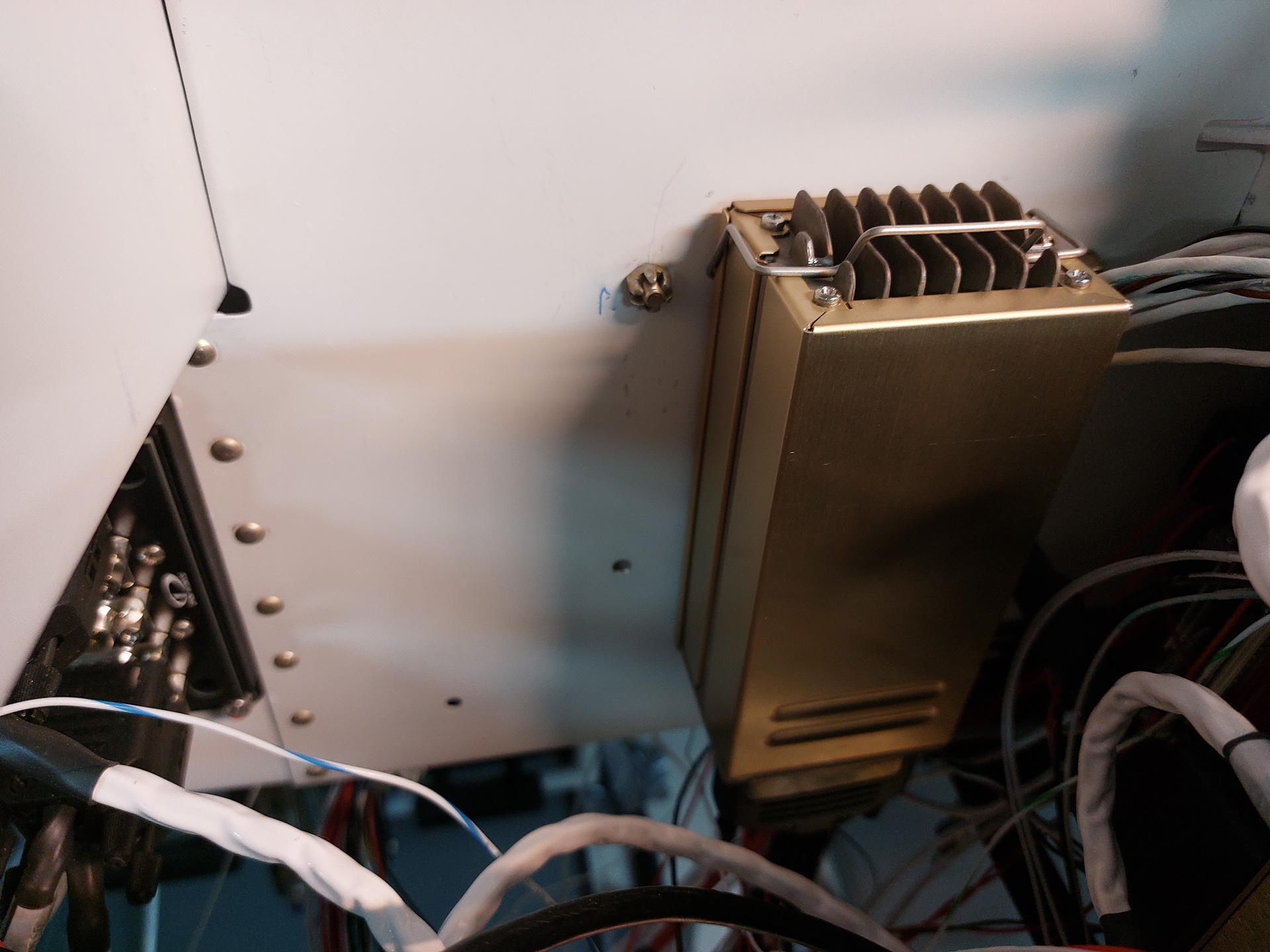
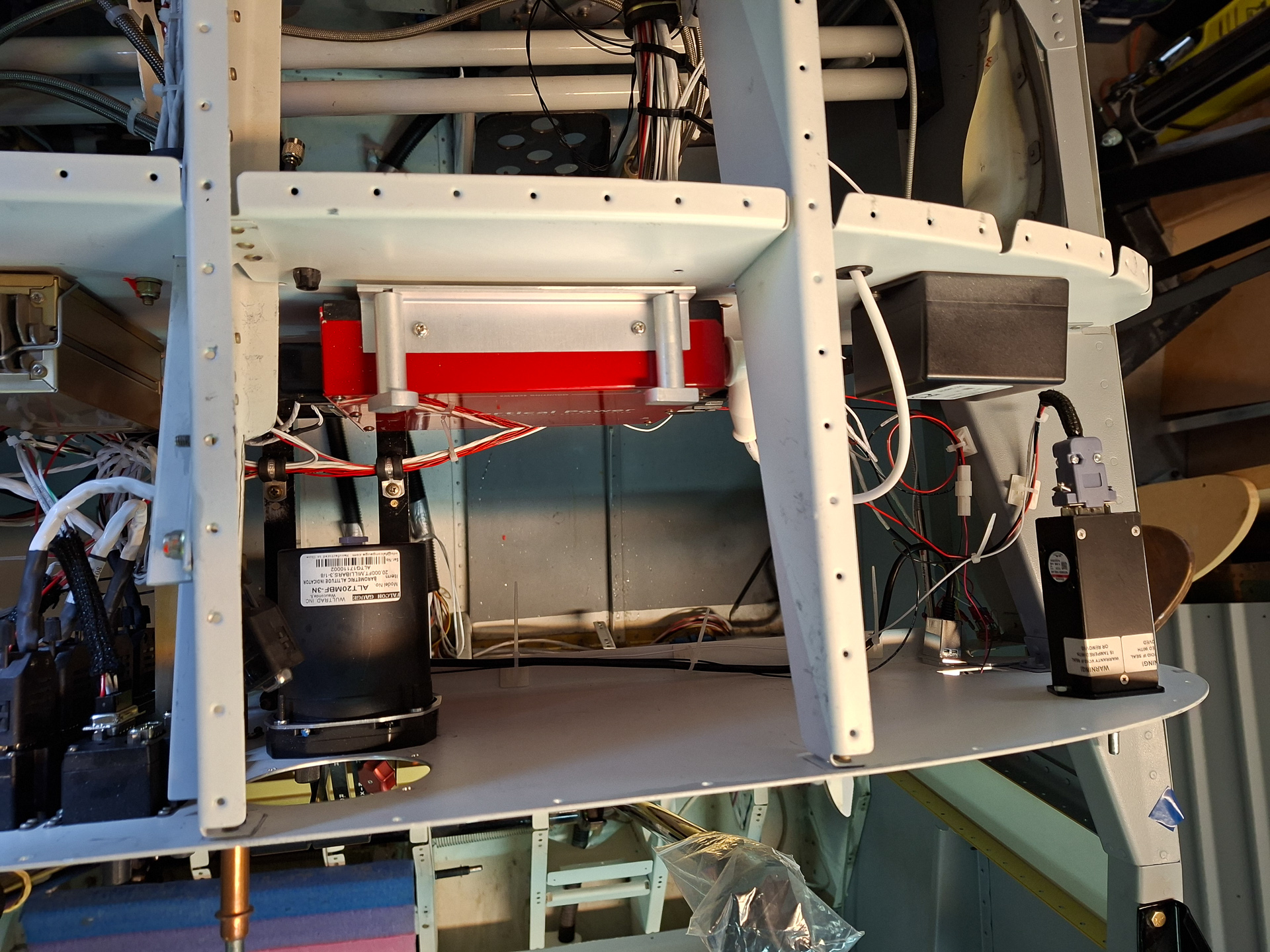
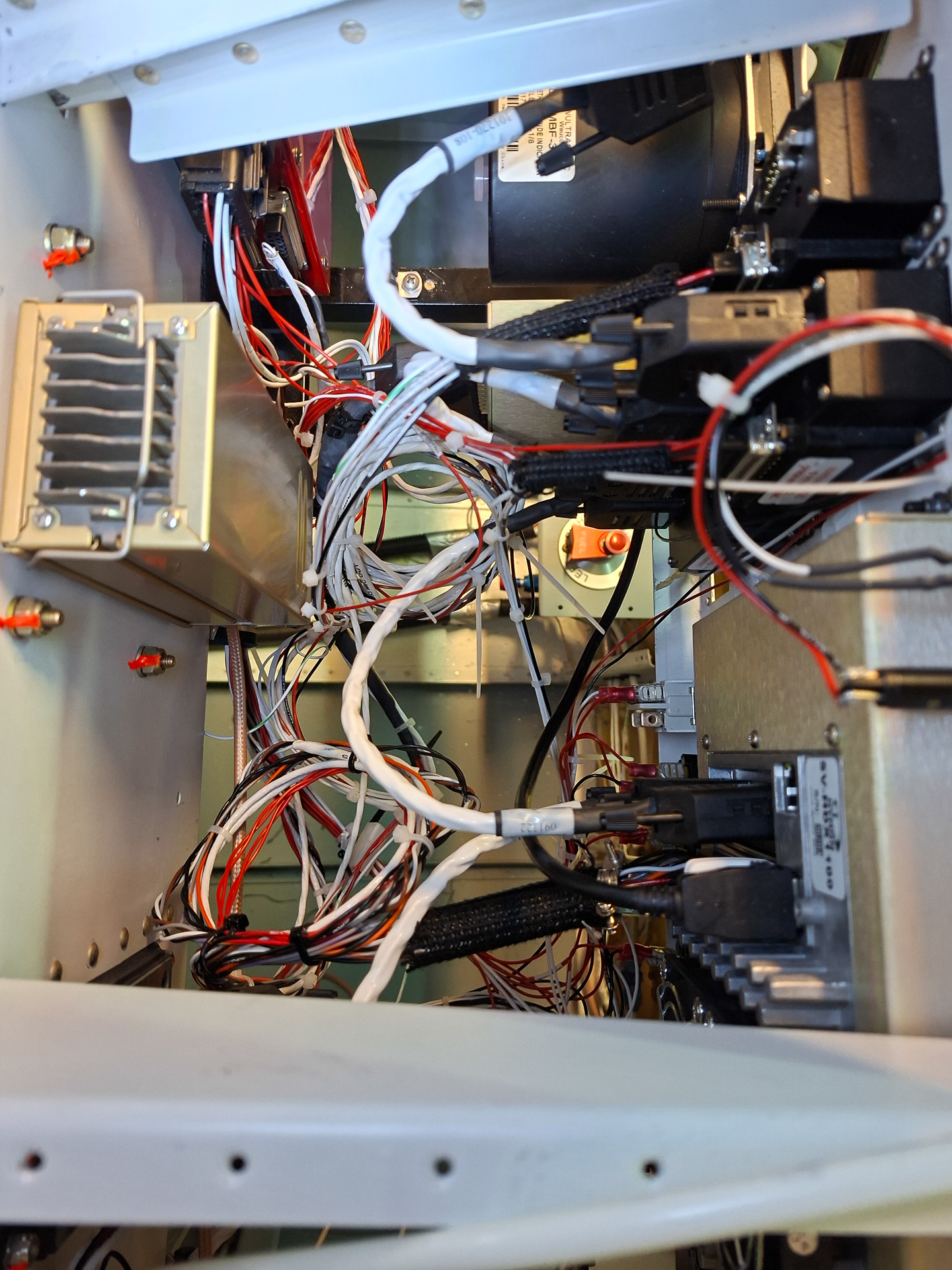
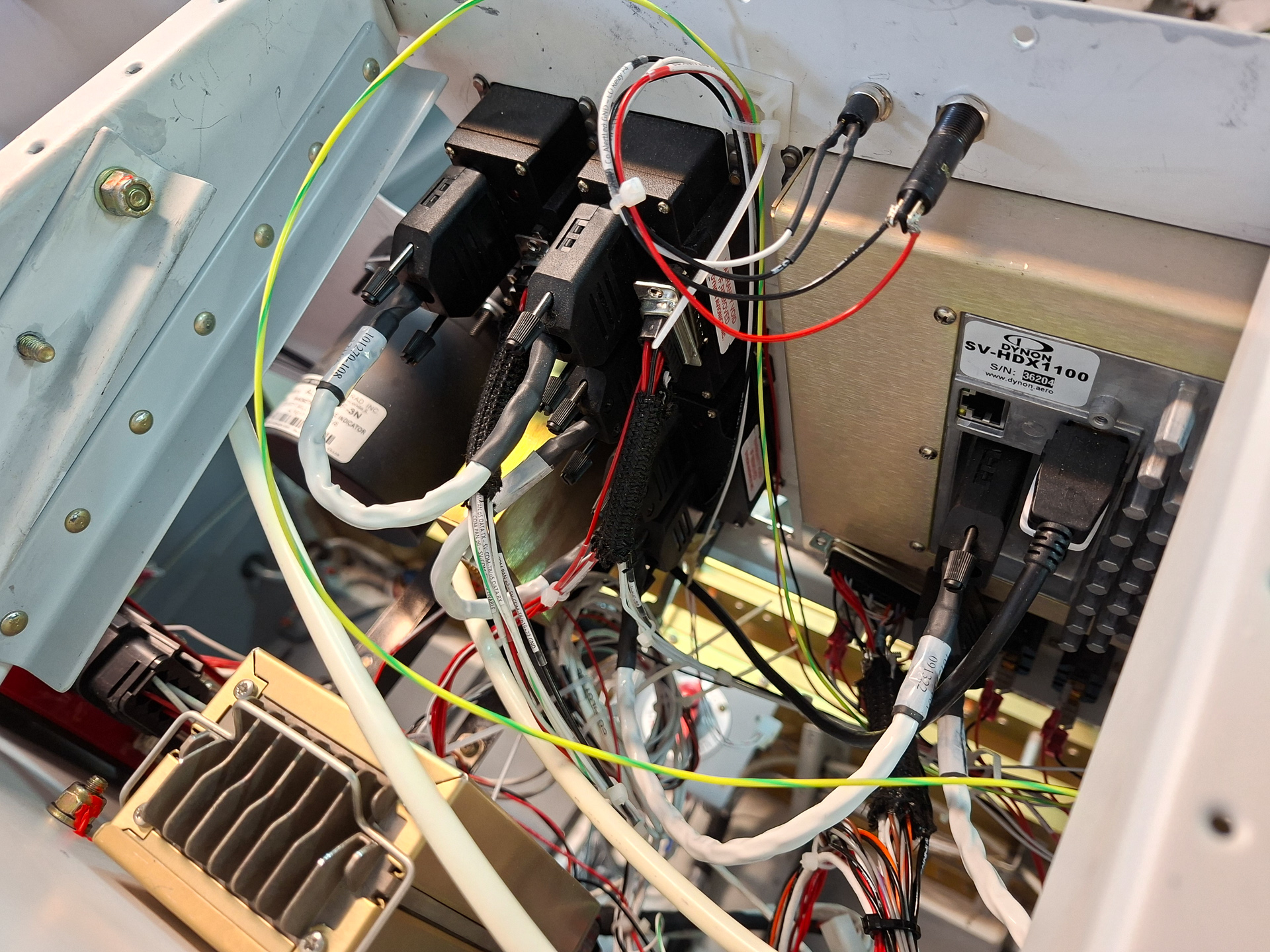
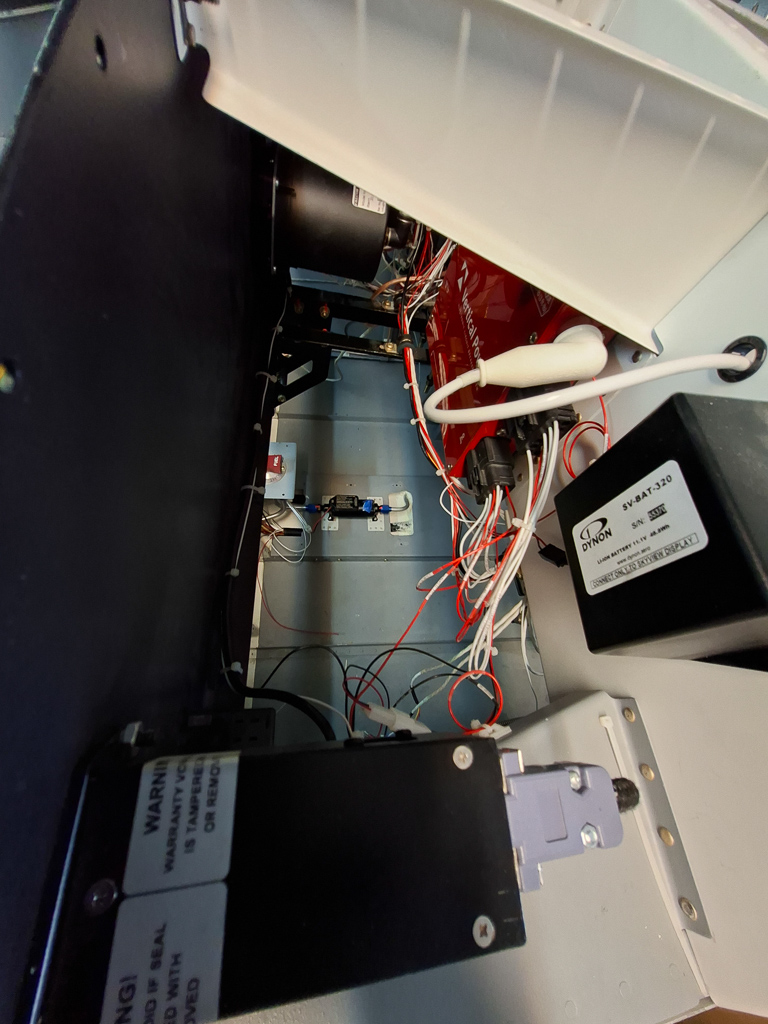
I have mounted my Dynon Backup battery on the right side of the sub panel. Next to it is the passthrough of the main VPX power lug cable.
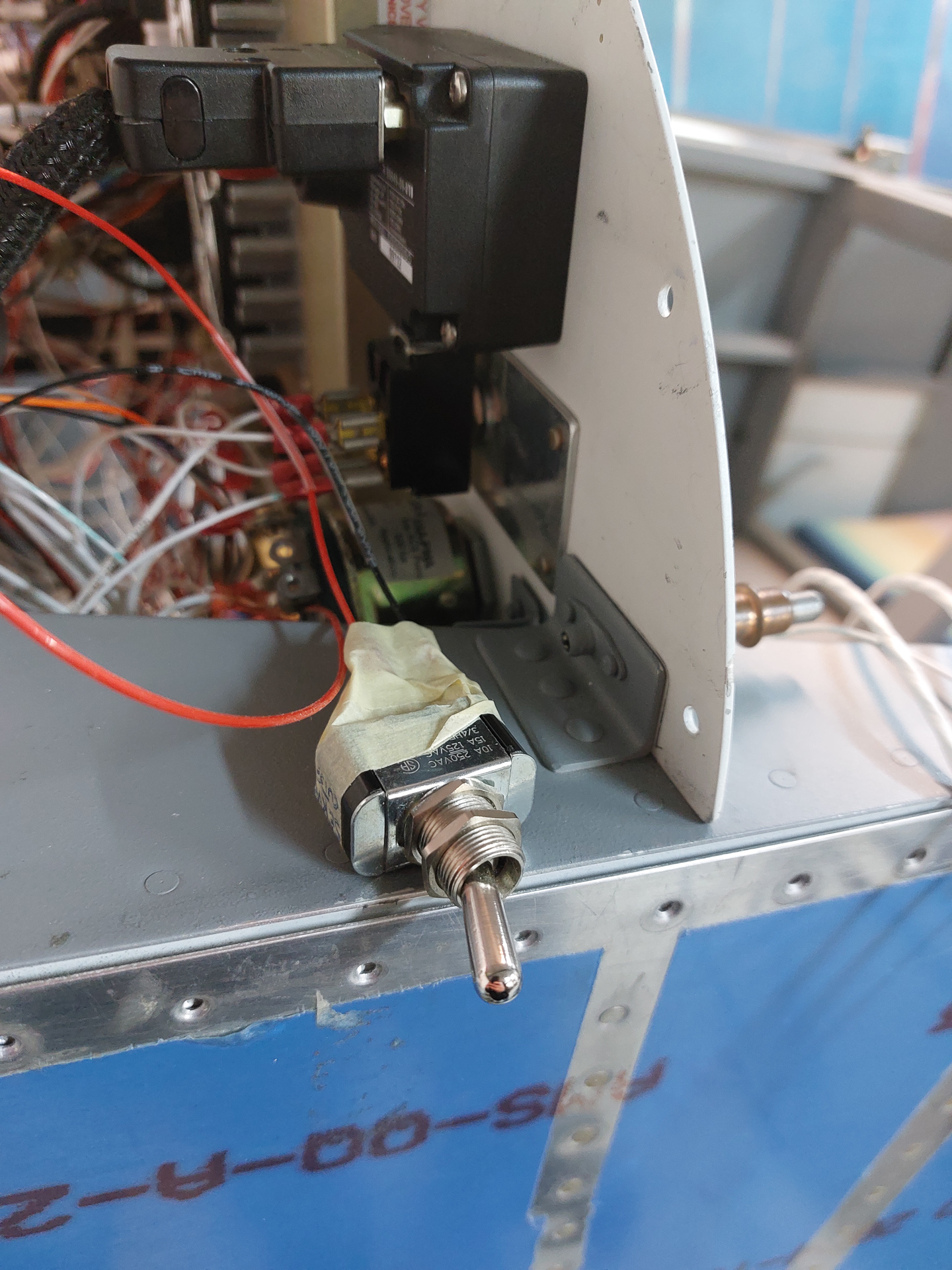
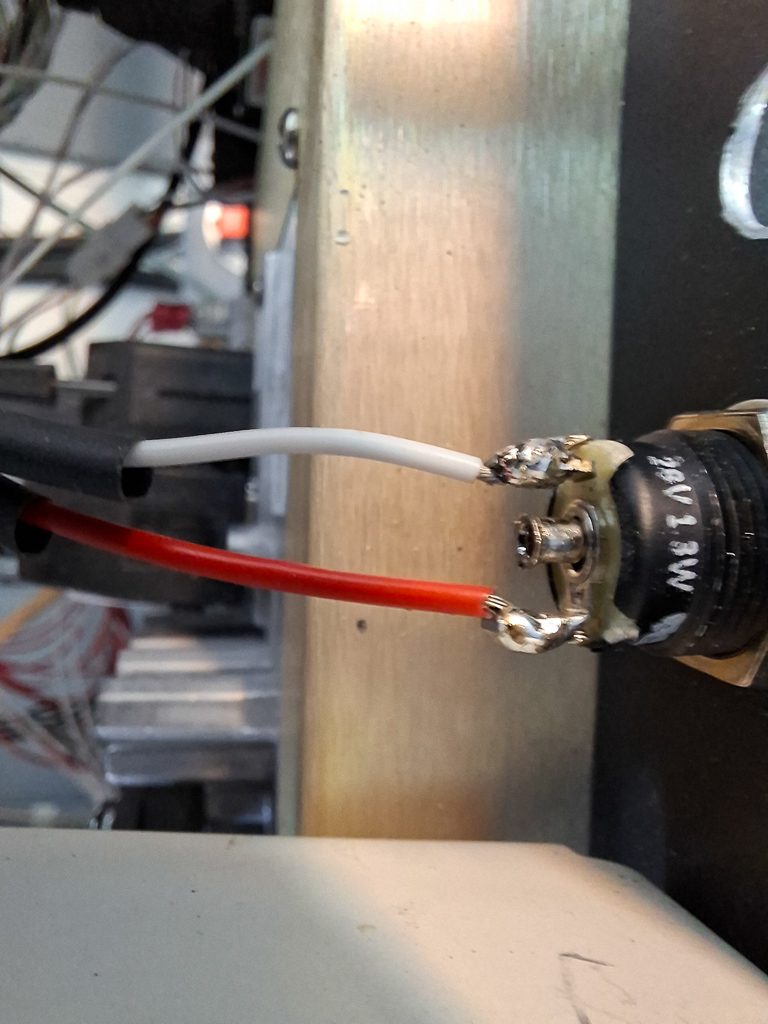
On the instrument panel, you can see the box of the CO guardian on the bottom of the picture. Below that, is the USB charger and Dynon USB data port.
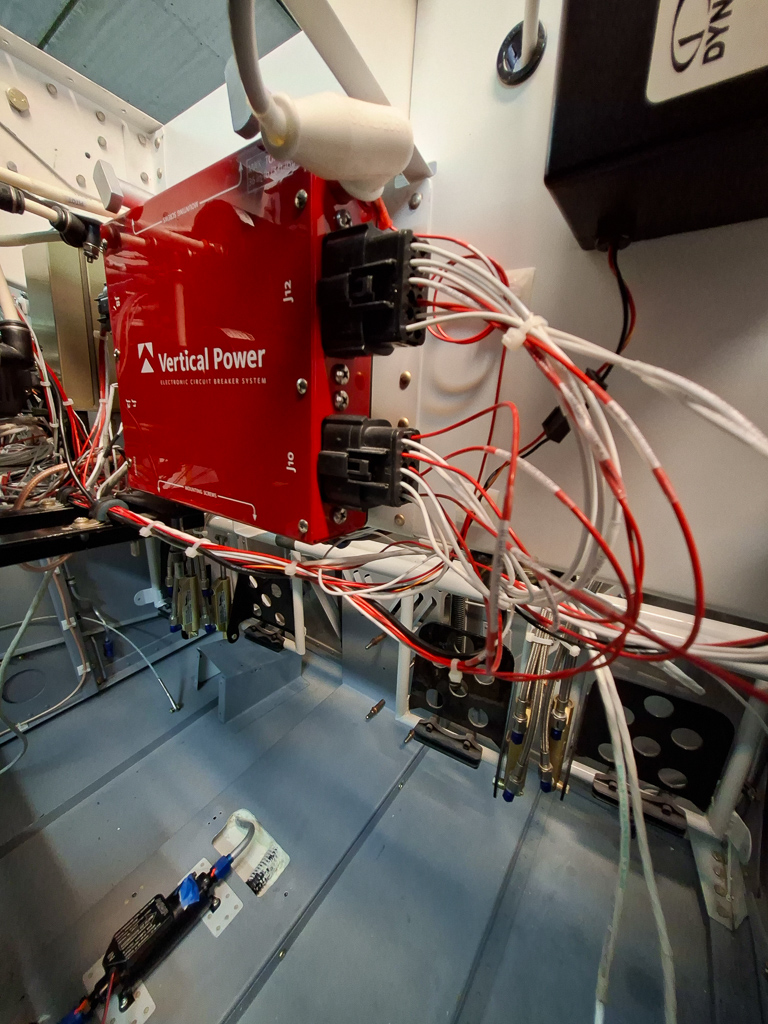
Some power wired of the VPX move underneath the sub panel to the main bundle, others move to the left side of the panel joining the power wires from the left side power connectors of the VPX.
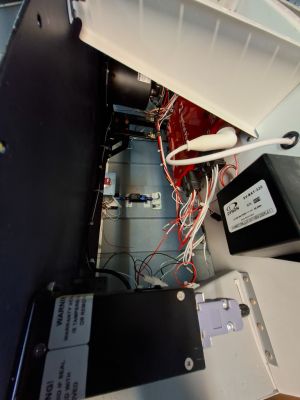
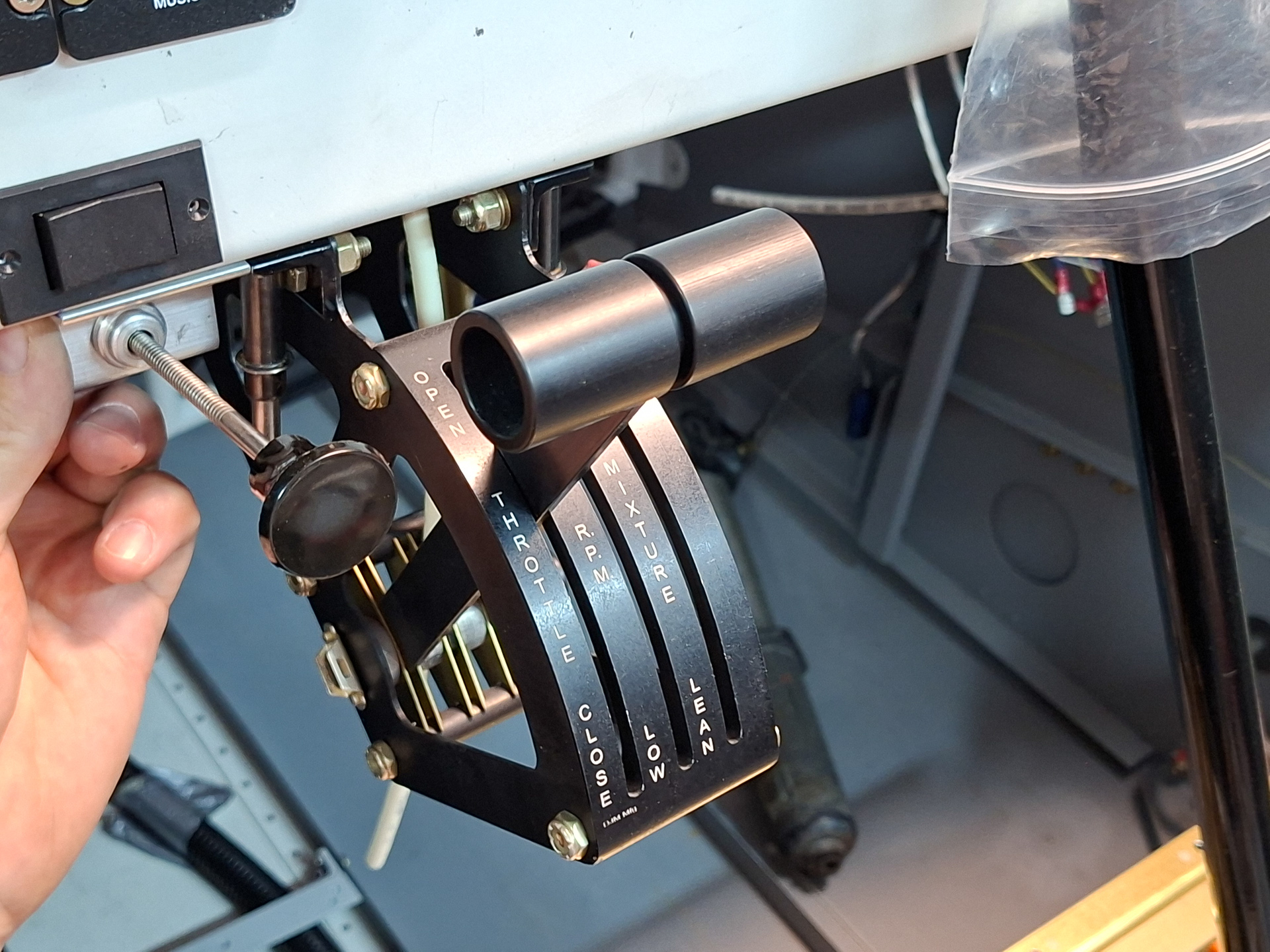
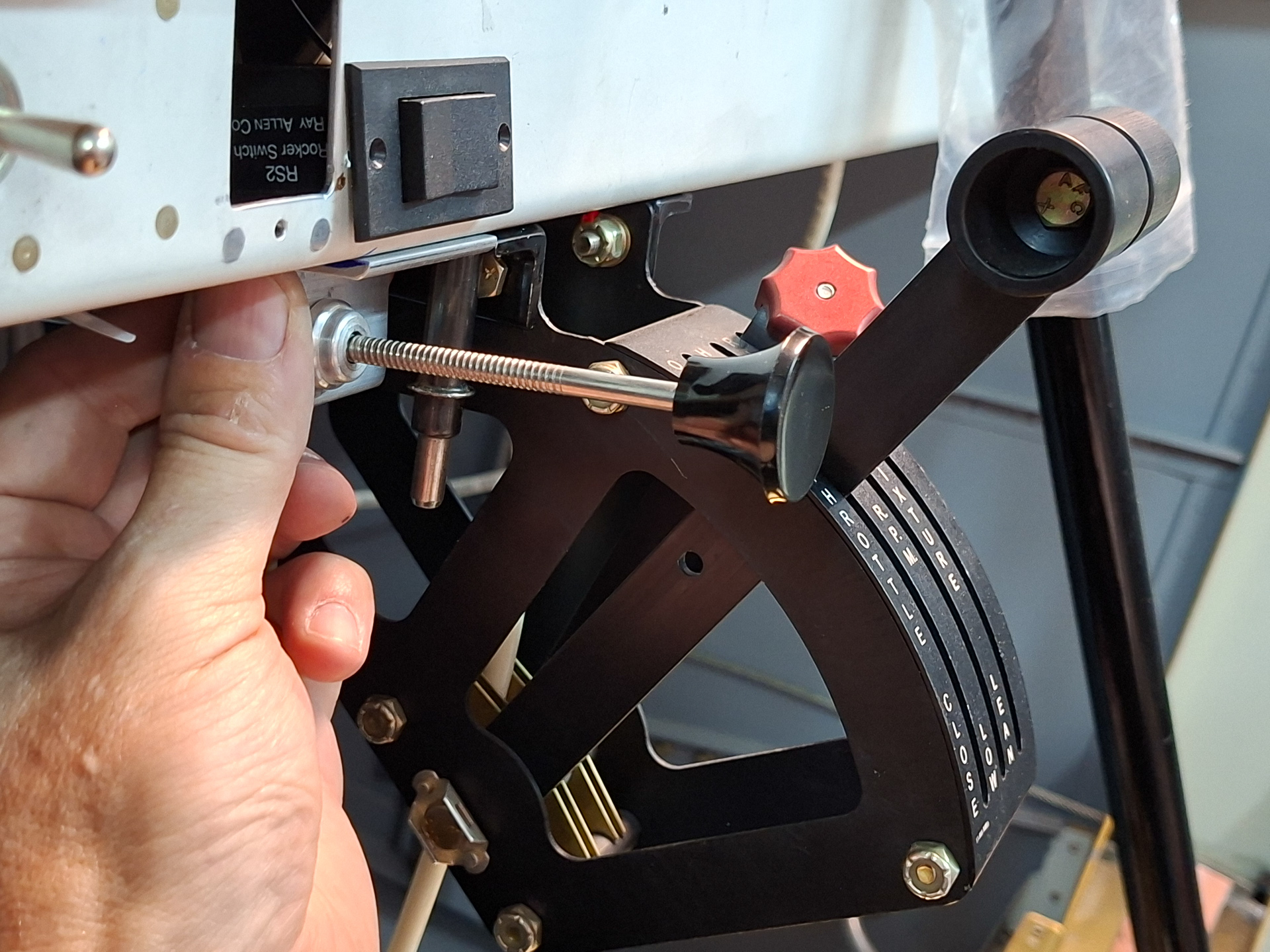
Her is a better shot of the VPX Pro wiring. The wire bundle moves to the left side and is supported by some adel clamps over the angles that hold the throttle quadrant in the middle.
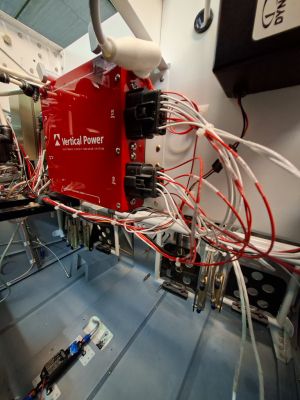
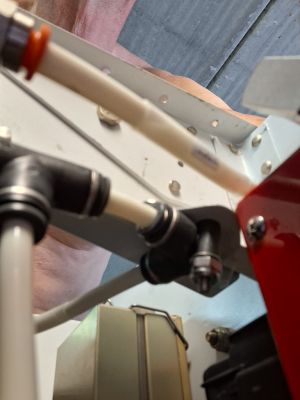
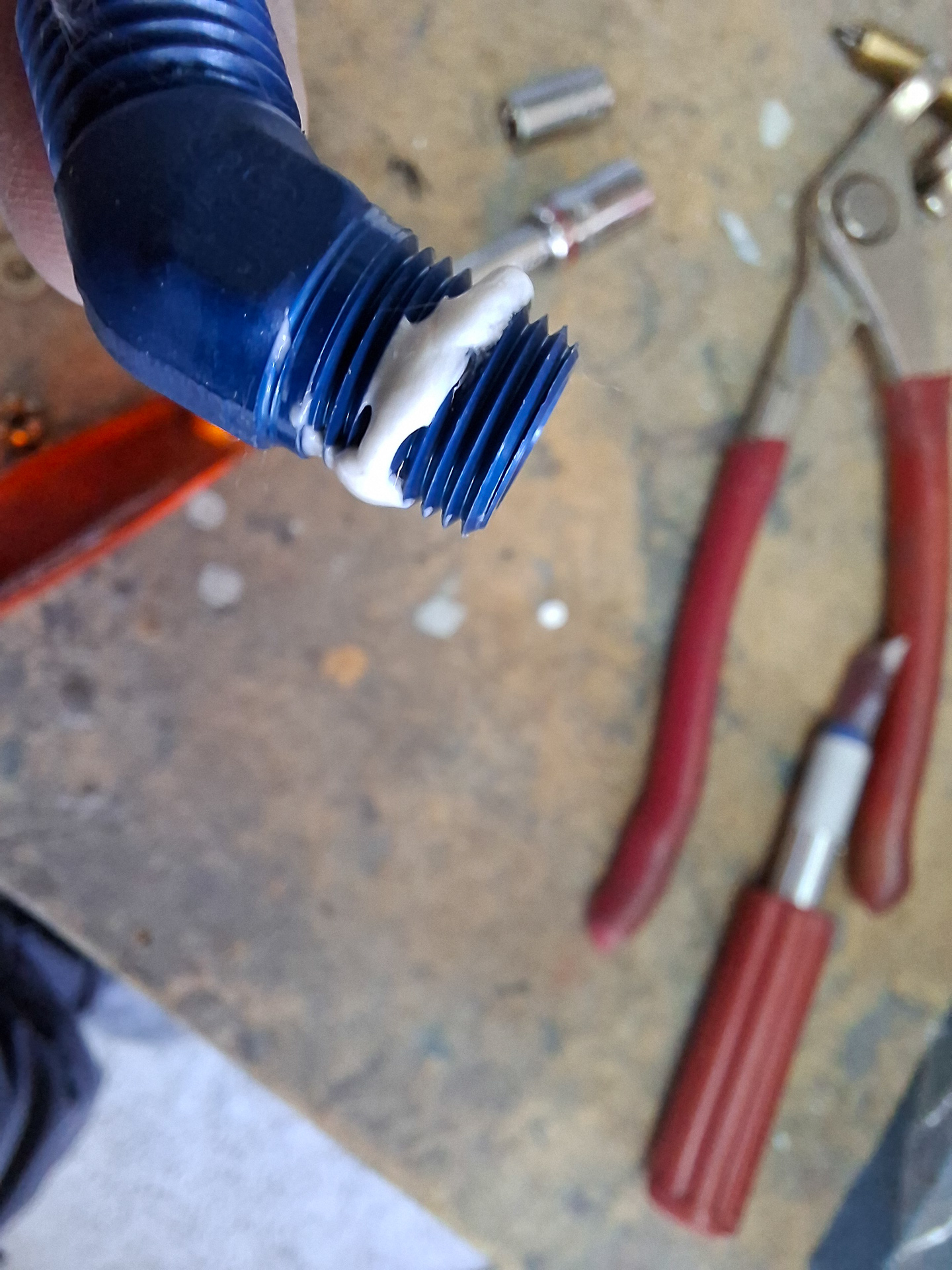
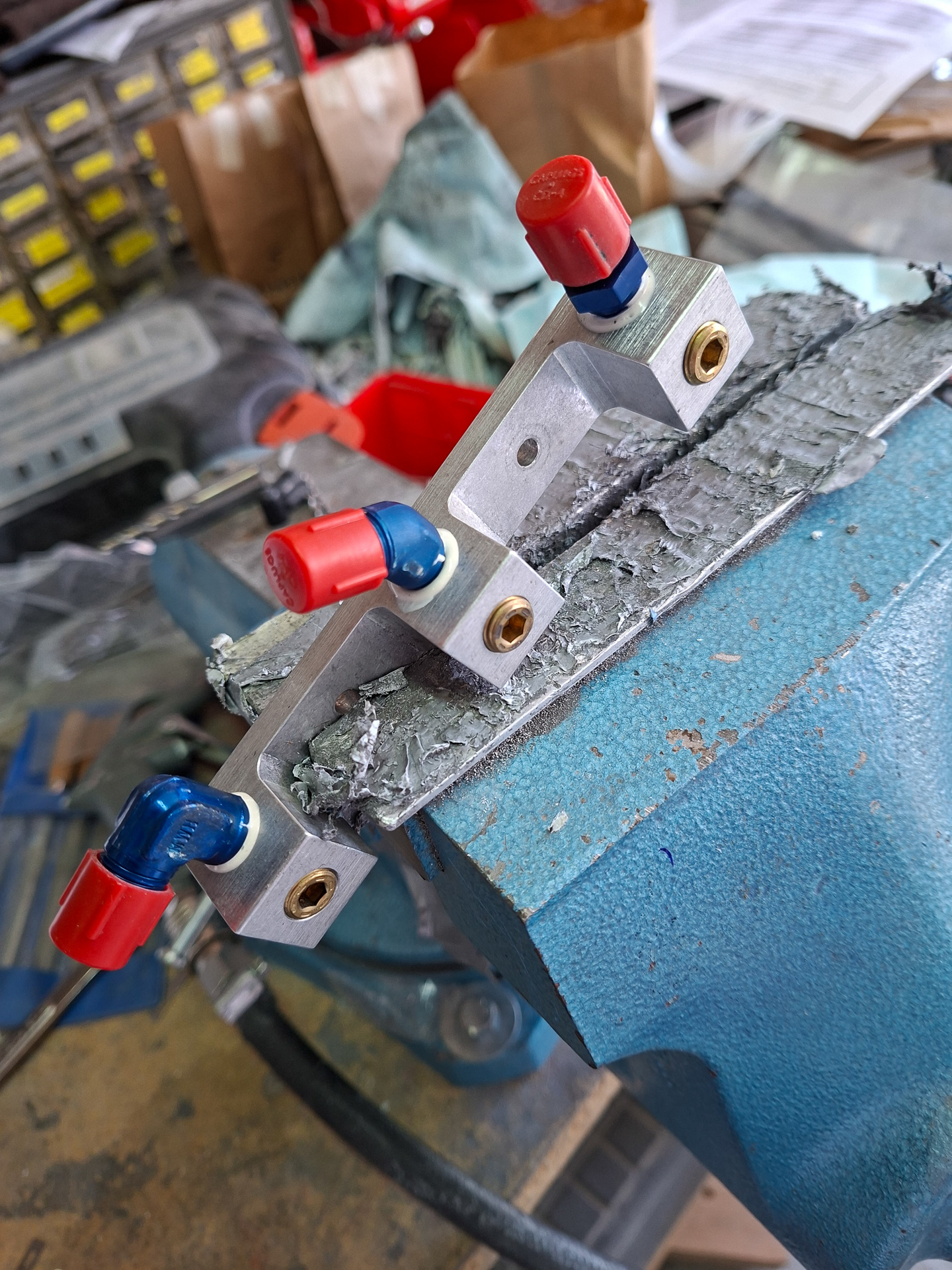
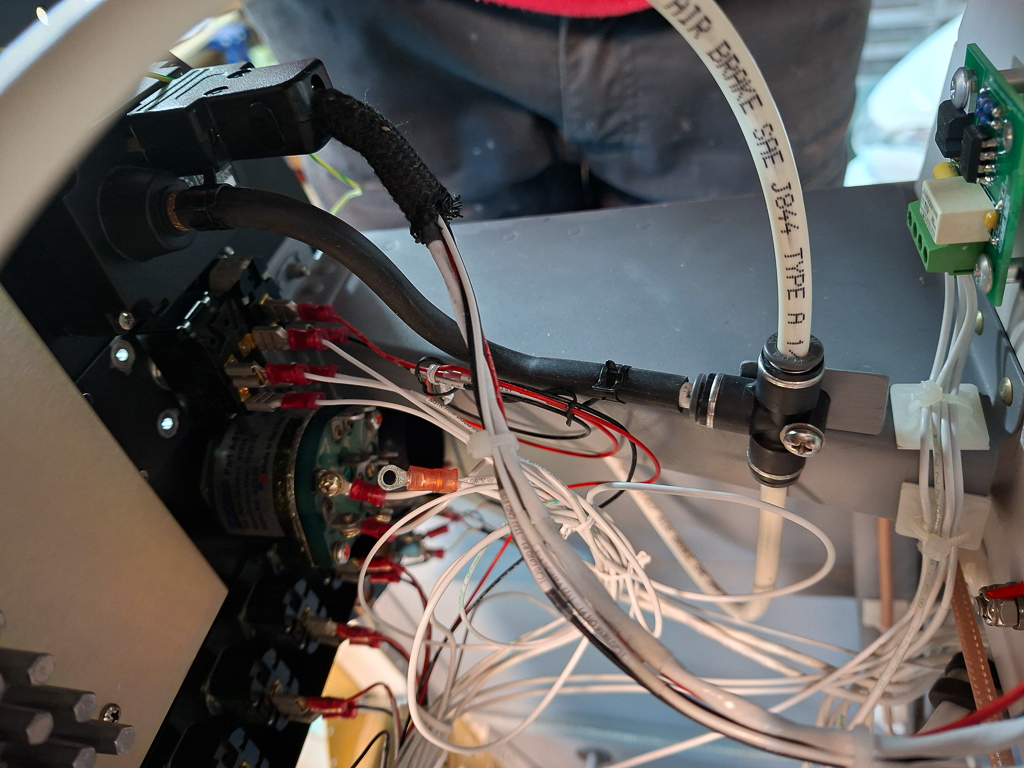
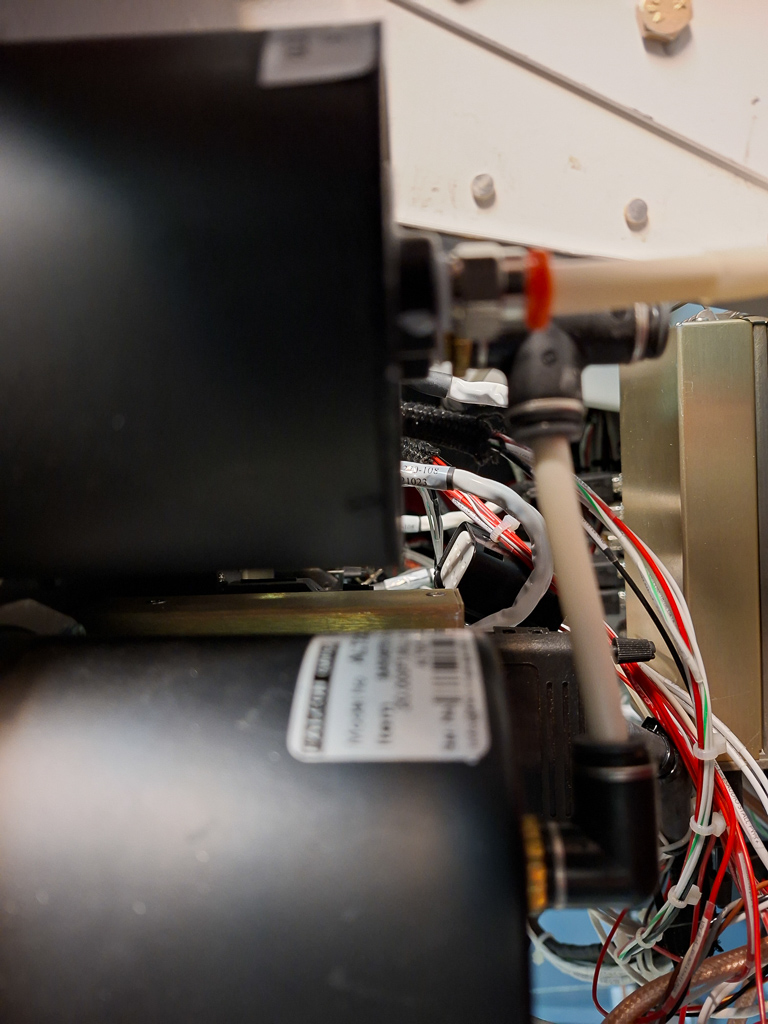
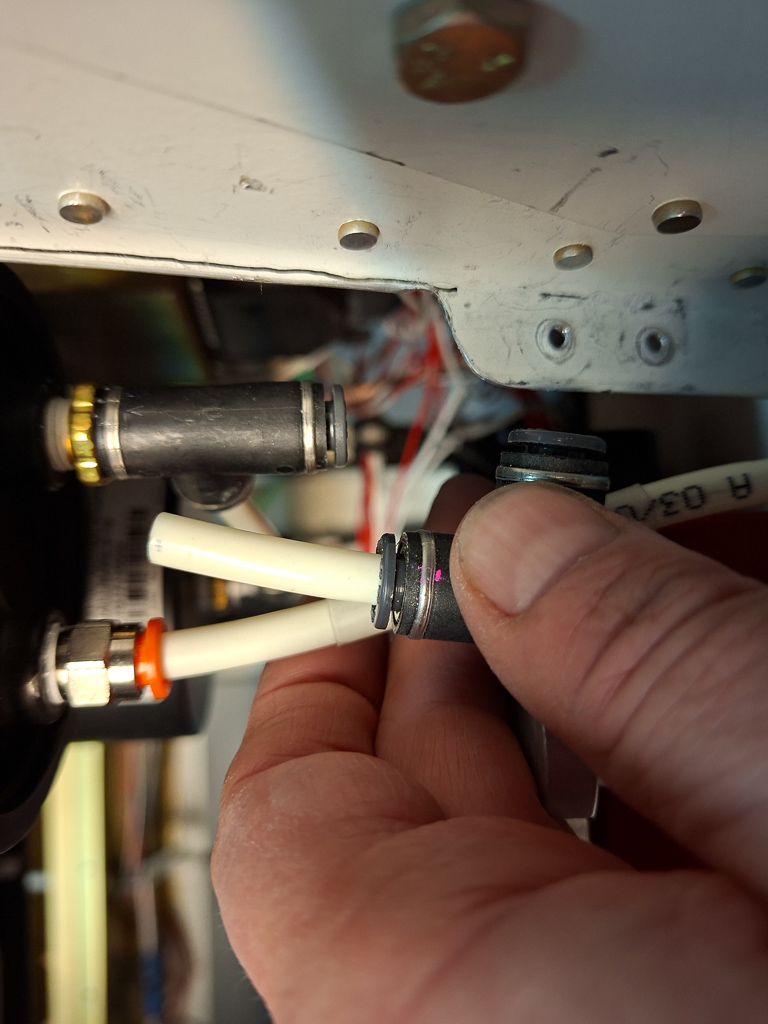
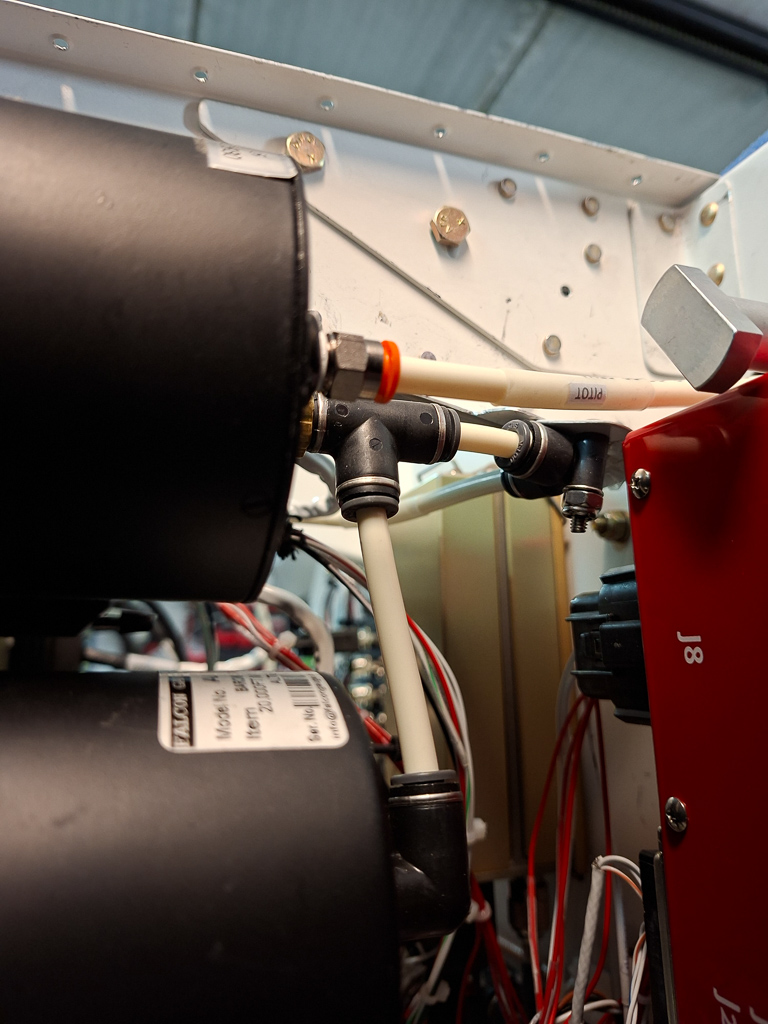
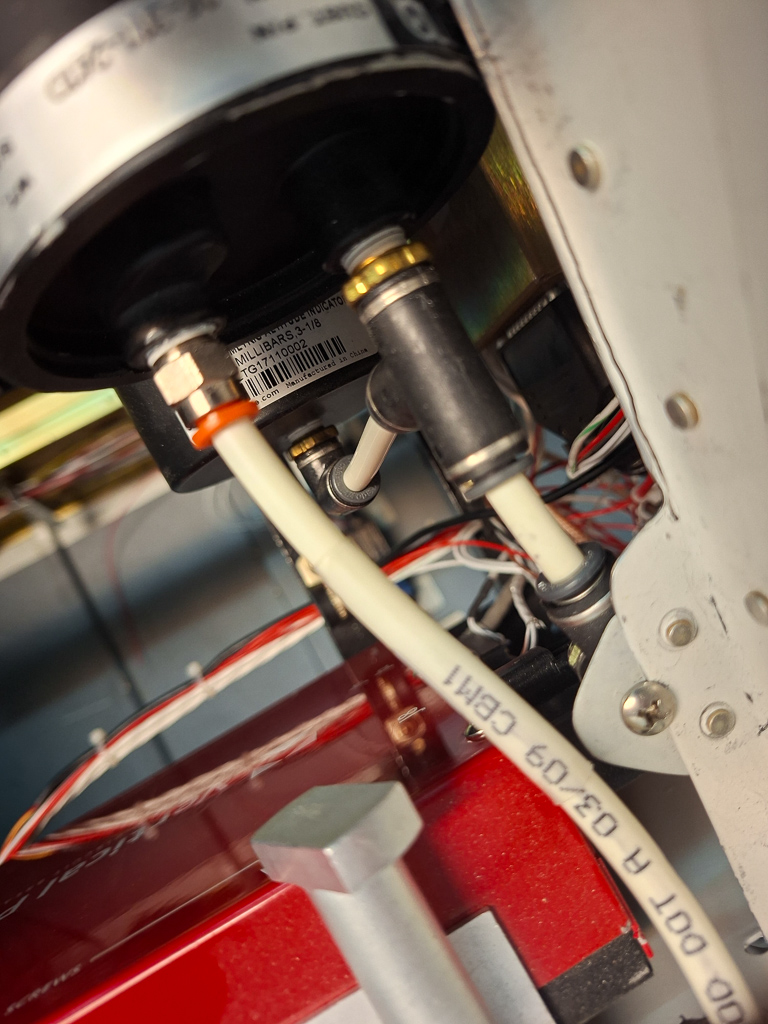
The analog instruments for altimeter and HSI receive static air from a tube coming from the left side of the cockpit (pilot side). The plumbing is straightforward. Some safeair T and elbow connectors connect and distribute the static air. The tube leading into the orange colored connector is the pitot tube.
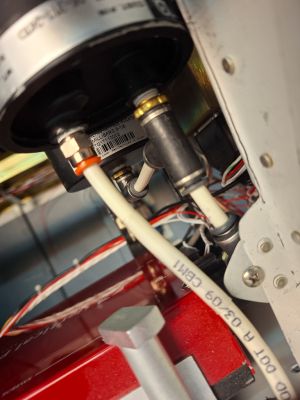
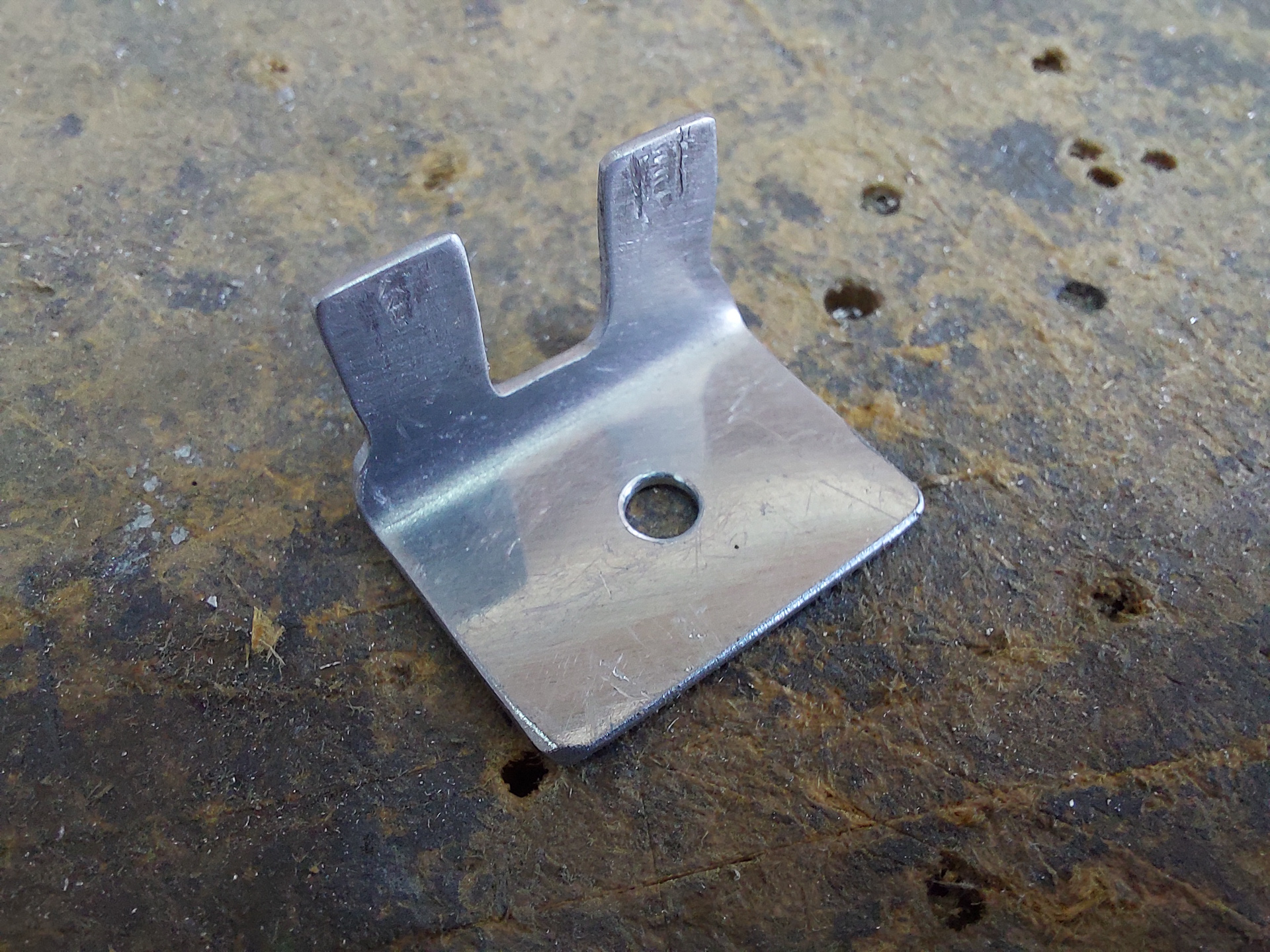
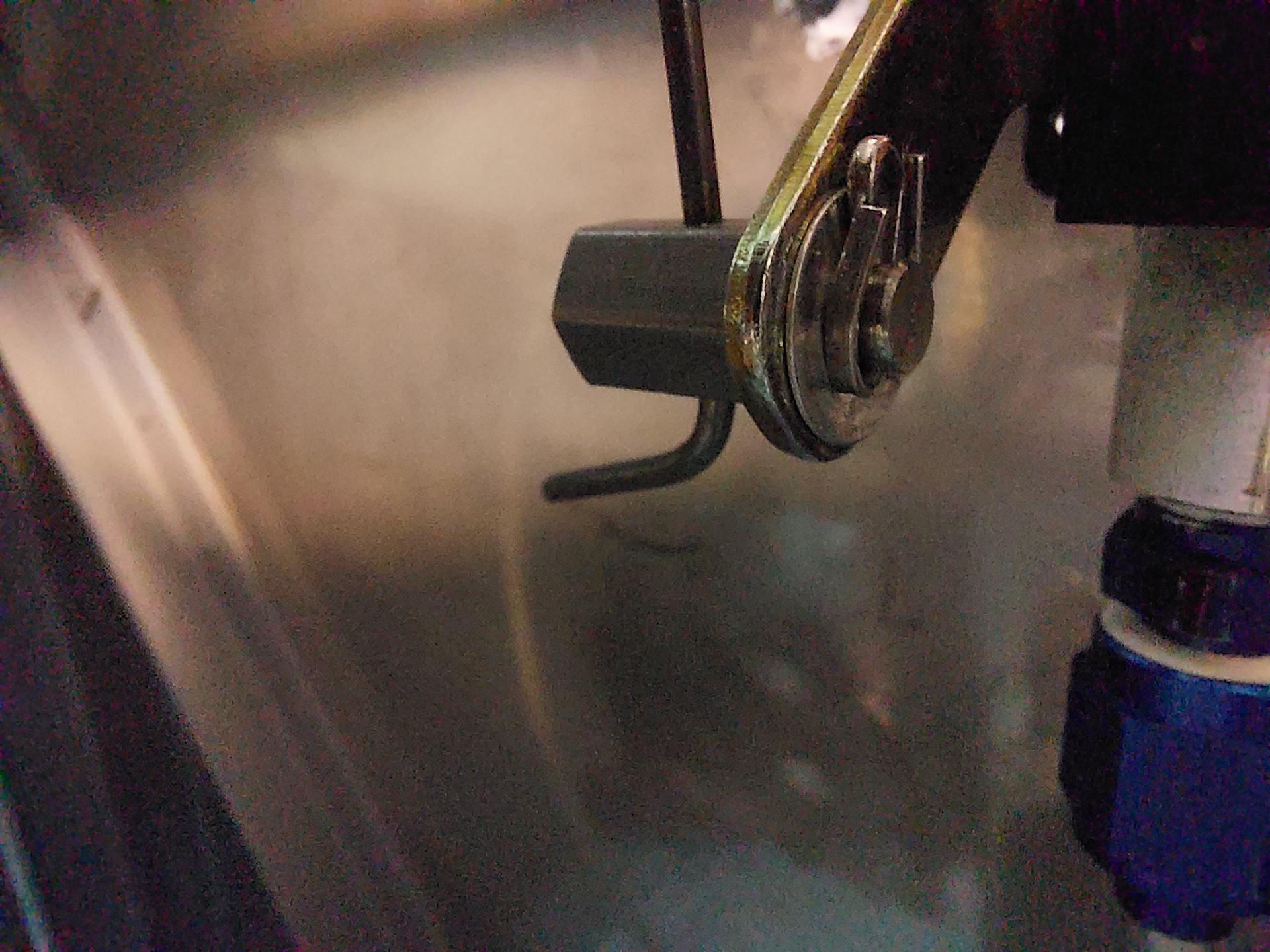
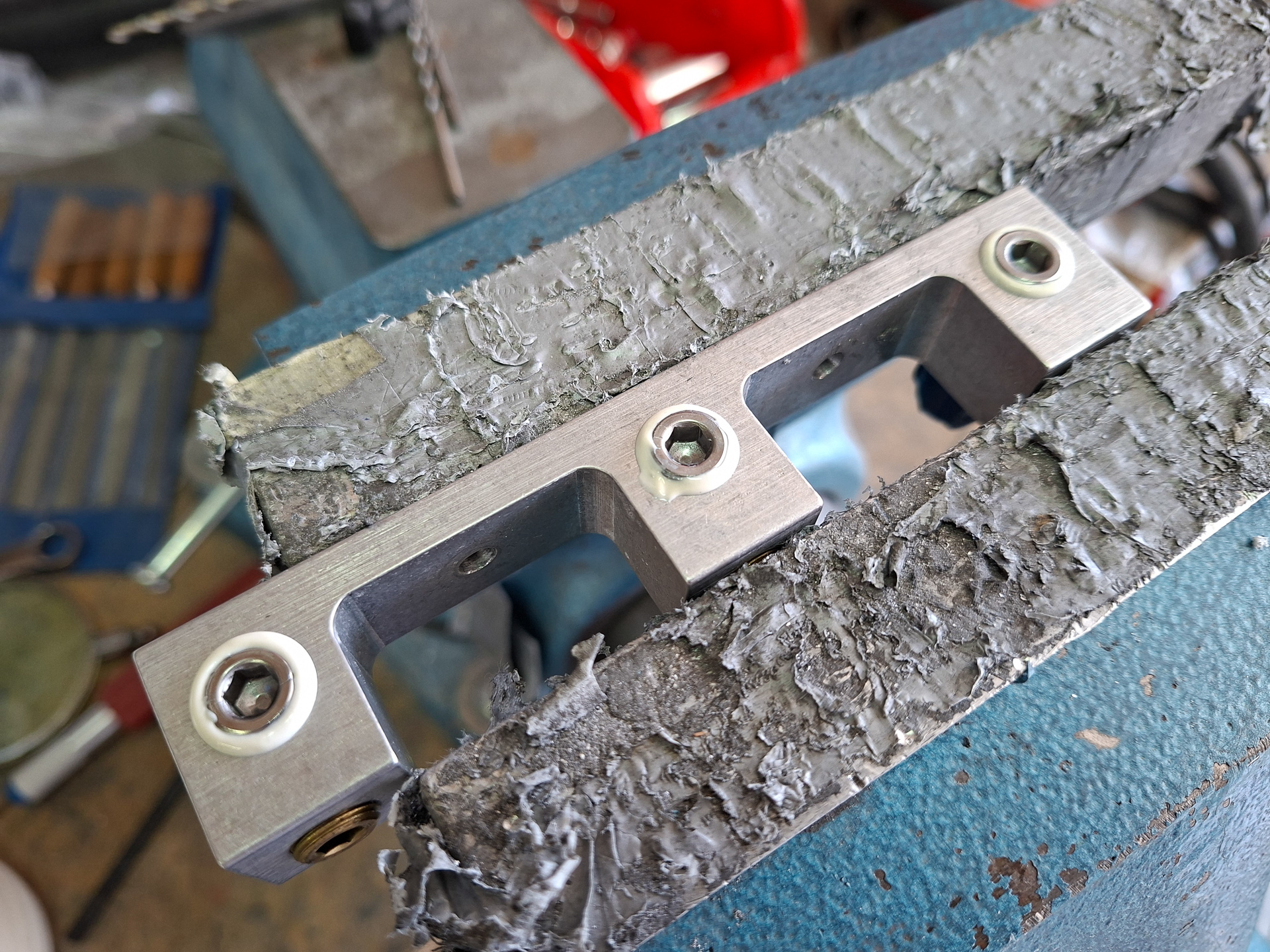
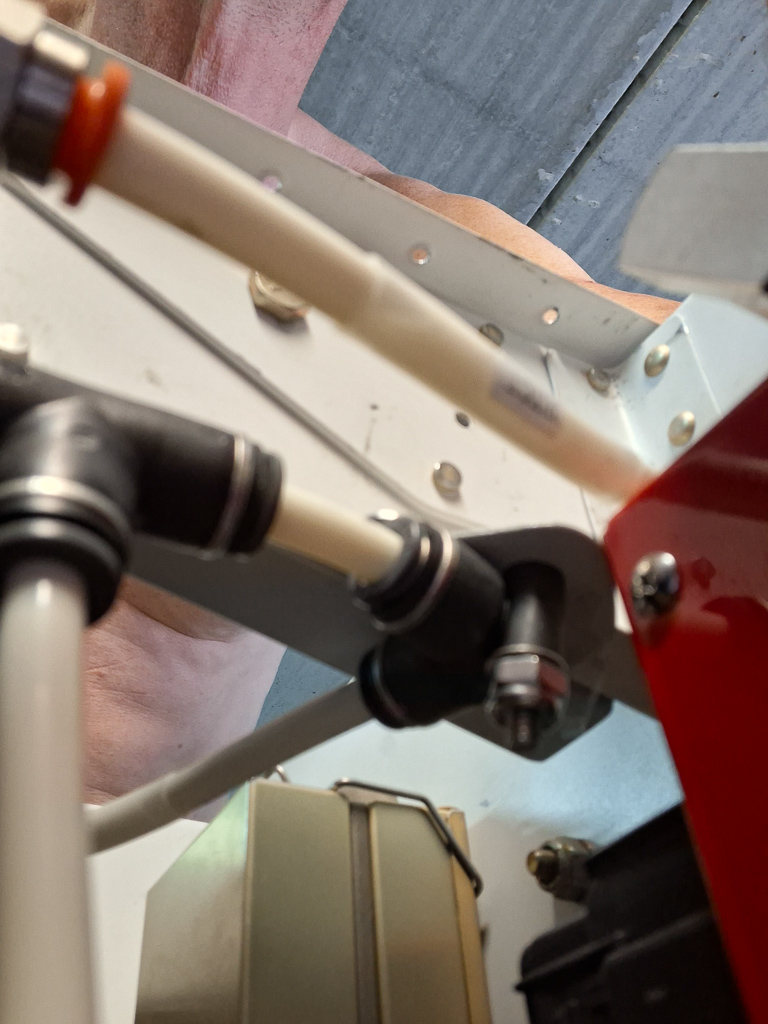
Shot from the bottom up, here you can see the little elbow connection attached to a small custom bracket that routes the static tube to the left. This is also the disconnecting point when removing the instrument or moving the panel forward for maintenance.
Not the most convenient, but it's the best I could come up with.